Treasure Life Countdown Widget
Life Timer & Progress Dots
Designed for iPhone, iPad
Free · In-app purchases
- Age rating4+
- CategoryProductivity
- DeveloperRussell Ong
- LanguagesEnglish+ 43 more
- Size17.5 MB
Links to the official App Store page
Download.org hosts no file of Treasure Life Countdown Widget. The button opens its official App Store page, published by Russell Ong. Listing last checked on Nov 16, 2026.
Screenshots


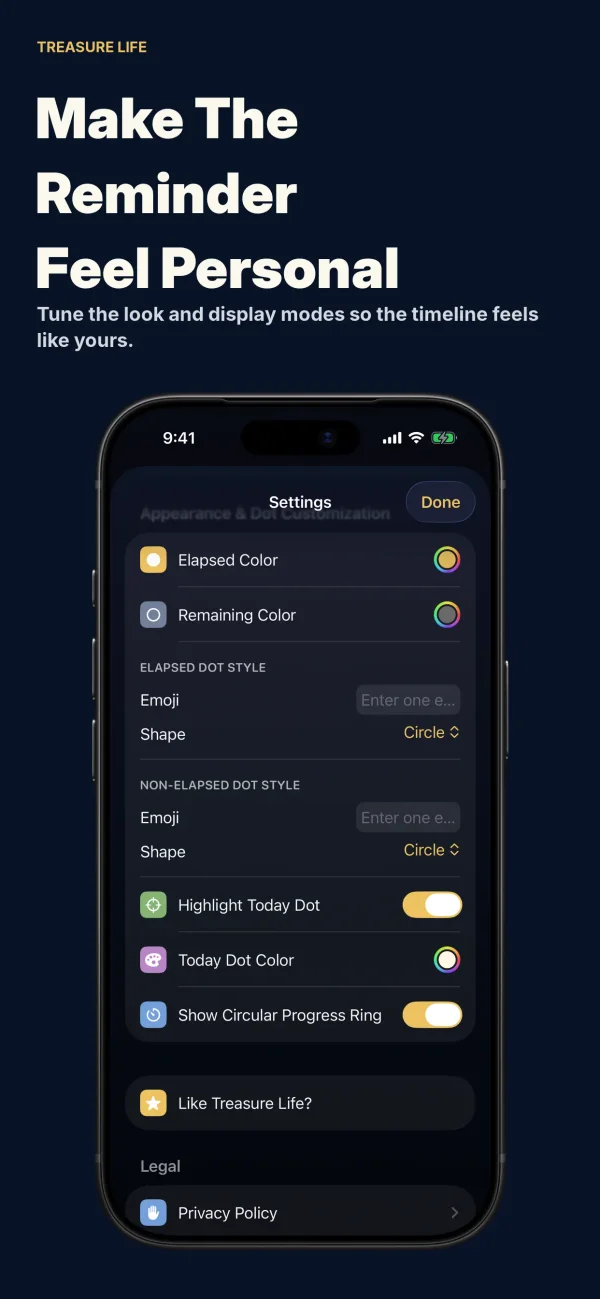
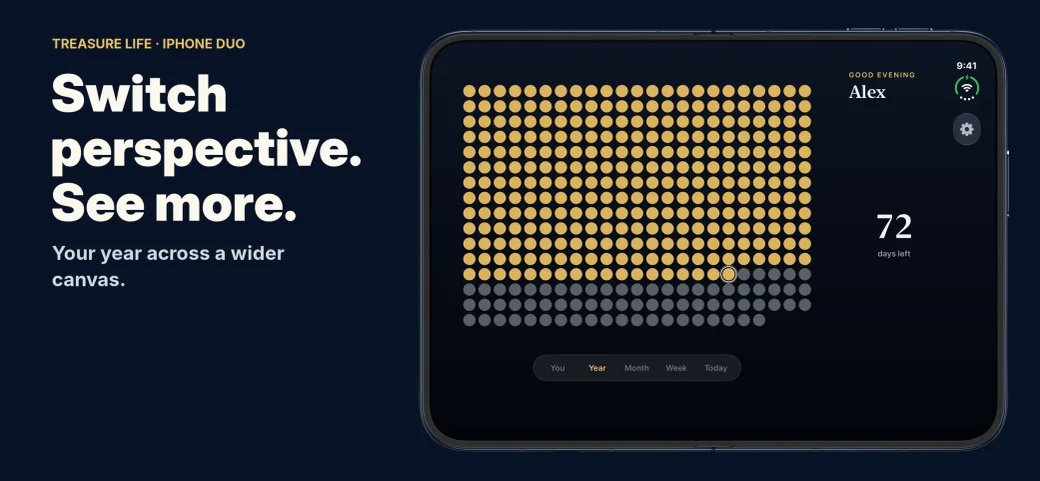
About
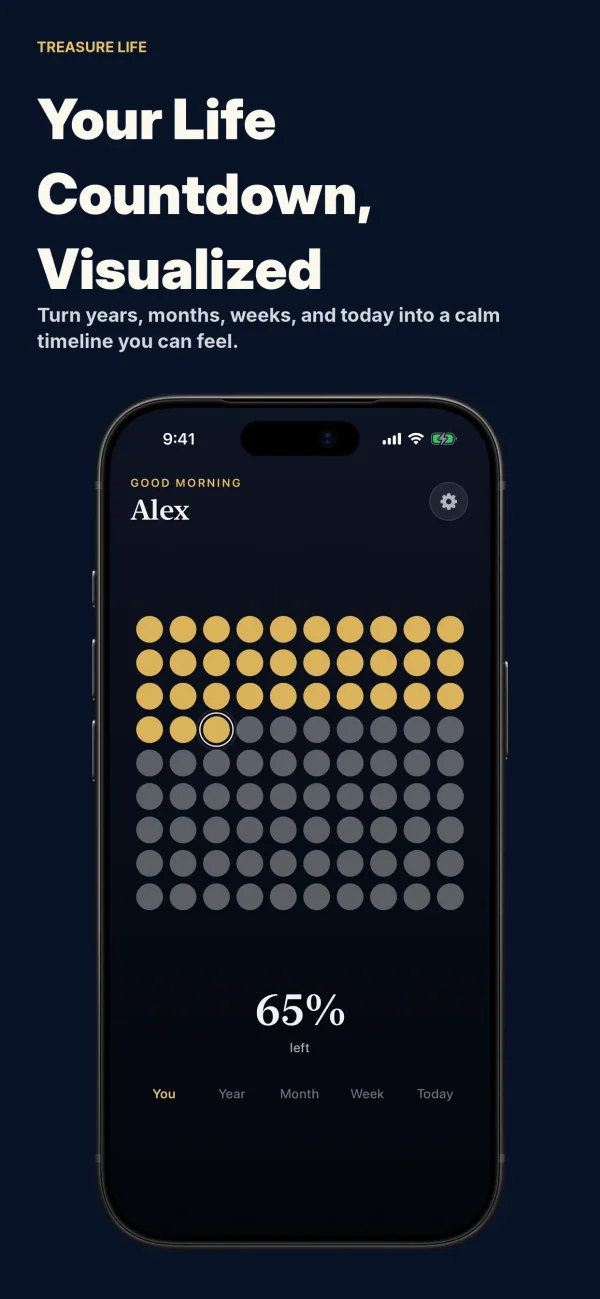
Treasure Life makes time visible without making it noisy. Turn your life, year, month, week and day into calm dots, countdowns, percentages and widgets that help you notice where your time is going.
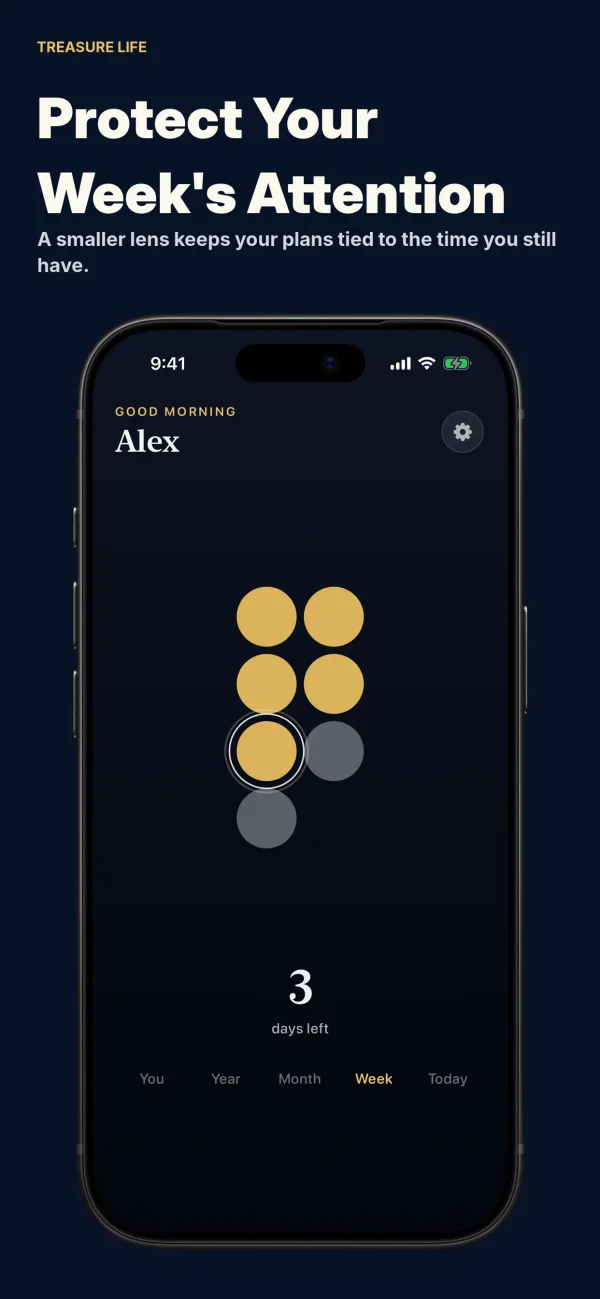
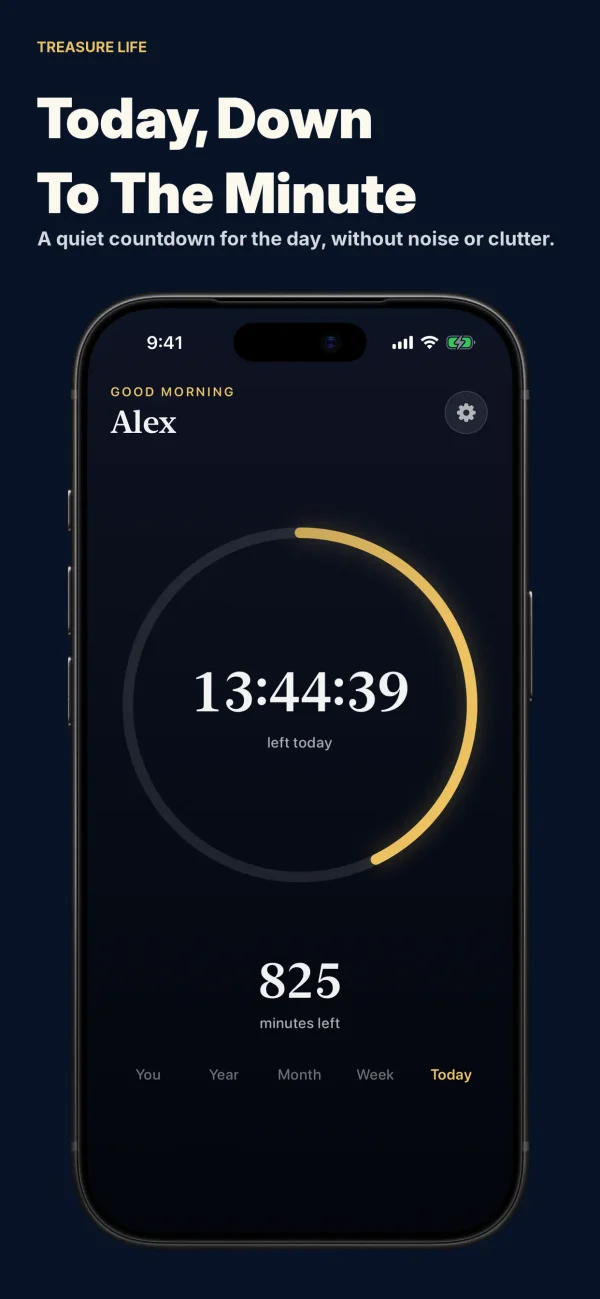
Add your birth date, choose the age you want to plan around, and see your timeline as a personal life progress calendar. Switch between elapsed time and time left, zoom into today or this week, and keep a quiet reminder on your Home Screen, Lock Screen or Apple Watch.
Use Treasure Life for:
- Life countdown and memento mori reflection
- Year, month, week and day progress tracking
- Custom dots, colors, shapes and emoji markers
- Home Screen and Lock Screen widgets, plus an Apple Watch app
- Goal focus, habit reminders and daily intention
- A calmer alternative to noisy productivity apps
Treasure Life Premium unlocks deeper customization, advanced timeline views, widget styling and an ad-free experience. Monthly, annual and lifetime options are available where supported.
No account is required. Treasure Life is designed around a personal, local timeline you can revisit whenever you want a gentle reminder to spend today intentionally.
Privacy Policy: https://russellry.github.io/privacy.html
EULA: https://www.apple.com/legal/internet-services/itunes/dev/stdeula/
What’s new
Version 2.1.0 · Oct 23, 2026
Treasure Life now speaks 44 languages. We've fixed Lock Screen widgets and updated Home Screen widgets to match the app's midnight theme.
Treasure Life now fits all five iPhone Duo layouts: folded portrait, open portrait, open landscape, and half-folded portrait or landscape. Fully open in landscape, the dots use the left 80% and the summary uses the right 20%. Half-folded layouts keep the timeline on one side and the summary and controls on the other. We also fixed the layout in smaller windows. Your selected view and open settings stay in place when you fold or rotate.
App privacy
What Russell Ong declares on the App Store about how this app handles data.
-
Data linked to you
May be collected and linked to your identity.
- Location
- Identifiers
- Usage data
-
Data not linked to you
May be collected but is not linked to your identity.
- Purchases
- Diagnostics
Privacy practices may vary, for example with the features you use or your age.
Information
- Seller
- Russell Ong
- Category
- Productivity
- Version
- 2.1.0
- Updated
- Oct 23, 2026
- Released
- Feb 24, 2025
- Size
- 17.5 MB
- Requires
- iOS 17.2 or later
- Age rating
- 4+
- Price
- Free
- In-app purchases
- Yes
- Languages
- English, Arabic, Bengali, Catalan, Croatian, Czech, Danish, Dutch, Finnish, French, German, Greek + 32 more
- Copyright
- © Russell Ong
You might also like
-
 DaysYet: Life & Time CountdownWidgets for goals & milestones
-
 时格 纪念日与时间小组件Productivity
-
 Sharkspan: Life CountdownMove. You are on a clock.
-
 Memento Mori ToolProductivity
-
 Life Countdown TickerMemento Mori Countdown Widget
-
 Weeks - Memento MoriTime is Finite
-
 Life GridProductivity
-
 Sogak: Life Countdown ReminderMemento mori, made practical
-
 LifeTick - Life ClockCountdown of Life & Days
-
 Gedo: Personal AI & MemoryThe AI that knows your life