
TRIGGERcmd
Run commands on your computers
Designed for iPhone, iPad, iPod touch
Free
- Age rating4+
- CategoryUtilities
- DeveloperVanderMey Consulting, LLC
- LanguagesEnglish
- Size30.0 MB
Links to the official App Store page
Download.org hosts no file of TRIGGERcmd. The button opens its official App Store page, published by VanderMey Consulting, LLC. Listing last checked on Nov 25, 2026.
Screenshots

About
Your commands could install updates, open your garage, run a script, or anything else you decide.
1. Go to triggercmd.com and created an account.
2. Install a TRIGGERcmd agent on your computer.
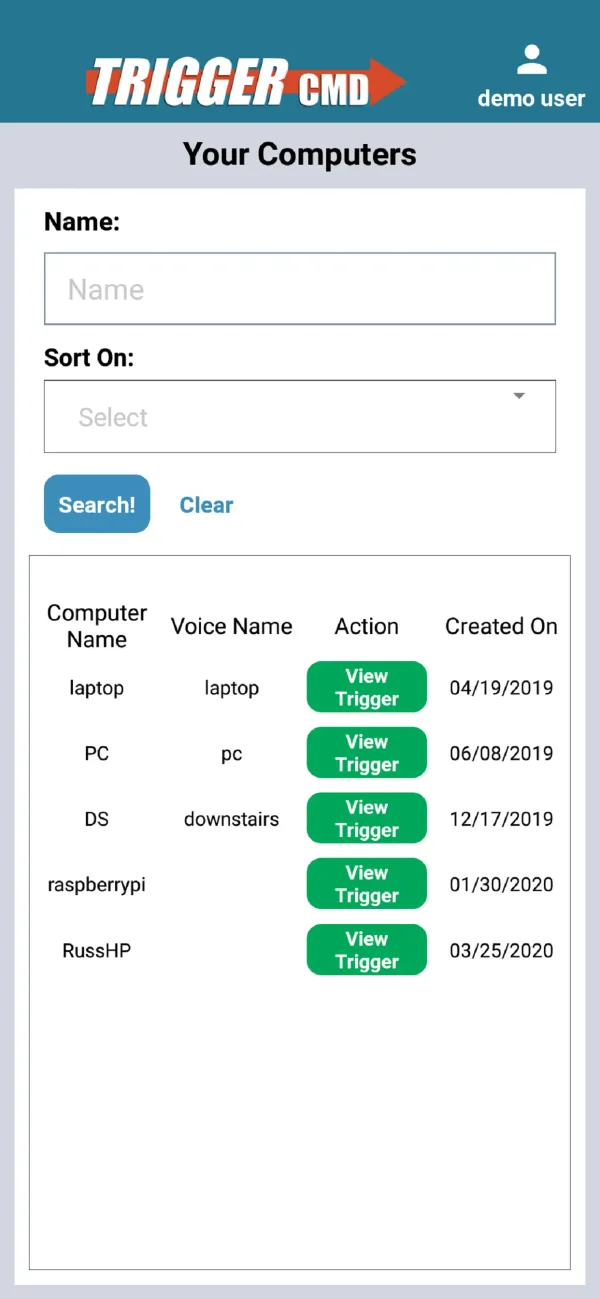
3. Setup commands you want to trigger remotely.
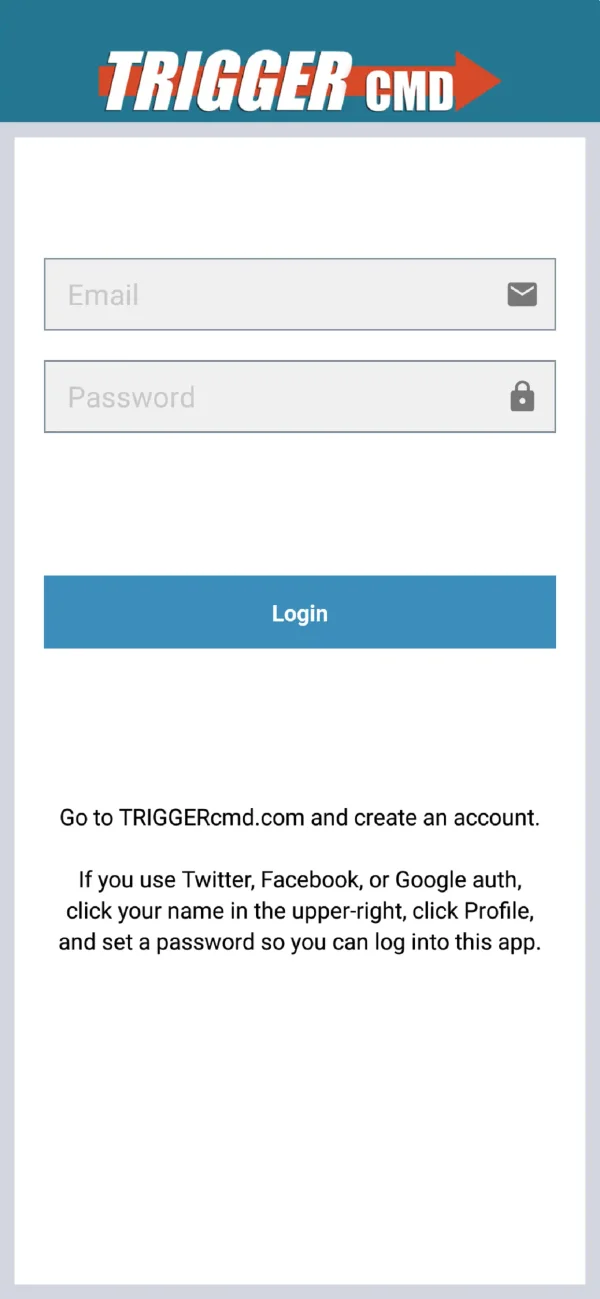
4. Log into this app and trigger your commands.
Each command gets a trigger. Only the triggers are stored in the cloud, not the actual commands.
If you use social authentication (Facebook, Twitter, or Google) to create your account, you'll also need to set a password in your user profile. Click your name in the upper-right after logging in at triggercmd.com to access your profile.
What’s new
Version 1.0.30 · Nov 23, 2026
Fix crash on iOS 27
App privacy
What VanderMey Consulting, LLC declares on the App Store about how this app handles data.
-
Data not collected
The developer does not collect any data from this app.
Privacy practices may vary, for example with the features you use or your age.
Information
- Seller
- VanderMey Consulting, LLC
- Category
- Utilities
- Version
- 1.0.30
- Updated
- Nov 23, 2026
- Released
- Apr 2, 2020
- Size
- 30.0 MB
- Requires
- iOS 15.1 or later
- Age rating
- 4+
- Price
- Free
- Languages
- English
- Copyright
- © 2026 VanderMey Consulting, LLC
You might also like
-
 Magic Packet: WOL Wake-on-LANShutdown, restart, monitor
-
 Directory ViewerView files & folders on disk
-
 DataplicitySupport Linux devices anywhere
-
 RemoteBoot WOLSimple Wake On LAN
-
 Remote.ItNetworking without hardware
-
 Wake Me Up - Wake-on-LANWake your computer up
-
 SimplePi for Raspberry PiMonitor, Control & Manage rPi
-
 Off - Shutdown and Wake On LanComputer Remote for PC & Mac
-
 Homemanager for HomebridgeManage your Homebridge systems
-
 Voice in a CanWatch and phone app for Alexa