
TrigIt
Make Trigonometry Interactive
Designed for iPhone, iPad, iPod touch
Free · In-app purchases
- Age rating4+
- CategoryEducation
- DeveloperSAPHI PTY LTD
- LanguagesEnglish
- Size23.3 MB
Links to the official App Store page
Download.org hosts no file of TrigIt. The button opens its official App Store page, published by SAPHI PTY LTD. Listing last checked on Nov 14, 2026.
Screenshots

About
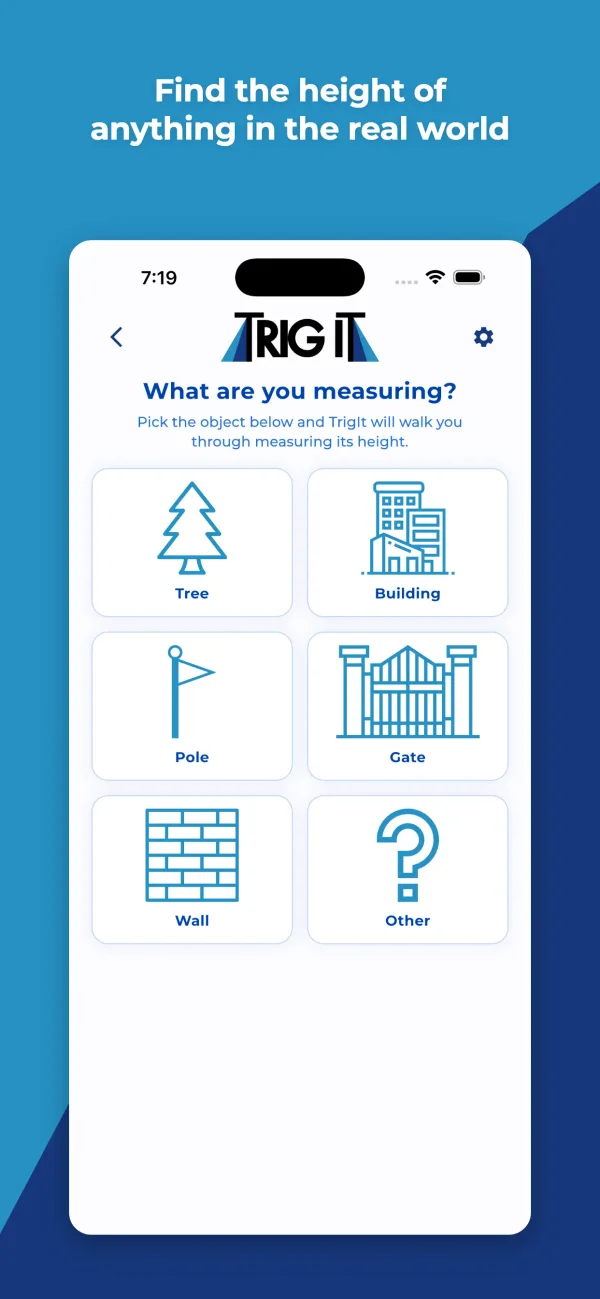
Do you want to make your Mathematics lessons more meaningful? TrigIt allows you to take your students outside of the classroom and apply the mathematics they have learnt to real life scenarios. Measure angles and use trigonometry to calculate the height of different structures around your school or workplace.
Do you want to know the height of that tree? Well download TrigIt and you are seconds away from finding out.
Features include:
- Measure an angle with the built-in angle measurement tool
- The built in inclinometer uses your phones camera and gyroscope to ensure you get the most accurate angle measurement
- Allows you to add an offset for instances when you don’t measure the angle from the ground.
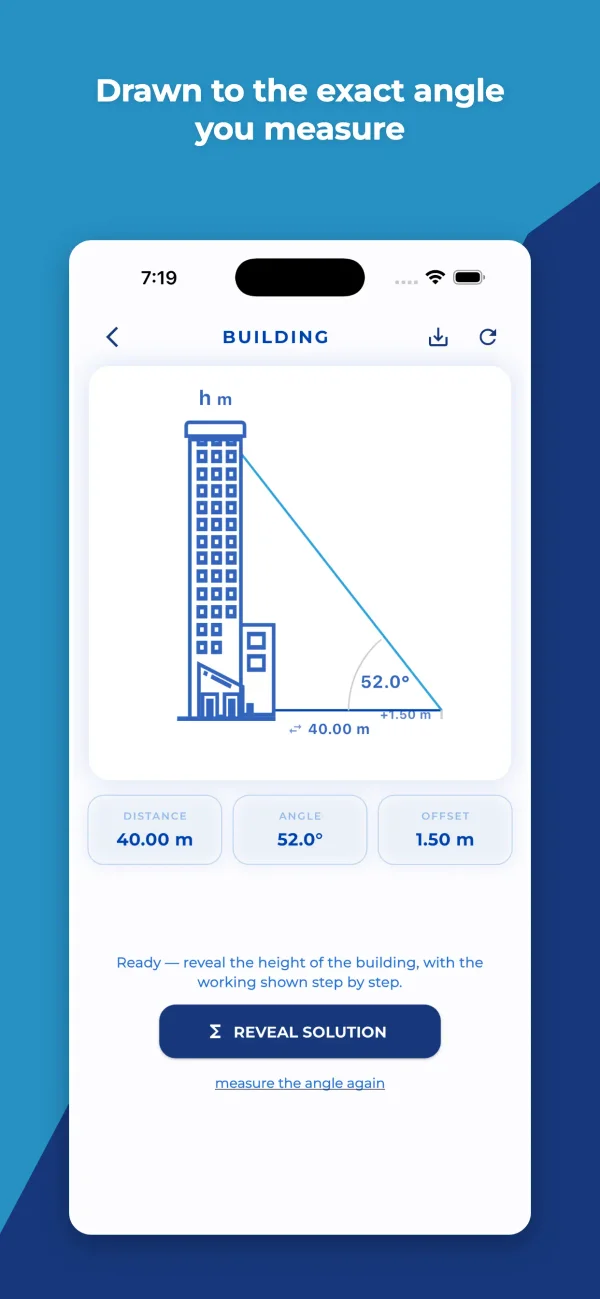
- Generates clear and concise diagrams that are easy for you to understand and interpret.
- Saves all diagrams to your phones camera roll so you can access these later on.
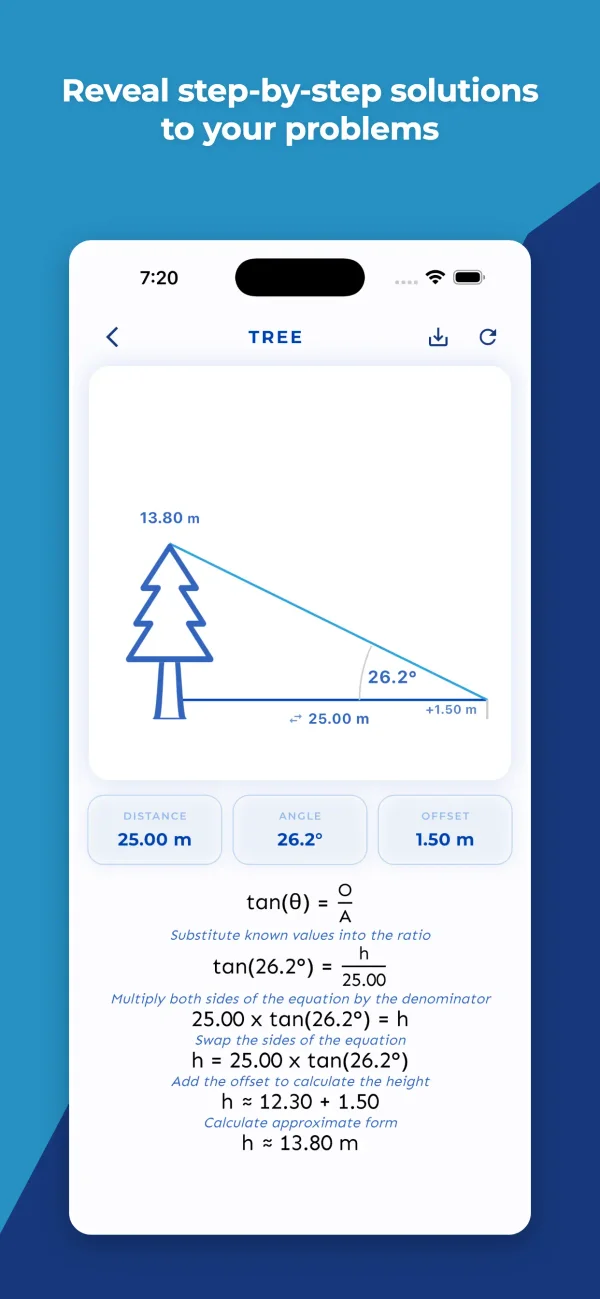
- Worked solutions available (requires in app purchase).
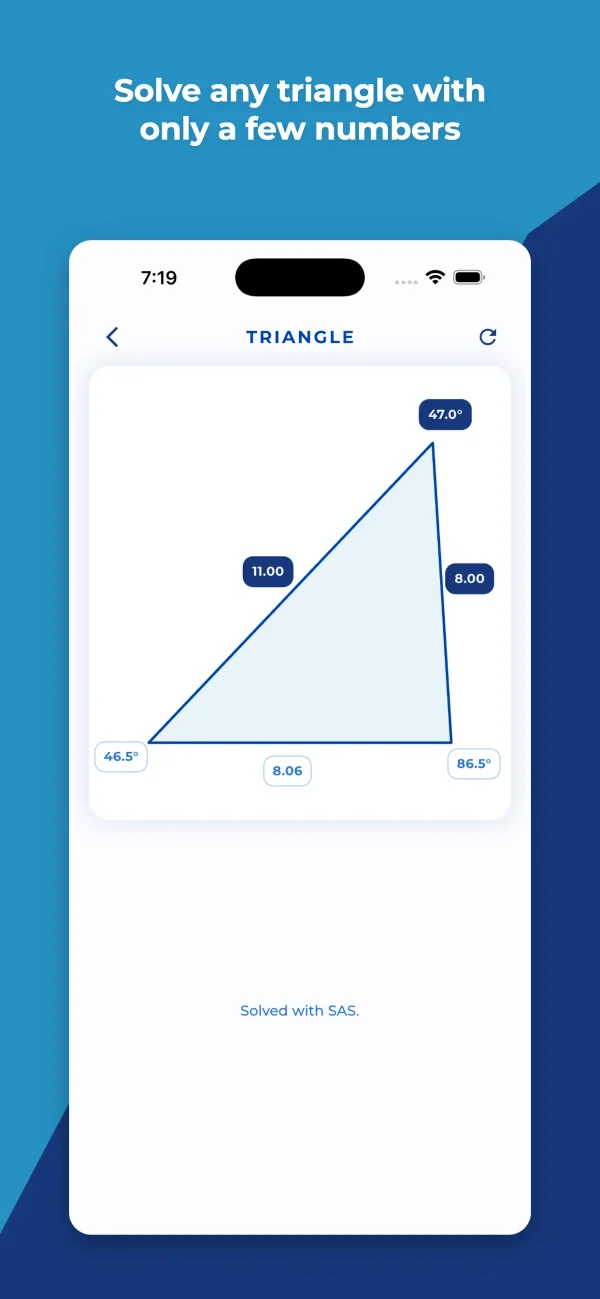
- Includes a full triangle calculator: enter any three values and it solves the rest, including both answers in the ambiguous case.
- Measures angles in decimal degrees or degrees, minutes, seconds.
- Measures distance in either metric or imperial units.
For lesson ideas head to the TrigIt website at trigit.app
What’s new
Version 2.0.0 · Aug 28, 2026
TrigIt 2.0 — rebuilt from the ground up.
• Redrawn animations: every object is now drawn to the exact angle you measure, so the picture always matches the maths.
• A clearer workflow: enter your distance, sight the top of the object through the camera, and see the answer worked step by step.
• Your eye height (offset) is now drawn on the diagram, so the whole calculation makes visual sense.
• The triangle calculator has a new look: tap any corner or side, enter any 3 values, and watch the triangle solve itself — including both answers in the ambiguous case.
• Refreshed design throughout, plus fixes to saving screenshots and restoring purchases.
App privacy
What SAPHI PTY LTD declares on the App Store about how this app handles data.
-
Data not collected
The developer does not collect any data from this app.
Privacy practices may vary, for example with the features you use or your age.
Information
- Seller
- SAPHI PTY LTD
- Category
- Education
- Version
- 2.0.0
- Updated
- Aug 28, 2026
- Released
- Jan 31, 2021
- Size
- 23.3 MB
- Requires
- iOS 15.0 or later
- Age rating
- 4+
- Price
- Free
- In-app purchases
- Yes
- Languages
- English
- Copyright
- © 2021 SAPHI Pty Ltd
You might also like
-
 Richard Johnson AnglicanEducation
-
 ChairoEducation
-
 FluentFM: Learn by listeningFrench & Spanish playlists
-
 Algebra GamesLearn basic & high school math
-
 Leap Math: AI Math TutorMath Solver & Homework Helper
-
 NelsonDigital | eBookEducation
-
 Reading Doctor OnlineTeach Students to Read & Spell
-
 Lecture Transcription BrainoteVoice Recorder & Flashcards
-
 Triangle Calculator PythagorasHypotenuse & Right Triangle
-
 Triangle & Angle calculatorGeometry, angle, formulas