- Age rating4+
- CategoryBusiness
- DeveloperTRLLN SL
- LanguagesEnglish
- Size23.3 MB
Links to the official App Store page
Download.org hosts no file of TRLLN Collect. The button opens its official App Store page, published by TRLLN SL. Listing last checked on Nov 20, 2026.
Screenshots



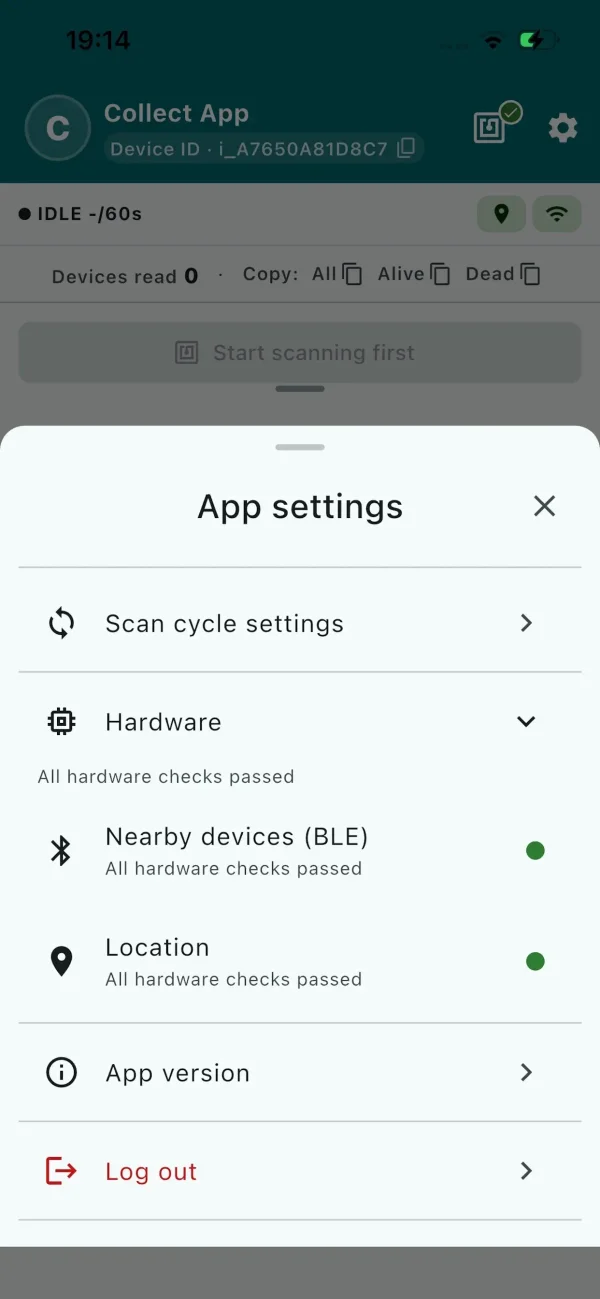
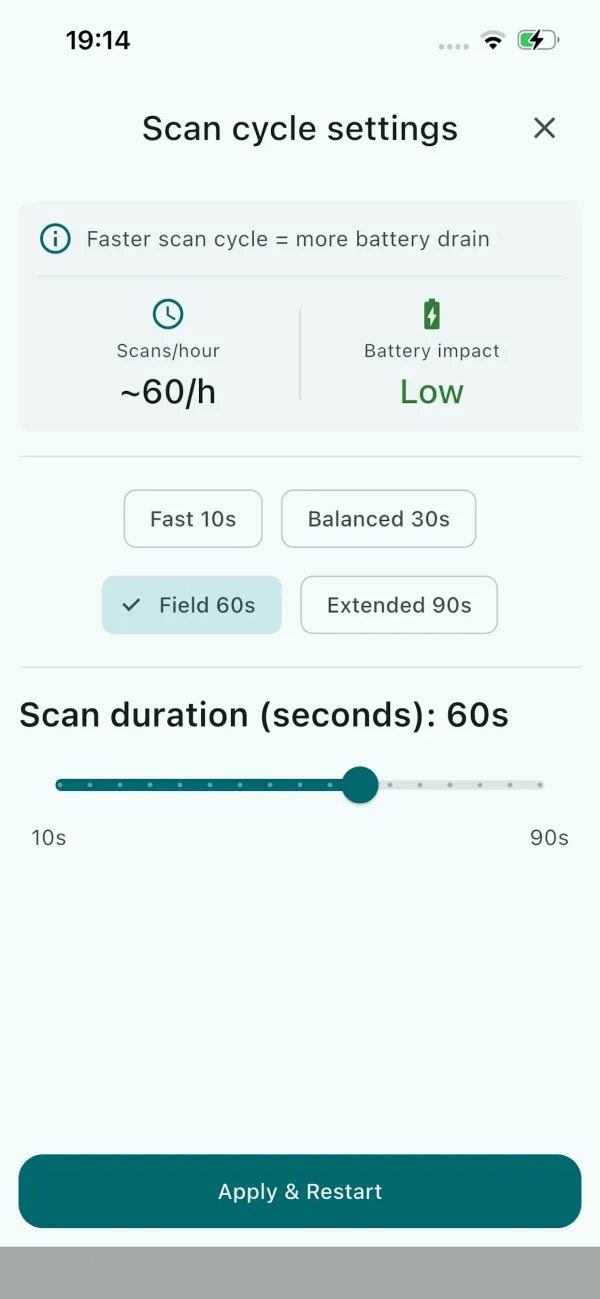
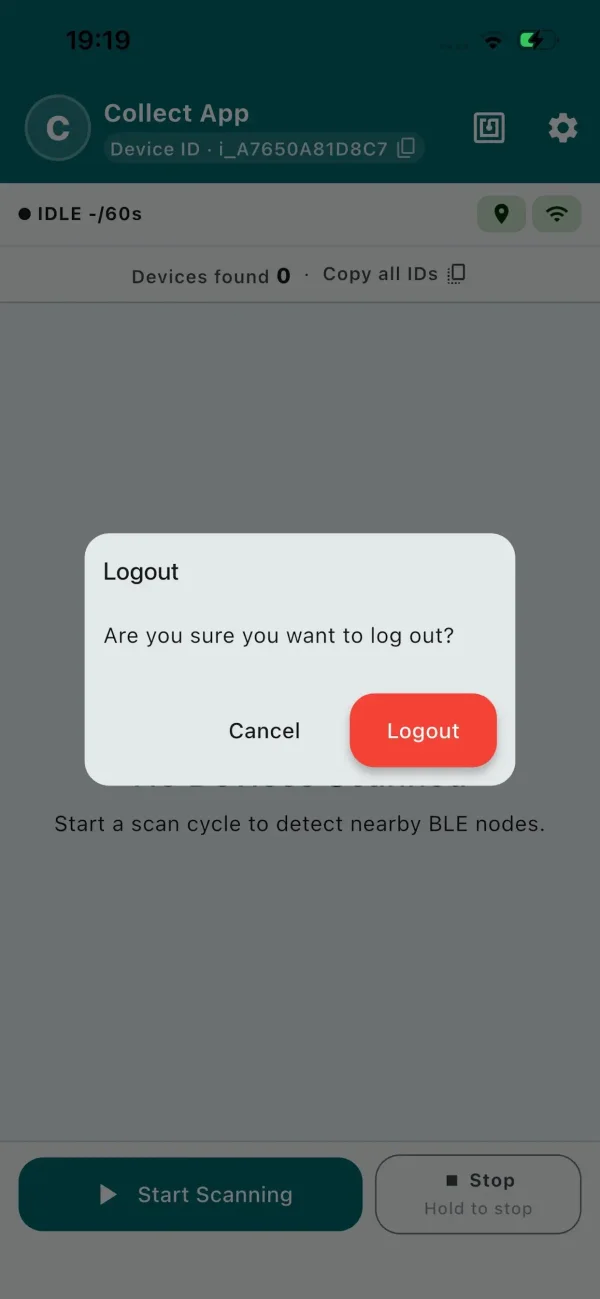

About
Transform your iPhone and iPad into an enterprise field tool for BLE telemetry collection and NFC asset validation.
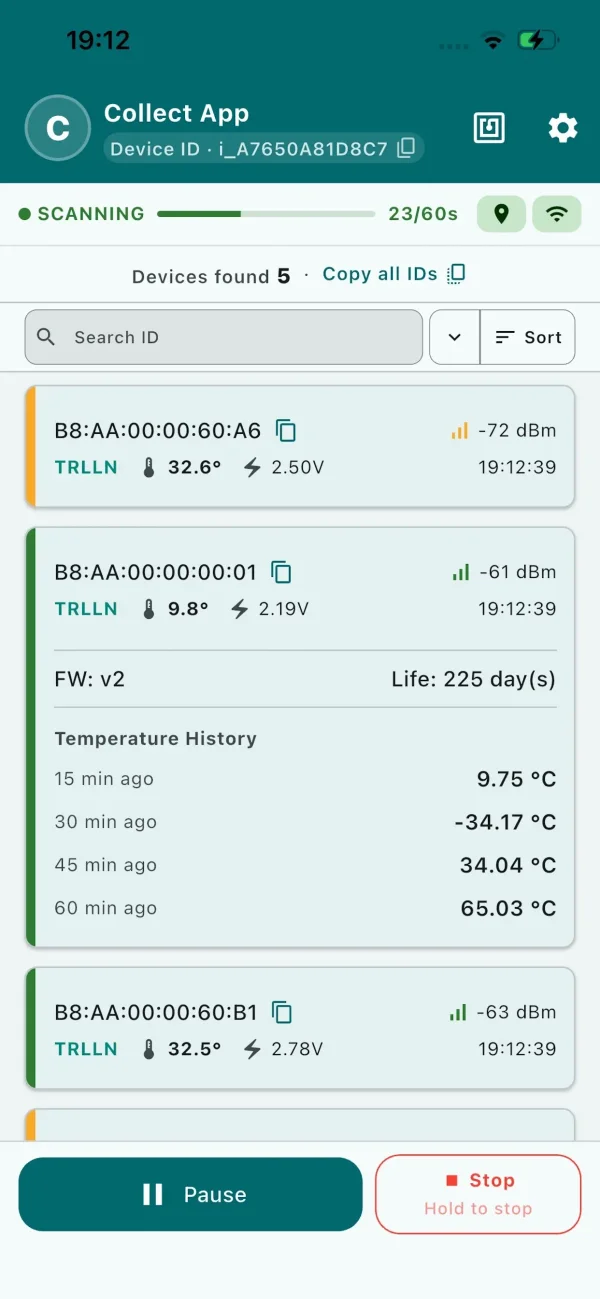
Designed for logistics and supply chain professionals, TRLLN Collect discovers supported smart asset labels, collects operational telemetry, and adds available location context. Operational data can be submitted to the TRLLN Platform.
Key features:
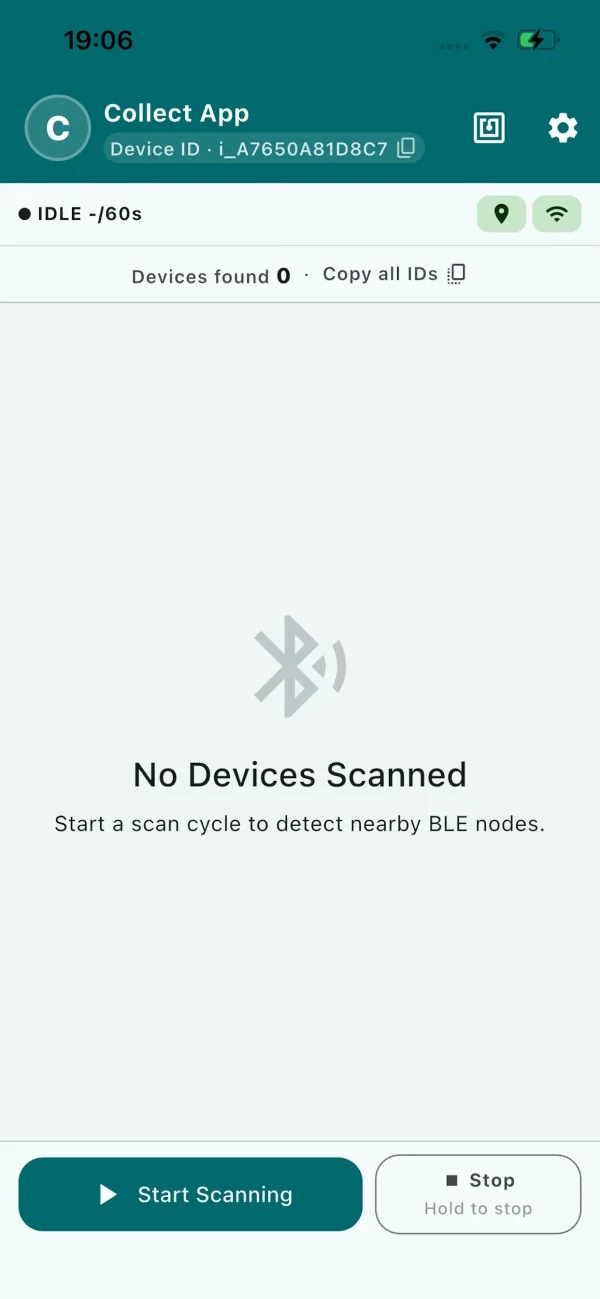
- BLE telemetry collection: discover supported smart asset labels from BLE advertisements and collect operational telemetry.
- NFC asset validation: start a user-initiated, foreground NFC session to validate physical asset labels against associated BLE telemetry. Multiple labels can be read within one session.
- Optional location context: when permission is granted, add available foreground location context to collected telemetry. BLE and NFC workflows remain available without it.
- Offline operation: queue operational data locally when connectivity is unavailable and retry submission when connectivity returns.
- Foreground iOS collection: on iPhone and iPad, BLE and NFC operate while the app is open and in use.
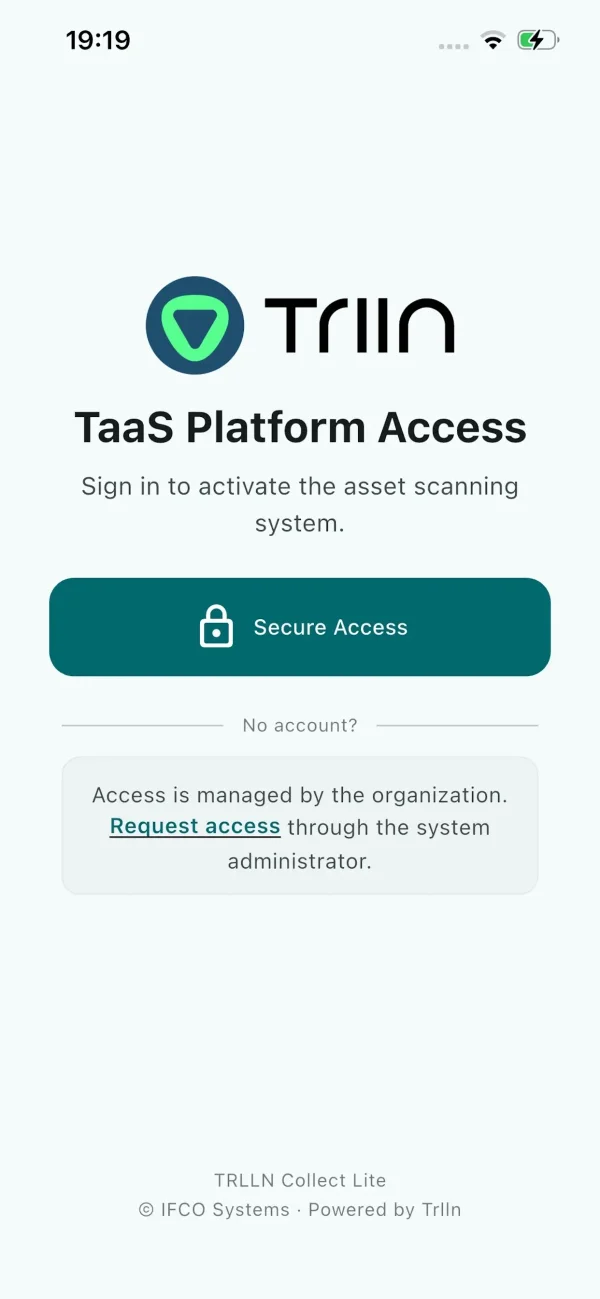
TRLLN Collect is intended for authorised enterprise users. Full platform access requires an enterprise account. On iPhone and iPad, users can explicitly enter Collect Lite
What’s new
Version 1.2.0 · Oct 21, 2026
New: choose your units
• Pick Celsius or Fahrenheit for temperatures and meters or miles for distances in Settings > My Preferences.
• Units default to your region (Fahrenheit and miles in the US, Celsius and meters elsewhere) until you choose your own.
• Device temperatures, temperature history and GPS accuracy now display in your selected units.
• Only the display changes — your collected data stays the same.
App privacy
What TRLLN SL declares on the App Store about how this app handles data.
-
Data linked to you
May be collected and linked to your identity.
- Location
- Contact info
- Identifiers
- Other data
Privacy practices may vary, for example with the features you use or your age.
Information
- Seller
- TRLLN SL
- Category
- Business
- Version
- 1.2.0
- Updated
- Oct 21, 2026
- Released
- Sep 13, 2026
- Size
- 23.3 MB
- Requires
- iOS 16.0 or later
- Age rating
- 4+
- Price
- Free
- Languages
- English
- Copyright
- © 2026 TRLLN
You might also like
-
 MyIFCO™ countCounts IFCO Containers
-
 AkariMy strong authentication app.
-
 SB - Driver AppProductivity
-
 FIATC SegurosFinance
-
 everyday - Habit TrackerDaily Routine Checklist
-
 Bitstamp by Robinhood: Buy BTCTrusted BTC & crypto exchange
-
 EgenciaSmart business travel
-
 N2F - expense report & mileageFinance
-
 BLE Scanner 4.0 – Bluetooth LEScan,Connect & Find BLE Device
-
 PersonioCore HR, Payroll & Recruiting