
- Age rating4+
- CategoryUtilities
- DeveloperTropa
- LanguagesEnglish+ 1 more
- Size93.0 MB
Links to the official App Store page
Download.org hosts no file of Tropa Connect. The button opens its official App Store page, published by Tropa. Listing last checked on Nov 23, 2026.
Screenshots

About
Tropa is a client for a secure connection with an existing access key. Add a compatible configuration, choose a server, and connect.
Important: Tropa does not sell subscriptions, issue keys, or provide its own server catalog. You need an active key from your service provider or administrator. The key determines the configuration, servers, and protocols available to you.
Data protection during connection
Tropa helps create a secure connection from an existing configuration and manage it without entering network parameters by hand. The level of protection depends on the protocol, key settings, selected server, and network conditions.
Tropa features
1. Secure connection. Use an existing configuration to create a connection based on your key settings.
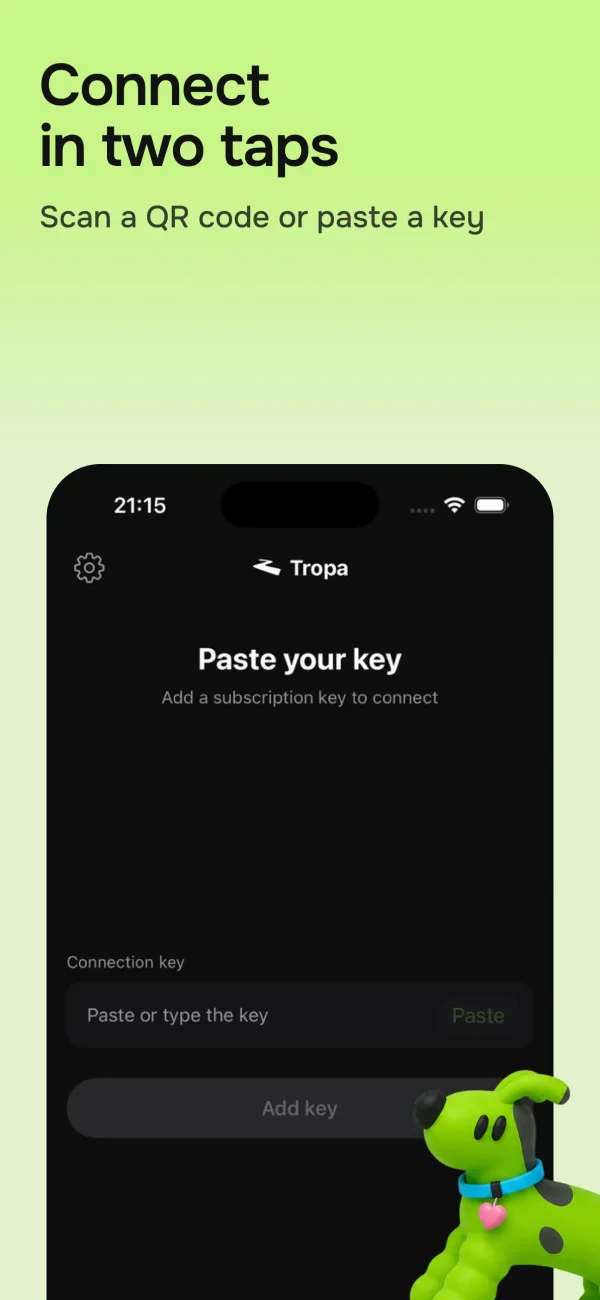
2. Key-based activation. Paste the key manually or open the link you received when this method is supported by your configuration.
3. Clear validation results. Tropa confirms successful activation and shows when a key is invalid, blocked, or no longer active.
4. Available server list. Choose the servers included in your key configuration.
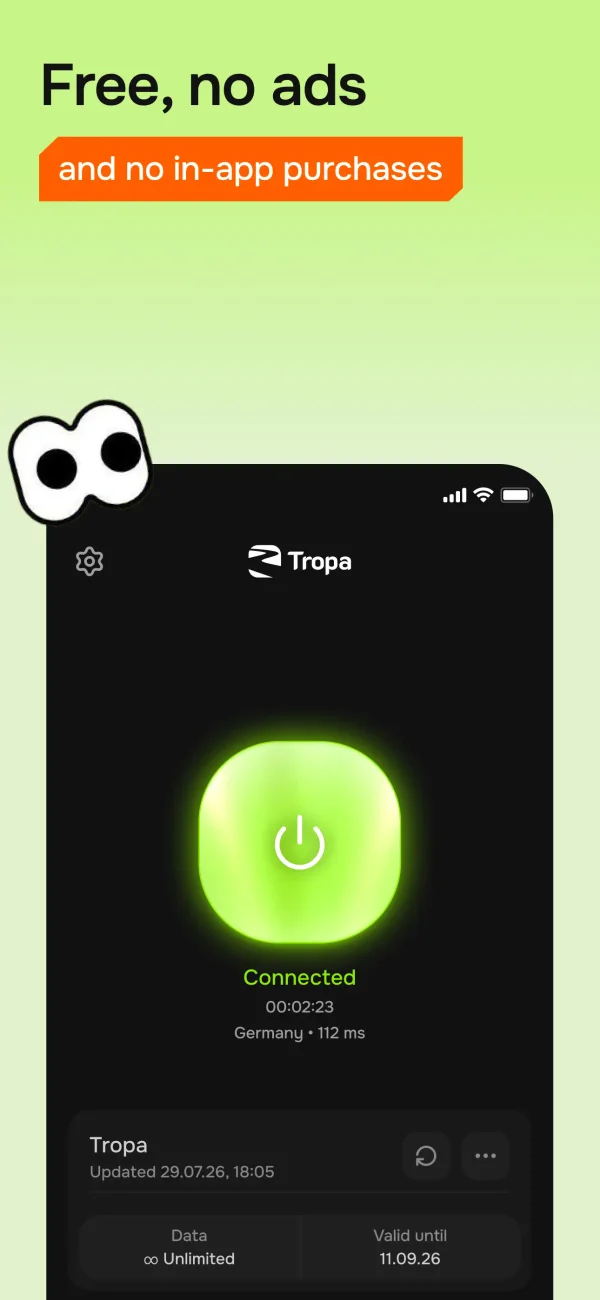
5. Connection controls and status. Create or end the connection from the main screen and see its current state at a glance.
6. Key details. Review the configuration name, expiration date, and other information when supplied by your provider.
7. Key replacement. Add a new key when the current one expires or when you need another configuration.
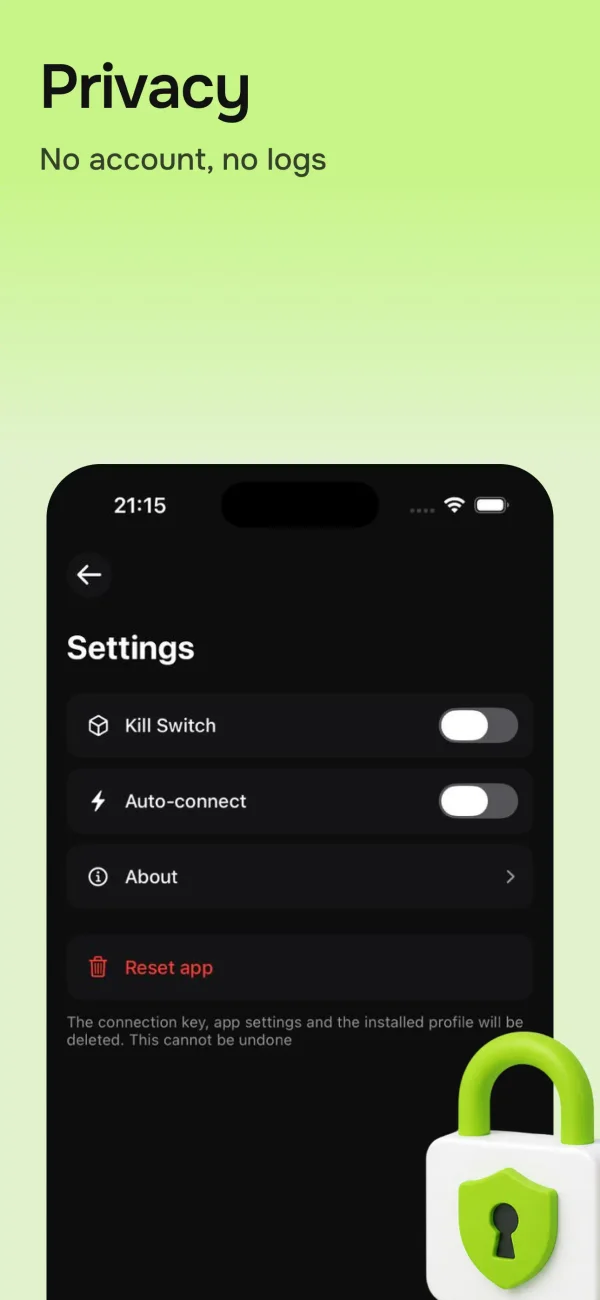
8. Automatic startup. Let Tropa create the connection automatically according to your selected settings.
9. Ad-free interface. Essential controls stay visible without advertising interruptions.
How to get started
1. Obtain an active compatible key from your provider or administrator.
2. Open Tropa and add the key using one of the available methods.
3. Wait for the activation confirmation.
4. Select a server from the list loaded for your key.
5. Allow the device to create a network connection the first time, then tap Connect.
After activation, Tropa keeps the essential controls on the main screen. You can check the connection state, choose another available server, open the key details, or disconnect. If the key is no longer active, replace it with a new key issued by your provider.
Who Tropa is for
The app is intended for users who already received a compatible key and want a secure connection without configuring protocols manually. Tropa works on Wi-Fi and mobile networks and keeps the ready configuration in one focused interface.
Server availability, expiration information, supported features, speed, and connection stability depend on your key, selected server, internet provider, and current network conditions. Tropa cannot renew or restore a third-party key without its provider. Use the app in accordance with the service rules and the laws applicable in your country.
What’s new
Version 1.4 · Nov 20, 2026
• Connection check. Once connected, Tropa checks that the internet actually works and shows the response time. If something is wrong, it tells you why. Tap the badge to check again.
• Switch servers on the fly. Pick another server while connection is on and Tropa reconnects to it automatically.
• The app now remembers your selected server after a restart.
• Dot sphere button. A new look for the main button on iPhone and iPad: spin the sphere with your finger and hold to connect. Turn it on in Settings.
• New power button animation on iPhone and iPad.
• The server list now refreshes more often — once an hour.
App privacy
What Tropa declares on the App Store about how this app handles data.
-
Data not collected
The developer does not collect any data from this app.
Privacy practices may vary, for example with the features you use or your age.
Information
- Seller
- COREDATA ANALYTIC LLC
- Category
- Utilities
- Version
- 1.4
- Updated
- Nov 20, 2026
- Released
- Sep 16, 2026
- Size
- 93.0 MB
- Requires
- iOS 17.0 or later
- Age rating
- 4+
- Price
- Free
- Languages
- English, Russian
- Copyright
- © Tropa Team
You might also like
-
 ProxyControl - Proxy ManagerFast and secure connection
-
 Bozi Proxy ClientXray client: VLESS & Reality
-
 SMProxy - Secure ConnectionVPN Client for your own config
-
 JocoProxy: Proxy ClientConnect through your own proxy
-
 Duck ConnectUtilities
-
 AnLoNo - Private Proxy & VPNMulti-Protocol Proxy Client
-
 Hammer ProxyClient for your own servers
-
 BBVPN: Fast & Unlimited VPNSecure Proxy & Private Wi-Fi
-
 Secure and Safe VPN +++Fast, Private, Unlimited
-
 Flux VPN: Smart RouteSecure, simple VPN connection