
- Age rating4+
- CategoryProductivity
- DeveloperTruckcom Systems Limited
- Size75.4 MB
Links to the official App Store page
Download.org hosts no file of Truckcom Driver. The button opens its official App Store page, published by Truckcom Systems Limited. Listing last checked on Nov 12, 2026.
Screenshots

About
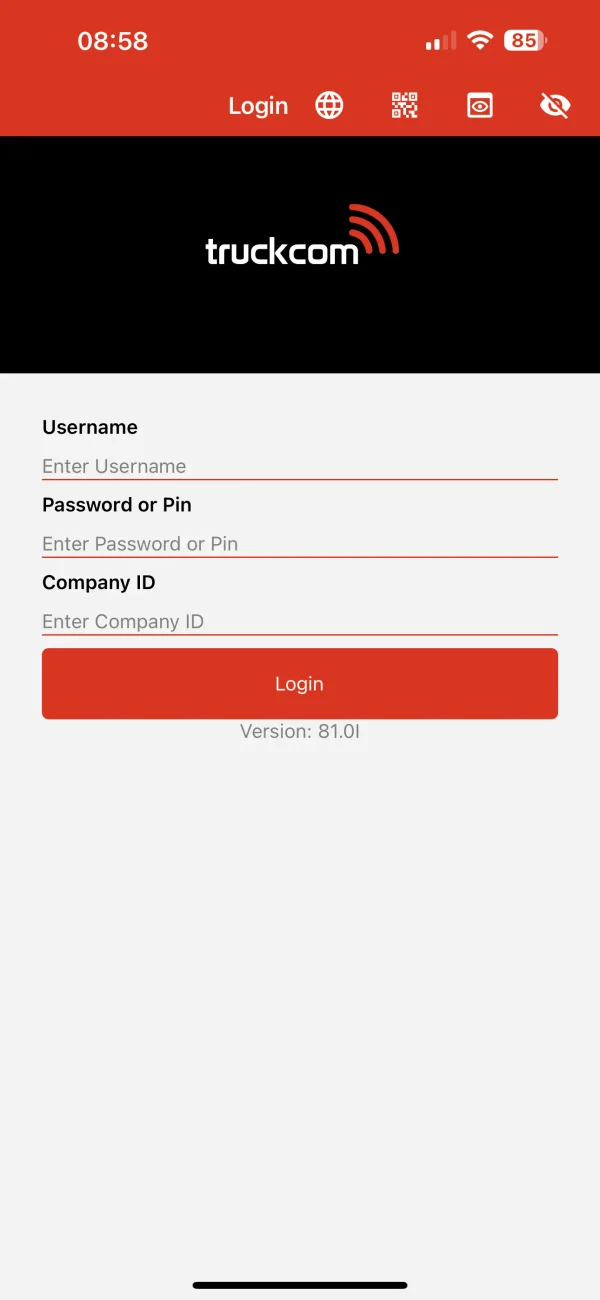
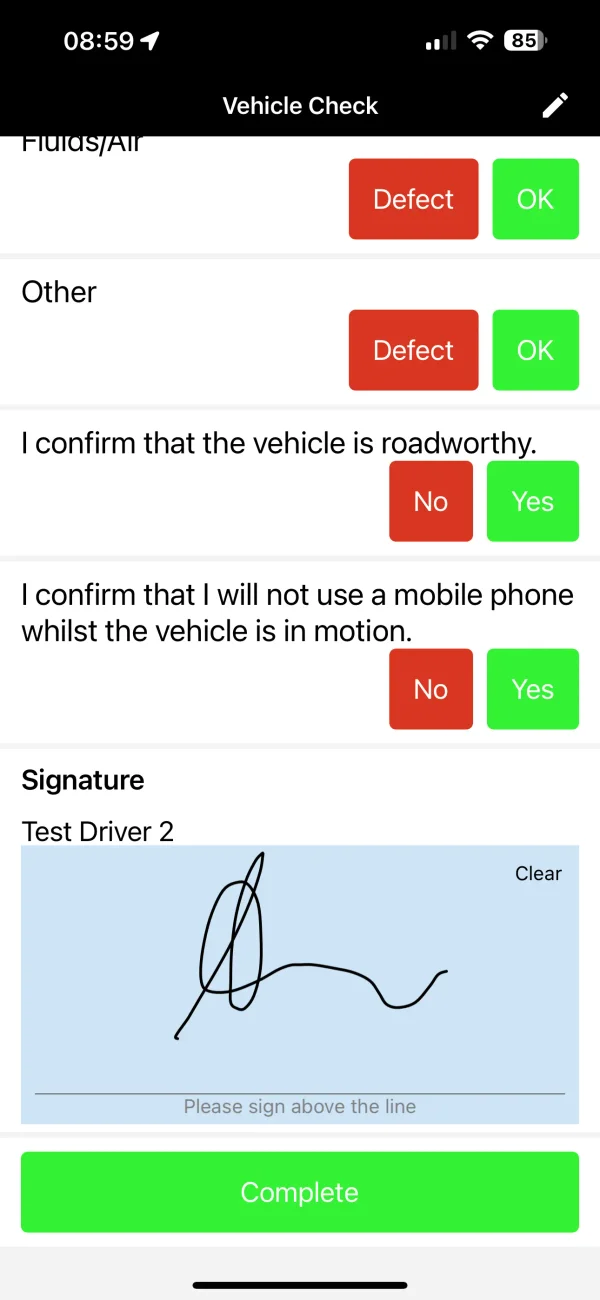
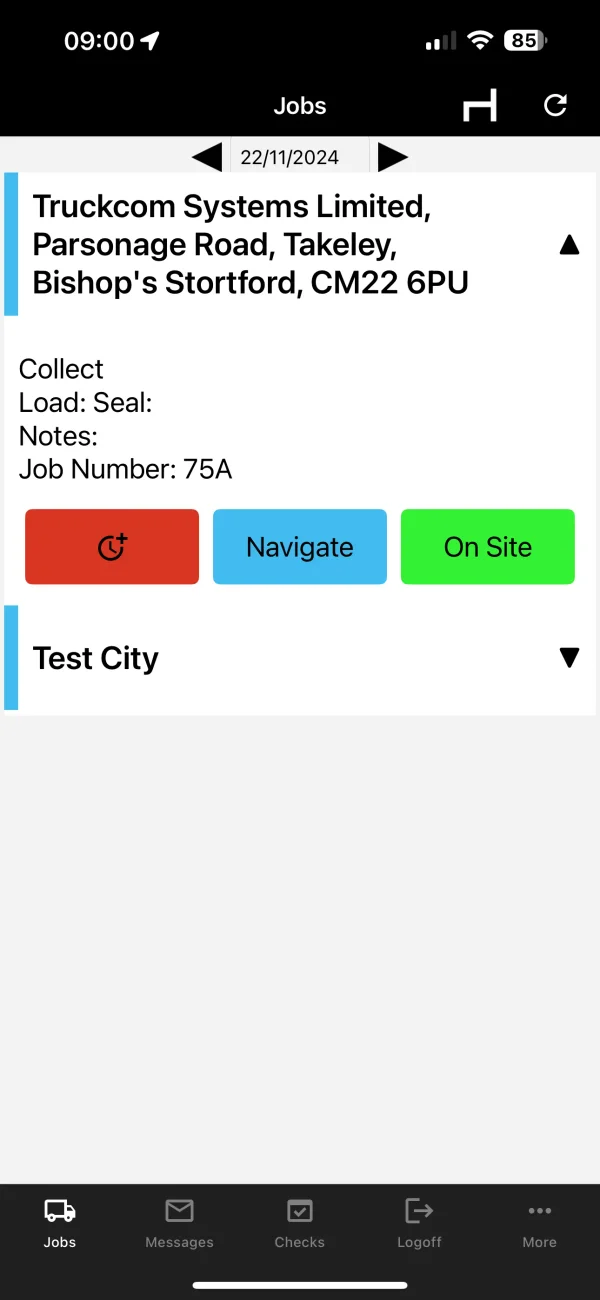
Truckcom Driver is a powerful app designed for drivers to manage their daily tasks efficiently. With this app, drivers can complete daily vehicle checks, receive and update job statuses, sign PODs, take photos, scan documents, and report accidents.
What’s new
Version 115.0 · Oct 24, 2026
New
• Document scanner – scan POD paperwork with your iPhone's built-in document scanner and choose colour or black and white before saving.
• Driver timesheet – review and amend your shift start, finish, night out and expenses from the More menu, then confirm the day (when turned on by your office).
• Typed signatures – the Sign page can create a signature from the signatory's typed name (when turned on by your office).
• Known trailers – a recognised trailer can now pass the trailer check on a stop (when turned on by your office).
Improvements
• Faster loading – the job list, Messages, Holiday Options and the More menu now show a loading bar instead of a blocking popup, with Retry if something fails. Busy days with many jobs appear almost instantly.
• New POD panel – Sign, Scans and Photos together in one panel from the bottom of the stop screen, showing how many PODs are still needed, with Complete once enough is done.
• Entry panels – Send Emails, Label Scanned, trailer, container and seal entry open as panels that stay above the keyboard, with Cancel and Save always in reach.
• One-handed photos – photos take you straight back to the screen that asked for them, open in a viewer with swipe and zoom, can be deleted with Undo, and you can pick several from your photo library at once.
• One phone number list – contact and stop numbers now share a single list showing every number.
• Consistent look – alerts, confirmations, the loading popup and the signature screen share the same colours, buttons and sizing.
• Job Preview logins no longer show More menu options that don't apply.
Bug fixes
• Photos are now saved the right way up, whichever way the phone is held.
• Photos and scans saved on a stop still show after the app is reinstalled or restored from a backup.
• Video checks using YouTube now play correctly on iPhone.
• The app no longer crashes when the phone switches between light and dark mode.
• Buttons show the correct colours in light and dark mode.
• The signature pad no longer overlaps its buttons and notes.
• Tapping the Holidays tile twice quickly no longer opens Holiday Options twice.
• Checks set to show in the Checks tab only no longer appear at logon.
App privacy
What Truckcom Systems Limited declares on the App Store about how this app handles data.
-
Data linked to you
May be collected and linked to your identity.
- Location
- Contact info
- User content
- Identifiers
- Usage data
- Diagnostics
Privacy practices may vary, for example with the features you use or your age.
Information
- Seller
- Truckcom Systems Limited
- Category
- Productivity
- Version
- 115.0
- Updated
- Oct 24, 2026
- Released
- Dec 3, 2021
- Size
- 75.4 MB
- Requires
- iOS 15.0 or later
- Age rating
- 4+
- Price
- Free
- Copyright
- © Truckcom Systems Limited
You might also like
-
 Aquarius: Transport CompanionThe Aquarius companion app
-
 VehocheckVehicle Inspection App
-
 CHEP CMACarrier Mobile Application
-
 tSOLVProductivity
-
 Convey Driver v2Productivity
-
 Recruso Worker AppRecruitment App for Workers
-
 TDi vehicle-checkProductivity
-
 Convey ManagerProductivity
-
 TransMaSProductivity
-
 CICO Mobile (Checkin/Checkout)Check-in and check-out app