
TrueSignal
Signal & Connection Monitor
Designed for iPhone, iPad, iPod touch
Free · In-app purchases
- Age rating4+
- CategoryUtilities
- DeveloperDavid Schwind
- LanguagesEnglish
- Size44.7 MB
Links to the official App Store page
Download.org hosts no file of TrueSignal. The button opens its official App Store page, published by David Schwind. Listing last checked on Nov 12, 2026.
Screenshots




About
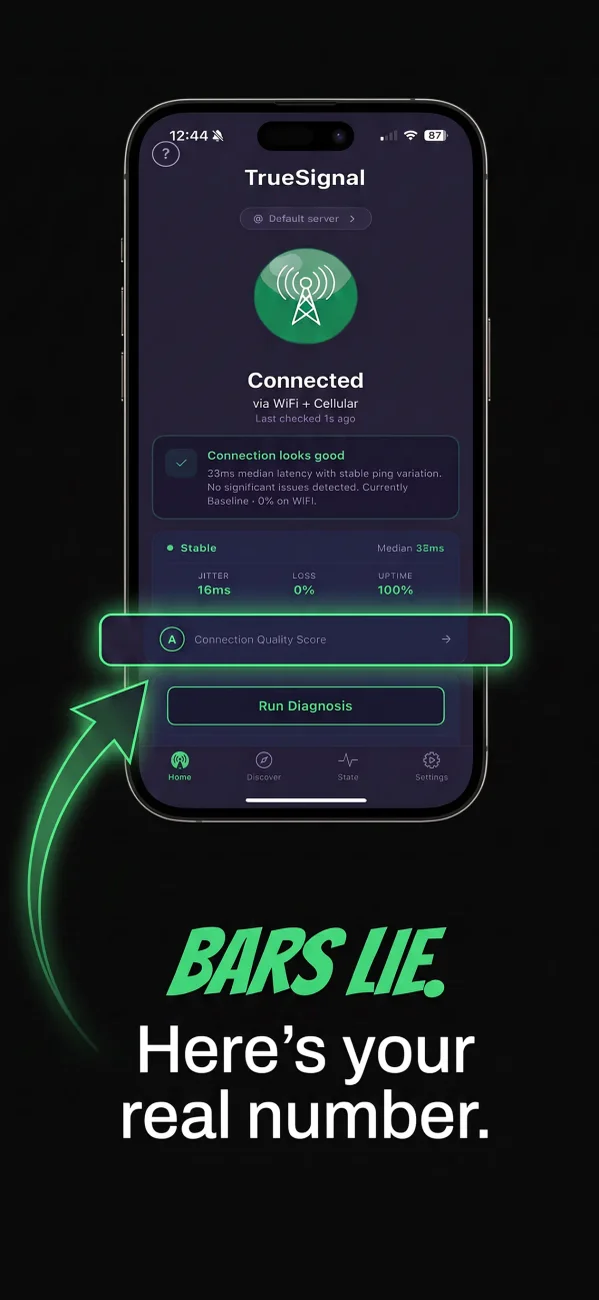
TL;DR Your bars lie. TrueSignal measures the connection you ACTUALLY have.
Really. Those bars? They are lying to you. They show SIGNAL STRENGTH, which is almost meaningless to you and your phone. TrueSignal measures YOUR phone's ACTUAL connection, not just the signal your phone sees.
I've been there. I've been frustrated. At the football game. At the airport. On the road while traveling. Restart the phone. Say choice words. Wander around and look for more bars. We've ALL been there! I couldn't find an app that actually gave me my ACTUAL connection, so I created TrueSignal.
This isn't another speed test app. They exist (and are very good). But you actually have to have a connection in order to use those apps. No connection = useless speedtest apps.
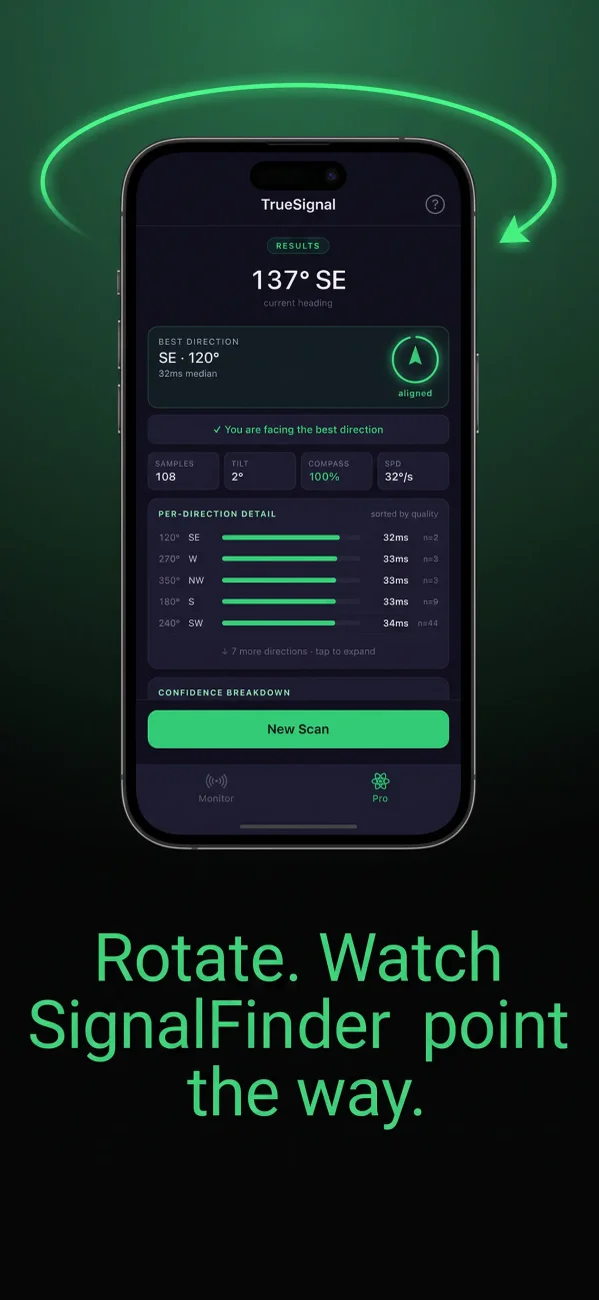
TrueSignal shows real connection quality with live latency monitoring, simple green/yellow/red status, event history, and SignalFinder - the compass that points you toward a stronger signal.
FREE FEATURES
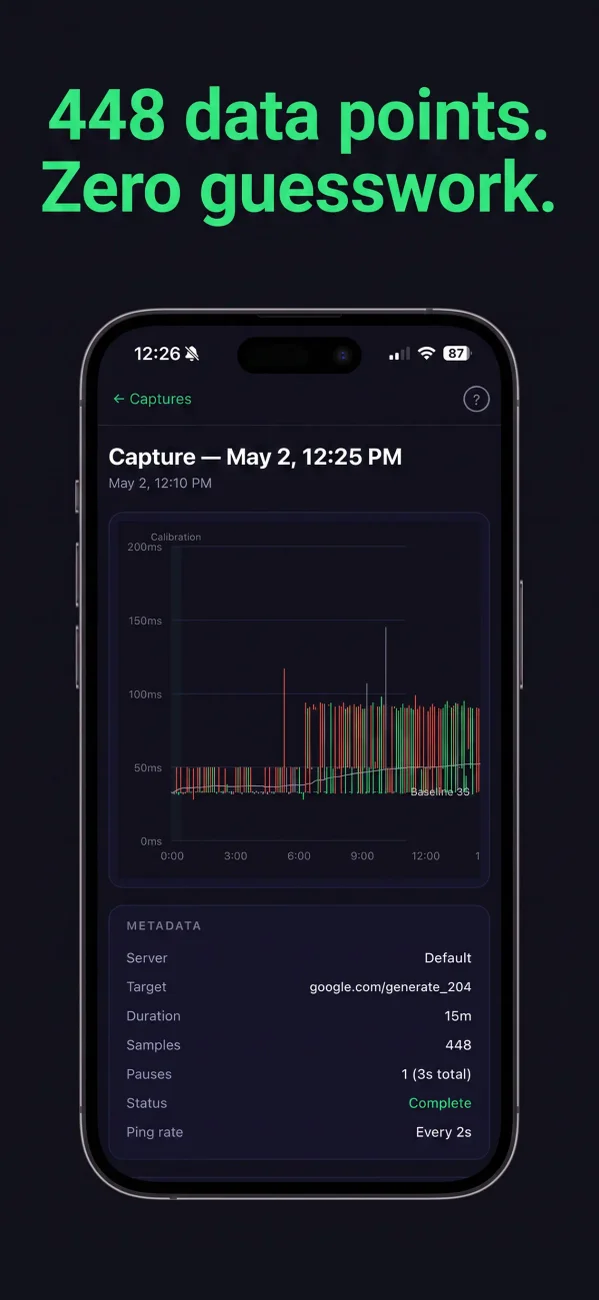
- Real-time ping-based connection monitoring
- Green / yellow / red status — know instantly
- Recent history chart with latency in milliseconds
- Stability score - Stable, Intermittent, or Poor
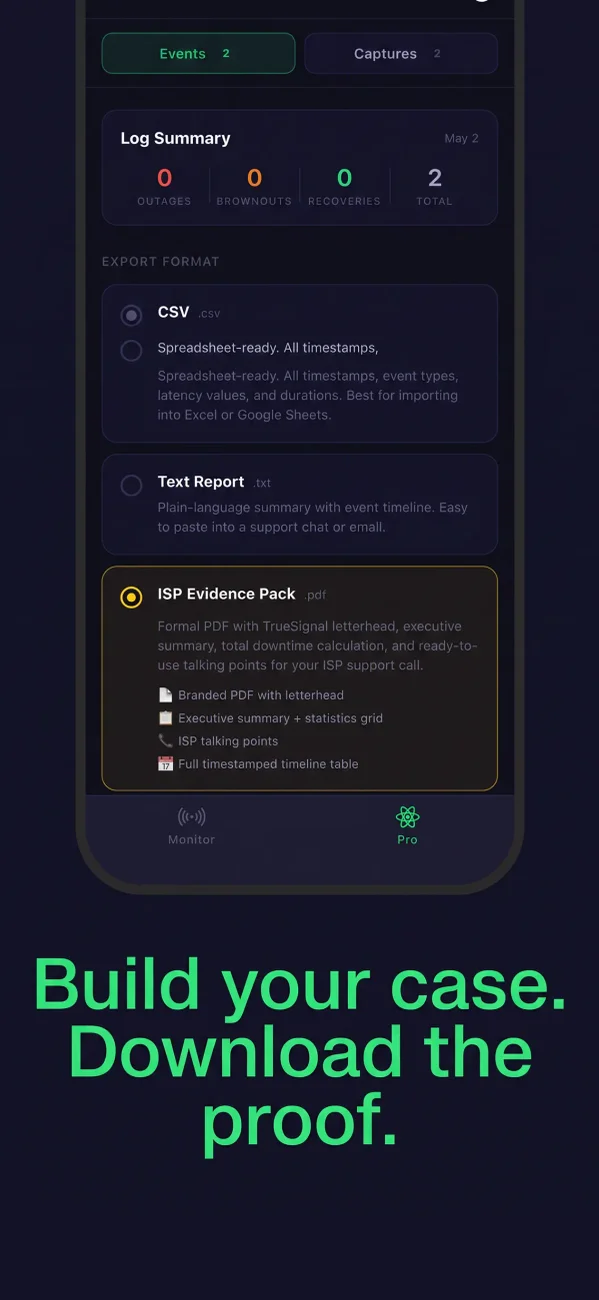
- Event log - track outages and recoveries over time
- SignalFinder - rotate your phone to find the strongest signal direction
- Custom ping server - use your own server for maximum privacy
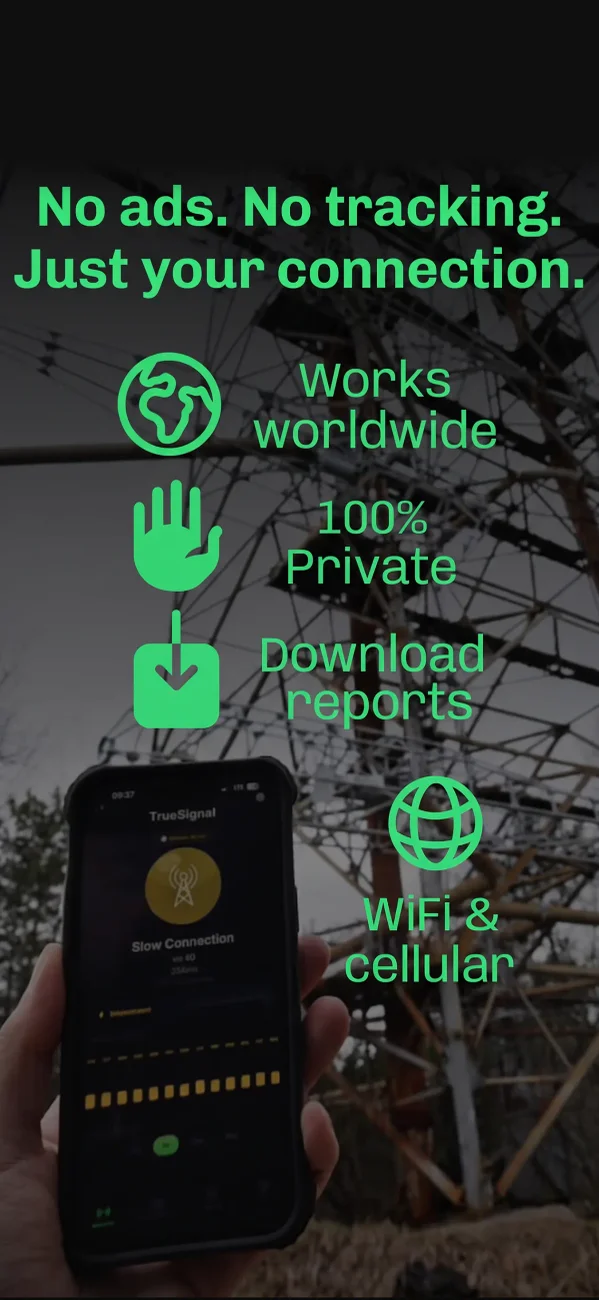
- Supports WiFi, 5G, LTE, 4G, 3G, and more
- Use worldwide!
- Home screen widget
- No account required
All of the free features are FREE and are fully functional. If you really want to know about your phone connection, TrueSignal Pro is fantastic! I created some awesome functionalities that give you real, pro-level connection analysis tools for a price that's unbeatable. Try it out!
TRUESIGNAL PRO
- Connection Quality Score - composite A–F grade across latency, stability, consistency, and reliability with per-metric breakdown and improvement tips
- Connection Sentinel - an adaptive ping guardian that slows down when stable and snaps back to full speed the moment trouble is detected
- ISP Evidence Pack - formal complaint document with executive summary, total downtime, and ready-to-use talking points for your ISP support call
- Compare Mode - monitor up to 3 servers simultaneously
- Walk Test - map connection quality as you move through a space
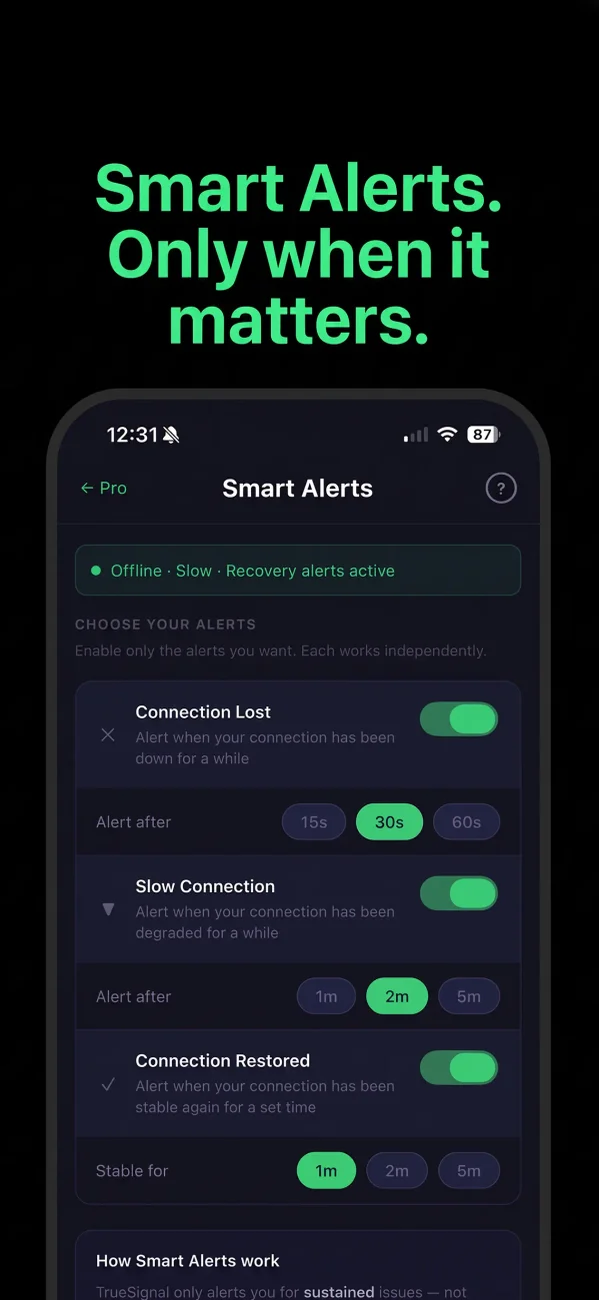
- Smart Alerts - notifications for outages, slowdowns, and recovery
- Named Profiles - save and switch setups with one tap
- Network Log - every WiFi and cellular change, timestamped
- Webhooks- POST events to Home Assistant, smart plugs, or custom servers
- Speed Test - on-demand download and latency measurement
SIRI SHORTCUTS
Ask Siri, "Check my connection in TrueSignal" for an instant spoken result - no need to open the app.
PRIVACY
No ads. No tracking. No accounts. No data ever collected. TrueSignal only contacts the server you configure - nothing else!
TrueSignal: bars lie. This doesn't. Thank you for your support of indie developers!
Terms of Use (EULA): https://www.apple.com/legal/internet-services/itunes/dev/stdeula/
What’s new
Version 3.0.5 · Aug 5, 2026
Updated App Store information.
App privacy
What David Schwind declares on the App Store about how this app handles data.
-
Data not collected
The developer does not collect any data from this app.
Privacy practices may vary, for example with the features you use or your age.
Information
- Seller
- David Schwind
- Category
- Utilities
- Version
- 3.0.5
- Updated
- Aug 5, 2026
- Released
- Mar 20, 2026
- Size
- 44.7 MB
- Requires
- iOS 15.1 or later
- Age rating
- 4+
- Price
- Free
- In-app purchases
- Yes
- Languages
- English
- Copyright
- © 2026 David Schwind
You might also like
-
 Hidden Camera Detector AIDetect Spy and Hidden cameras
-
 ZedVPNUtilities
-
 Signal Booster SCSEUtilities
-
 PhoneVetUsed Phone Hardware Tester
-
 GPS Fields - Land Area MeasureAcreage Calculator & Distance
-
 Vipe: All-in-One Video PlayerNew Video Experience
-
 Noise ClearVoice Denoise
-
 ZeroAds: Redirect BlockerBrowser that blocks popup ads
-
 iChecker: Phone DiagnosticsBattery Health & System Status