
- Age rating4+
- CategoryFinance
- DeveloperBranch Banking & Trust Company
- LanguagesEnglish
- Size23.2 MB
Links to the official App Store page
Download.org hosts no file of Truist Authenticator. The button opens its official App Store page, published by Branch Banking & Trust Company. Listing last checked on Nov 18, 2026.
Screenshots

About
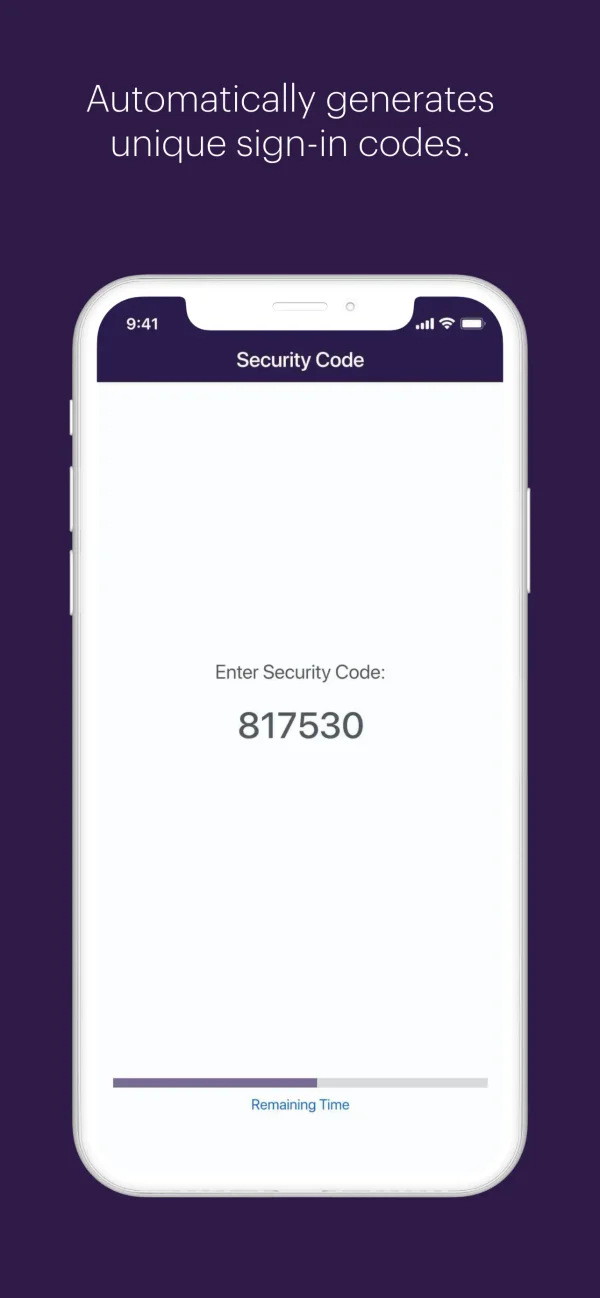
Available as a single-use token application supporting Truist commercial and corporate clients using digital services. Truist Authenticator app is used for multi-factor authentication to provide an extra layer of verification and allow users to securely login to their account using their registered mobile device. In addition to your username and password, you’ll need a code generated by the Truist Authenticator app on your phone to login to your account.
Features:
• Help protect your account by using a PIN or your preferred biometric trait (depending on your device capabilities).
• Generate verification codes without a data connection
• Must be activated by scanning a CRONTO image (QR code) containing one-time activation credentials.
What’s new
Version 1.17.0 · May 12, 2026
Enhancements and bug fixes
App privacy
What Branch Banking & Trust Company declares on the App Store about how this app handles data.
-
Data not linked to you
May be collected but is not linked to your identity.
- Location
Privacy practices may vary, for example with the features you use or your age.
Information
- Seller
- BB&T CORPORATION
- Category
- Finance
- Version
- 1.17.0
- Updated
- May 12, 2026
- Released
- May 27, 2021
- Size
- 23.2 MB
- Requires
- iOS 15.0 or later
- Age rating
- 4+
- Price
- Free
- Languages
- English
- Copyright
- ©2026 Truist Financial Corporation
You might also like
-
 Truist One ViewOne View
-
 Enterprise Spend PlatformTruist, ESP
-
 PINACLE Pass®Finance
-
 Mobile SinglePointFinance
-
 CashProFinance
-
 Capital One Intellix® MobileFinance
-
 Wells Fargo Vantage®Manage your business on the go
-
 TrustBankFinance
-
 Cadence Treasury TokenCreating a Better Experience
-
 J.P. Morgan AccessFinance