
Trusty Schedule
Scheduling for employees
Designed for iPhone, iPad, iPod touch
Free
- Age rating4+
- CategoryBusiness
- DeveloperCam DeBuck
- LanguagesEnglish
- Size34.8 MB
Links to the official App Store page
Download.org hosts no file of Trusty Schedule. The button opens its official App Store page, published by Cam DeBuck. Listing last checked on Nov 20, 2026.
Screenshots

About
Trusty Schedule is built for teams of student workers, where everyone's availability depends on their school calendar.
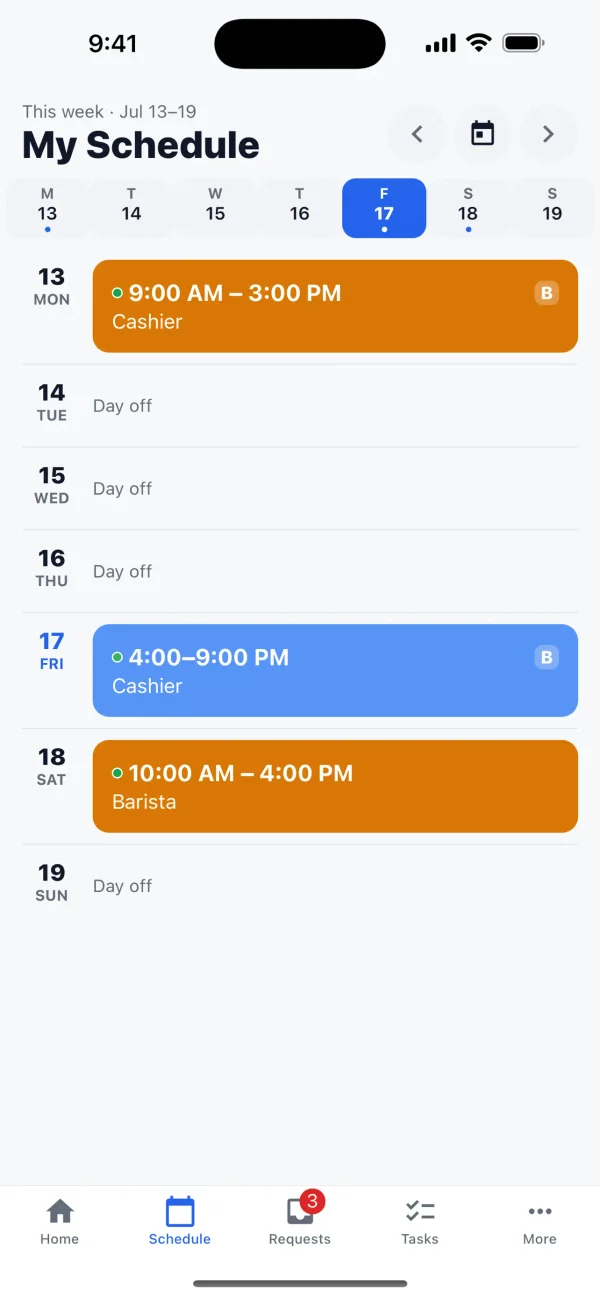
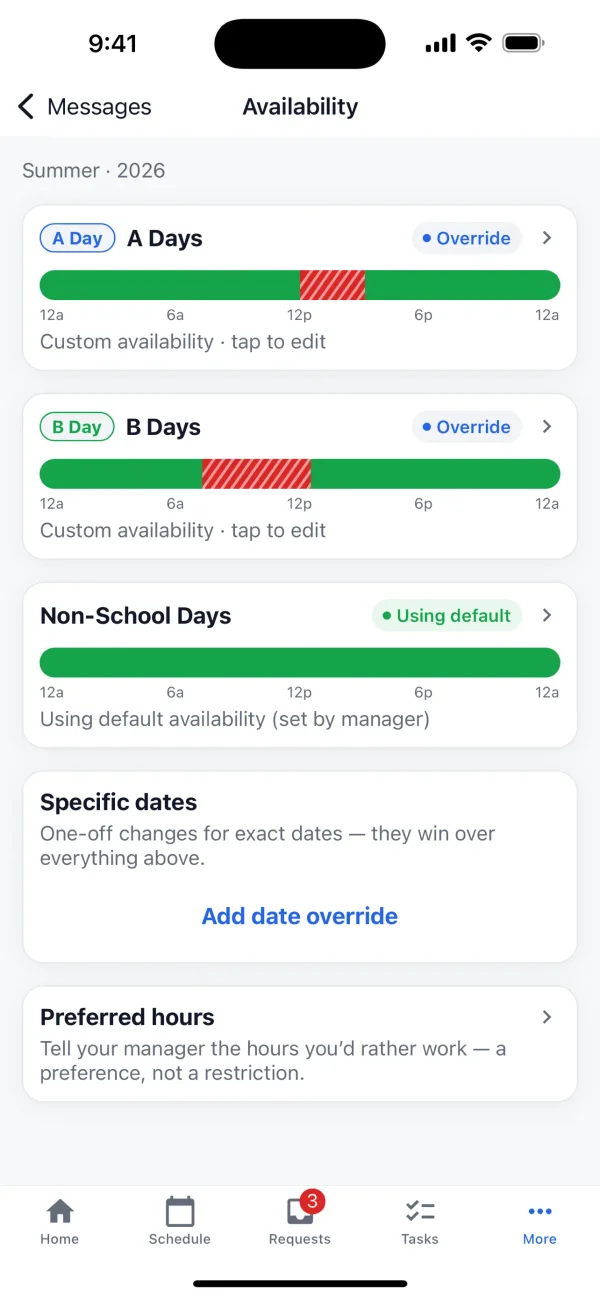
• A/B calendar availability — your available hours automatically follow whether it's an A-day, B-day, or non-school day.
• Your schedule at a glance — see your shifts, dates, and who else is working.
• Shift trades & covers — hand off a shift or pick one up, with approval built in.
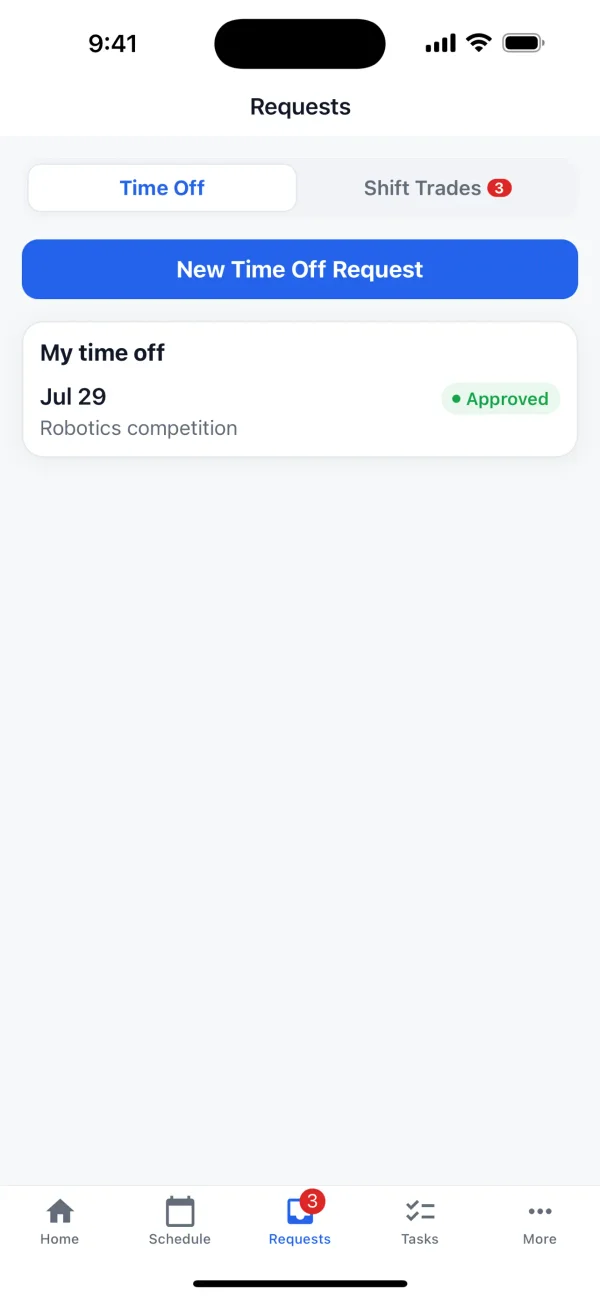
• Time-off requests — submit a request and get notified the moment it's approved or denied.
• Availability & preferred hours — set when you can work and when you'd rather not.
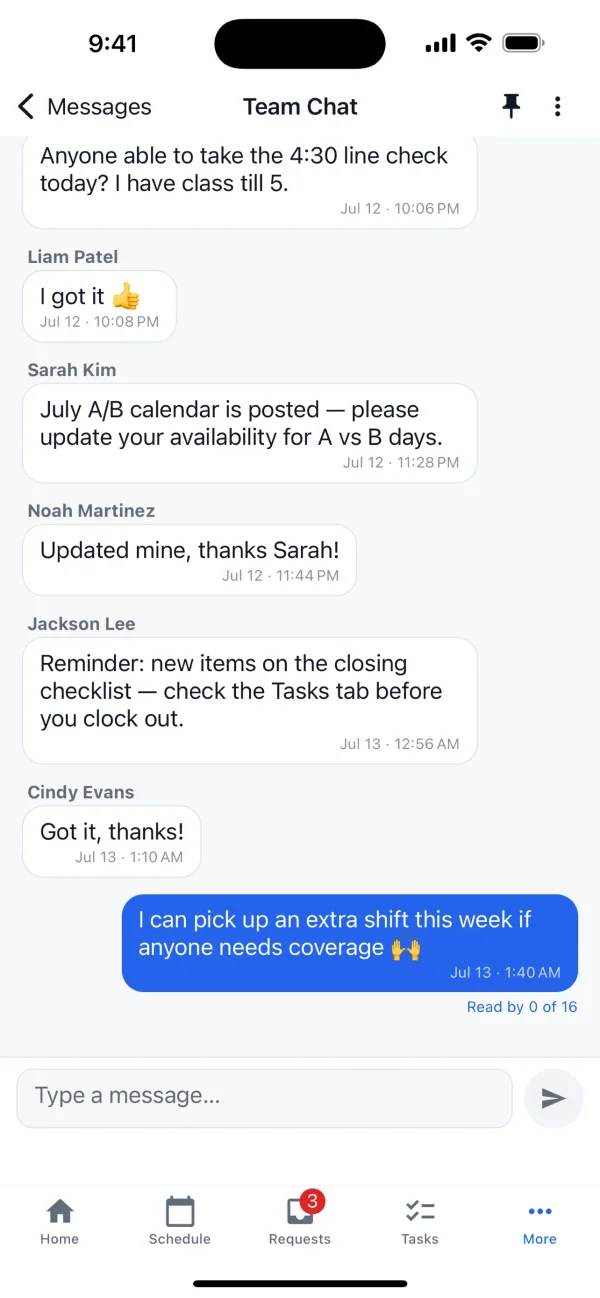
• Team messaging — reach your manager and coworkers without swapping phone numbers.
• Push notifications — know right away when your schedule changes or a request is answered.
Log in with the account your workplace set up — no company code needed.
App privacy
What Cam DeBuck declares on the App Store about how this app handles data.
-
Data linked to you
May be collected and linked to your identity.
- Contact info
Privacy practices may vary, for example with the features you use or your age.
Information
- Seller
- Cam DeBuck
- Category
- Business
- Version
- 1.0
- Updated
- Oct 2, 2026
- Released
- Oct 1, 2026
- Size
- 34.8 MB
- Requires
- iOS 15.1 or later
- Age rating
- 4+
- Price
- Free
- Languages
- English
- Copyright
- © 2026 A
You might also like
-
 Work Rota & Shift PlannerStaff Schedule & Attendance
-
 Riverview Credit UnionFinance
-
 Dixie DirectBusiness
-
 iBB @ Wintrust BankFinance
-
 Virginia Tech Hokies on TrackBusiness
-
 PushpayFinance
-
 PumbleBusiness Communication
-
 ServerLife - Tip TrackerStart tracking your income!
-
 Notes for Apple WatchAll your notes, on your wrist.
-
 Total Drive - Cloud StorageSecure Cloud Storage