- Age rating4+
- CategoryBusiness
- DeveloperFida Solutions
- LanguagesEnglish
- Size159.7 MB
Links to the official App Store page
Download.org hosts no file of Tulcea Parking. The button opens its official App Store page, published by Fida Solutions. Listing last checked on Nov 14, 2026.
Screenshots


About
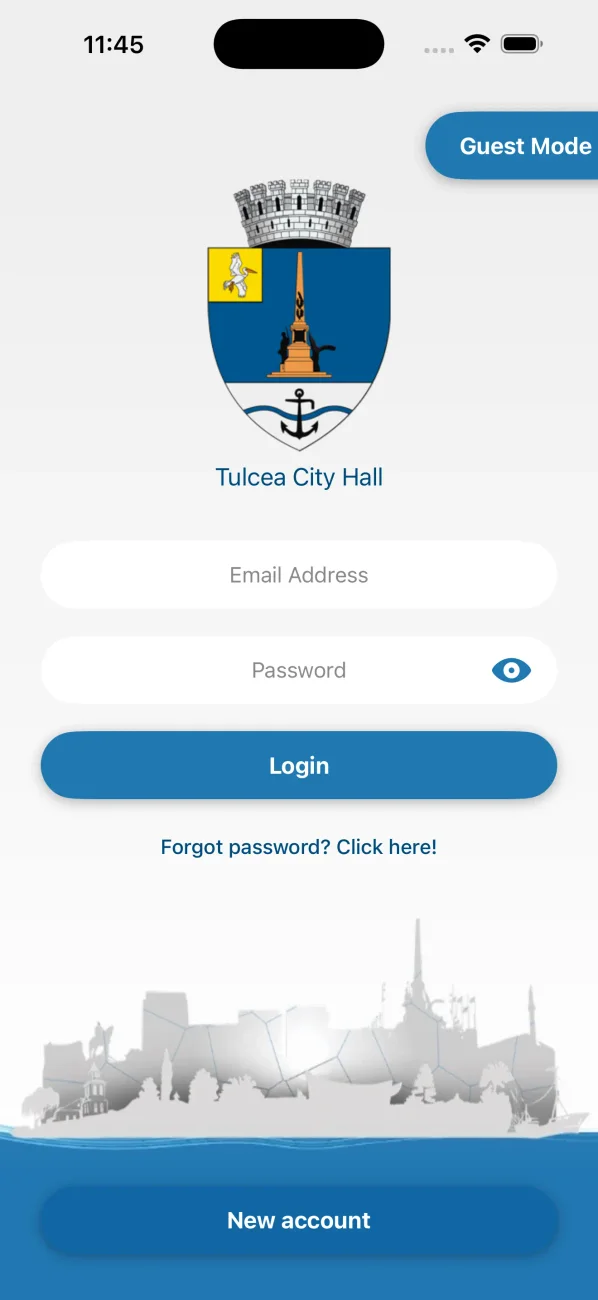
Tulcea Parking is a free app provided by Tulcea City Hall, in collaboration with Fida Solutions SRL. Whether you are on a date, in a meeting, at the theater or visiting Aegyssus Fortress, you can easily pay to park in the public areas of Tulcea City.
* Do not use the app or phone while driving.
Multiple Cars
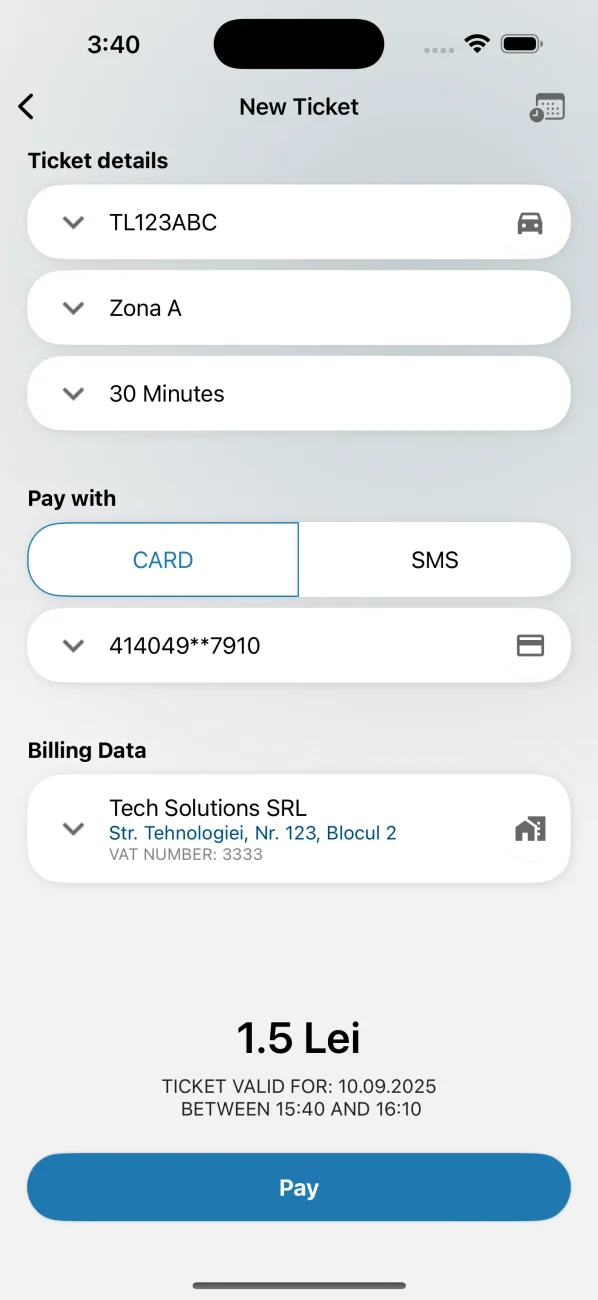
Do you own several cars and like to drive them all or do you own a company and your employees change them periodically? Add all license plates in the app and select the one you are parking at that time.
Location
You can manually select the area where you want to park. Depending on the selected location, the app displays the rate for that area.
Payment by Card
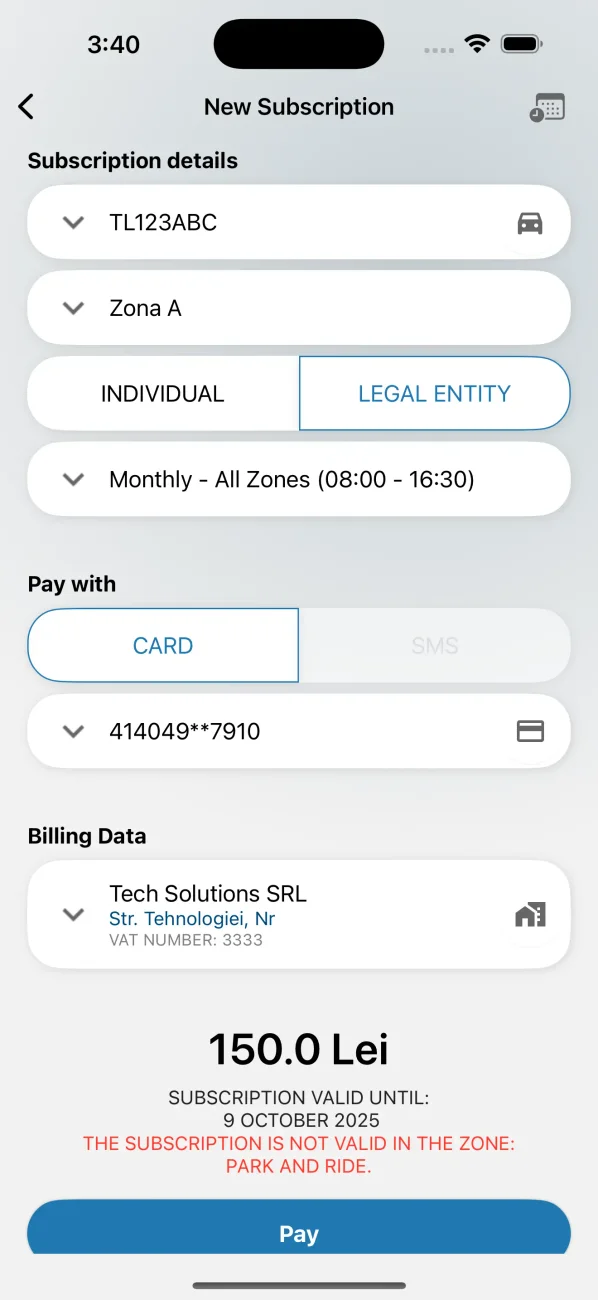
Once you’ve selected all the necessary information to create a parking ticket, the app will show you the rate according to your choices. All you have to do is press "Pay".
When paying by card, you will receive a payment confirmation email with an electronic invoice attached. This invoice is also accessible at any time in the app history.
*The app does not save any payment information. All data related to your cards are safely processed by BT servers.
Payment by SMS
If you chose SMS payment and selected all the necessary information to create a parking ticket, the app will send a preformatted SMS to pay for your parking.
* Attention, the payment by SMS can generate additional costs by the mobile operator.
* Parking is paid and valid only after receiving the confirmation message from the parking service.
Ticket Extension
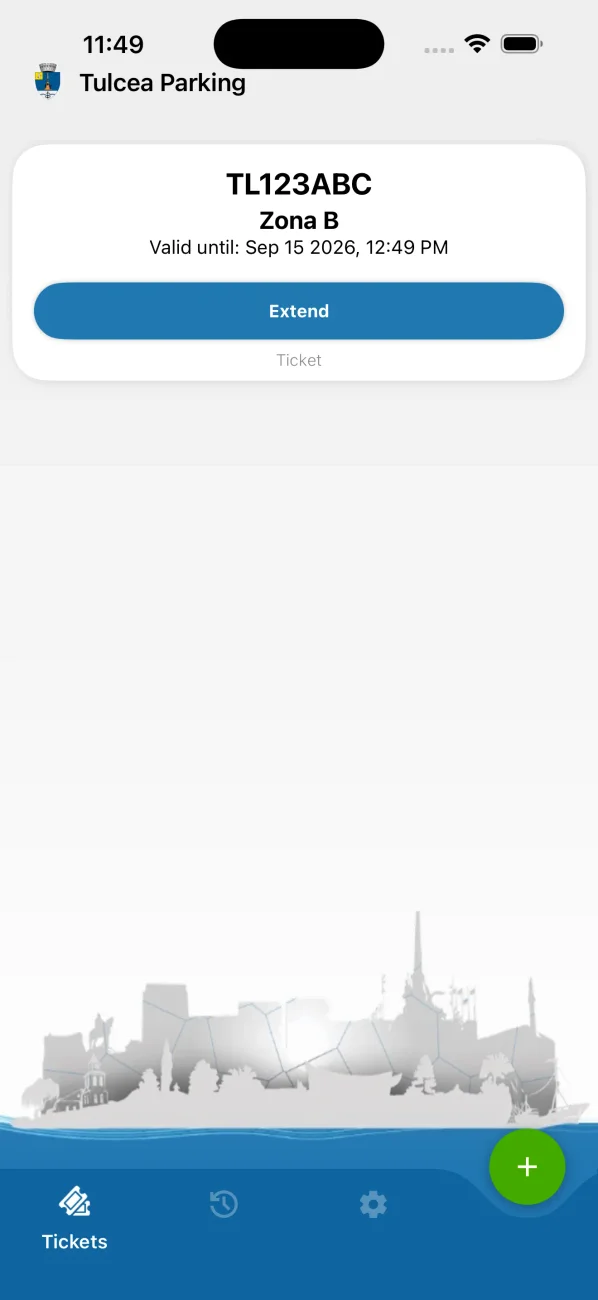
Did you pay to park for an hour, but you're still in a meeting and the ticket is almost expired? Extend the parking ticket as long as you need, directly from the app. All you have to do is select the duration and payment method (Card or SMS), and then press "Pay".
Alerts / Notifications
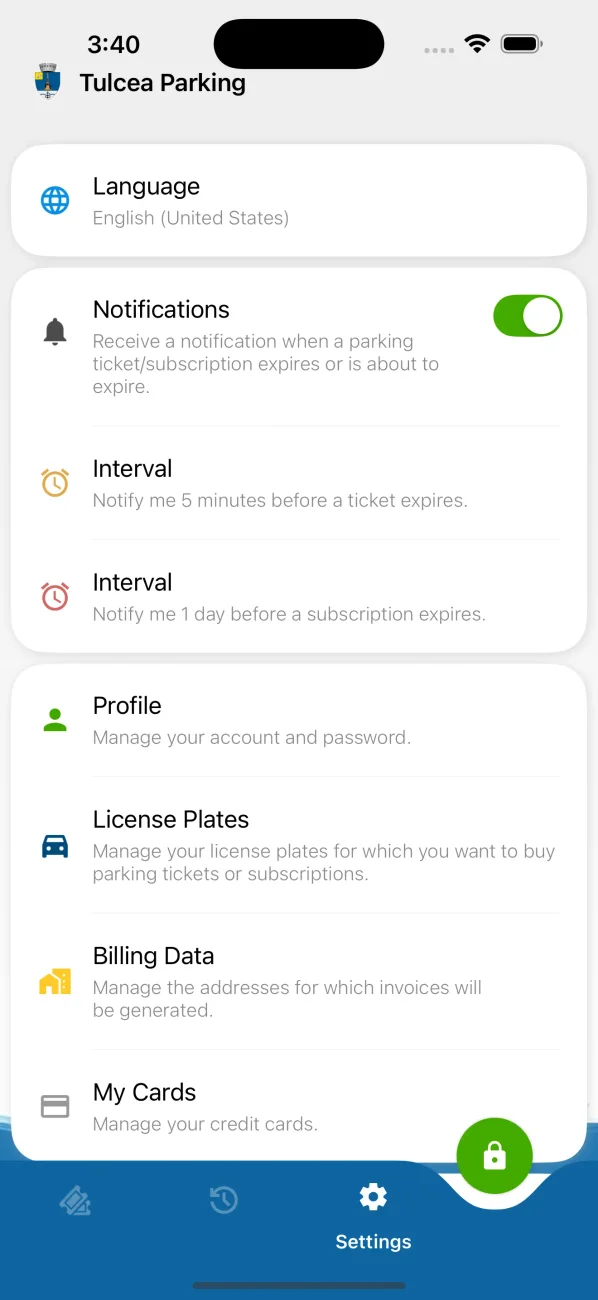
The app issues notifications when a ticket is paid, 5 minutes before the ticket expires and when the parking ticket expired.
Payment History
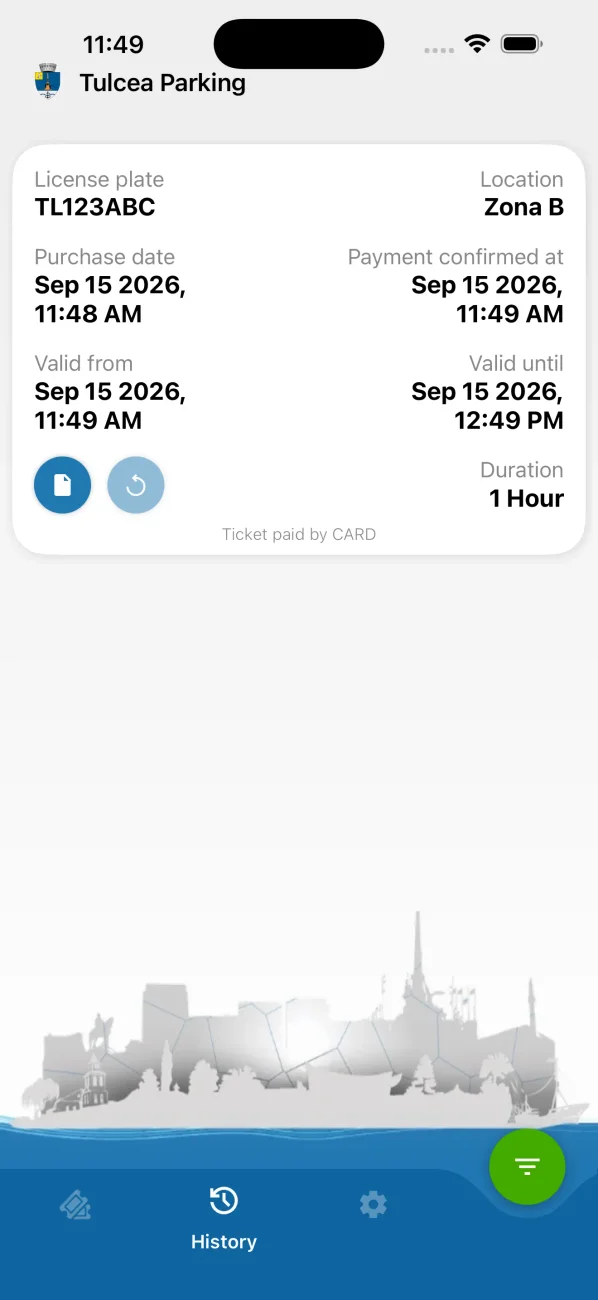
You have access to your payment history at any time, for both Card and SMS payment types, with filtering possibilities. You can view and download the invoice for each ticket paid with a credit card.
How do I pay for parking?
- Add or select the desired license plate
- Choose the location where you want to park
- Choose a period
- Select a payment type
- Click “Pay”!
GDPR Rules
The app complies with the GDPR rules. For more information, please see our Terms and Conditions available while creating a new account or accessible from the main menu at any time you are logged in.
* To be able to use the app to its maximum capacity, it is advisable to have an internet connection and the phone's location active.
What’s new
Version 6.9 · Nov 13, 2026
* Refreshed and more polished user interface
* Bug fixes and general optimizations
App privacy
What Fida Solutions declares on the App Store about how this app handles data.
-
Data linked to you
May be collected and linked to your identity.
- Location
- Contact info
Privacy practices may vary, for example with the features you use or your age.
Information
- Seller
- Fida Solutions SRL
- Category
- Business
- Version
- 6.9
- Updated
- Nov 13, 2026
- Released
- Jul 11, 2022
- Size
- 159.7 MB
- Requires
- iOS 16.0 or later
- Age rating
- 4+
- Price
- Free
- Languages
- English
- Copyright
- © Fida Solutions SRL