
- Age rating4+
- CategoryEntertainment
- DeveloperANDREALITY S.L.
- LanguagesEnglish+ 11 more
- Size40.3 MB
Links to the official App Store page
Download.org hosts no file of Tuna IPTV Player. The button opens its official App Store page, published by ANDREALITY S.L. Listing last checked on Nov 12, 2026.
Screenshots


About
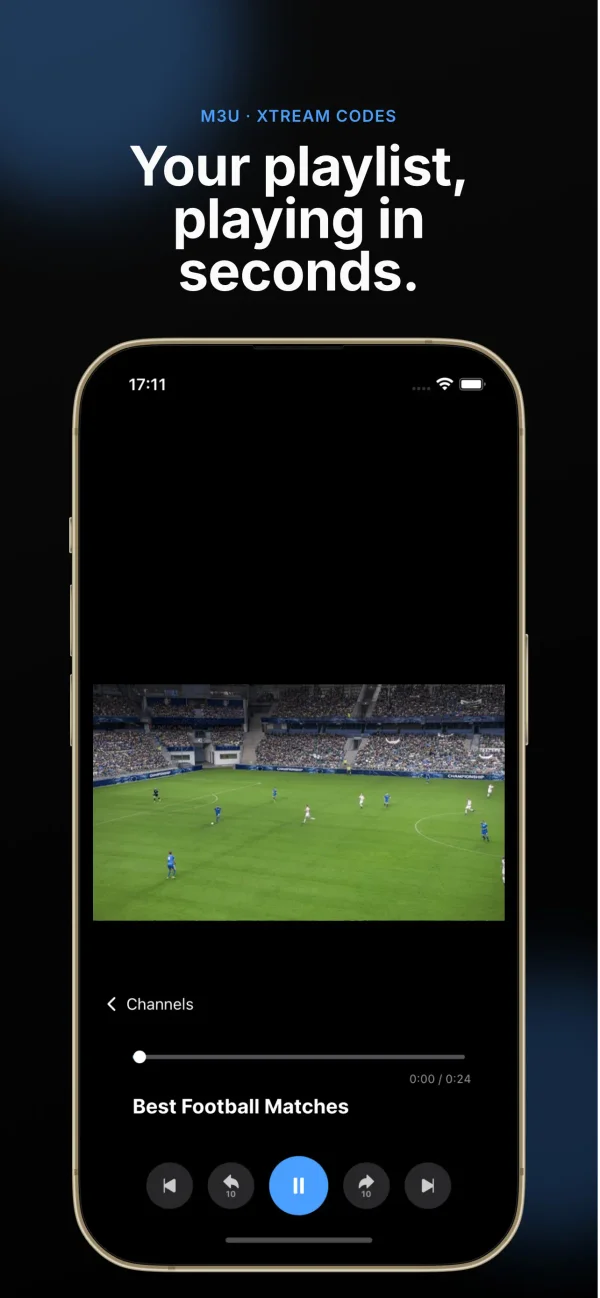
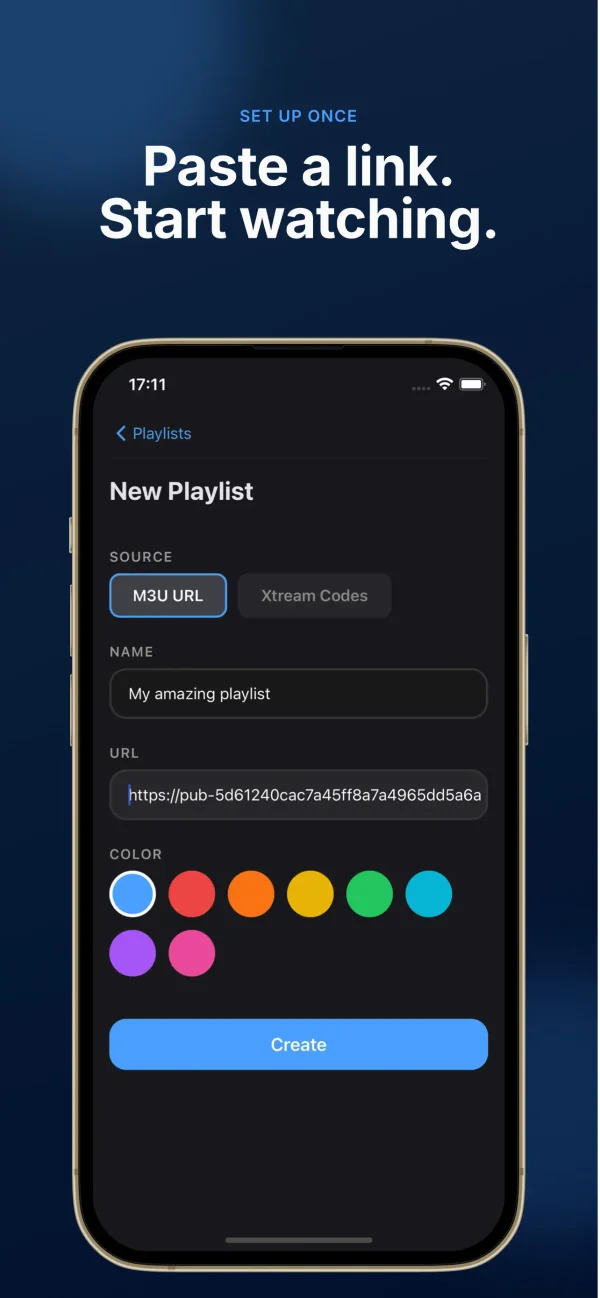
Tuna IPTV Player is a clean, fast IPTV client built for iPhones. Add any M3U playlist via URL — including Dropbox links — and start watching in seconds. Your channels are cached locally so the app launches instantly every time, even before the playlist finishes refreshing in the background.
* Channel Browser
Channels are organized exactly as your M3U defines them, with a category sidebar for fast navigation. A 4-column grid lets you scan hundreds of channels at a glance. Tap into any channel to start streaming immediately.
* Search
Find any channel across your entire playlist with the global search bar, or filter within the current category using in-category search. Your recent searches are saved so you can jump back to them quickly.
* Favorites & Recents
Mark any channel as a favorite with a single click — favorites appear at the top of the list and get their own dedicated category. A Recents category keeps track of everything you've watched, so you can always pick up where you left off.
* EPG — Electronic Program Guide
Connect an XMLTV EPG source to see what's on now and what's coming up next, directly on the channel cards. The guide refreshes automatically in the background so it's always up to date.
* Playlist Management
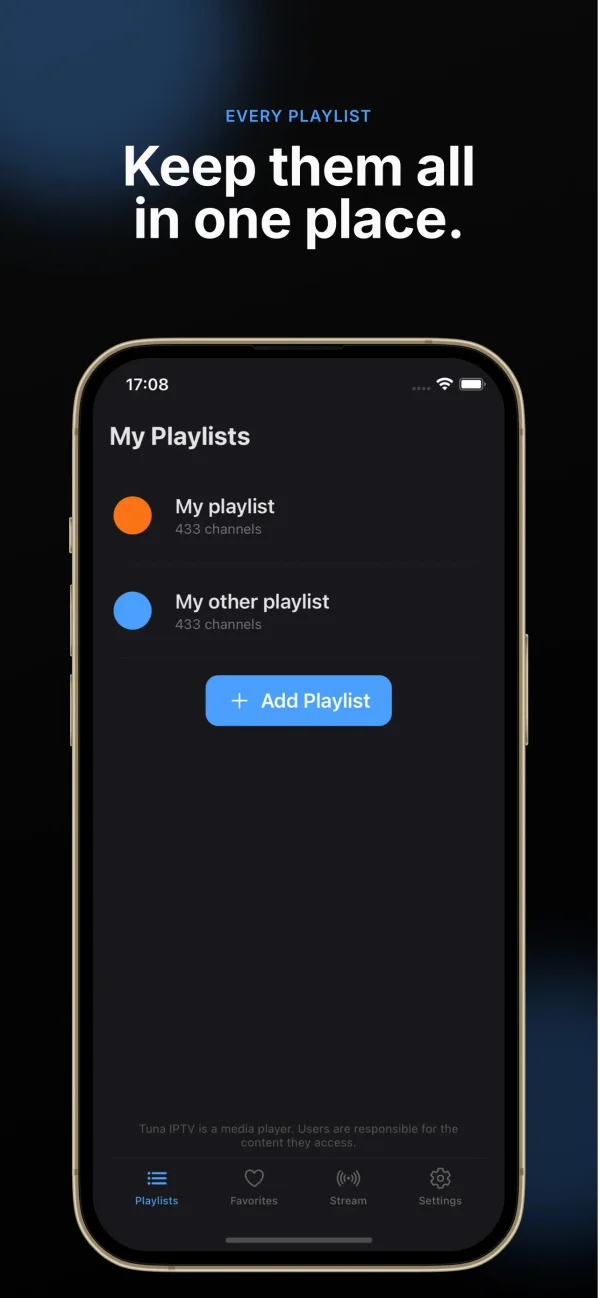
Add multiple M3U playlists and switch between them from the home screen. Refresh any playlist on demand to pick up the latest channels from your provider. The app preserves your last-watched channel and category and can resume automatically on launch.
* Channel & Category Controls
Hide channels or entire categories you don't use. Rename categories to match your preferences. Merge similar categories into one. Review and clean up duplicate channels with the built-in duplicate review tool. All changes are stored locally and survive playlist refreshes.
* Sort Options
Sort channels alphabetically, by most recently watched, or keep the original playlist order. Pin favorites to the top with a single toggle.
* Single Stream Player
Paste any direct stream URL from the Streams tab and play it instantly — no playlist needed.
Tuna IPTV Player does not provide any content, channels, or subscriptions. You must supply your own M3U playlist URL from your IPTV provider.
What’s new
Version 1.1.0 · Sep 8, 2026
• Twelve languages, including Italian, Spanish, French, German and Brazilian Portuguese. Pick yours in Settings or follow your device.
• Light mode, alongside Dark and System.
• Refresh, edit or delete a playlist from its new options menu.
• A bottom tab bar on phones that keeps your place.
• Large playlists no longer time out on slow connections.
• A new app icon, clearer error messages and many smaller fixes.
App privacy
What ANDREALITY S.L. declares on the App Store about how this app handles data.
-
Data not linked to you
May be collected but is not linked to your identity.
- Search history
Privacy practices may vary, for example with the features you use or your age.
Information
- Seller
- ANDREALITY S.L.
- Category
- Entertainment
- Version
- 1.1.0
- Updated
- Sep 8, 2026
- Released
- Mar 6, 2026
- Size
- 40.3 MB
- Requires
- iOS 16.4 or later
- Age rating
- 4+
- Languages
- English, Arabic, Dutch, French, German, Italian, Polish, Portuguese, Russian, Simplified Chinese, Spanish, Turkish
- Copyright
- © Andreality S.L.
You might also like
-
 ClawTV: IPTV PlayerLive IPTV • M3U Xtream EPG
-
 Streama: IPTV Player & M3UIPTV Player • M3U & Xtream
-
 Livo Player – M3U IPTV StreamYour Personal IPTV Player
-
 Jelvi IPTV PlayerSleek M3U IPTV Player
-
 BananaPlayer - IPTVIPTV Player for M3U & Xtream
-
 Point TV IPTV PlayerM3U & Xtream Live TV Player
-
 Novi: Smart IPTV Player & EPGFast M3U & Xtream Live TV
-
 KSKPixLive TV, Movies & Series
-
 VOZZA IPTV PlayerSmart IPTV Player for Family
-
 IPTV Playlist PlayerM3U & Xtream Live TV