
- Age rating4+
- CategoryProductivity
- DeveloperLouis Osztreicher
- LanguagesEnglish
- Size2.6 MB
Links to the official App Store page
Download.org hosts no file of Tundra: Screen time savior. The button opens its official App Store page, published by Louis Osztreicher. Listing last checked on Nov 13, 2026.
Screenshots

About
Tundra is a focus app for people who've tried the others and still found themselves scrolling.
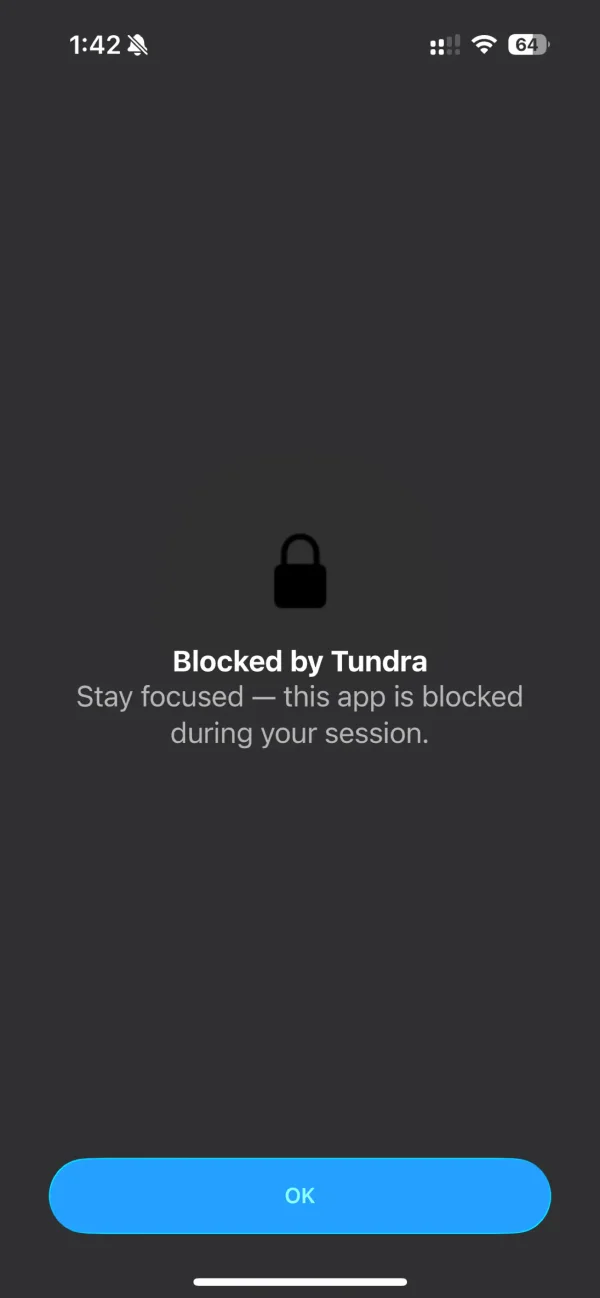
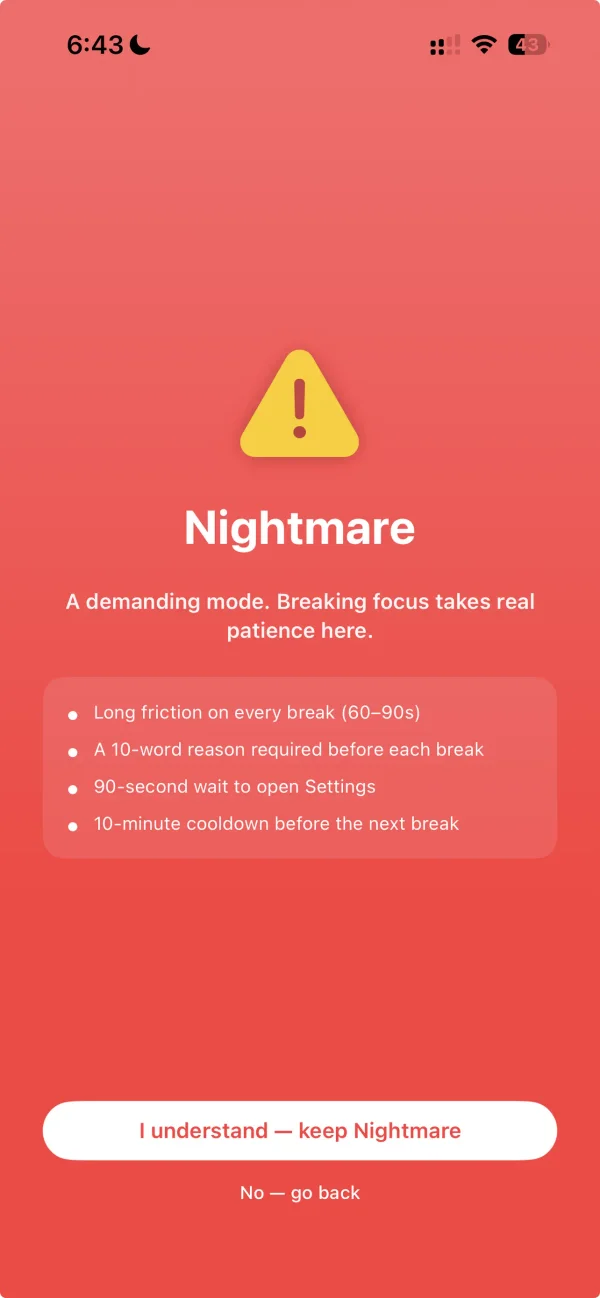
Most blockers are easy to bypass — a five-second tap and you're back in the feed. Tundra is built on the opposite idea: to take a break, change your rules, or turn blocking off, you first pass through friction — a wait timer long enough to break the impulse. No gamified streaks, no clutter, no tricks.
HOW IT WORKS
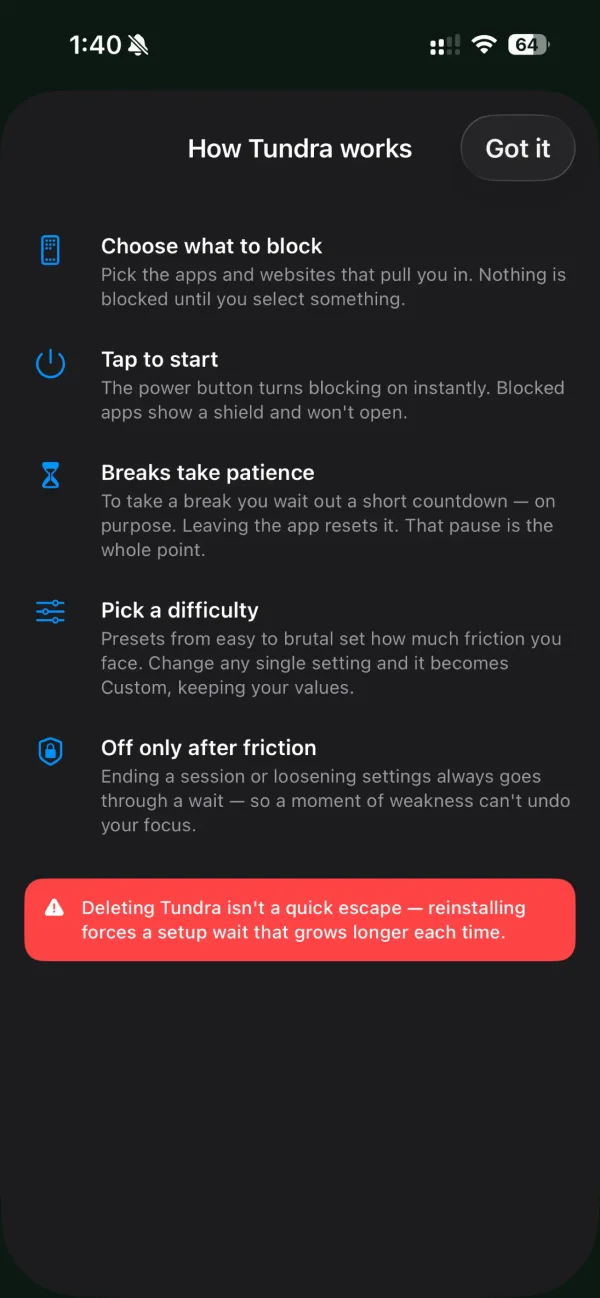
• Choose the apps and websites you want to block.
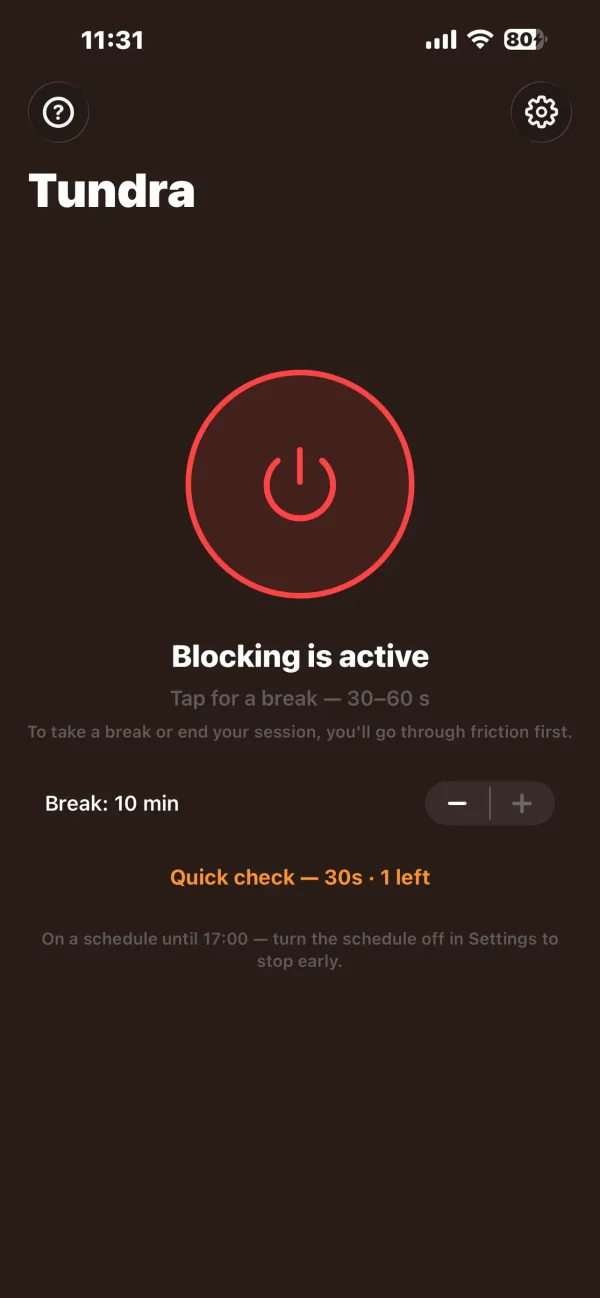
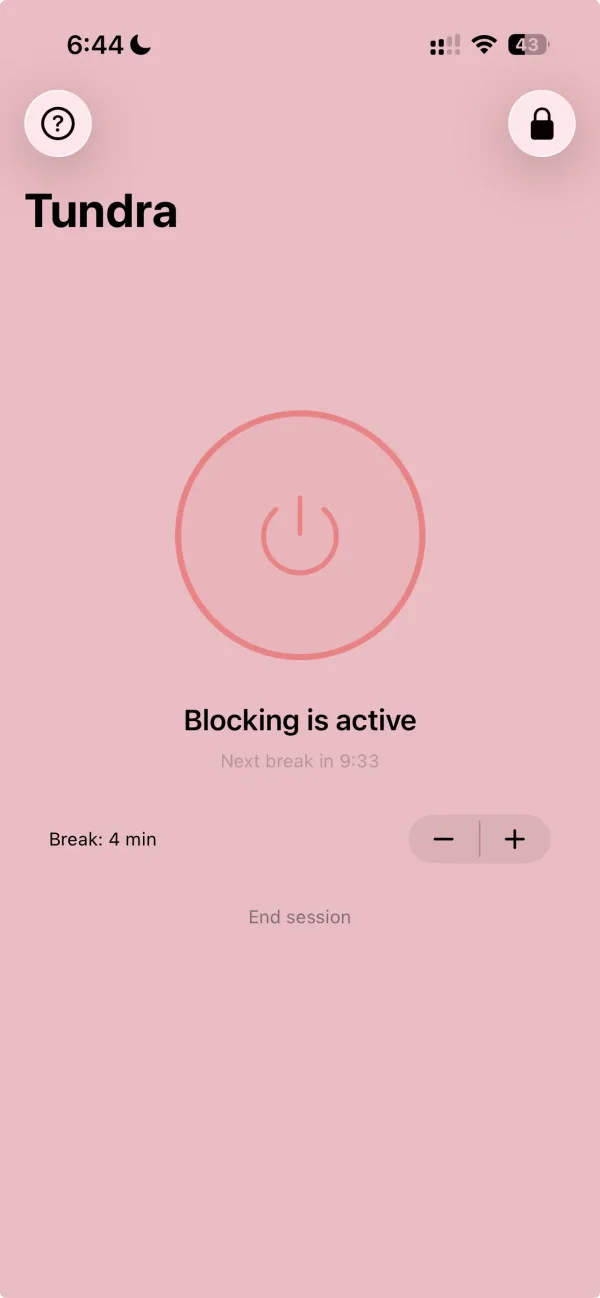
• Tap once to turn blocking on — blocked apps and sites are shielded across your phone.
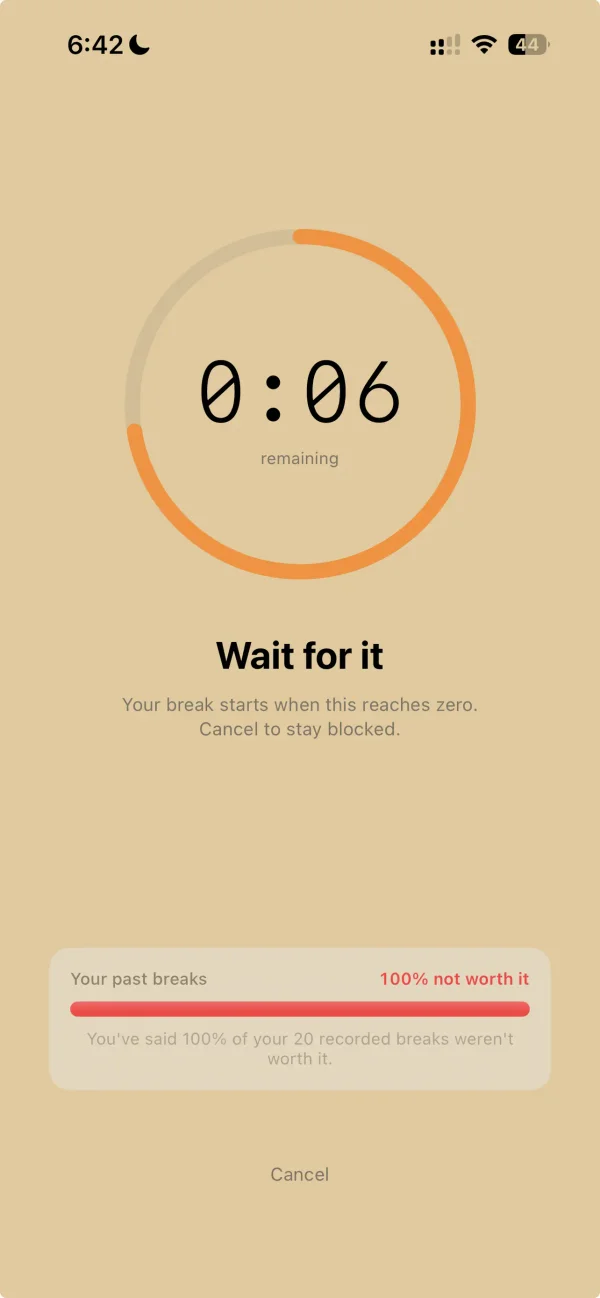
• To take a break, wait out a friction countdown. Leaving the app resets it, so you have to mean it.
• Ending a session or changing your settings goes through friction too. There's no cheap escape hatch.
SCHEDULES
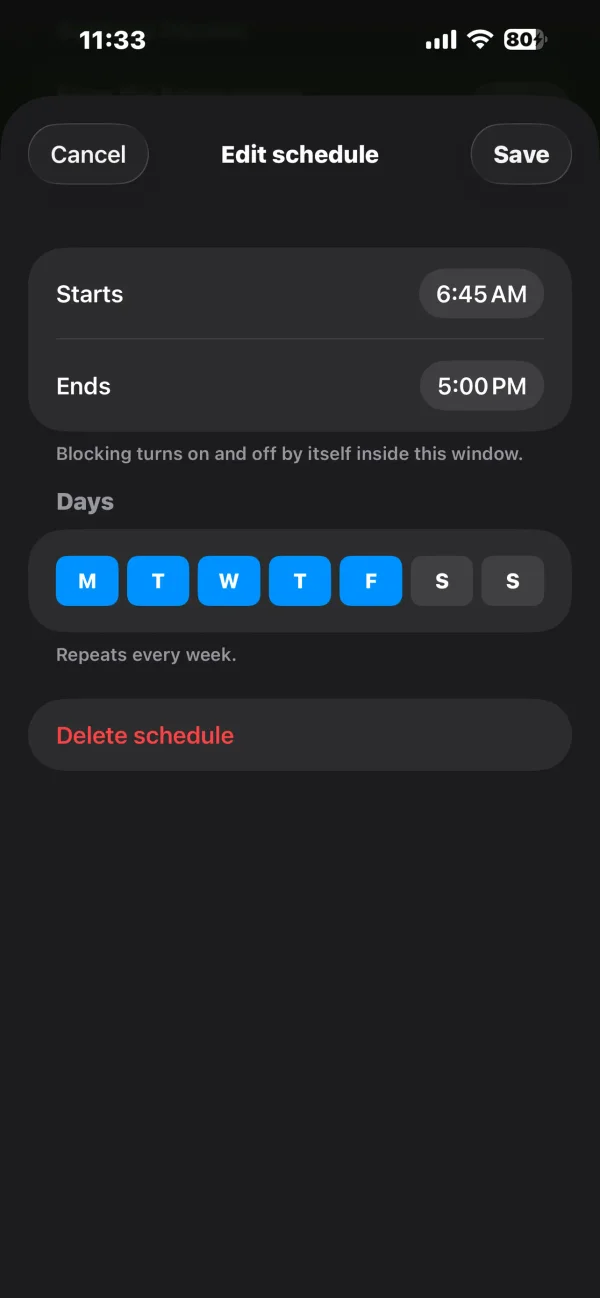
• Set blocking to turn on and off by itself at the times and days you choose.
• Lock a schedule and there's no ending it early — the commitment you made in advance holds.
BUILT TO BE HARD (ON PURPOSE)
• Randomized waits you can't mentally time.
• Escalating friction — each break makes the next wait longer.
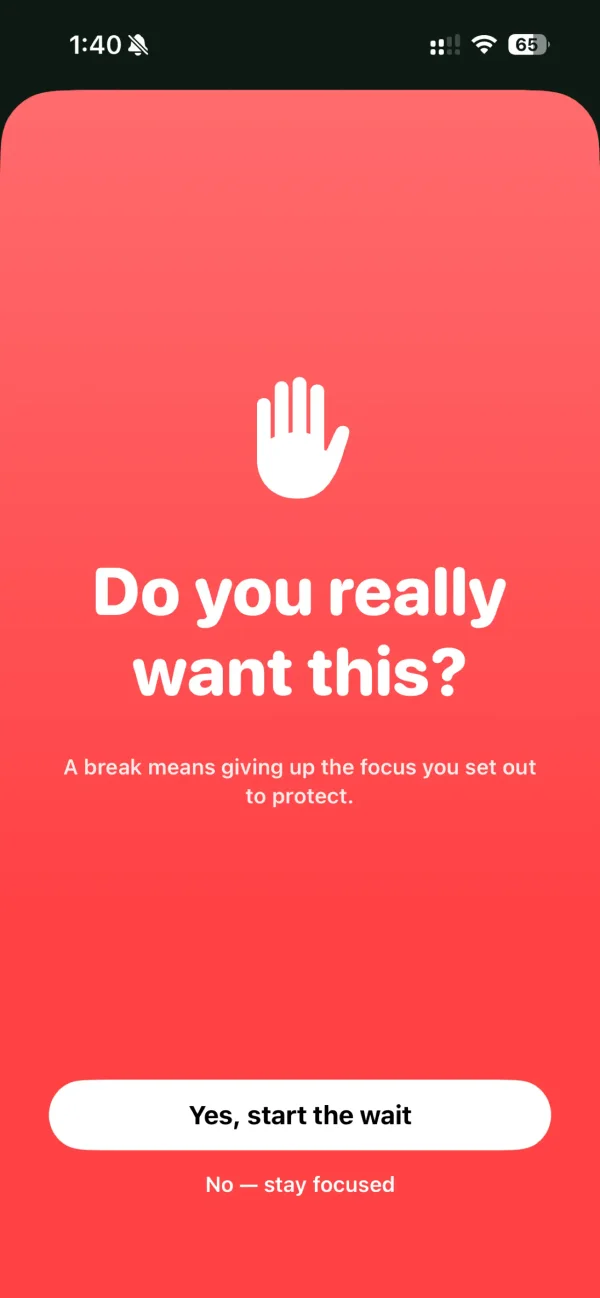
• A blunt "Do you really want this?" before every break.
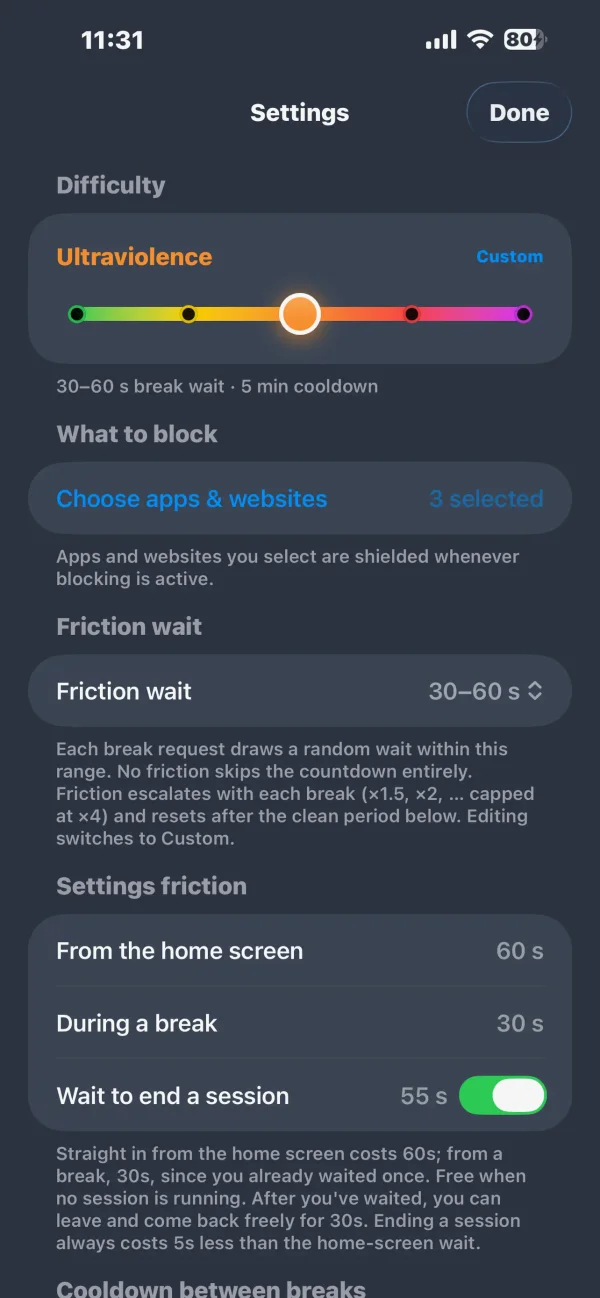
• Difficulty levels from gentle to brutal.
QUICK CHECKS
Sometimes you genuinely need to look at one thing. Tundra gives you a few 30-second checks a day with no wait. They don't count as breaks, so they never make the next wait longer, and you choose how many you get, or turn them off.
PRIVATE BY DESIGN
No account, no sign-in, no servers. Everything stays on your device — we can't see your data because we never collect it. Tundra uses Apple's Screen Time to do the blocking, all on-device.
Focus is a skill. Tundra gives you the friction to practice it.
What’s new
Version 1.3 · Sep 15, 2026
Schedules
Blocking now turns on and off by itself at the times and days you choose. Lock a schedule if you want no way out until it ends.
Quick checks
A few 30-second looks a day with no wait, for when you genuinely need to check one thing. They don't count as breaks, so they never make the next wait longer.
Settings without a break
Change your settings straight from the home screen after a short wait. Coming from a break, the wait is shorter. Once you've waited, you can leave and come back within 30 seconds at no extra cost.
Simpler breaks
One clear "Do you really want this?" instead of typing a reason.
Also
Ending a session now scales with your difficulty, plus smaller fixes.
App privacy
What Louis Osztreicher declares on the App Store about how this app handles data.
-
Data not collected
The developer does not collect any data from this app.
Privacy practices may vary, for example with the features you use or your age.
Information
- Seller
- Louis Osztreicher
- Category
- Productivity
- Version
- 1.3
- Updated
- Sep 15, 2026
- Released
- Aug 14, 2026
- Size
- 2.6 MB
- Requires
- iOS 17.0 or later
- Age rating
- 4+
- Languages
- English
- Copyright
- © 2026 Louis Osztreicher
You might also like
-
 Social Media Blocker - Screen0Doom Scrolling & Stay Focused
-
 App Blocker & Focus: SimbaLock In: Brainrot & ADHD Detox
-
 BlockRot: Screen Time ControlFinish Tasks, Earn Screen Time
-
 Tomo: Your Personal AIBecome your best self
-
 Lucie – Your Personal AIThe Life OS for what matters
-
 Acrobits: VoIP SIP SoftphoneReliable softphone dialer
-
 Notion AgentsChat and search with Notion AI
-
 Screen Time Control - App LockFocus, App Blocker, Limit Apps
-
 MAIA AIProductivity