- Age rating4+
- CategoryMusic
- DeveloperJustin Xin
- LanguagesEnglish+ 18 more
- Size10.8 MB
Links to the official App Store page
Download.org hosts no file of Tunetag Editor. The button opens its official App Store page, published by Justin Xin. Listing last checked on Nov 22, 2026.
Screenshots
About
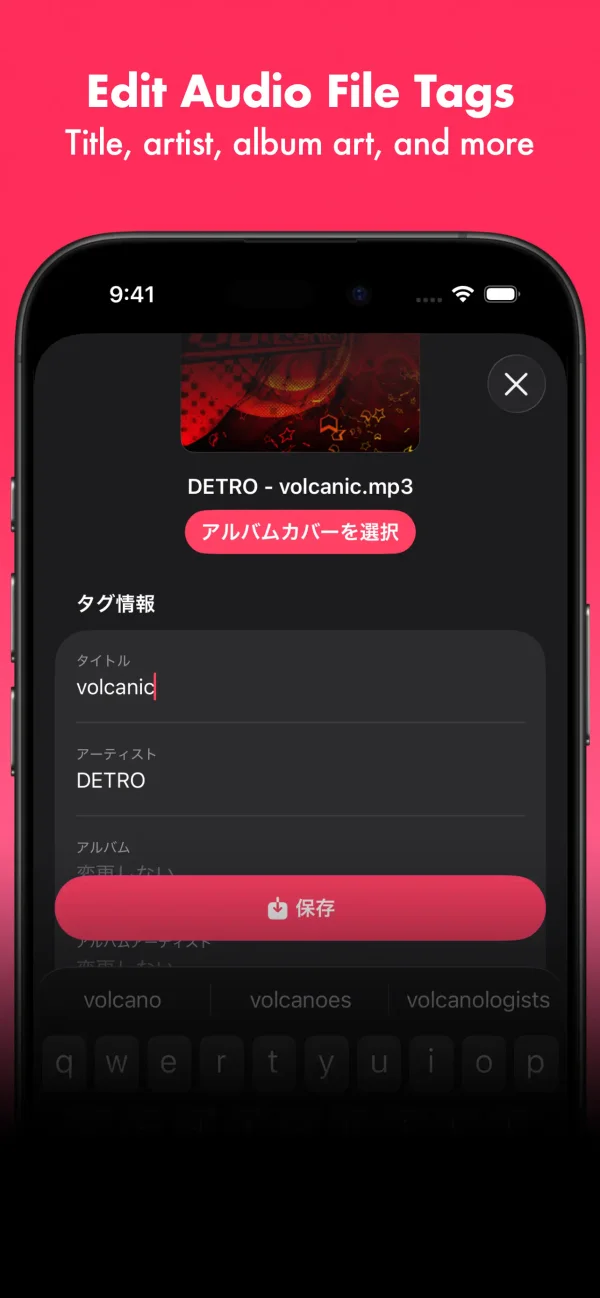
Edit your audio files' tags easily with Tunetag.
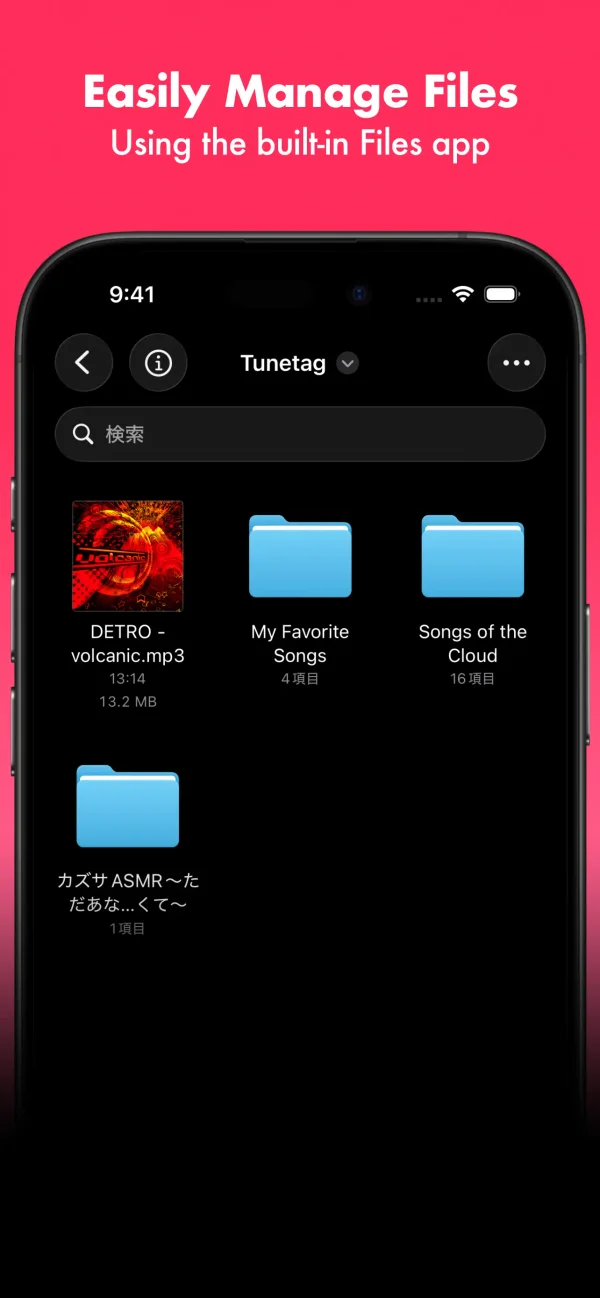
Simply select a file or files to begin.
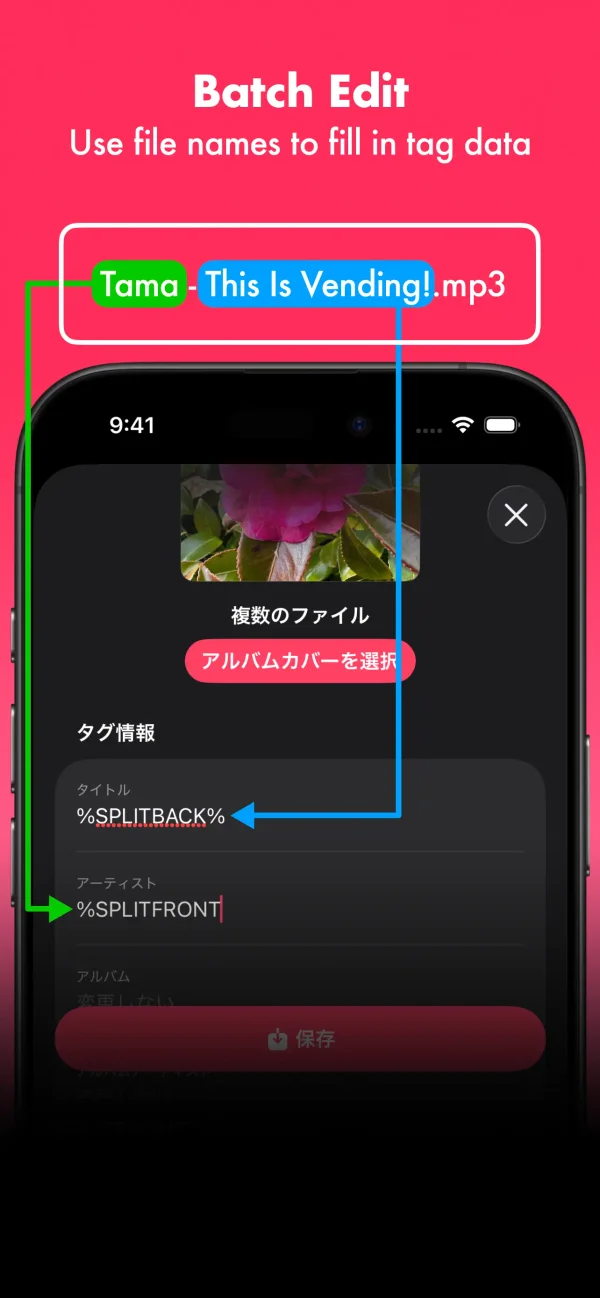
Tunetag supports editing most ID3 tag fields, attaching album art, and also replacement tokens that can use information from a file's file name to fill out tag data.
You can also easily edit multiple files at one go, changing only the fields you want to change.
Note: Editing many files at once, or using large album art images may result in longer save times.
What’s new
Version 3.0 · Oct 30, 2026
Added support for more types of fields.
Added support for online track matching using Shazam, with tag data provided by iTunes and MusicBrainz.
App privacy
What Justin Xin declares on the App Store about how this app handles data.
-
Data not collected
The developer does not collect any data from this app.
Privacy practices may vary, for example with the features you use or your age.
Information
- Seller
- Justin Xin
- Category
- Music
- Version
- 3.0
- Updated
- Oct 30, 2026
- Released
- Sep 13, 2023
- Size
- 10.8 MB
- Requires
- iOS 26.0 or later
- Age rating
- 4+
- Price
- Free
- Languages
- English, Arabic, Dutch, French, German, Hindi, Indonesian, Italian, Japanese, Korean, Malay, Polish + 7 more
- Copyright
- © 2026 Justin Xin
You might also like
-
 Mp3tag - Music Tag EditorMp3 Tag ID3 Audio Tag Mp3tags
-
 MP3 Tag Editor - WaketagAuto-Fill Song Info & Covers
-
 Audio Mp3 Tag EditorMP3 Tag Editor & Audio Tagger
-
 Evertag: Music Tag Editorchange & find missing metadata
-
 Music Info — Song MetadataStats from your library
-
 Percussive SynthThe Jamming Machine
-
 LudyAmp - Offline Music PlayerFLAC & Lossless with NAS & EQ
-
 JewelcaseFile-Focused Music
-
 MusicBox: Offline Music PlayerMP3 Converter & Tag Editor
-
 TimeGear RadioAd-free Radio