
TurboScan™: document scanner
Scan documents and receipts
Designed for iPhone, iPad, iPod touch
Free · In-app purchases
- Age rating4+
- CategoryBusiness
- DeveloperPiksoft Inc.
- LanguagesEnglish+ 9 more
- Size10.7 MB
Links to the official App Store page
Download.org hosts no file of TurboScan™: document scanner. The button opens its official App Store page, published by Piksoft Inc. Listing last checked on Nov 26, 2026.
Screenshots


About
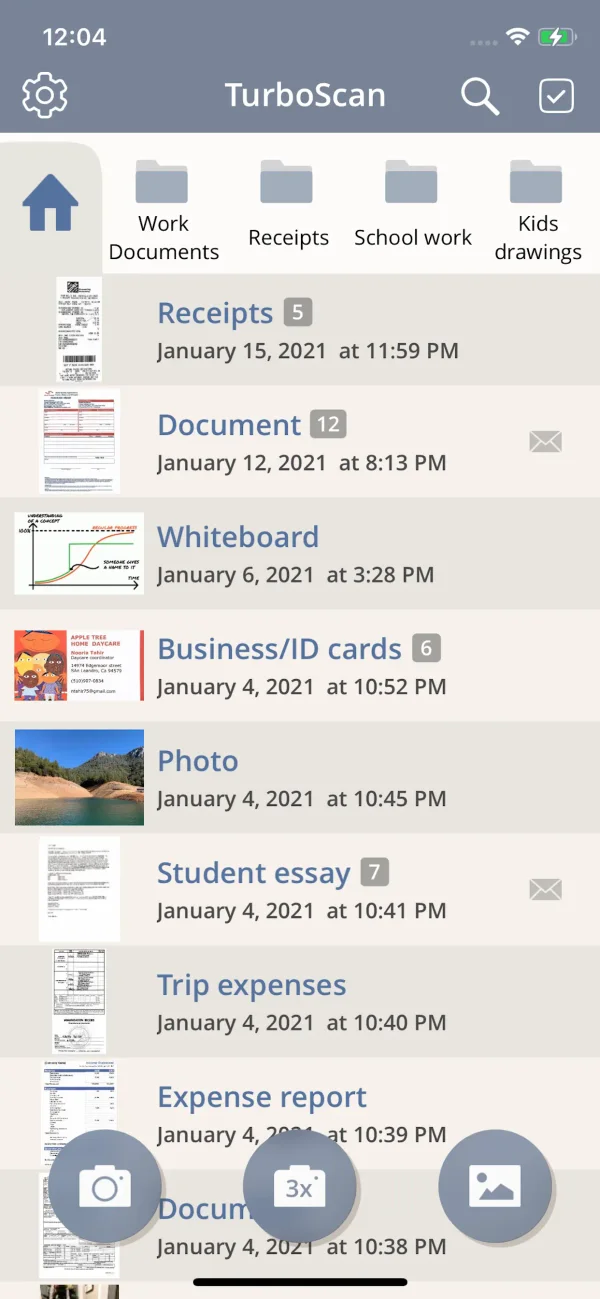
TurboScan turns your iPhone into a full-featured and powerful scanner for documents, receipts, books, photos, whiteboards, and more. You can quickly and accurately scan your multipage documents in high quality PDFs or JPEGs, name, organize and send them anywhere.
• Featured in The NY Times, CNN Money and The Telegraph.
• “Absolutely the best... I've tried other scanner apps and this one is the only way to go. Never going back to the other apps… TurboScan sets the standard for scanning apps.” - User review.
• “…Would recommend this flawless and incredibly useful and perfectly executed app” - User review.
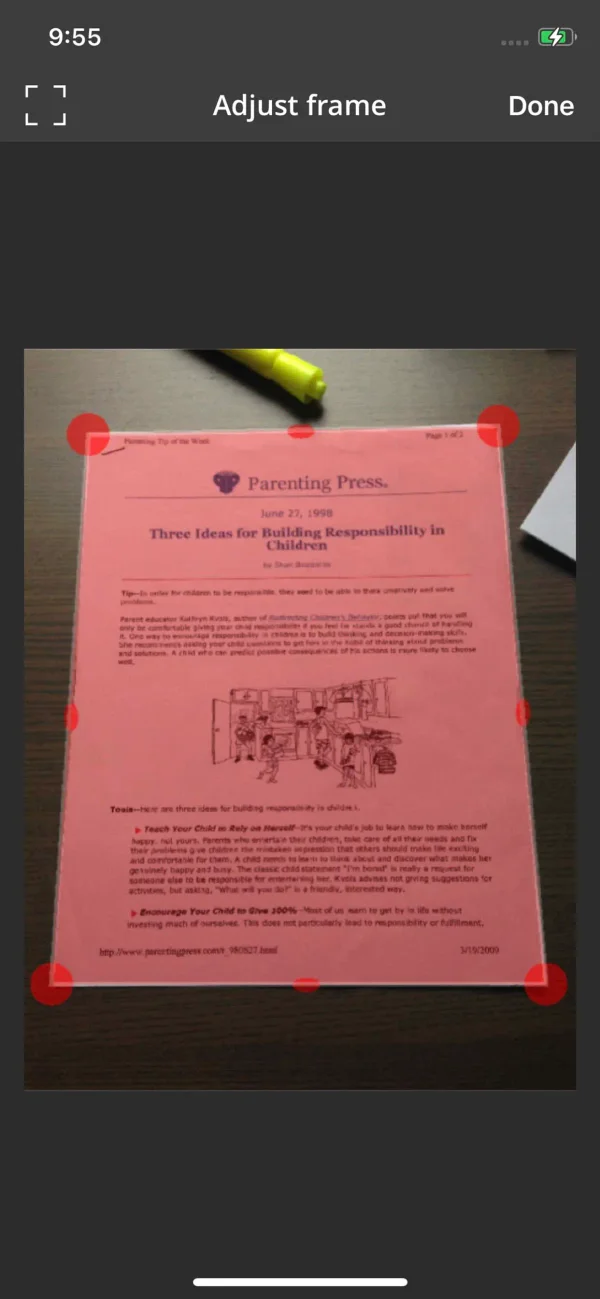
TurboScan uses advanced and fast algorithms to accurately detect document edges, straighten them (correct perspective), eliminate shadows and set a perfect contrast for black on white text. Color and photo modes are also available.
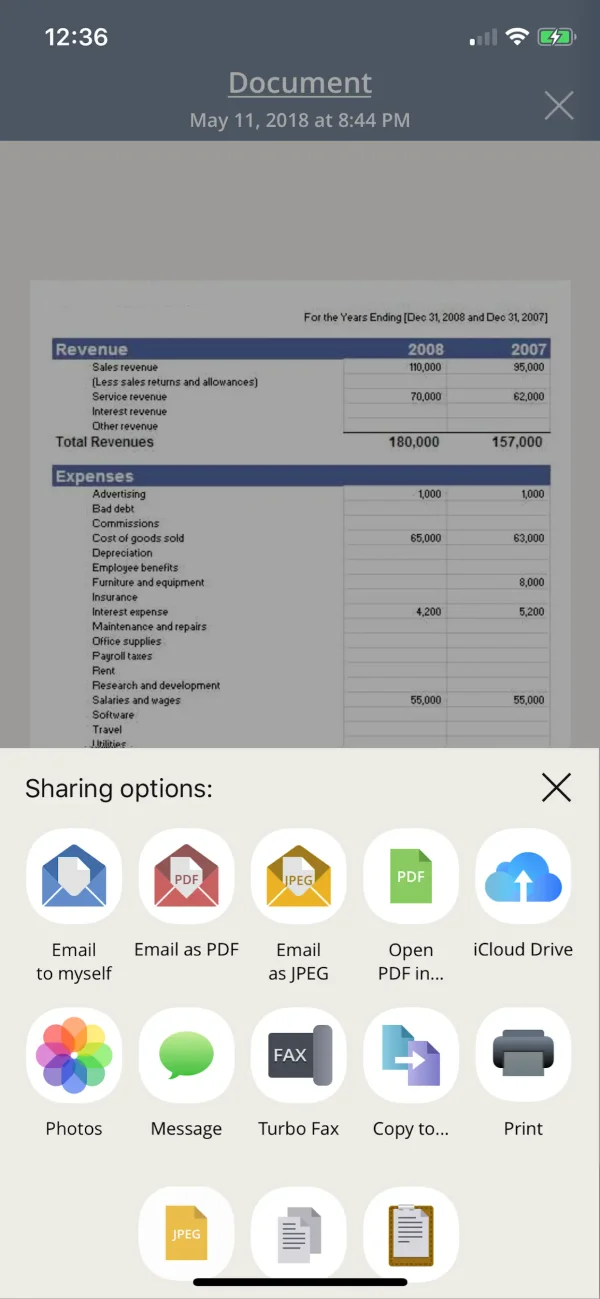
TurboScan boasts a powerful yet easy to use interface. Our handy "Email to myself" feature lets you quickly send documents with one tap.
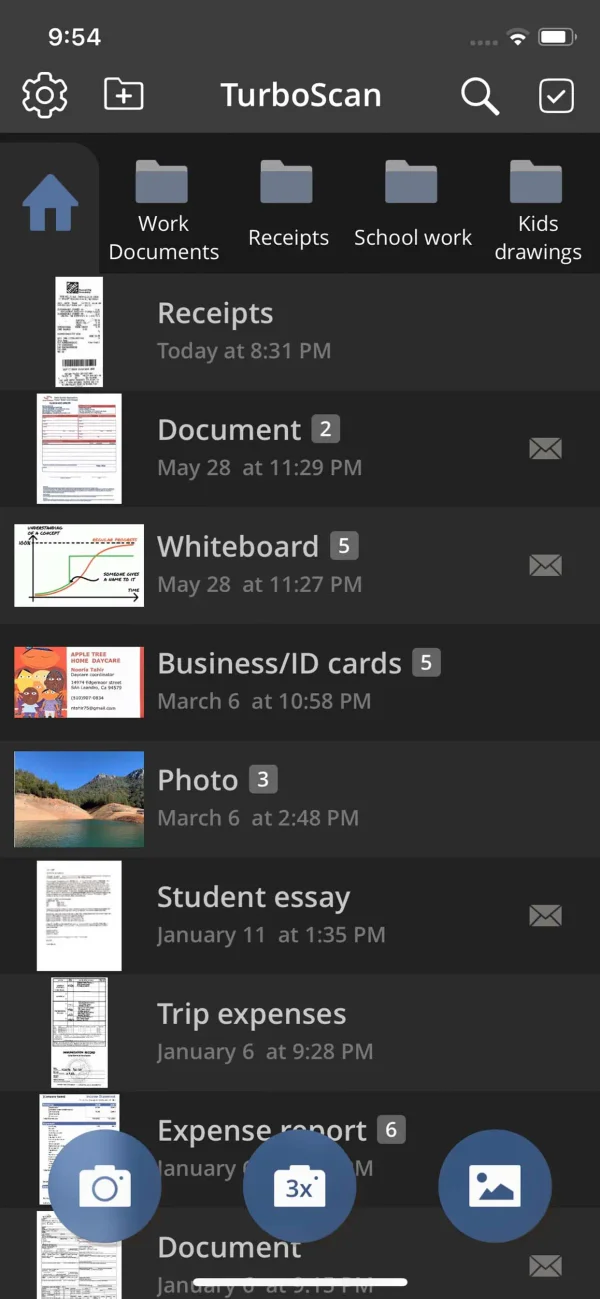
TurboScan also offers SureScan, our proprietary scanning mode for sharper scans (especially useful in low-light conditions.) SureScan automatically takes three pictures of the same document, giving you a guaranteed perfect result every time.
We do not collect any data from TurboScan and all scanning happens on your iPhone. The confidentiality of your data is never compromised.
TURBOSCAN FEATURES:
• Automatic document detection and capture with perspective correction
• Features SureScan for the sharpest scans
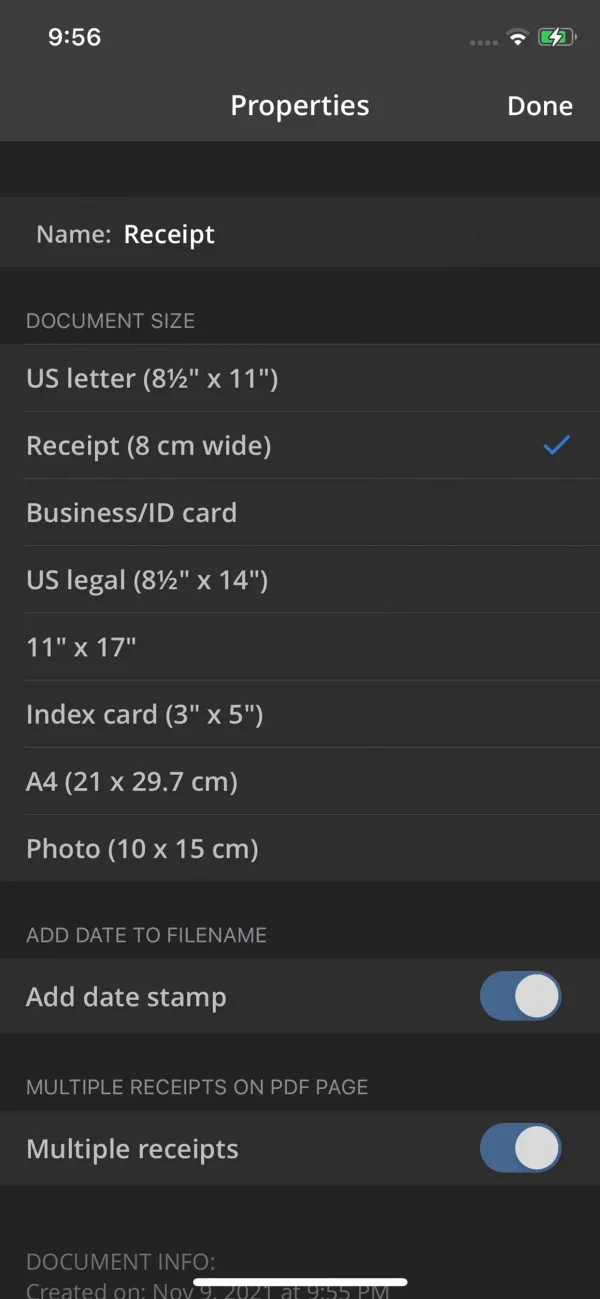
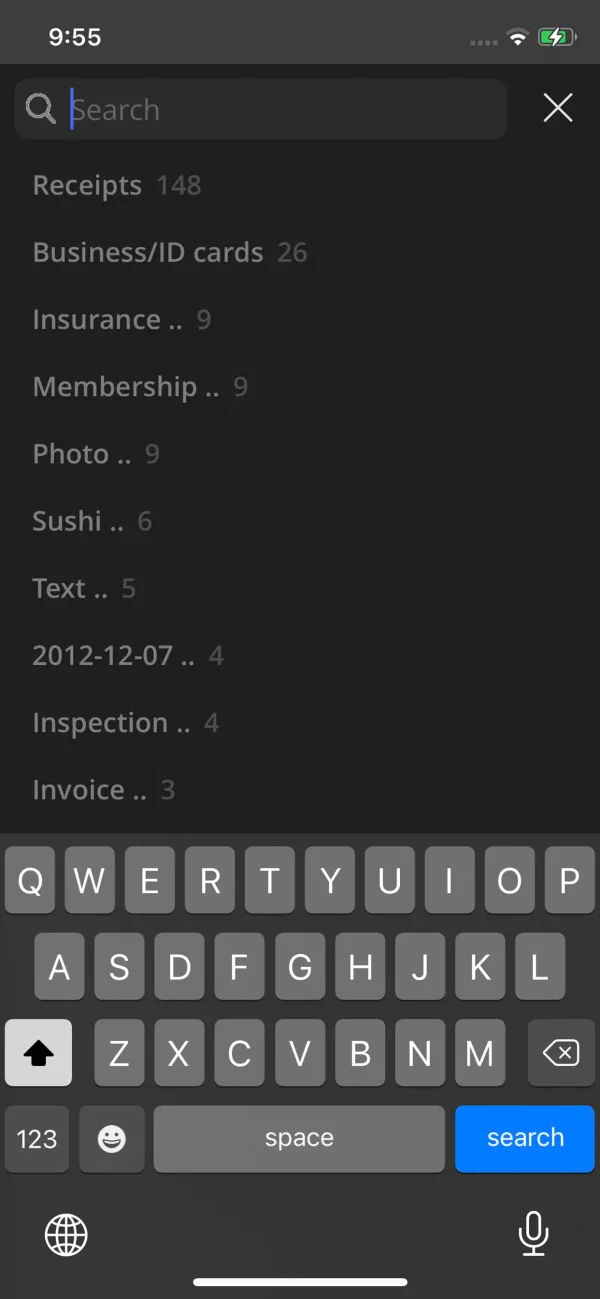
• Document naming, folder organization and smart search
• “Email to myself” feature for quick, regular emails
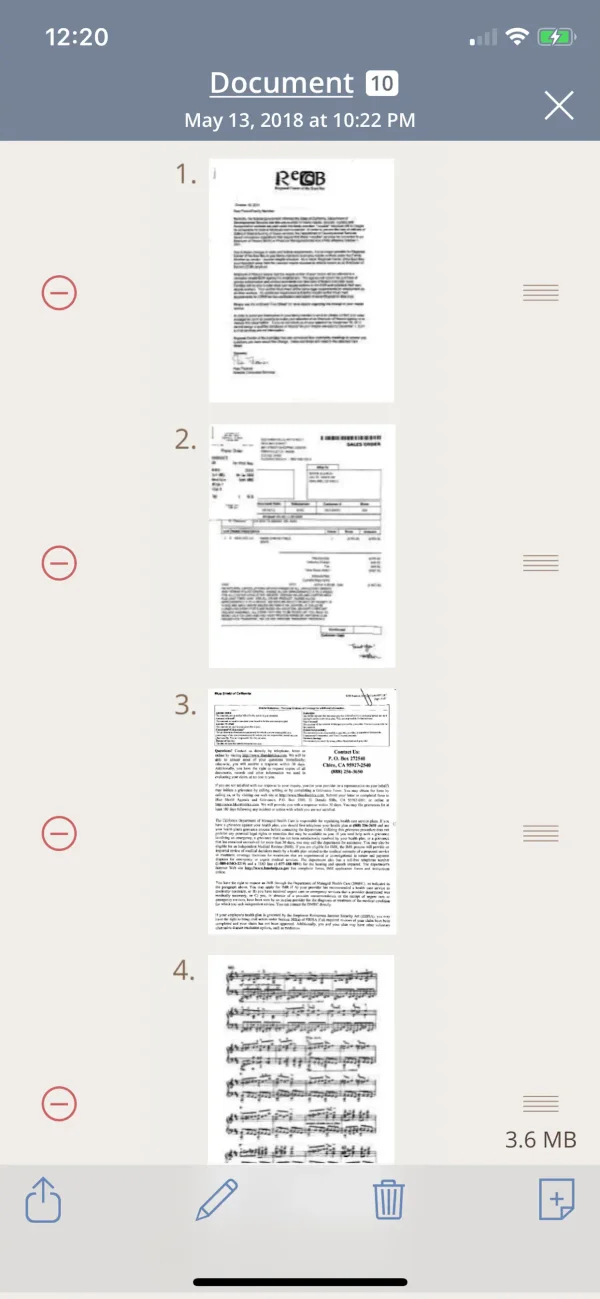
• Add and reorder pages at any time
• Arrange multiple receipts or cards on a single PDF page for printing, easy viewing, etc.
• Send faxes using our Turbo Fax app
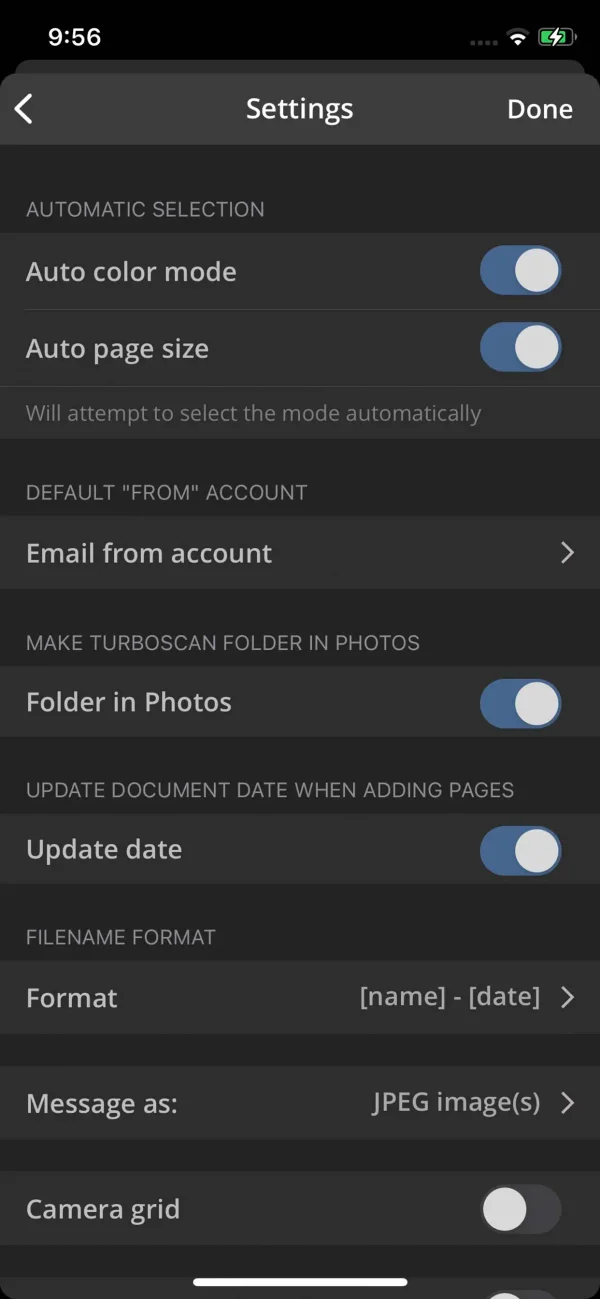
• Easily email & message documents or separate pages as PDF & JPEG
• Save documents or pages to Photos
• Face/Touch ID & passcode lock for increased security
• Upload, auto-upload or backup documents to iCloud Drive
• Open PDFs or JPEGs in Google Drive and other PDF cloud apps
• Combine scans via Merge or copy & paste separate pages
• Conveniently AirDrop documents to your Mac and other devices
• Print documents via AirPrint
• Ultra-fast scanning (under 3 seconds per page)
• Features VoiceOver for visually impaired users
• We do not collect any user data in TurboScan
TIPS ON SCANNING
• Make sure your document is flat.
• Use flash in low light conditions, but avoid glare with glossy documents.
We support Ukraine.
We're constantly improving TurboScan, and we value our customers' opinions and feedback. Please email us at support@turboscanapp.com with any questions or suggestions. Thank you!
What’s new
Version 3.4.3 · Nov 24, 2026
• Shoot with the volume buttons
• Compatibility with iPhone Duo
• Smaller fixes and improvements
App privacy
What Piksoft Inc. declares on the App Store about how this app handles data.
-
Data not collected
The developer does not collect any data from this app.
Privacy practices may vary, for example with the features you use or your age.
Information
- Seller
- Piksoft Inc.
- Category
- Business
- Version
- 3.4.3
- Updated
- Nov 24, 2026
- Released
- Jul 23, 2015
- Size
- 10.7 MB
- Requires
- iOS 13.0 or later
- Age rating
- 4+
- Price
- Free
- In-app purchases
- Yes
- Languages
- English, French, German, Italian, Japanese, Portuguese, Russian, Simplified Chinese, Spanish, Ukrainian
- Copyright
- © Copyright 2026 Piksoft Inc.
You might also like
-
 Rocketbook AppBusiness
-
 Off The Record: Ticket LawyerFight Your Traffic Tickets
-
 Basecamp - Project ManagementProject & Team Communication
-
 My CenturyLinkProductivity
-
 Google CloudProductivity
-
 Elan Credit CardFinance
-
 Unroll.Me - Email CleanupClean your inbox & block spam
-
 ASUS RouterManage, Secure, Boost Wi-Fi
-
 Notepad - Simple Notes & MemoOpen Fast to Jot Notes & Lists
-
 Square Appointments: SchedulerBook, Schedule, Get Payments