- Age rating4+
- CategoryBusiness
- DeveloperTurn Connect Inc
- LanguagesEnglish
- Size115.5 MB
Links to the official App Store page
Download.org hosts no file of Turn Connect. The button opens its official App Store page, published by Turn Connect Inc. Listing last checked on Nov 27, 2026.
Screenshots


About
Turn Connect runs the work in your shop, from the moment a car arrives to the invoice and the payroll report. It is built for owners, managers and technicians at dealerships, reconditioning centers, detail shops and paintless dent repair (PDR) shops.
SEE YOUR SHOP AT A GLANCE
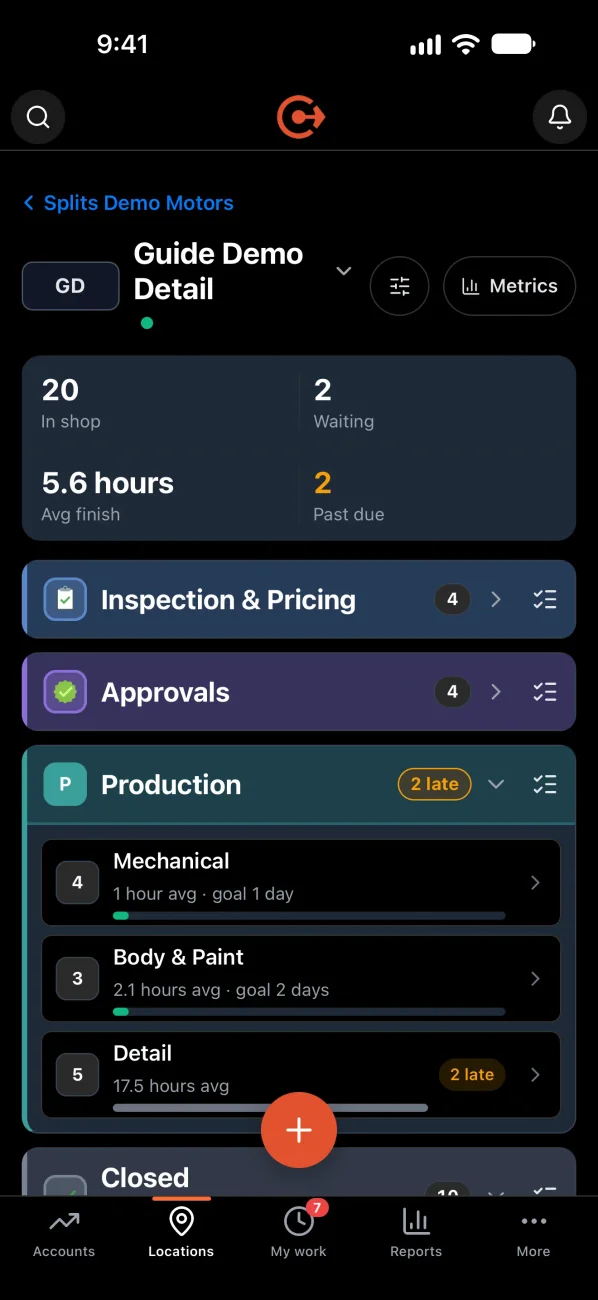
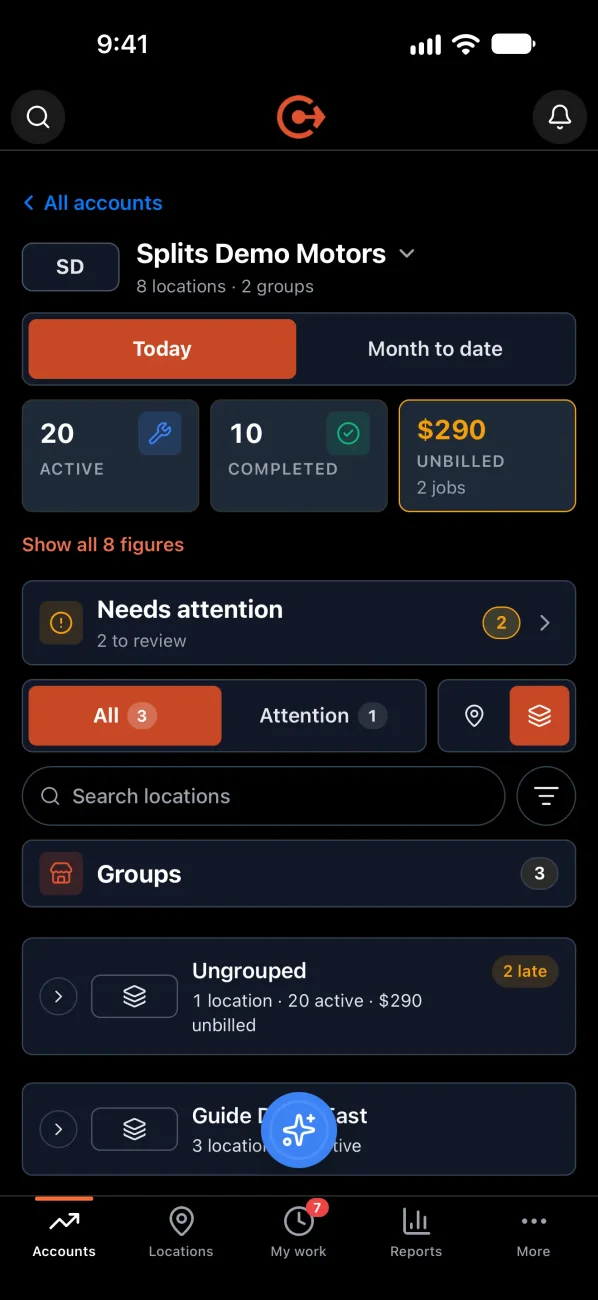
- Location dashboard: how many cars are in each department, how many are late and what is ready to invoice. It updates as your team works.
- Executive dashboard: every location side by side, or by group, with cars in work, cars received, cycle time, hours per tech, approvals waiting, revenue, average ticket and unbilled work. Locations that need attention are flagged.
- Past-due work: tap a late count to open exactly those cars and see why each one is late, for example "13 d in Photography (target 5 d)".
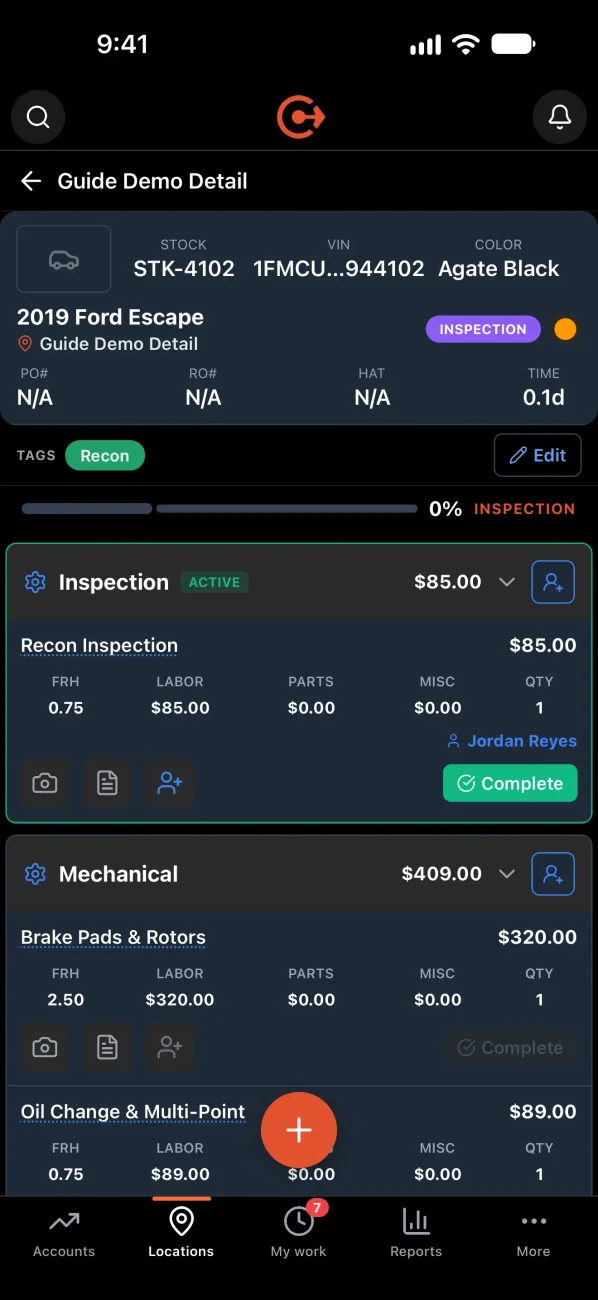
WORK ORDERS AND VEHICLE FLOW
- Create a work order in a few taps. Scan the VIN barcode or the printed VIN with the camera, or pick the car from your lot inventory.
- Add photos, services and notes, and @mention a teammate.
- Move each car to the next department and assign the work.
- Split a service 50/50 between two technicians.
- Keep a customer list and see every job and invoice for each customer.
PDR ESTIMATES
- Count the dents panel by panel, on a picture of the car or a panel list.
- The price chart for whoever pays (insurer, customer or fleet) prices each panel, including extra charges such as aluminum or oversized dents.
- Add photos to each panel, then put the estimate on the work order, one line per panel, ready for approval and invoicing.
- The phone uses the same prices as the office, so the total you quote next to the car matches.
- Bad signal in the lot? Keep the estimate open and your changes save when you are back online.
APPROVALS
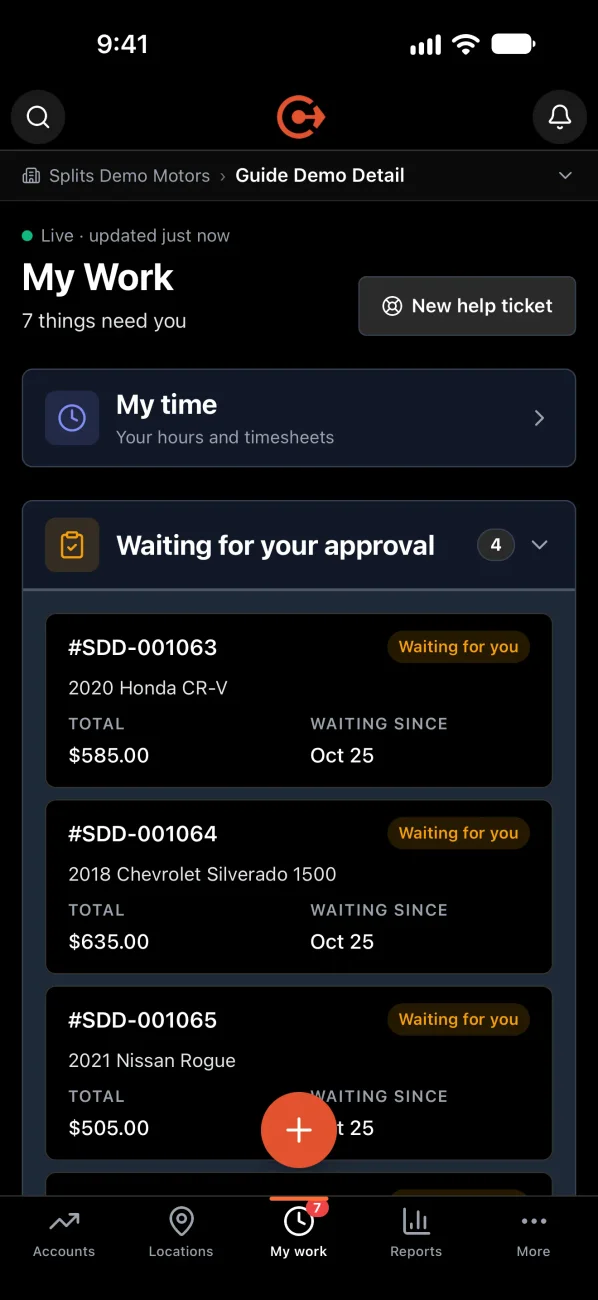
- Send work for approval, then approve or decline it from the approval queue, one job or several at once.
INVOICING AND ACCOUNTING SYNC
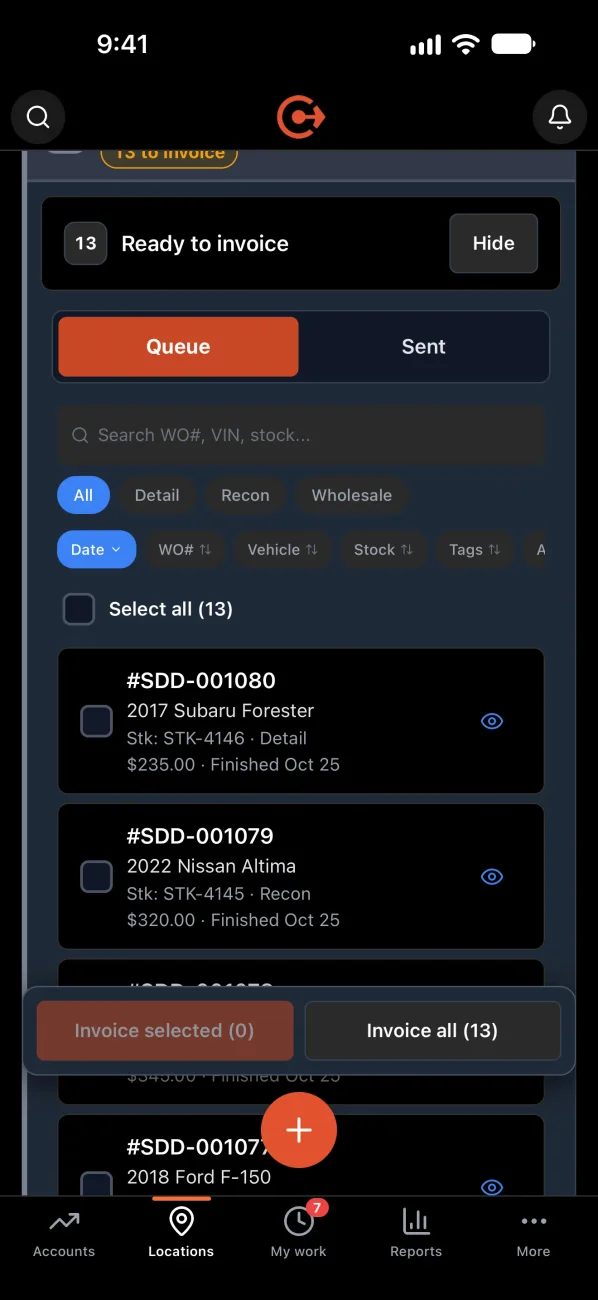
- Invoice selected work orders, or everything that is ready, in one go, and see whether each invoice email was delivered.
- Correct a closed work order with a credit memo instead of reopening it.
- Connect QuickBooks Online or Oracle NetSuite. Invoices and credit memos go to your accounting system, and payments recorded there come back and mark invoices paid or partly paid.
- Run a dry run first to check nothing is missing.
PARTNER JOBS AND DEALER FEEDS
- Dealerships can send jobs straight into your shop through a connected partner system, such as a recon hub or the dealership's DMS. Each job arrives as a normal work order, at your prices.
- A dealership's DMS can send its lot inventory to Turn Connect every night, so writers pick the car instead of typing the VIN.
TIME CLOCK AND TIMESHEETS
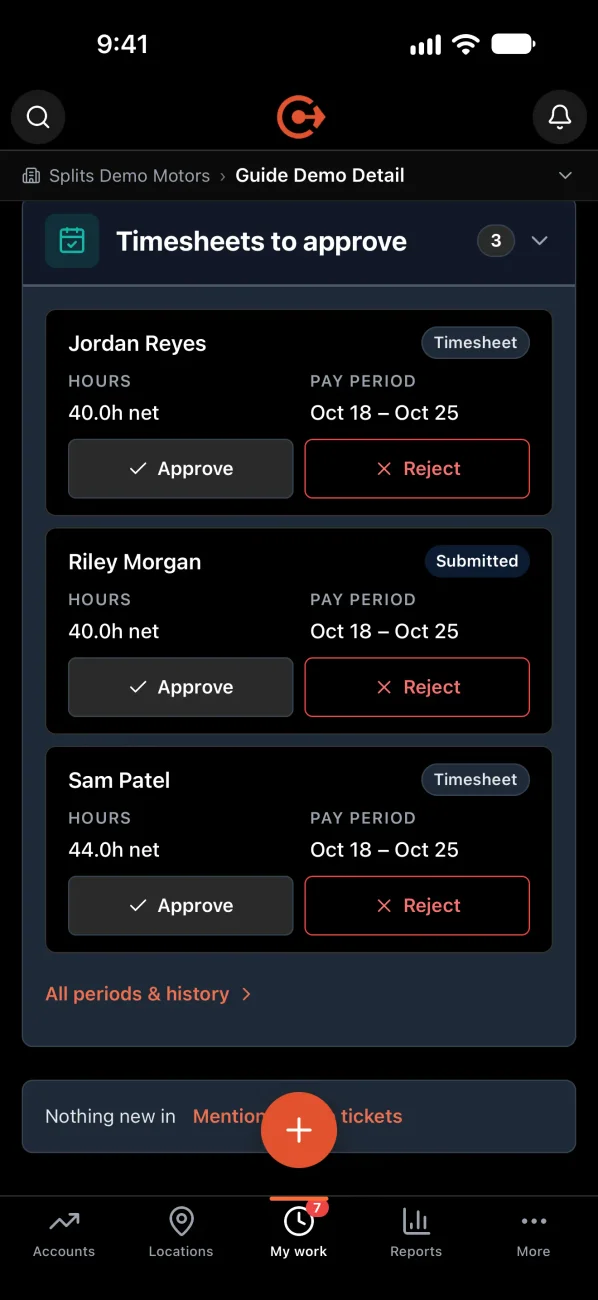
- Check in and out, take breaks and submit your timesheet from your phone.
- If your shop turns on geofencing, check-in uses your phone's location to confirm you are at the store.
- A punch made without signal is kept and sent when you are back online.
- Managers approve timesheets and time corrections for every location they look after.
REPORTS AND AI ASSISTANT
- Invoice, payroll, production, performance, time clock and audit reports, for one location or the whole account.
- Ask the AI Assistant questions in plain words, such as "How many work orders did we close last week?", and get the same numbers your reports show. For roles that include AI chat.
MADE FOR THE PHONE
- My Work puts what is waiting on you in one place: your work orders, approvals, timesheets, mentions and help tickets.
- Push notifications for the events you choose.
- Light or dark look, or match your phone.
- Sign in with your password or a one-time code.
SET UP ON THE WEB
Shop setup happens on the Turn Connect website: PDR price charts, accounting and partner connections, who receives invoices, pay rules and payroll export, importing users, locations and services, and exporting reports to CSV or Excel.
Requires a Turn Connect subscription. Visit turn-connect.com for pricing.
What’s new
Version 1.1.20 · Nov 26, 2026
- Approvals: each line has an Approved / Declined switch, so it's clear what will be billed
- Approvals: the list starts folded, with smaller rows and an Open button for each job
- PDR: tapping the car picks the panel under your finger
- Performance report: each day shows its own figures, and Invoiced is now Completed $
- Long department names wrap instead of being cut off
- Fixes and speed improvements
App privacy
What Turn Connect Inc declares on the App Store about how this app handles data.
-
Data linked to you
May be collected and linked to your identity.
- Location
- Contacts
Privacy practices may vary, for example with the features you use or your age.
Information
- Seller
- TURN-CONNECT Inc.
- Category
- Business
- Version
- 1.1.20
- Updated
- Nov 26, 2026
- Released
- Jan 16, 2026
- Size
- 115.5 MB
- Requires
- iOS 17.0 or later
- Age rating
- 4+
- Price
- Free
- Languages
- English
- Copyright
- © 2026 Turn Connect LLC