- Age rating4+
- CategoryProductivity
- DeveloperMarta Gomez Colmenarejo
- LanguagesEnglish+ 8 more
- Size5.2 MB
Links to the official App Store page
Download.org hosts no file of Turnos_mgc. The button opens its official App Store page, published by Marta Gomez Colmenarejo. Listing last checked on Nov 25, 2026.
Screenshots


About
Turnos turns your shift roster into events in your own calendar. Nothing is locked inside the app: what you enter here also shows up in the Calendar app, on your iPad, on your Mac and anywhere else you check the calendar you already use.
NEW: CONTEXT FOR EVERY SHIFT
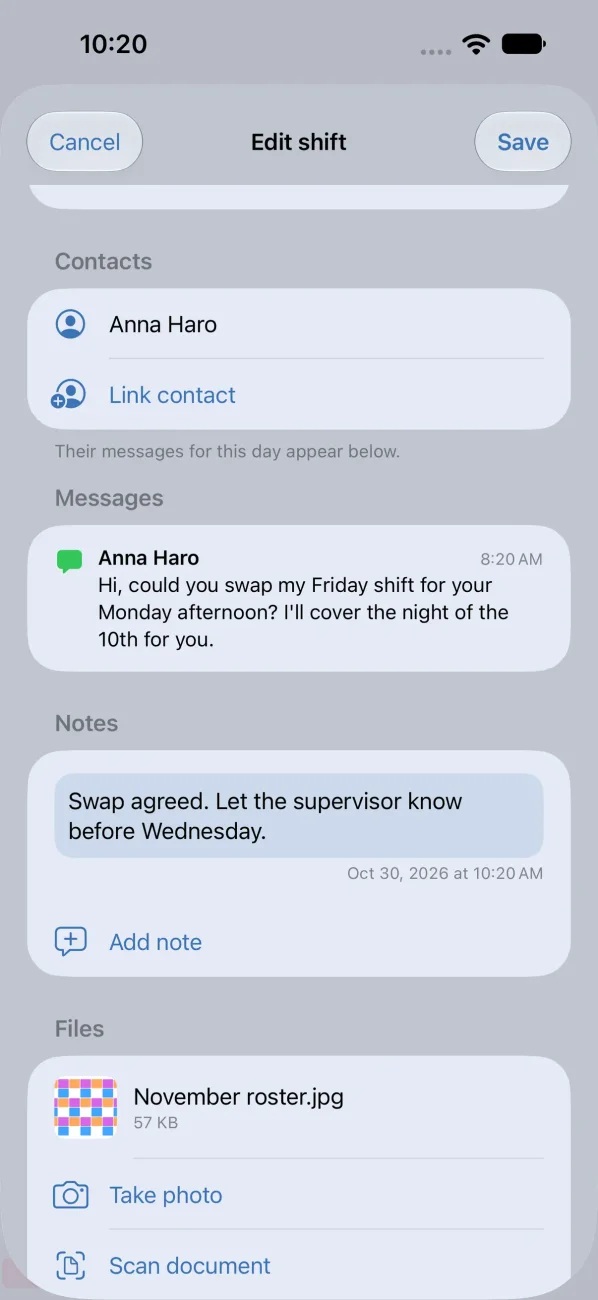
• Co-workers: link contacts to a shift and keep handy who you're working with or who you swapped it with.
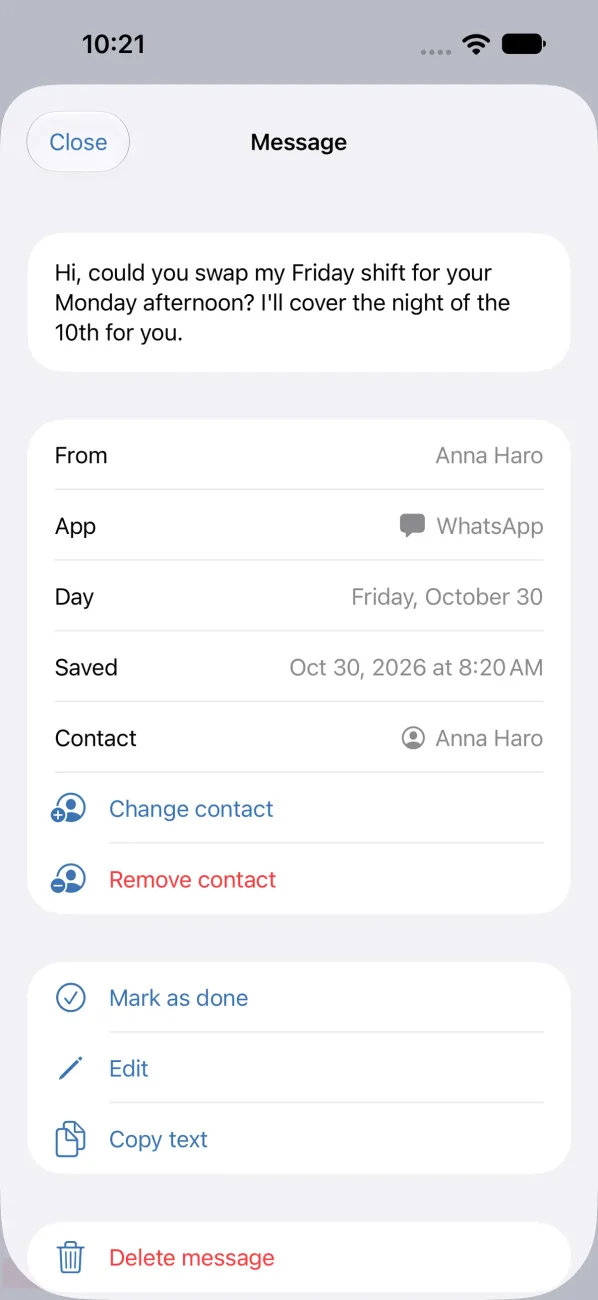
• Messages: from WhatsApp, Messages, Telegram or Mail, share a message with Turnos and assign it to a contact. It will show up on that day's shifts linked to them (iPhone and iPad).
• Notes and files: add notes, photos, scanned documents and any file to each shift. The camera straightens and crops the photo automatically.
BUILT FOR ROTATING SHIFTS
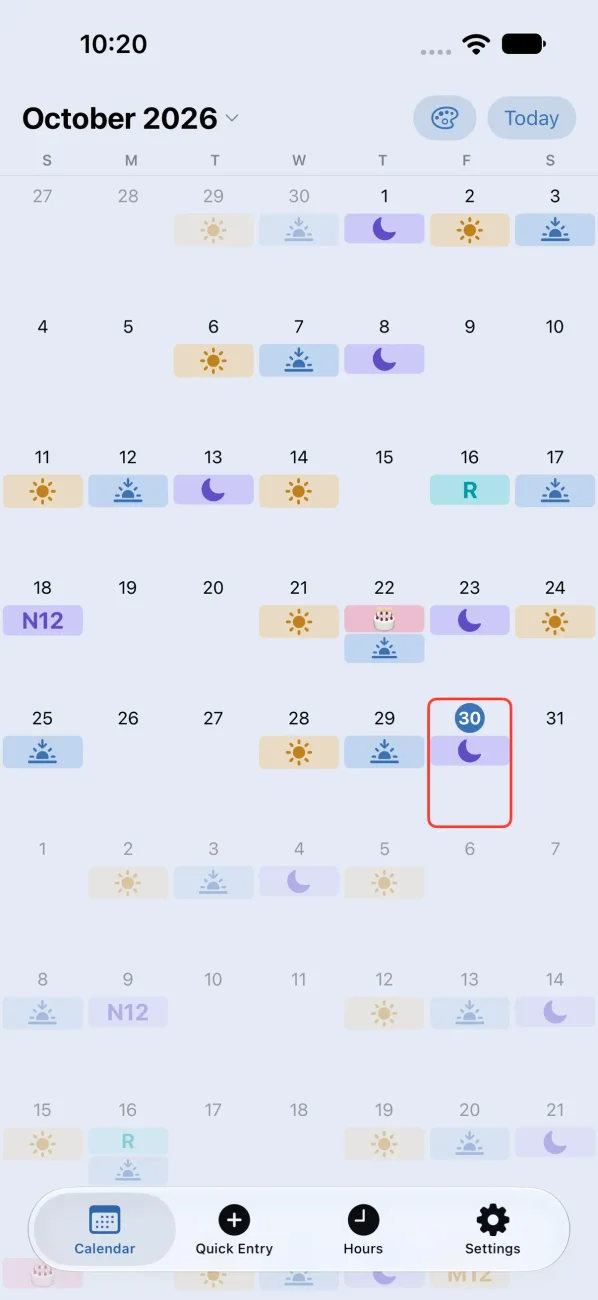
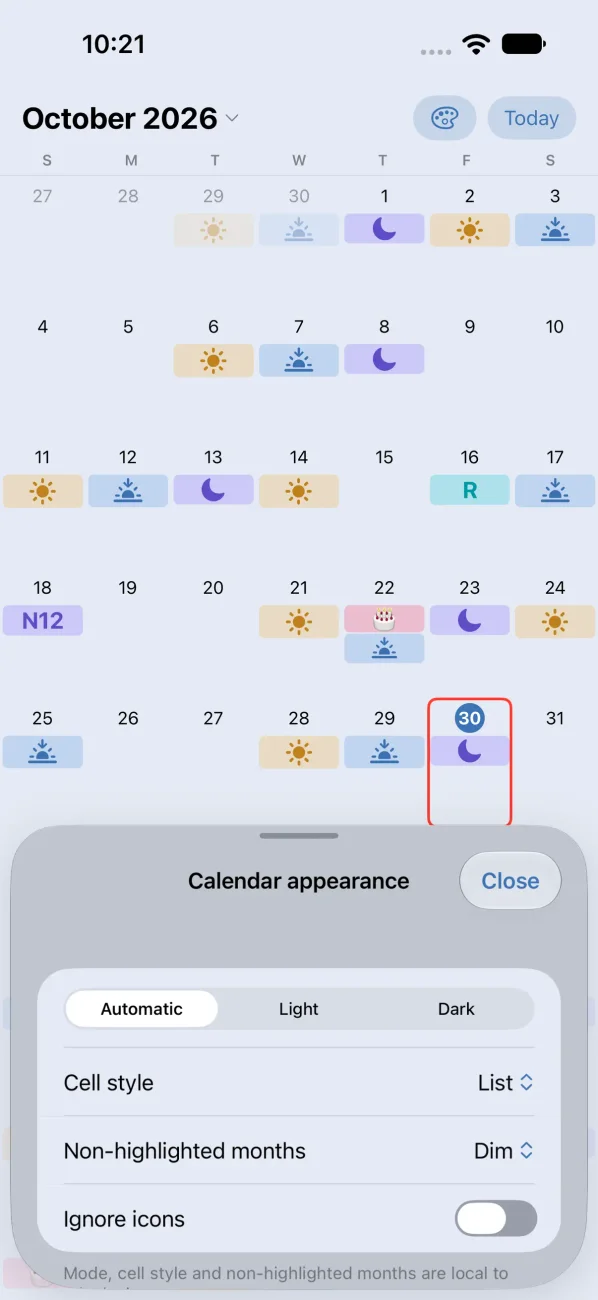
• Define your shifts once, with their hours, color, icon and the time they count towards.
• Roles and variations: add a letter to a shift (“Ms”, “iT”) without creating new shift types.
• On-call duties: they count their fixed hours and, when activated, the shift's hours plus the extra ones.
FILL IN A MONTH IN NO TIME
• Quick entry: pick the day, tap the shift, and the app moves to the next day by itself.
• Patterns: define your cycle (say M, M, A, A, N and two days off) and apply it to the end of the month or for as many cycles as you want, with a preview first.
• Roster import: if yours arrives as Excel or PDF, the app reads it, finds your row and places each shift on its day. Codes only need matching the first time.
KEEP TRACK OF YOUR HOURS
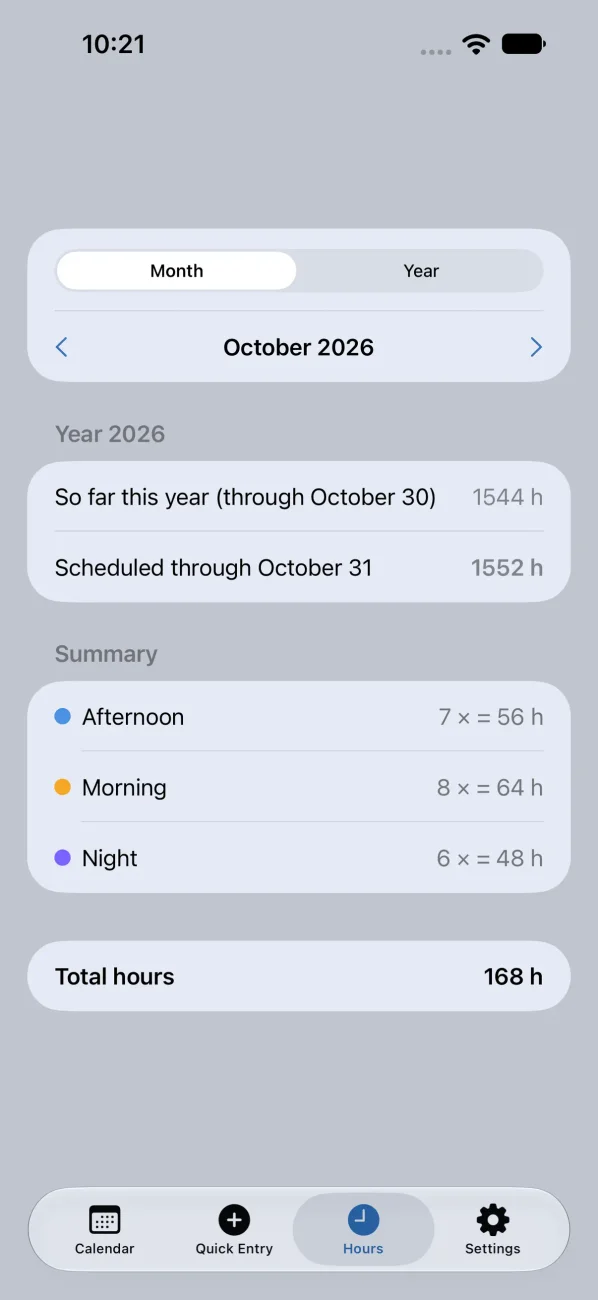
• Totals by month or by year, broken down by shift and respecting on-call rules.
• While looking at a month you also see the year to date: hours worked and hours scheduled.
• Every shift can alert you as far ahead as you like.
MAKE IT YOURS
• Theme color, with the option of a different one in dark mode.
• Cell style, contrast, grid lines and a frame around today, all adjustable while watching the calendar change.
• On iPad and Mac, the calendar and the day's detail side by side.
YOURS AND NOBODY ELSE'S
The app collects no data. No accounts, no servers, no analytics, no ads. Your shifts live in your calendar; your settings, messages, notes and files on your device and in your own iCloud.
Includes a demo mode so you can try it with sample data without touching your real calendar.
What’s new
Version 1.1 · Oct 30, 2026
• Co-workers on every shift: link contacts to your shifts.
• Save messages from WhatsApp and other apps with “Share” and assign them to a contact: they show up on that day's shifts linked to them (iPhone and iPad).
• Notes and files on every shift: notes, photos with automatic straightening and cropping, scanned documents and any file.
• Everything syncs across your devices through your own iCloud.
• Now also available in Spanish, French, German, Italian, Portuguese, Dutch, Chinese and Japanese.
App privacy
What Marta Gomez Colmenarejo declares on the App Store about how this app handles data.
-
Data not collected
The developer does not collect any data from this app.
Privacy practices may vary, for example with the features you use or your age.
Information
- Seller
- Marta Gomez Colmenarejo
- Category
- Productivity
- Version
- 1.1
- Updated
- Oct 30, 2026
- Released
- Oct 14, 2026
- Size
- 5.2 MB
- Requires
- iOS 17.0 or later
- Age rating
- 4+
- Price
- Free
- Languages
- English, Dutch, French, German, Italian, Japanese, Portuguese, Simplified Chinese, Spanish
- Copyright
- © 2026 Marta Gómez
You might also like
-
 Ponto.Productivity
-
 カレンダー by Hana-LabProductivity
-
 当直表作成 by Hana-LabProductivity
-
 RotaDaysShift Calendar, Weather, Alarm
-
 Shift Schedule & RosterNo full-screen ads · Free
-
 Ronda: Calendario de TurnosProductivity
-
 Nafty ナースのシフト管理Productivity
-
 Ex Voice - Gravação de ReuniãoProductivity
-
 Countdown: Goal TrackerTrack goals, count down days
-
 シフカレProductivity