
- Age rating4+
- CategoryEducation
- DeveloperKrissam Tapa
- LanguagesEnglish
- Size30.8 MB
Links to the official App Store page
Download.org hosts no file of Tutor Worksheets. The button opens its official App Store page, published by Krissam Tapa. Listing last checked on Nov 20, 2026.
Screenshots

About
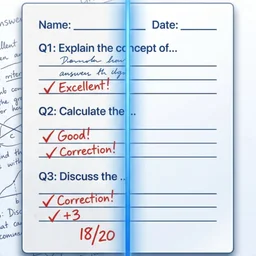
Bring your worksheets, let students work on the page, and get help with checking. Tutor Worksheets connects preparation, practice and review for parents, teachers and tutors.
AI CHECKING, WITH YOU IN CONTROL
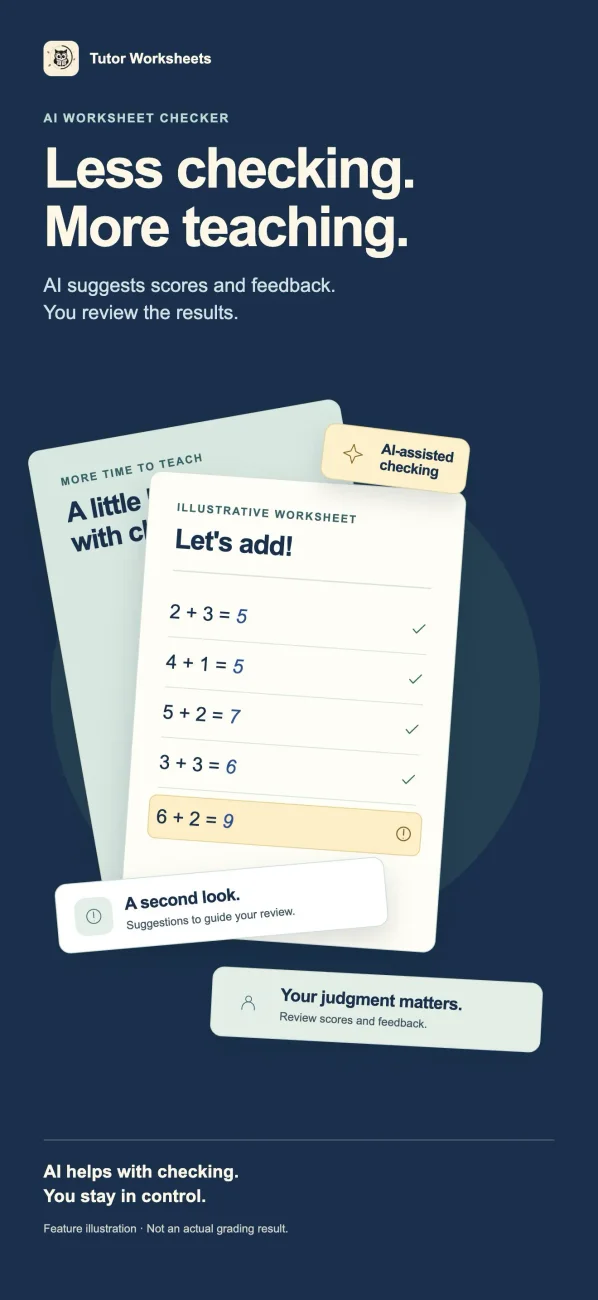
Optional AI-assisted checking suggests scores and feedback on submitted work. Choose adult approval to review and correct suggestions before students see results, or review work manually. AI can make mistakes; your judgment matters.
BRING YOUR OWN WORKSHEETS
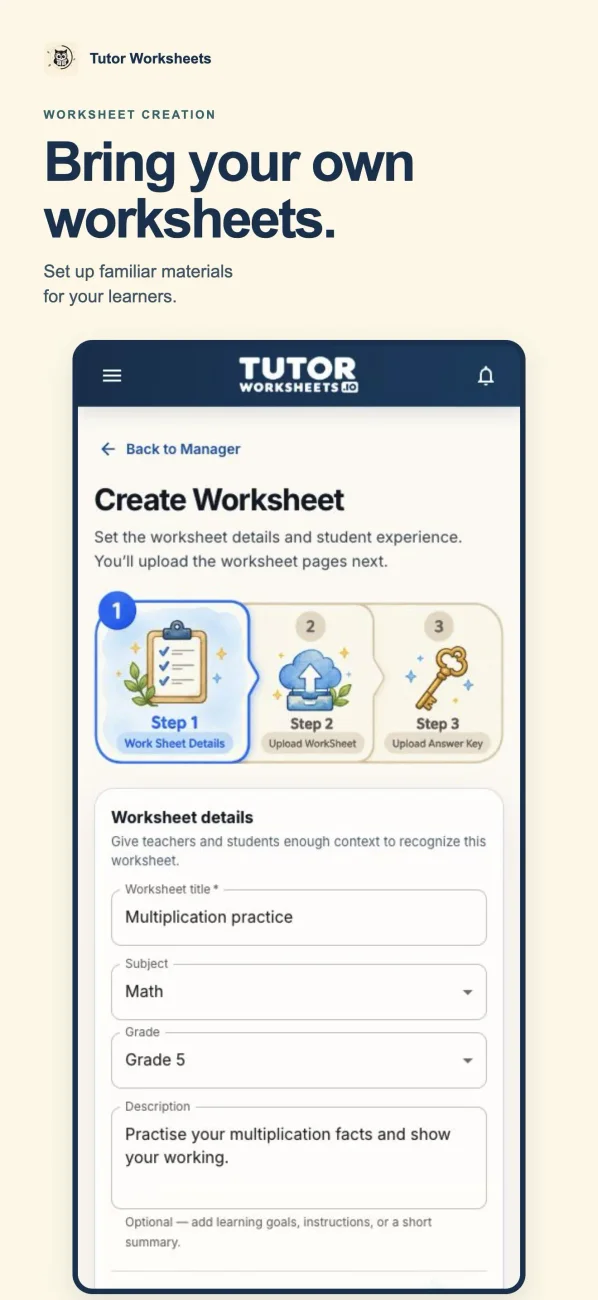
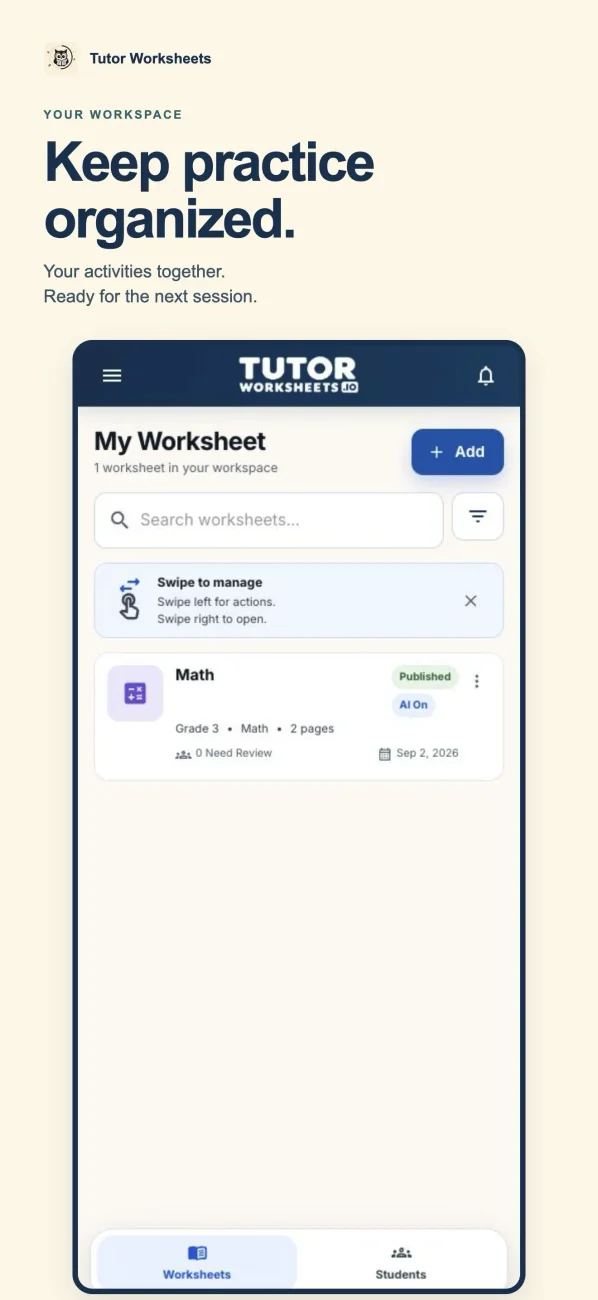
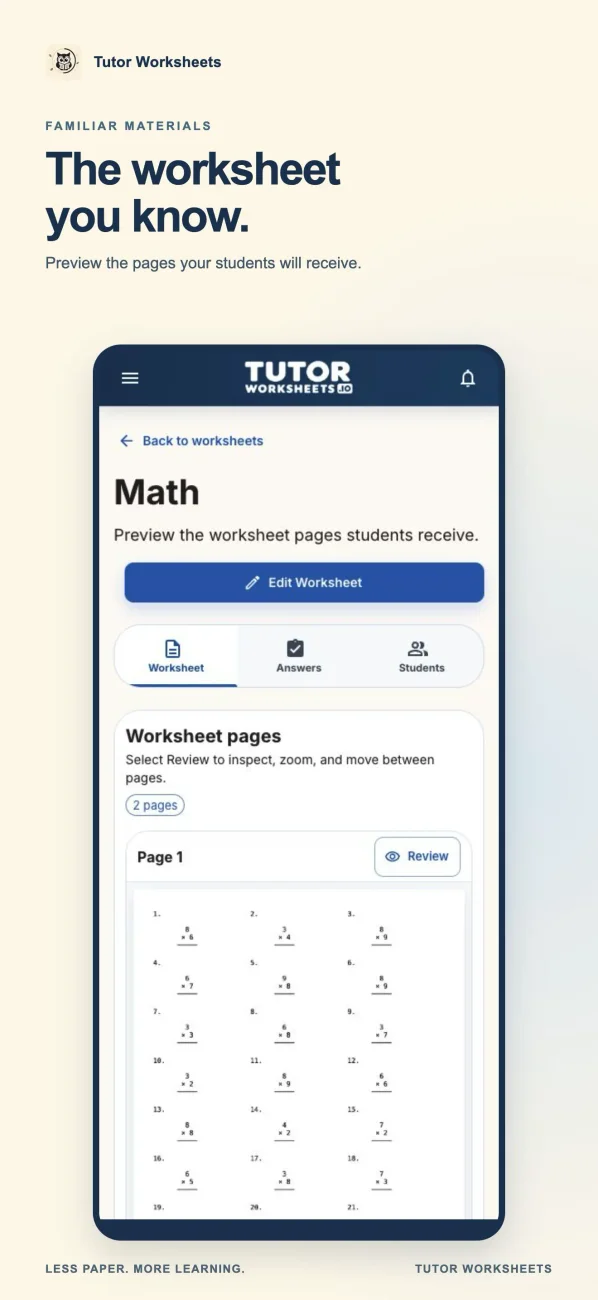
Upload worksheet PDFs or images, add a title and instructions, and assign practice to your students. Keep familiar learning materials in a digital workspace instead of juggling printouts.
CREATE WITH AI FROM PHOTOS
Use reference photos and optional instructions to generate a worksheet. Review the generated page before assigning it. This is photo-guided creation, so start with images of your topic or example material.
A FAMILIAR WORKSHEET EXPERIENCE
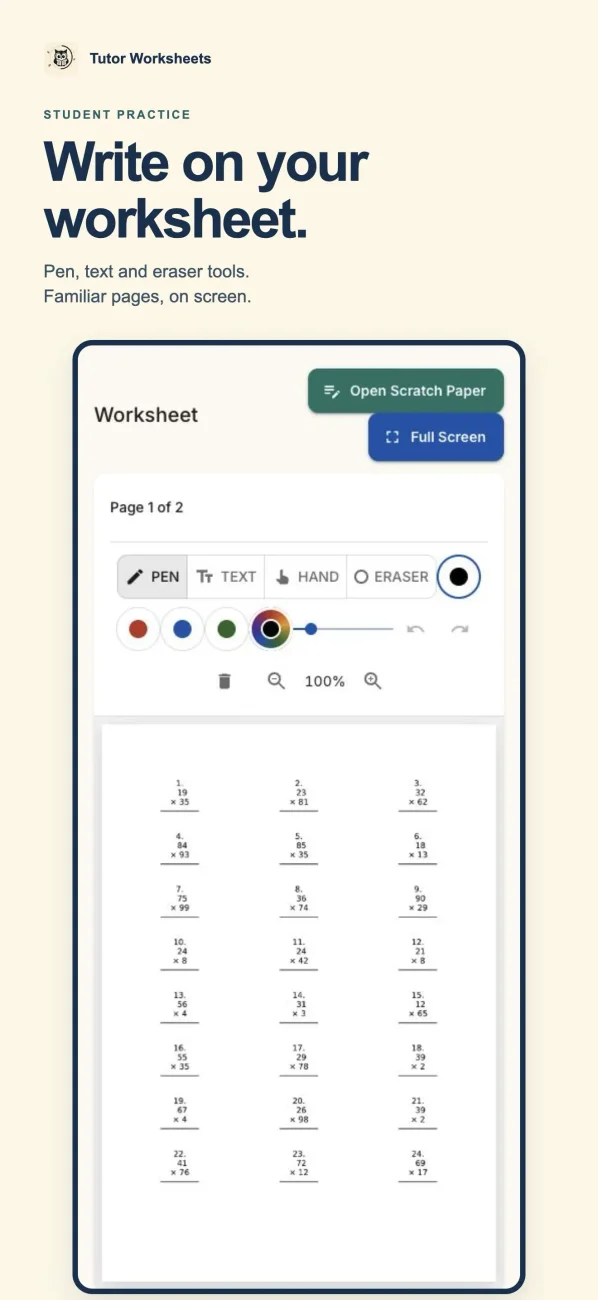
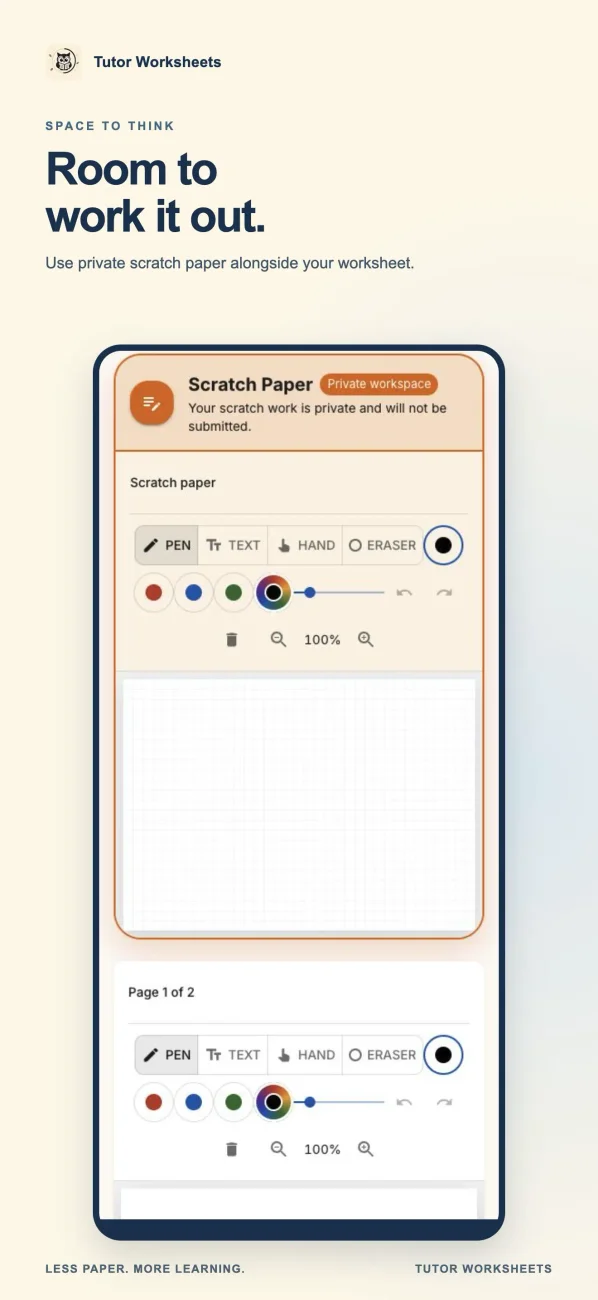
Students open assigned activities in their own account and write or type directly on worksheet pages. Pen, text and eraser tools help them put answers on the page. A private scratch area gives them room to work things out separately from their submitted answers.
A SIMPLE ROUTINE
1. Upload a worksheet or create one from photos.
2. Connect your students and assign practice.
3. Students open the activity, work on the page and submit their answers.
4. Review the work, check any AI suggestions and share feedback.
FOR PARENTS
Keep home practice and your child's work together. Younger learners can use a username without needing their own email address. Use reviewed feedback to guide the next practice session.
FOR TEACHERS AND TUTORS
Organize worksheets by subject and grade. Keep activities, student access and submitted work in one routine. Use AI-assisted checking to support your review, without handing over the final decision when adult approval is enabled.
FOR STUDENTS
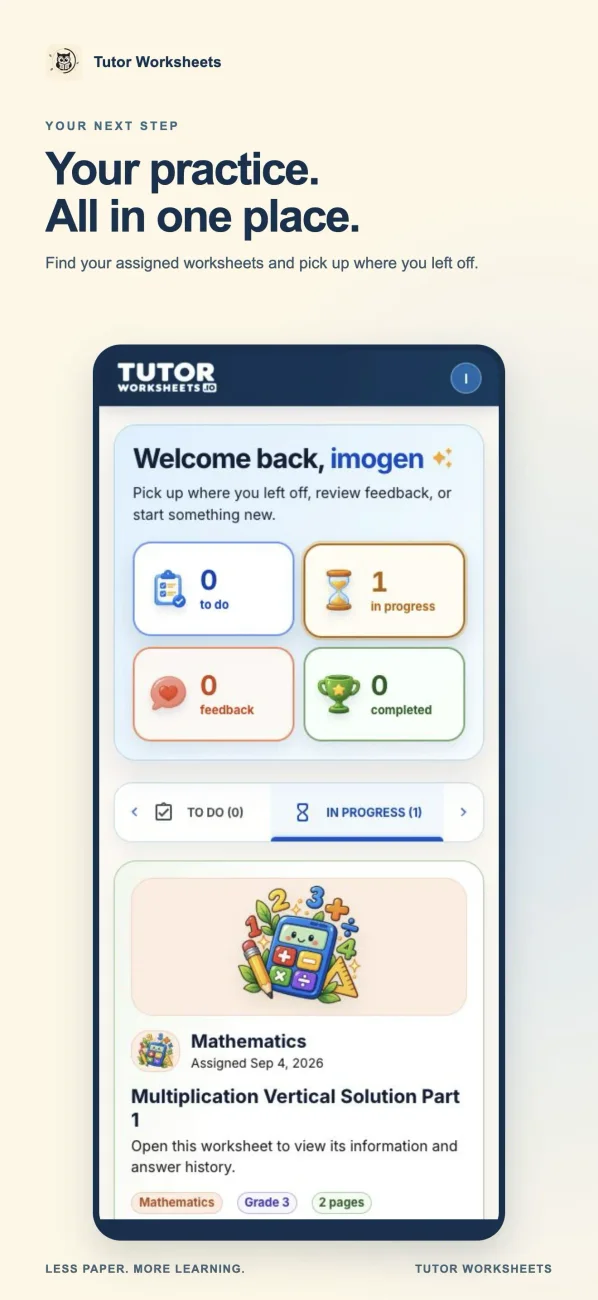
Find your assigned work, continue an activity and work out answers on screen. Return to published feedback and try again when a retake is available. Private scratch notes are not submitted with your answers.
An internet connection and Tutor Worksheets account are required. Student access is set up or connected by a parent, teacher or tutor. AI checking, timing, pausing and retakes depend on activity settings. Review AI-generated content and checking suggestions before relying on them.
What’s new
Version 1.0.2 · Nov 11, 2026
Stay up to date with your students’ activity.
• Receive notifications when students submit worksheets.
• Open Notifications and worksheet reviews from an alert.
• Improved reliability when returning to the app from the background, including a fix for an occasional blank screen.
App privacy
What Krissam Tapa declares on the App Store about how this app handles data.
-
Data linked to you
May be collected and linked to your identity.
- Location
- Contact info
- User content
- Identifiers
- Usage data
- Diagnostics
Privacy practices may vary, for example with the features you use or your age.
Information
- Seller
- Krissam Tapa
- Category
- Education
- Version
- 1.0.2
- Updated
- Nov 11, 2026
- Released
- Sep 15, 2026
- Size
- 30.8 MB
- Requires
- iOS 16.4 or later
- Age rating
- 4+
- Price
- Free
- Languages
- English
- Copyright
- © 2026 Tutor Worksheet
You might also like
-
 Math Worksheet: Answer KeyAnswer key with every sheet
-
 ChildStep: Goals Done TogetherGoals, small steps, confidence
-
 SHSTAC Mobile AppMobile Application for SHSTAC
-
 TinyClimbs: Worksheet MakerPrintable activities ages 3-12
-
 Math RallyEducation
-
 KidMath GLBGreater, Less, In Between
-
 Multiplication MathematicsMath for School:Multiplication
-
 English Talk – Speak with AIConversation & Grammar Coach
-
 Paper Restore KingAI Remove Handwriting & Study
-
 Conveying Islamic MessageUnderstand Islam and Muslims