Tutorboard Whiteboard
Online tutoring whiteboard
Designed for iPhone, iPad, Mac
Free · In-app purchases
- Age rating4+
- CategoryEducation
- DeveloperSOLO BAY LTD
- LanguagesEnglish
- Size3.0 MB
Links to the official App Store page
Download.org hosts no file of Tutorboard Whiteboard. The button opens its official App Store page, published by SOLO BAY LTD. Listing last checked on Nov 12, 2026.
Screenshots
About
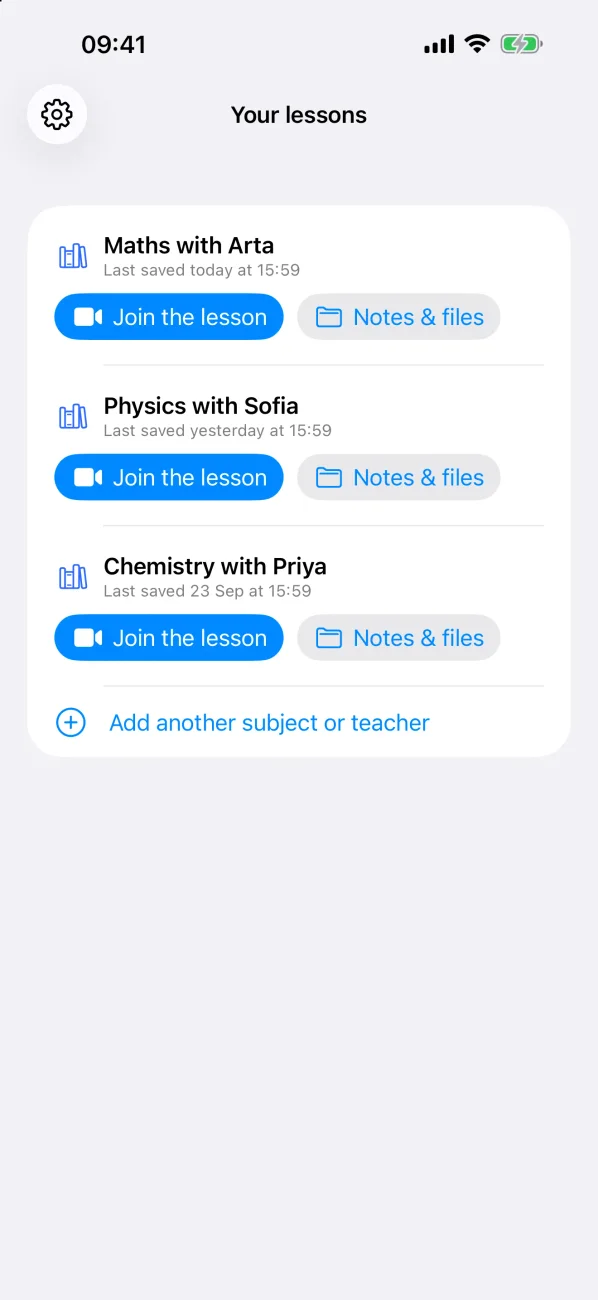
Tutorboard is the shared whiteboard, voice and video call built for one-to-one tutoring. Everything a lesson needs lives in one place, and it opens as the app for whoever you are: a tutor, a student, or a parent.
FOR TUTORS
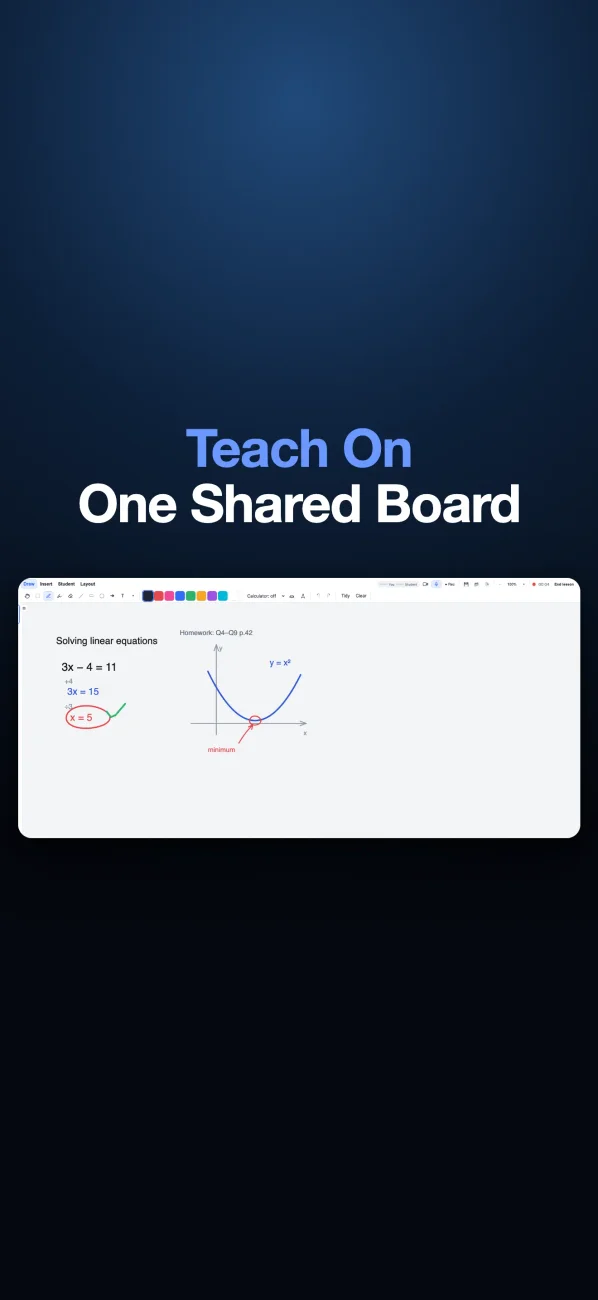
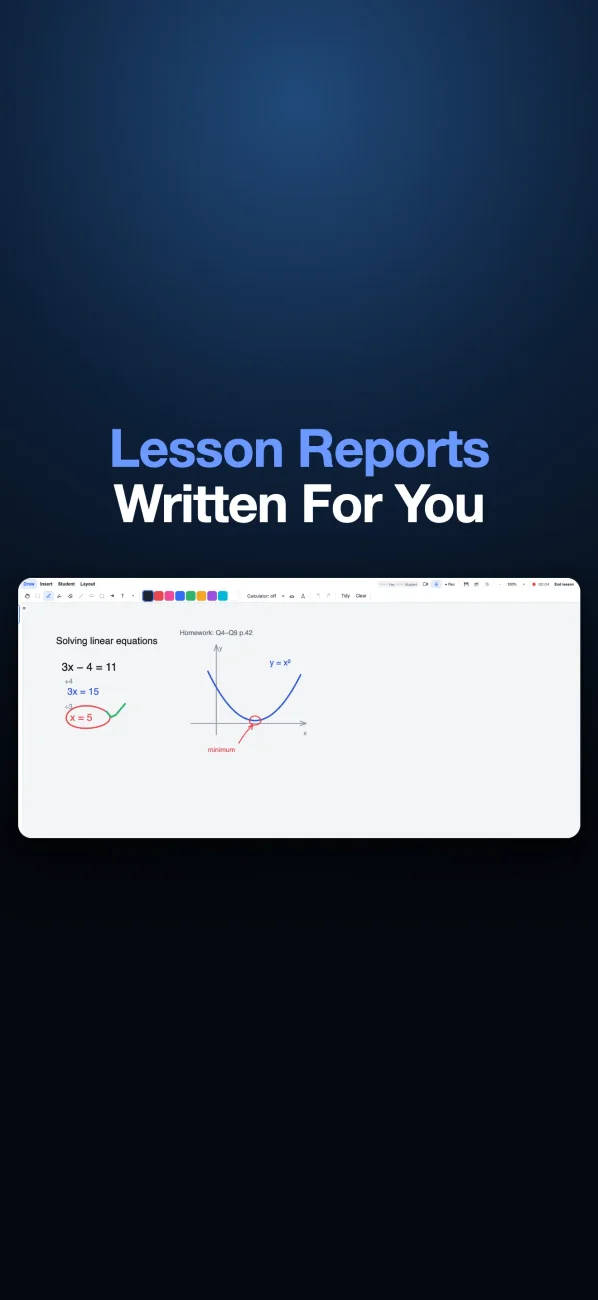
A real whiteboard: pressure-sensitive pen, highlighter, text, arrows and shapes that snap tidy. Drop in an image or open a PDF and write straight over it. Every page is filed per student.
Hand your student a GCSE or A-Level scientific or graphing calculator on screen, modelled on the ones they use in exams, and see every key they press.
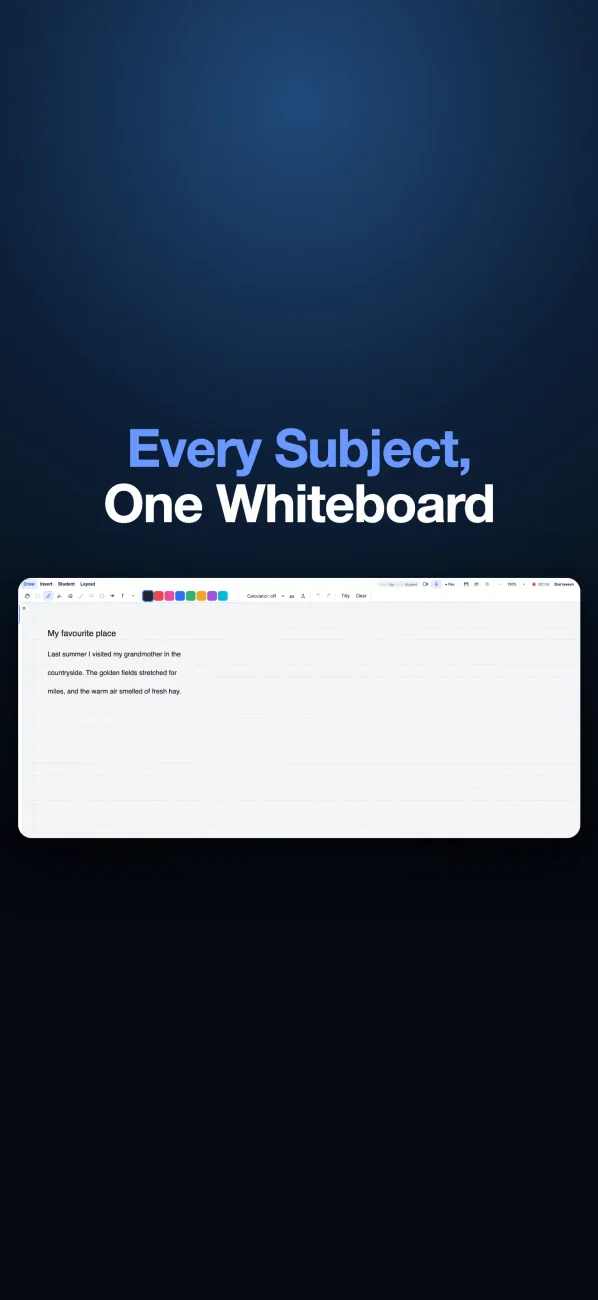
Switch to lined document mode for English, languages and humanities. Build vocabulary, practise sentences, and read text aloud.
Every student gets a private, unguessable link and waits in your waiting room until you admit them. Decide whether they can draw, and mute or hide their microphone and camera when the room needs to settle.
Record a lesson, export tidy PDFs, and keep the files on your own device. On Premium, boards back up to your private account, and a lesson can be turned into a written report and homework.
FOR STUDENTS
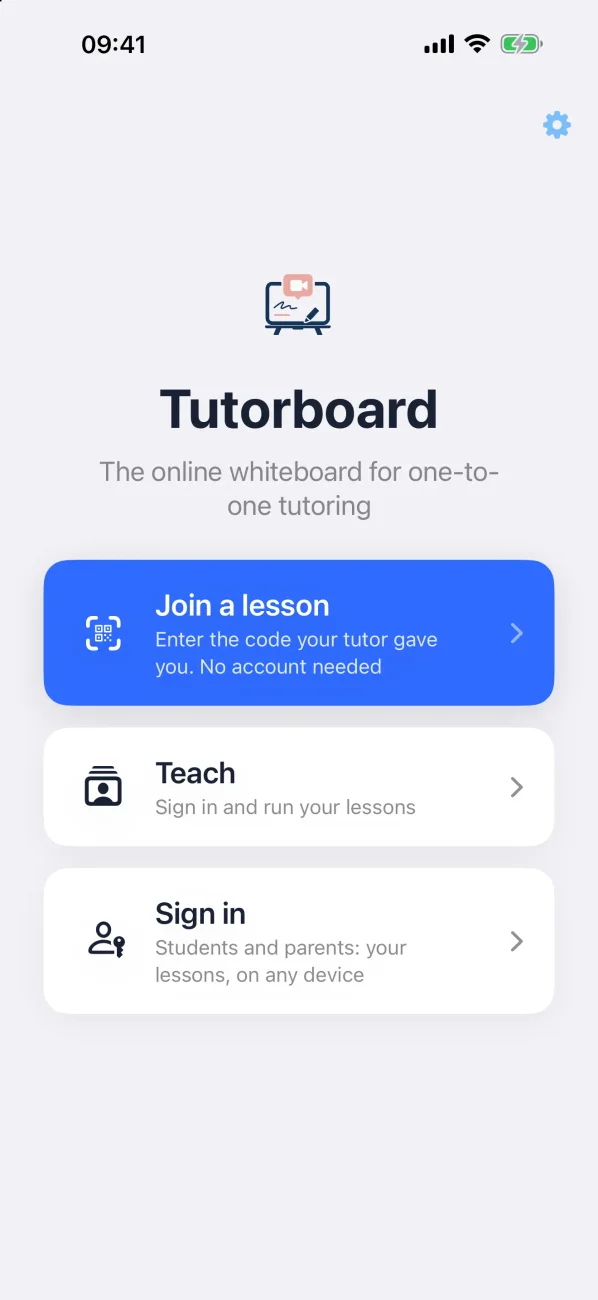
Tap the link your tutor sends and you are in: no account, nothing to install, on an iPad with Apple Pencil, an iPhone, a laptop or a Mac. Make an account only if you want your boards kept and waiting for you next week, along with your homework and the lessons you have already had.
FOR PARENTS
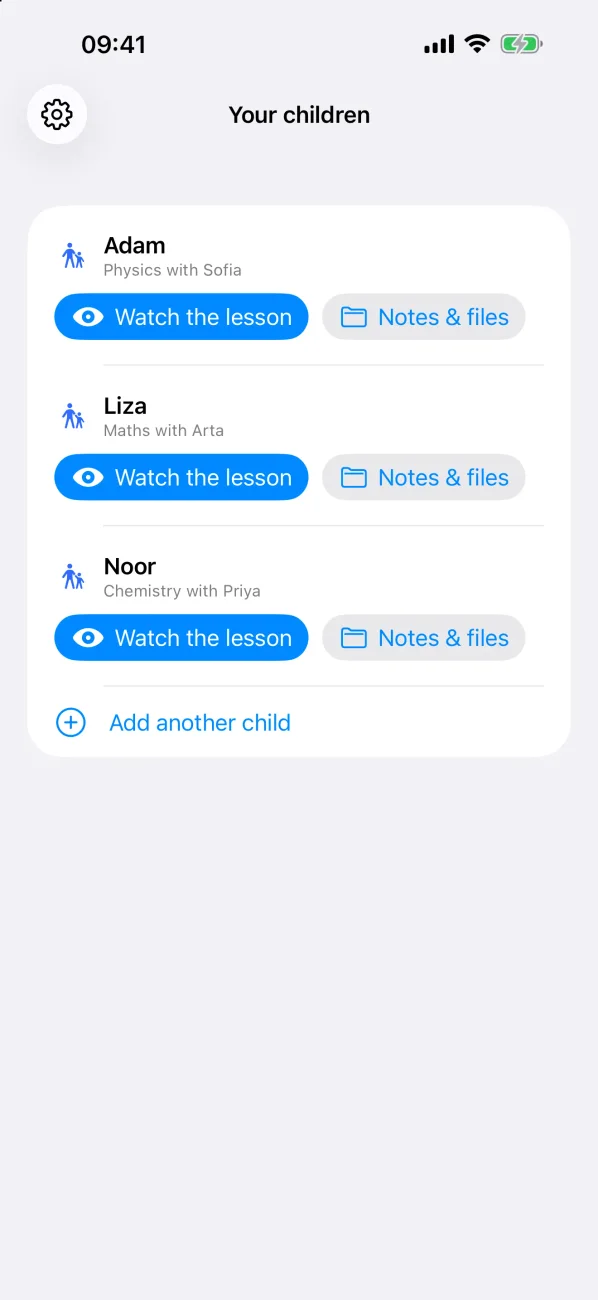
Sign in as a parent to follow what your child is actually doing. Lesson titles and dates are always free to see. A Parent access subscription opens the lessons themselves: watching one live as it happens, the boards they worked on, and the recordings where your tutor allows them.
FACE TO FACE
Voice and video are peer-to-peer and end-to-end encrypted, and we never record them. On locked-down school and office networks a relay keeps the call connected, and a student on school Wi-Fi connects first time.
Tutorboard is by Solo Bay LTD.
Terms of Use (EULA): https://tutorboard.tech/terms
Privacy Policy: https://tutorboard.tech/privacy
SUBSCRIPTION DETAILS
Tutorboard tutor plans are auto-renewing monthly subscriptions: Base GBP 4.99 per month, or Premium GBP 9.99 per month, each after a 14-day free trial. Parent access is an auto-renewing monthly subscription at GBP 5.00 per month. Payment is charged to your Apple ID at confirmation of purchase, or when a free trial ends, and again at the start of each renewal period. A subscription renews automatically unless it is cancelled at least 24 hours before the end of the current period. Manage or cancel your subscription in your Apple ID settings. Any unused part of a free trial is forfeited if a subscription is purchased during the trial. Students never pay to join a lesson.
What’s new
Version 1.2.1 · Oct 21, 2026
FILES ON IPAD
• A Files menu in the lesson toolbar: save the whiteboard, open a saved whiteboard or a PDF, and export the whole document as a PDF. The same three in the same place as the Mac app.
• Open a past paper or a worksheet straight from Files or iCloud Drive and write on it, as many as a lesson needs.
• Exported PDFs are filed in the student's own folder, where the Files app can reach them.
LESSONS
• A lesson no longer ends itself after an hour. A quiet stretch is no longer mistaken for a tutor who has gone away.
• If a lesson does reconnect, it comes back the way you left it: the same pen, your microphone, and your camera.
• Starting a new whiteboard no longer shows writing from the last one. Nothing was ever carried across; the previous board's ink was simply left on screen.
• Opening a student no longer reopens last week's notes as though that lesson had never ended.
ELSEWHERE
• Calculators can be set to the colour you prefer, black included.
• The transcription warning appears once per whiteboard instead of over and over.
App privacy
What SOLO BAY LTD declares on the App Store about how this app handles data.
-
Data linked to you
May be collected and linked to your identity.
- Contact info
- User content
- Identifiers
Privacy practices may vary, for example with the features you use or your age.
Information
- Seller
- SOLO BAY LTD
- Category
- Education
- Version
- 1.2.1
- Updated
- Oct 21, 2026
- Released
- Sep 24, 2026
- Size
- 3.0 MB
- Requires
- iOS 16.0 or later
- Age rating
- 4+
- Price
- Free
- In-app purchases
- Yes
- Languages
- English
- Copyright
- © 2026 Solo Bay LTD
You might also like
-
 Examly: AI Tutor & Exam PrepSAT, ACT & AP Study Planner
-
 IGCSE Add Maths & A LevelO Level 4037 & CAIE practice
-
 BrainDrill AiAI study tutor,quizzes & notes
-
 A-level Spanish RevisionEducation
-
 Statistics - StatRiseCalculator & AP Exam Prep
-
 The Practice Book: IGCSE MathsIGCSE & A-Level Exam Prep
-
 Lectra Notes: PDF AnnotatorHandwriting, lectures & Python
-
 Graduo: AI Study & HomeworkFlashcards, Quiz & Exam Prep
-
 Homework Helper - SolveStudyAIAI Science Answers & Tutor
-
 Resolve AI: Homework HelpStep-by-Step Study Help