TV Remote · Universal Cast
Control Samsung LG Sony Roku
Designed for iPhone, iPad
Free · In-app purchases
- Age rating4+
- CategoryUtilities
- DeveloperAI Generated Inc.
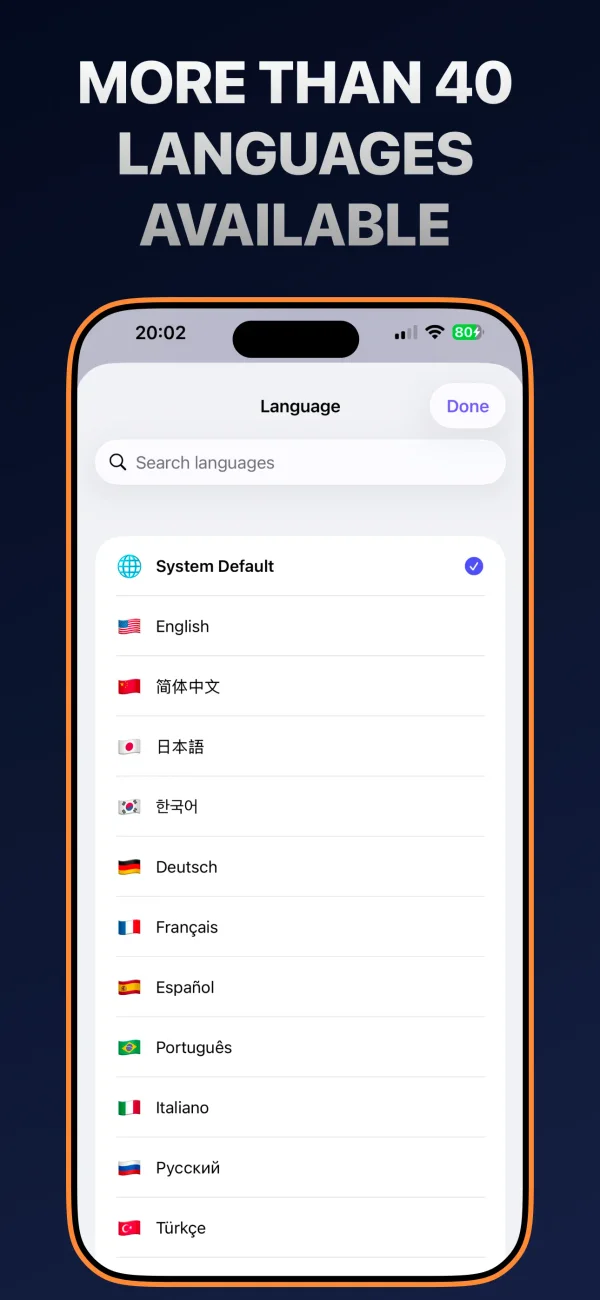
- LanguagesEnglish+ 41 more
- Size48.3 MB
Links to the official App Store page
Download.org hosts no file of TV Remote · Universal Cast. The button opens its official App Store page, published by AI Generated Inc. Listing last checked on Nov 15, 2026.
Screenshots

About
Replace every TV remote with your iPhone. One app for Samsung, LG, Sony, Roku, TCL, Hisense, Vizio, Panasonic, Sharp, and most Smart TVs from 2014 onwards. Touchpad. Real keyboard. App launcher. Photo and video cast. All over WiFi. No extra hardware.
AUTO-DETECT YOUR TV
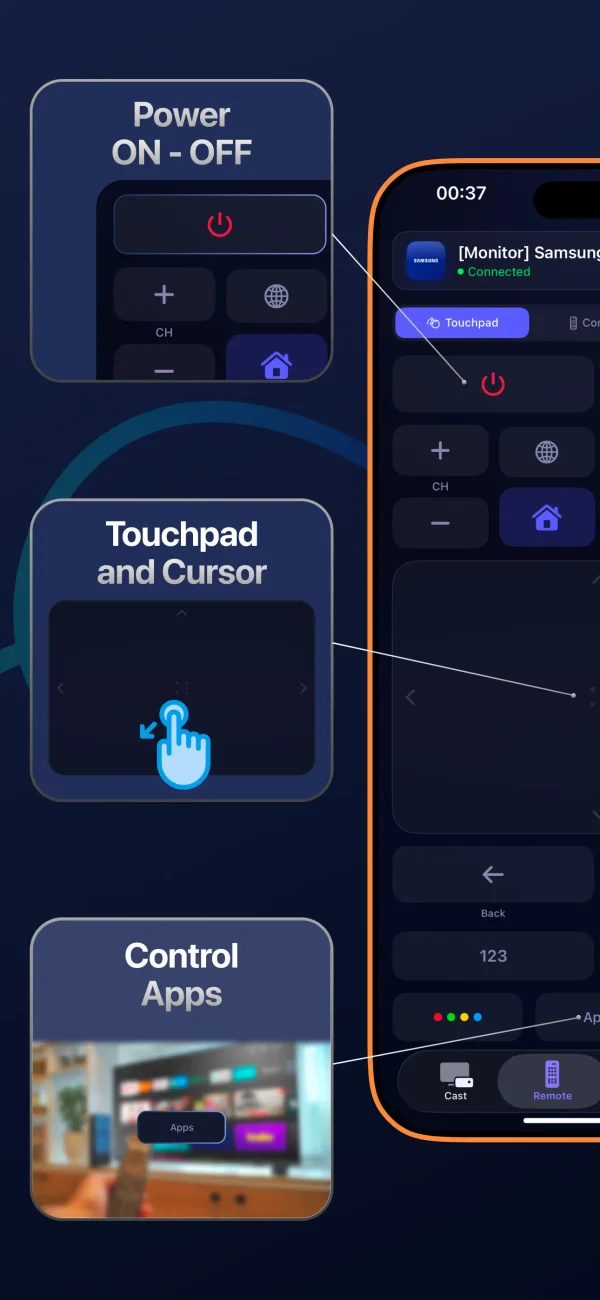
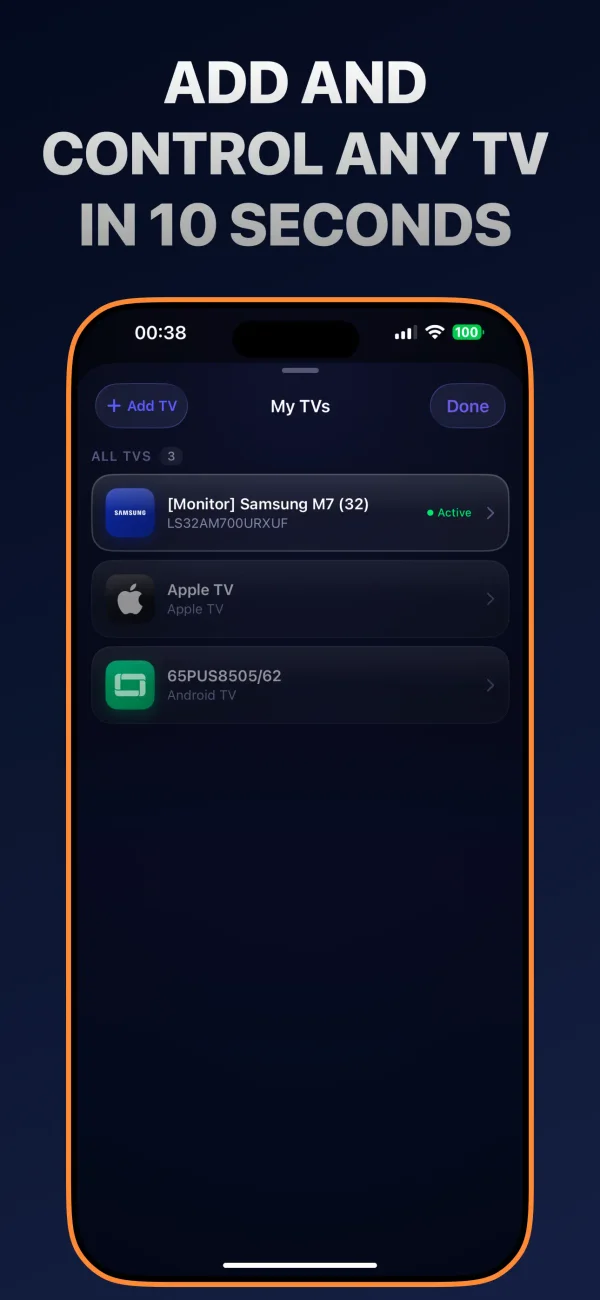
Your TV appears the moment you open the app — no manual pairing, no IR remote, no Bluetooth. As long as your iPhone is on the same WiFi as your TV, you are one tap away from controlling it.
TOUCHPAD WORTH ITS NAME
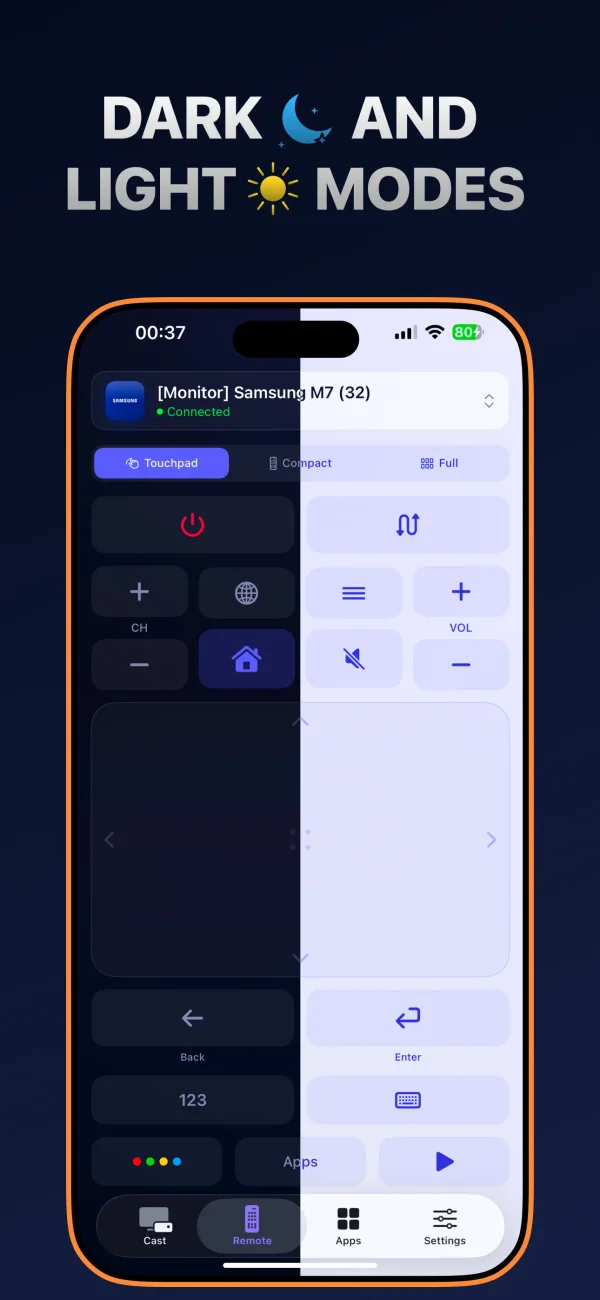
Swipe to navigate menus, apps, and content with precision. The full-screen touchpad gives you laptop-trackpad responsiveness for browsing streaming apps and scrolling through content. No more hammering arrow keys.
TYPE WITH A REAL KEYBOARD
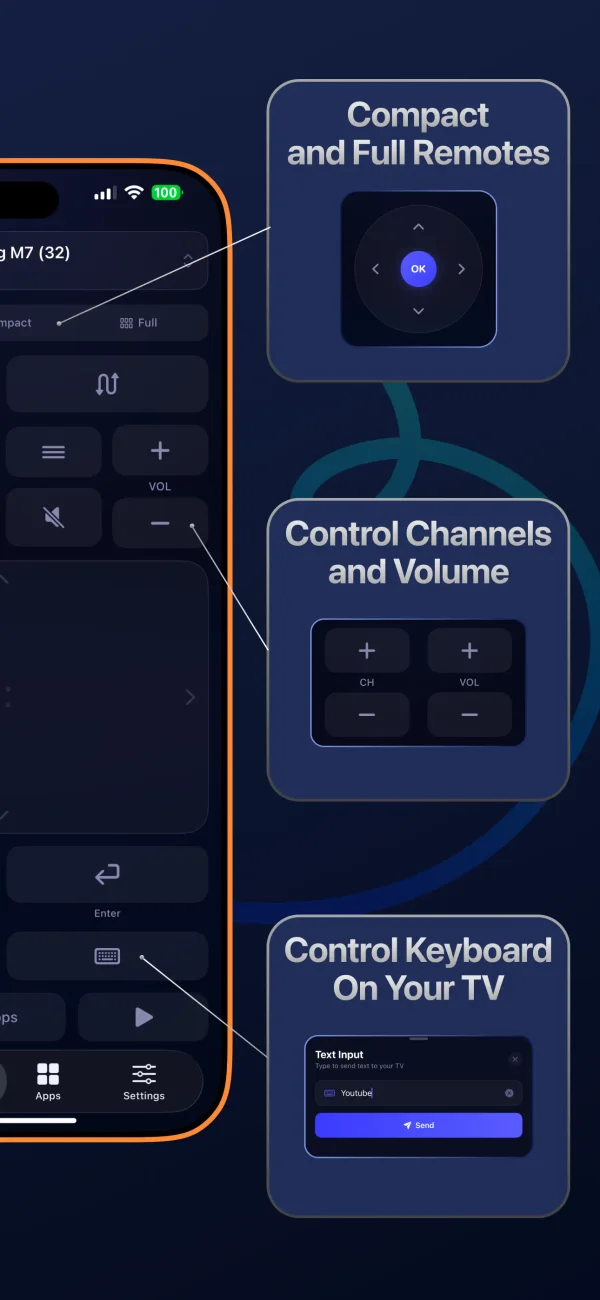
Stop hunting one letter at a time. Open the keyboard, type at full speed. Search for shows, enter WiFi passwords, paste URLs. Everything is faster.
APP LAUNCHER
Browse and launch streaming apps directly from your phone. Open any app with one tap, navigate inside it with the touchpad, and search with the keyboard. Bypass the TV home screen entirely.
CAST PHOTOS AND VIDEOS
Send your photos and videos from your iPhone or iPad straight to the big screen over WiFi. Vacation albums, family videos, slideshows — all wirelessly.
HOME SCREEN WIDGET
Power, volume, and navigation right on your iPhone or iPad home screen. Control your TV without opening the app.
APPLE WATCH COMPANION
Volume, play and pause, skip tracks, power on or off — all from your wrist. No need to reach for your phone.
BUILT FOR YOUR LIVING ROOM
◉ Large buttons designed for one-handed use
◉ Dark mode for dim rooms
◉ Haptic feedback on every press
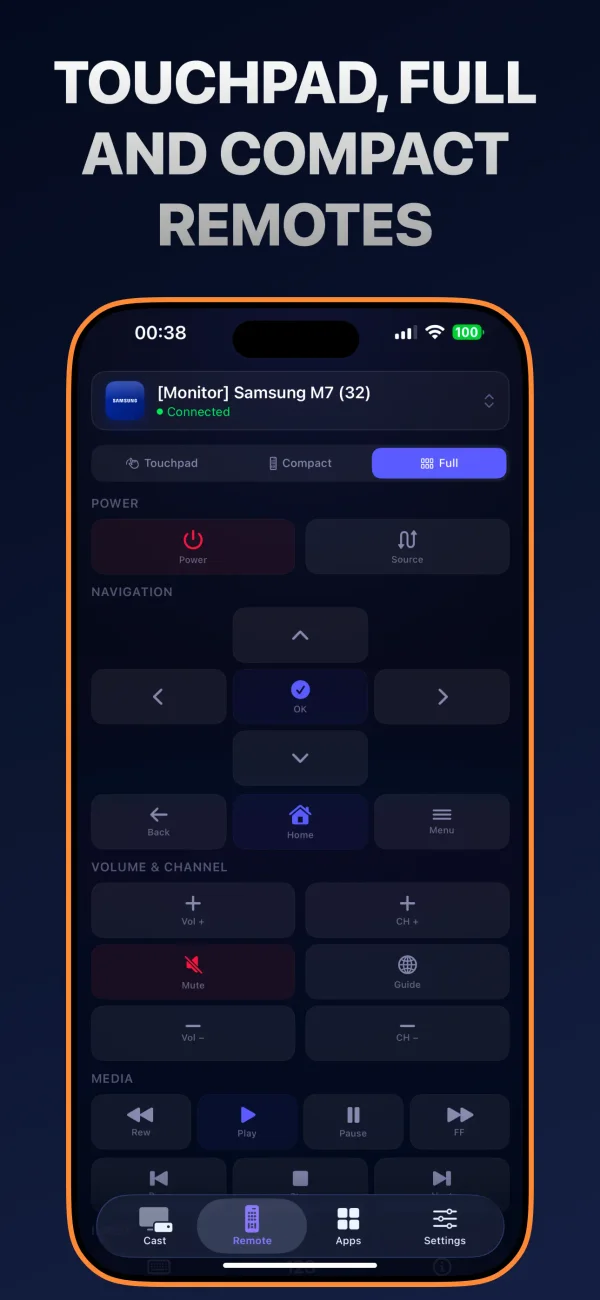
◉ Power, volume, channel, and media controls
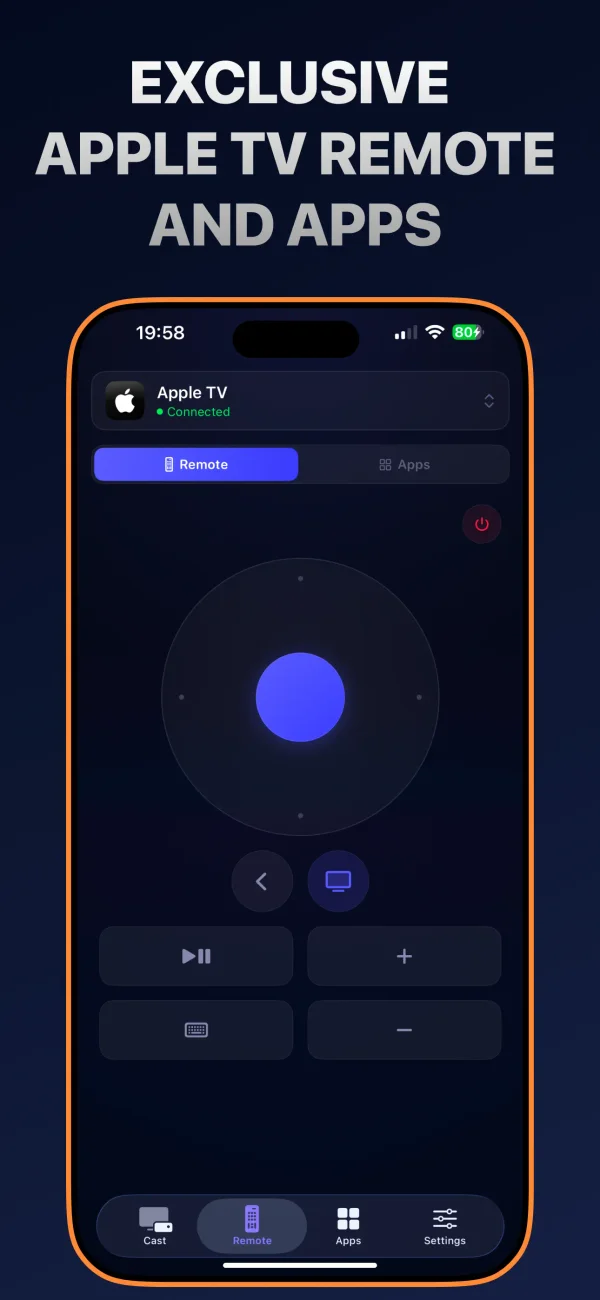
◉ D-pad, touchpad, and keyboard modes
◉ Reconnects automatically when your phone wakes
COMPATIBILITY
Works with most WiFi-enabled Smart TVs from 2014 onwards. Direct support for Samsung Tizen, LG webOS, Sony Bravia, Roku, Vizio SmartCast, Hisense VIDAA, Panasonic Viera, Philips JointSpace, Sharp, Toshiba, and Google TV (which also covers many TCL, Hisense, and Philips models). The app detects your TV and shows the right controls for your model.
TRY BEFORE YOU SUBSCRIBE
Download and connect instantly. Basic controls are free so you can verify compatibility with your TV. Premium unlocks the touchpad, keyboard, app launcher, photo and video cast, and unlimited devices.
PRIVACY
All communication stays on your local WiFi network. We do not track your viewing habits or sell your data.
SUBSCRIPTION & PRICING
TV Remote Plus unlocks all premium features. Choose a plan:
• TV Remote Plus Weekly — $6.99 / week, auto-renewing
First week $0.99 for new subscribers
• TV Remote Plus Yearly — $44.99 / year, auto-renewing
One-time purchase, never expires:
• TV Remote Plus Lifetime — $99.99 (one-time, no recurring charges)
Prices may vary by region.
• Payment is charged to your Account at confirmation of purchase.
• Subscriptions auto-renew unless cancelled at least 24 hours before the end of the current period.
• Renewal is charged within 24 hours prior to the end of the current period at the same price.
• Manage or cancel subscriptions in your Account Settings after purchase.
Privacy Policy: https://universaltv.app/privacy
Terms of Use: https://universaltv.app/terms
EULA: https://www.apple.com/legal/internet-services/itunes/dev/stdeula/
This app is not affiliated with, endorsed by, or sponsored by any TV manufacturer. All trademarks are the property of their respective owners.
What’s new
Version 1.0.7 · Oct 13, 2026
What's new in 1.0.7:
• Clearer plans and prices.
• Fixes and small improvements.
Something not working with your TV? Open Settings → Report a Problem. We read every report.
App privacy
What AI Generated Inc. declares on the App Store about how this app handles data.
-
Data used to track you
May be used to track you across apps and websites owned by other companies.
- Identifiers
- Usage data
- Diagnostics
-
Data linked to you
May be collected and linked to your identity.
- Identifiers
-
Data not linked to you
May be collected but is not linked to your identity.
- Identifiers
- Usage data
- Diagnostics
Privacy practices may vary, for example with the features you use or your age.
Information
- Seller
- AI Generated Inc.
- Category
- Utilities
- Version
- 1.0.7
- Updated
- Oct 13, 2026
- Released
- May 24, 2026
- Size
- 48.3 MB
- Requires
- iOS 17.0 or later
- Age rating
- 4+
- Price
- Free
- In-app purchases
- Yes
- Languages
- English, Arabic, Bengali, Catalan, Croatian, Czech, Danish, Dutch, Filipino, Finnish, French, German + 30 more
- Copyright
- © 2026, Universal TV Remote
You might also like
-
 TVRemoteX: Universal TV RemoteUniversal Remote for Smart TV
-
 TV Remote Control - ZappingFor Samsung, LG, Roku & more
-
 TV Remote Control PlusRemote Control for All TVs
-
 TV Remote. Universal Control.Remote Control for TV
-
 TV Remote – Smart ControlEasy Remote Control from Phone
-
 Universal TV Remote - Cast TVSmart TV Remote Control App
-
 RimoTV: Universal ControlRemote Control in emergency
-
 TV Remote Control Universal ·Stick & Smart TV Controller
-
 TV Remote, Universal ControlRemote Control for TV
-
 Universal TV Remote TelePadScan, pair & mirror media