TV Remote:Universal Control
Universal Remote, TV Control
Designed for iPhone, iPod touch
Free · In-app purchases
- Age rating4+
- CategoryUtilities
- DeveloperOctopus Internet Technology Co., Limited
- LanguagesEnglish+ 20 more
- Size69.4 MB
Links to the official App Store page
Download.org hosts no file of TV Remote:Universal Control. The button opens its official App Store page, published by Octopus Internet Technology Co., Limited. Listing last checked on Nov 15, 2026.
Screenshots
About
Stop looking under the sofa cushions for your lost remote. TV Remote: Universal Control transforms your iPhone into a powerful and reliable remote for all your home entertainment devices.
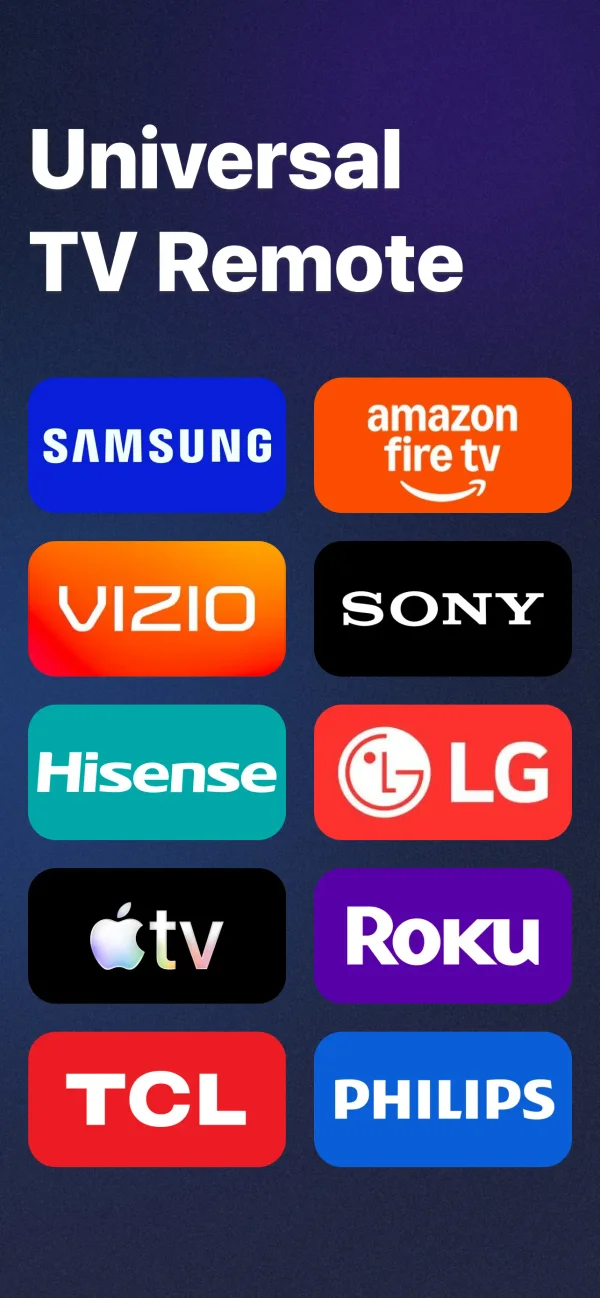
Whether you need to control a Samsung, LG, Sony, Roku, Fire TV, or other Smart TV brands, our app provides a stable connection and a user-friendly interface to manage your viewing experience effortlessly.
Core Features
Universal Brand Support
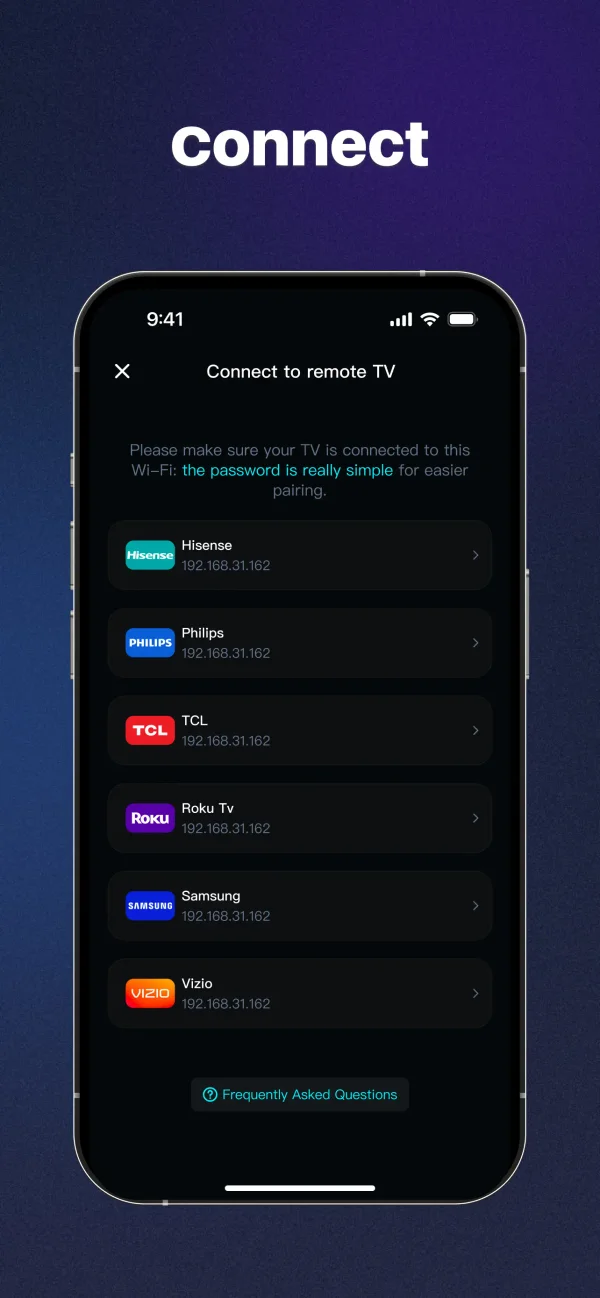
Compatible with almost all major Smart TV brands including Samsung, LG, Sony, Vizio, Roku, Fire TV, Hisense, and TCL.
Easy Setup
No manual configuration required. As long as your iPhone and TV are connected to the same Wi-Fi network, the app will automatically detect your TV for instant pairing.
Responsive Touchpad
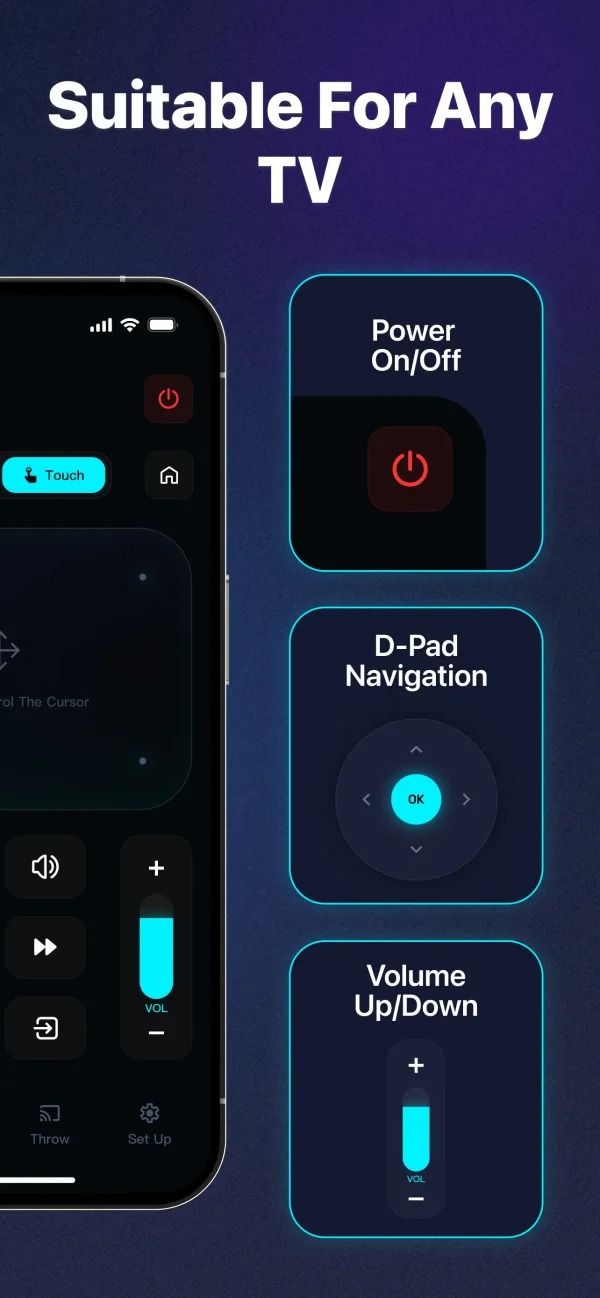
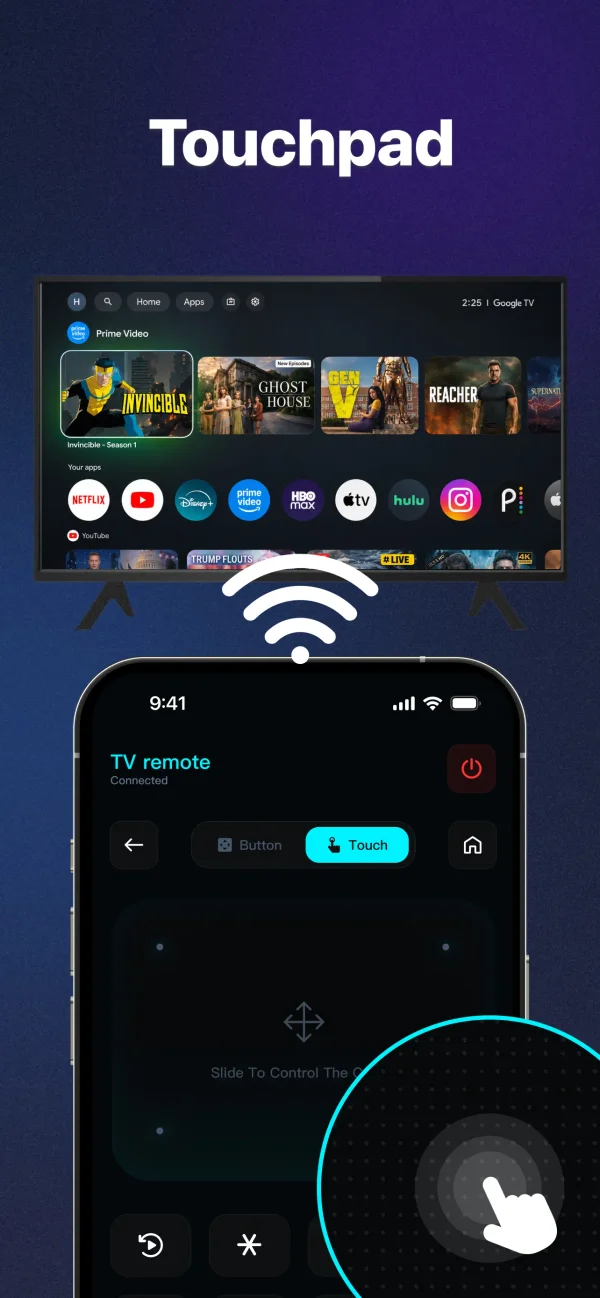
Ditch the clunky arrow buttons. Use the large, smooth touchpad to navigate through menus and apps with gestures and swipes.
Full Playback Control
Manage volume, switch channels, mute, and power your TV on or off with high-performance buttons designed for one-handed use.
Premium Features
Upgrade to Premium to unlock the full potential of your Smart TV:
Full Remote Operations: Access every single button and advanced function available on your original remote.
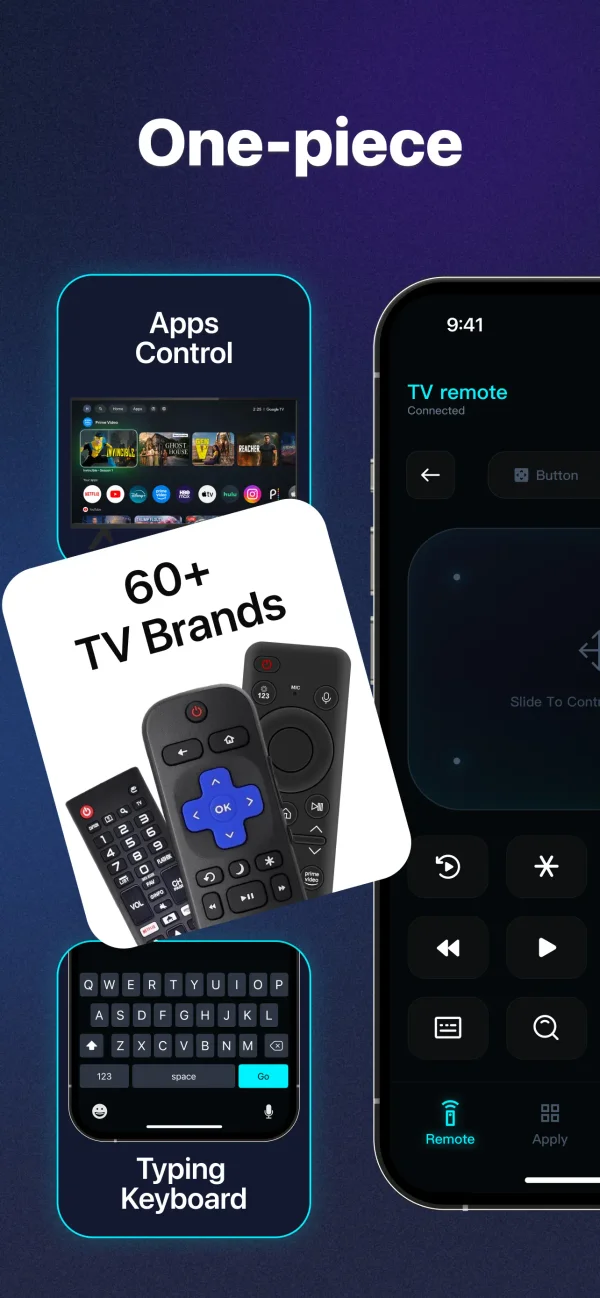
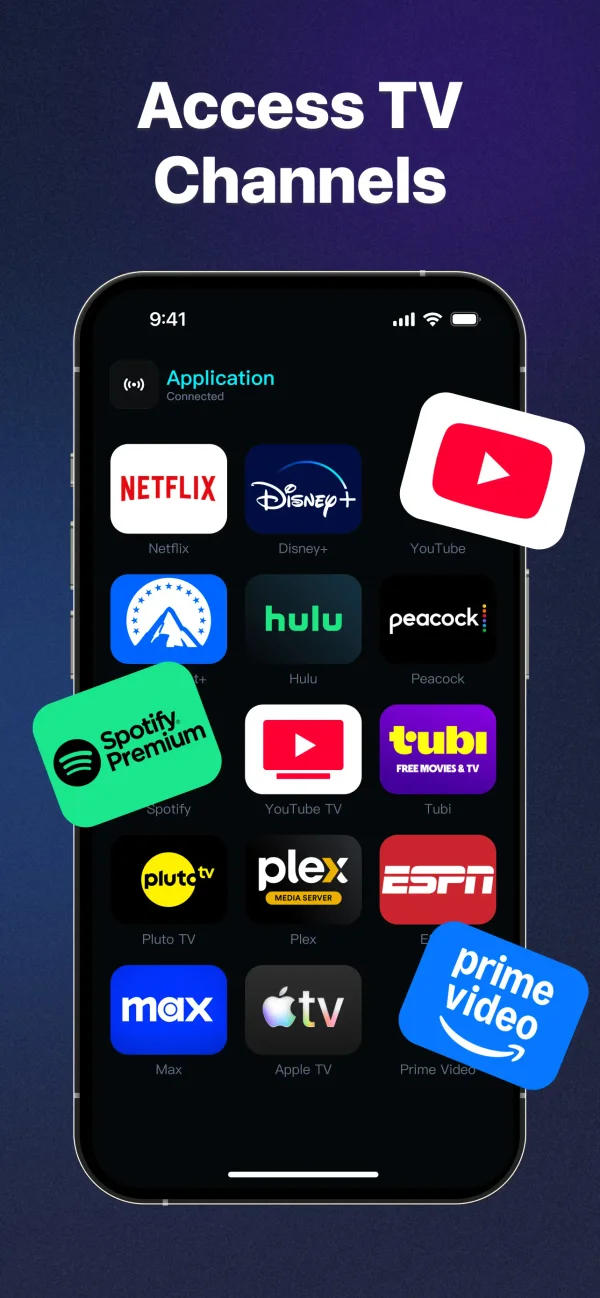
TV App Control: Launch and switch between your favorite streaming apps like Netflix, YouTube, and Disney Plus directly from your phone.
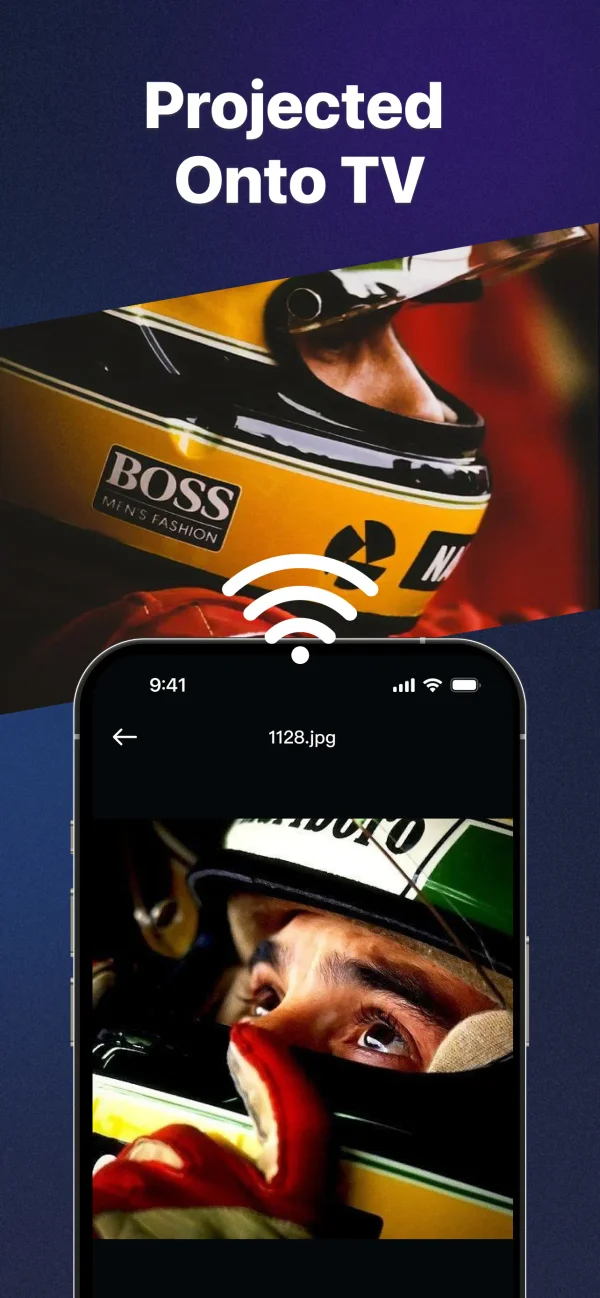
Screen Casting and Mirroring: Share photos, videos, and your entire phone screen on the TV with high definition and low latency.
Subscription Information
Payment will be charged to your iTunes Account at confirmation of purchase.
Subscriptions automatically renew unless auto-renew is turned off at least 24 hours before the end of the current period.
Your account will be charged for renewal within 24 hours prior to the end of the current period at the rate of your selected plan.
Subscriptions may be managed by the user and auto-renewal may be turned off by going to the user Account Settings on the device after purchase.
Any unused portion of a free trial period, if offered, will be forfeited when the user purchases a subscription.
Privacy Policy: https://sites.google.com/view/rcontrol-privacy-policy
Terms of Use: https://sites.google.com/view/rcontrol-terms-of-use
What’s new
Version 1.0.6 · Jun 25, 2026
What’s new in version 1.0.6:
- Fixed known issues to ensure smoother performance
- Improved overall app stability for a better user experience
App privacy
What Octopus Internet Technology Co., Limited declares on the App Store about how this app handles data.
-
Data used to track you
May be used to track you across apps and websites owned by other companies.
- Location
-
Data not linked to you
May be collected but is not linked to your identity.
- Location
- Usage data
- Diagnostics
Privacy practices may vary, for example with the features you use or your age.
Information
- Seller
- Octopus Internet Technology Co., Limited
- Category
- Utilities
- Version
- 1.0.6
- Updated
- Jun 25, 2026
- Released
- Apr 29, 2026
- Size
- 69.4 MB
- Requires
- iOS 15.0 or later
- Age rating
- 4+
- Price
- Free
- In-app purchases
- Yes
- Languages
- English, Dutch, French, German, Hindi, Indonesian, Italian, Japanese, Korean, Malay, Polish, Portuguese + 9 more
- Copyright
- © Octopus Internet Technology Co., Limited
You might also like
-
 TV Remote & Universal Control+Smart TV & Universal Remote
-
 Universal TV Remote & ControlSmart Control for All TV
-
 TV Remote | Smart TV ControlSmart TV Remote Control
-
 Remoto: Universal Remote TVRemote for All TV & Cast to TV
-
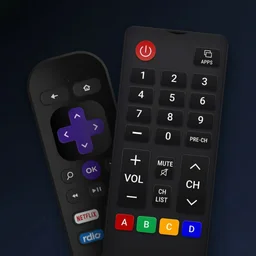 TV Remote – Universal ControlRemote for Roku, LG, Samsung
-
 Universal TV Remote · MandoControl Smart Televisions Easy
-
 TV Remote Control: хТVUniversal TV Remote
-
 TV Remote – TVeeUniversal Control for Smart TV
-
 TV Remote | Universal ControlSmart App for All TVs
-
 TV Remote Universal Control ·Roku, LG, Vizio, Sony & More