TV Remote - Universal Remote
For LG, Samsung, Roku, Sony
Designed for iPhone, iPad
Free · In-app purchases
- Age rating4+
- CategoryEntertainment
- DeveloperAdam Foot
- LanguagesEnglish+ 13 more
- Size277.7 MB
Links to the official App Store page
Download.org hosts no file of TV Remote - Universal Remote. The button opens its official App Store page, published by Adam Foot. Listing last checked on Nov 23, 2026.
Screenshots


About
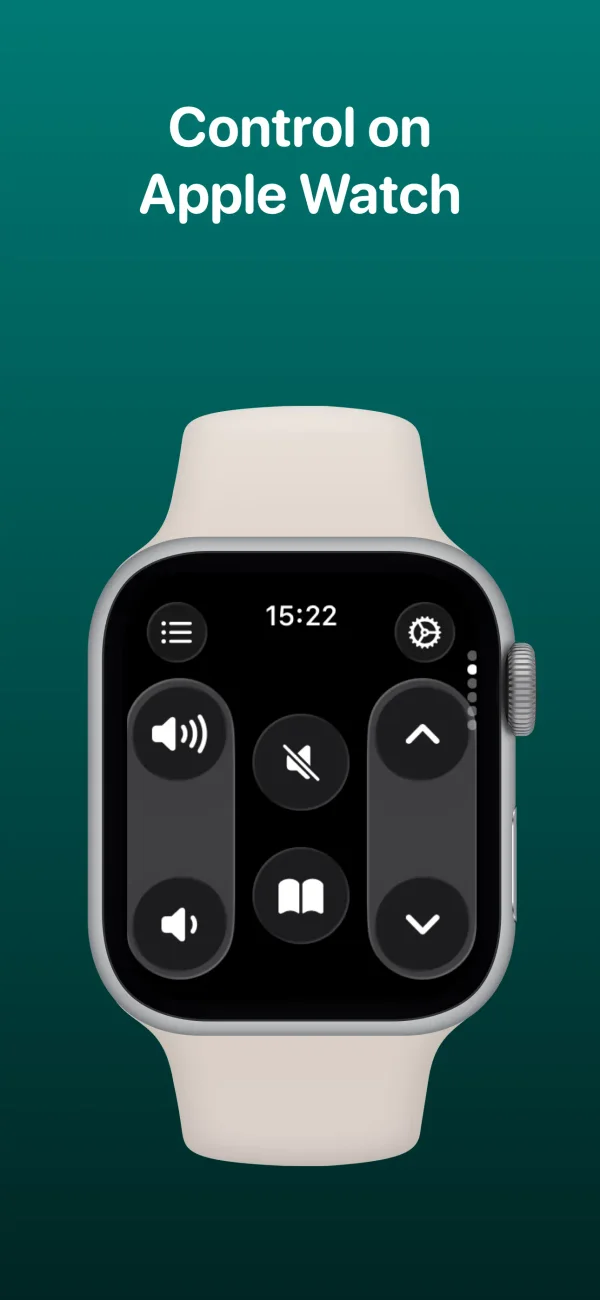
Control your television using your iPhone, iPad, Apple Watch, Apple Vision Pro or HomePod with the TV Remote app.
* As featured on 9to5Mac, MacRumors, MacStories, TechCrunch & more*
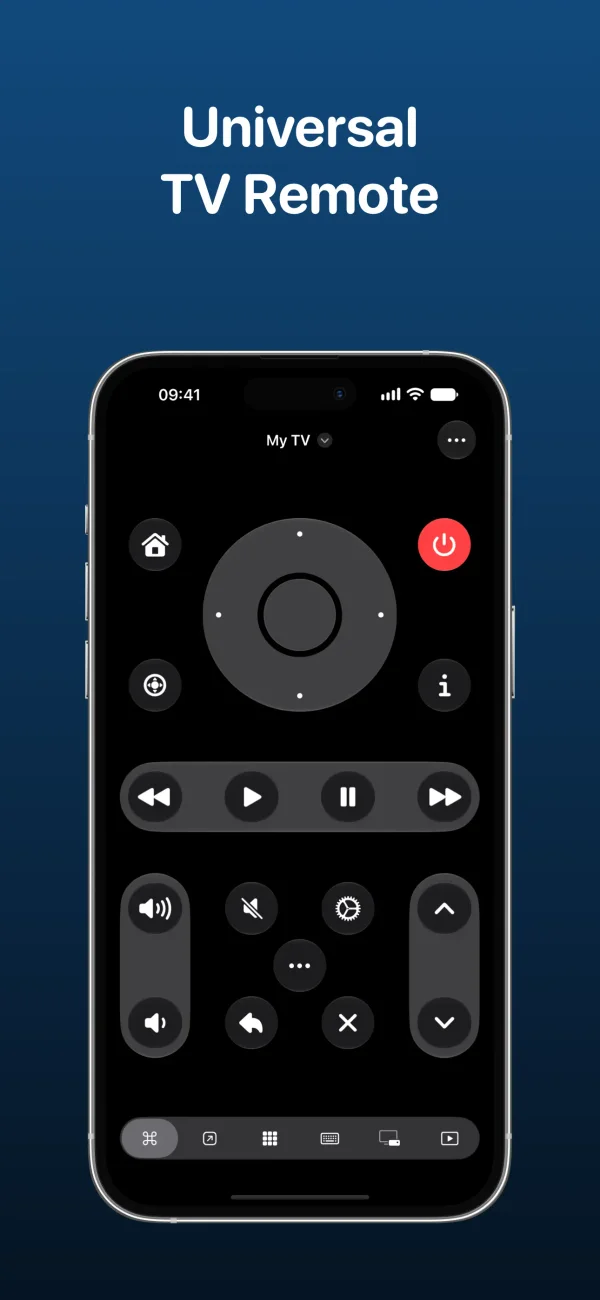
TV Remote combines a beautiful and simple interface with advanced features that enable you to control your television without the need for a physical remote. Add all of your televisions to TV Remote and you’ll be able to customize the layout, apply themes and interact through Widgets and Siri Shortcuts.
TV Remote contains these great features:
UNIVERSAL REMOTE
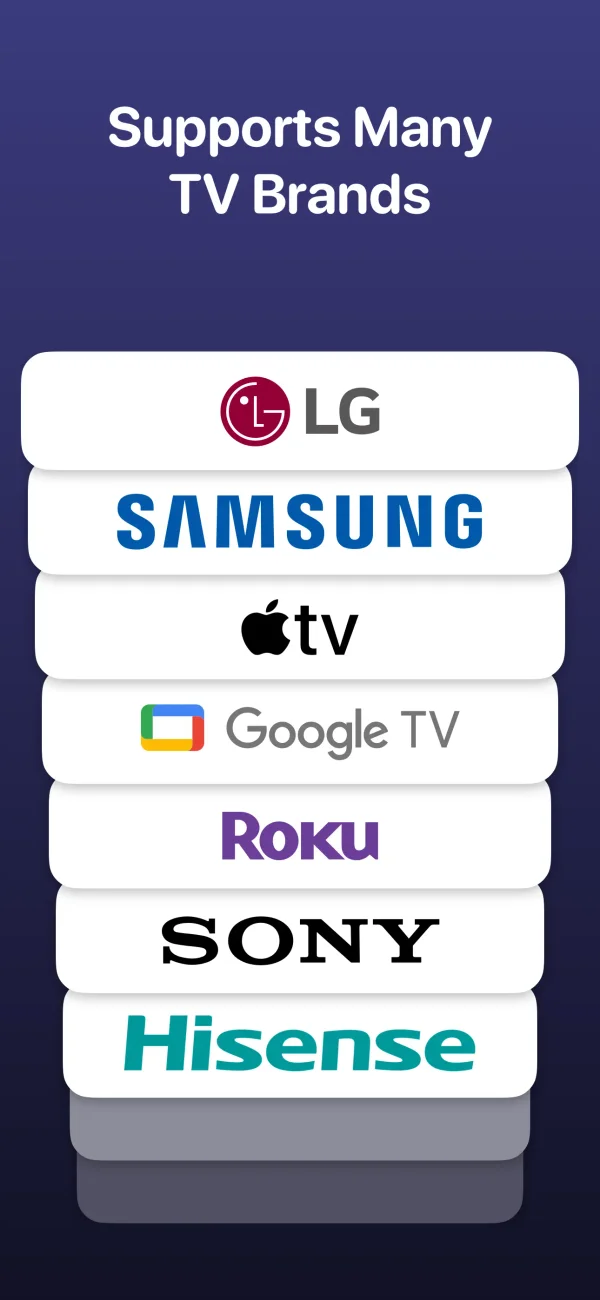
TV Remote supports many brands of TVs (see below) and makes it easy for you to setup each one in a single app. You’ll find the buttons you’re used to seeing and there’s even the ability to launch apps and switch sources too.
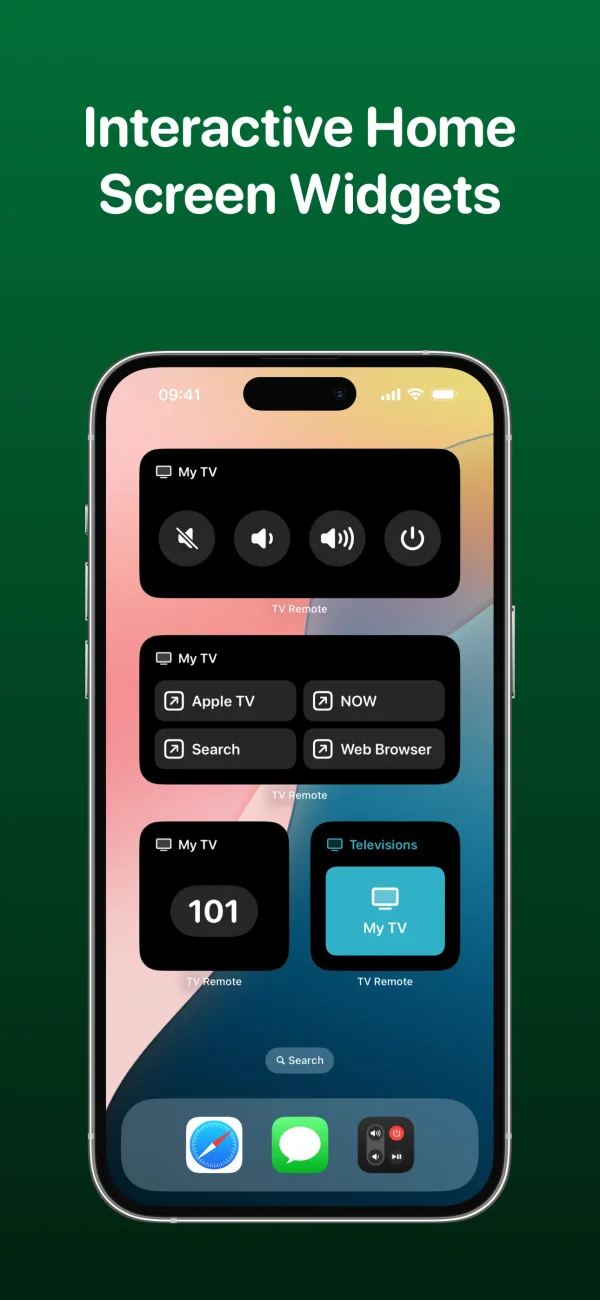
INTERACTIVE WIDGETS
Remote commands can be added to your Home Screen or Lock Screen for quick access to your remote when you need it. There’s supports for launching apps, sources and changing channels all from a Widget too and with Interactive Widgets, you won't even need to open the app!
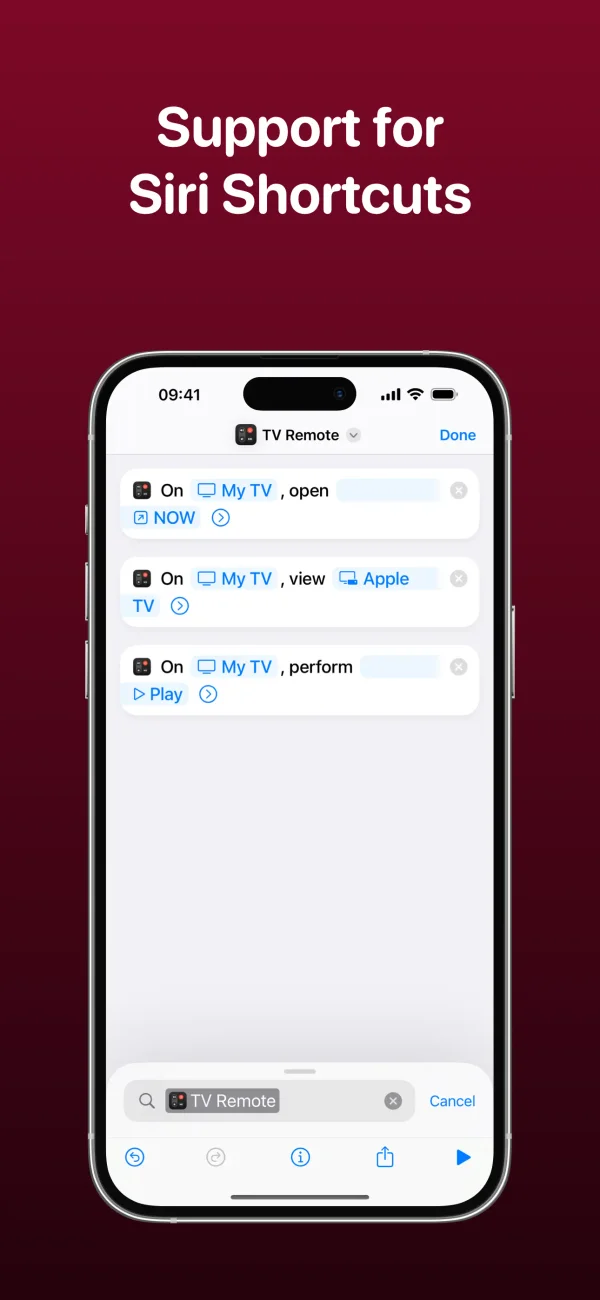
SIRI SHORTCUTS
Without even opening the app, you’ll be able to perform commands, change channels, launch apps and more with the Siri Shortcuts integration! For example, you’ll be able to configure a string of commands together to change a specific setting on your TV without even lifting a finger.
LIVE ACTIVITIES
Get access to a set of configured commands on your Lock Screen or Dynamic Island that allows you to quickly change channels, adjust volume and much more - all without opening the app!
CUSTOM LAYOUTS
TV Remote gives you the ability to fully customize how you want the remote for each TV to look. Using a set of pre-configured layout components, you’ll be able to choose which buttons go where so you get the exact look you’re after.
THEMES
Gone are the days of a plain remote! With TV Remote, you can be bold and design the exact look and feel of your television remote - even down to the icon tint on a button, and whether buttons are round or square. Each television has its own theme and there are plenty of presets to choose from too. You can even lock the app to light/dark mode.
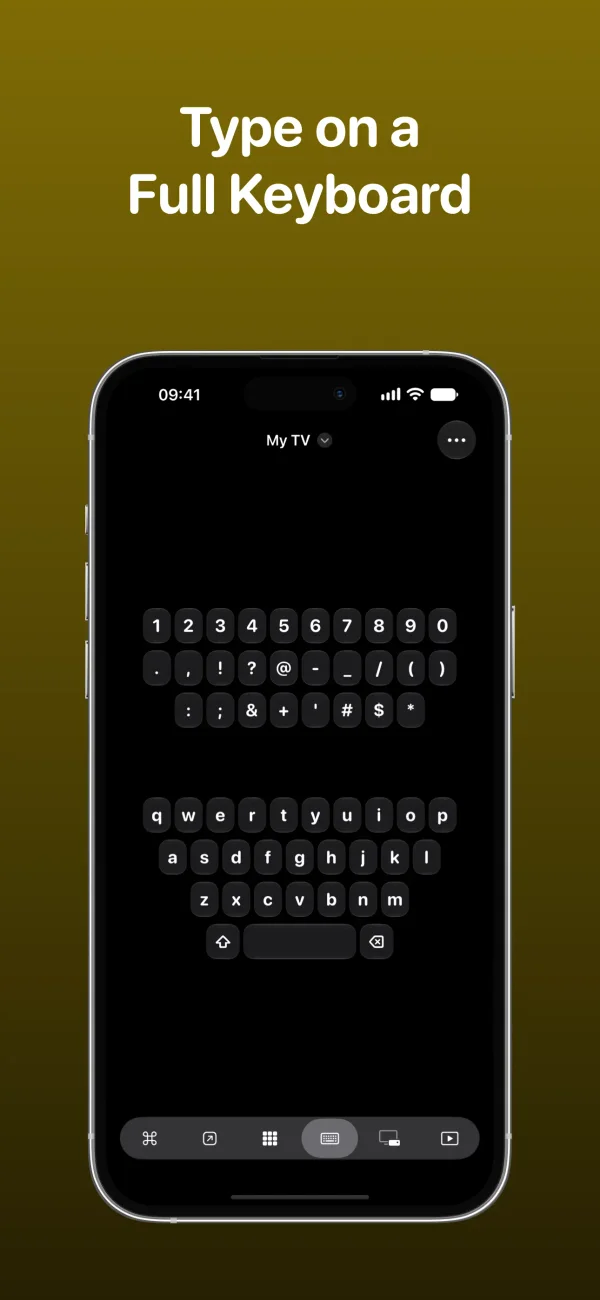
KEYBOARD
No need to use arrow keys to navigate round an on-screen keyboard. With TV Remote, you’ll have access to a full keyboard you can use to search for programmes and more!
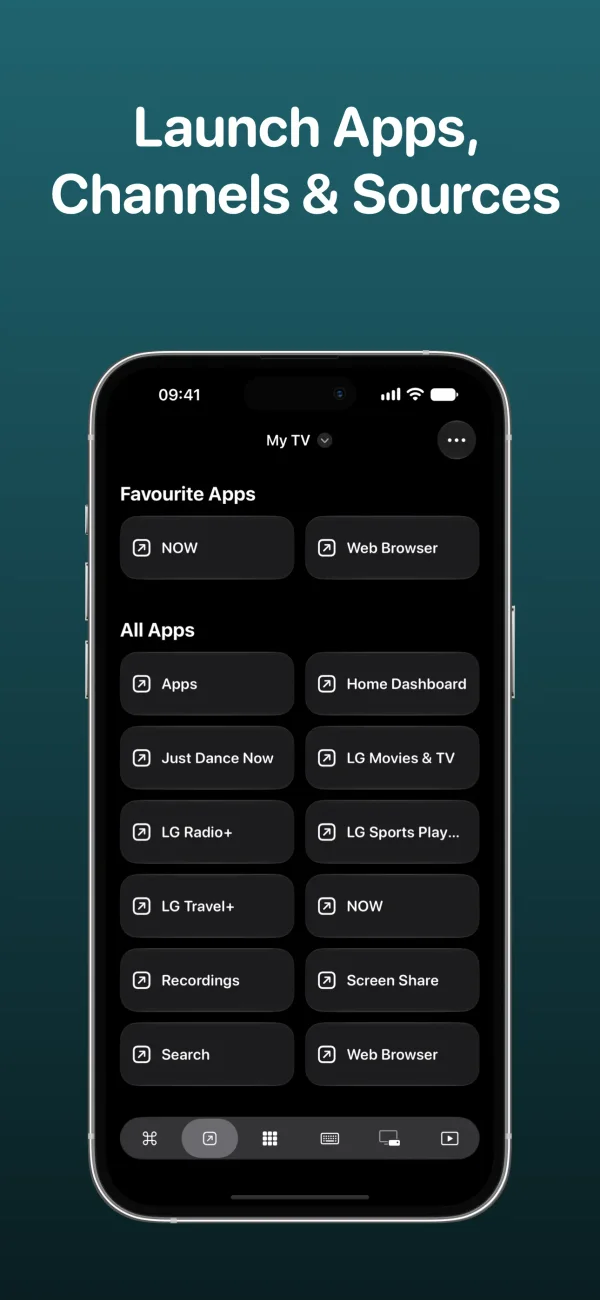
CHANNELS, APPS & SOURCES
TV Remote will load the available channels, apps and sources available on your television and allow you to launch them with just a tap.
WAKE FROM SLEEP
TV Remote supports Wake-on-LAN to allow you to power on your television when it is asleep.
TOUCHPAD
Control your television using swipe gestures on a touchpad instead of the standard directional keypad for a more fluid experience.
SYNCING
TV Remote syncs with your iCloud account to allow you to access your TVs across all your devices.
TV Remote supports televisions from these manufacturers and operating systems (+ many more!):
- LG/webOS
- Samsung/Tizen
- Apple TV/tvOS
- Sony
- Roku
- Google Chromecast
- NVIDIA SHIELD
- Sky Q
- TCL
- Hitachi
- Sharp
- Hisense
- Philips
- Toshiba
- JVC
- Panasonic
UNIVERSAL PURCHASE
Get this app across multiple Apple platforms with a single purchase. Your TV Remote Premium subscription works across devices too.
If you like this app, I’d really appreciate it if you could take the time to leave a positive review! Having issues? Please get in touch:
Email: support@adamfoot.dev
Website: https://adamfoot.dev
Please note that a supported television is required to use the app and the manufacturers listed above are a guide only. A more comprehensive list can be found within the app settings where release dates and versions are listed too. Some features may require a TV Remote Premium subscription which can be purchased in the app. You can cancel at anytime. All brand names, copyrights and trademarks belong to the companies and not the TV Remote app.
Terms: https://adamfoot.dev/terms-of-use
What’s new
Version 4.3.4 · Nov 11, 2026
In this update:
- Added full support for iPhone Duo providing you with multiple remote pages when unfolded and tab based layout when folded. Toolbars and other on-screen elements have also been adjusted throughout the app for the best experience on iPhone Duo.
- When switching between the tab view & scroll view remote views, the current position will be synced.
- Improved the tab bar design on iPhone.
- Updated the Live Activity indicator to use a play/pause symbol instead of an arrow.
- Some TVs now have the option to include a . or - character when entering a channel number.
- Improved loading of apps, channels & sources after waking a TV from sleep.
- Fixed a bug which prevented an Apple TV connecting if the wrong code was entered the first time.
- Other bug fixes & improvements.
If you like this app, please consider leaving a positive review! Having issues? Please get in touch:
Email: support@adamfoot.dev
Website: https://adamfoot.dev
App privacy
What Adam Foot declares on the App Store about how this app handles data.
-
Data not linked to you
May be collected but is not linked to your identity.
- Purchases
Privacy practices may vary, for example with the features you use or your age.
Information
- Seller
- Adam Foot
- Category
- Entertainment
- Version
- 4.3.4
- Updated
- Nov 11, 2026
- Released
- Nov 22, 2020
- Size
- 277.7 MB
- Requires
- iOS 18.0 or later
- Age rating
- 4+
- Price
- Free
- In-app purchases
- Yes
- Languages
- English, Arabic, Czech, Dutch, French, German, Italian, Japanese, Korean, Polish, Portuguese, Simplified Chinese + 2 more
- Copyright
- © 2020 Adam Foot
You might also like
-
 Remote Control for Samsung-TVSmart Things Controller Plus
-
 Universal TV Remote®Remote Control for TV
-
 IPTV Xtream: Smart IPTV PlayerIPTV Smarters Pro, Live Sports
-
 Movie Diary & Picker: flixyAISwipe & Find Movies for Night
-
 Remote Control TV: UniversalFor Your Roku, LG, Samsung TV
-
 TCL TV Remote.TV Remote TCL
-
 WatchTube PlusWatch Videos & Shorts Anywhere
-
 Couples Questions Velvet TalksCouple Games. Relationship
-
 Simple Remote for LG Smart TVYour Smart TV Control
-
 8K 4K Wallpaper ON Lock ScreenUltra HD Background & Widgets