Twilock: Stop Doom Scrolling
Sleep Screen Time App Blocker
Designed for iPhone
Free · In-app purchases
- Age rating4+
- CategoryProductivity
- DeveloperPrism Studios
- LanguagesEnglish+ 28 more
- Size96.8 MB
Links to the official App Store page
Download.org hosts no file of Twilock: Stop Doom Scrolling. The button opens its official App Store page, published by Prism Studios. Listing last checked on Nov 22, 2026.
Screenshots


About
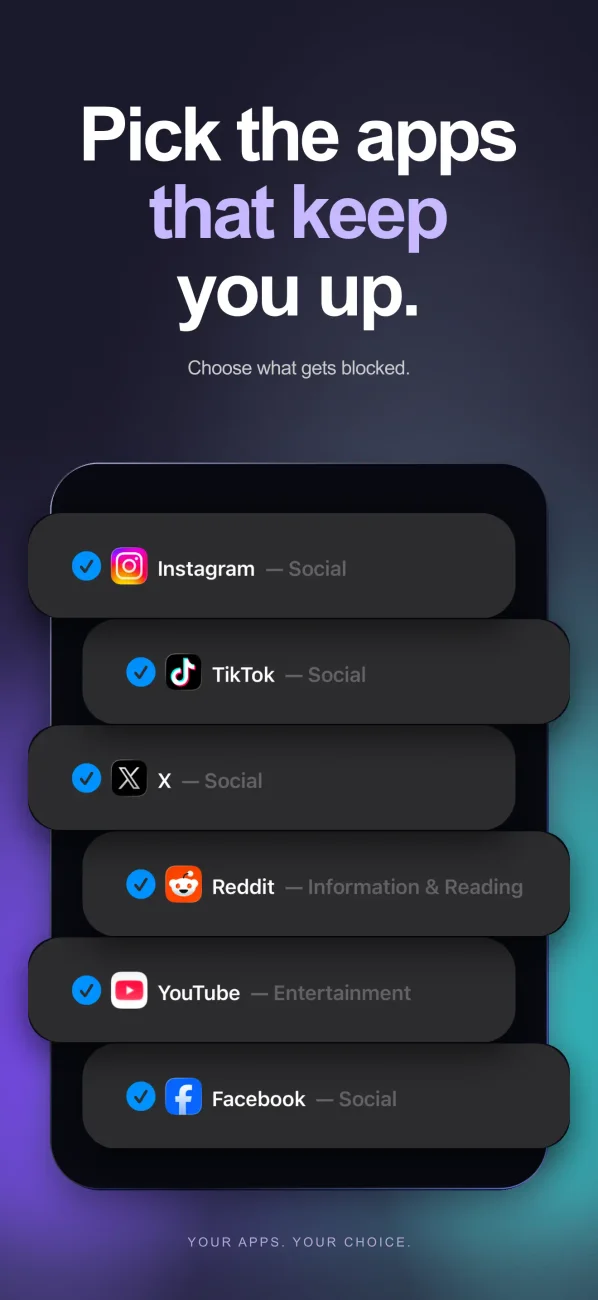
Stop bedtime doomscrolling. Choose the apps that keep you up and set a Night window. When you try to open a chosen app during that window, Twilock shows your block screen.
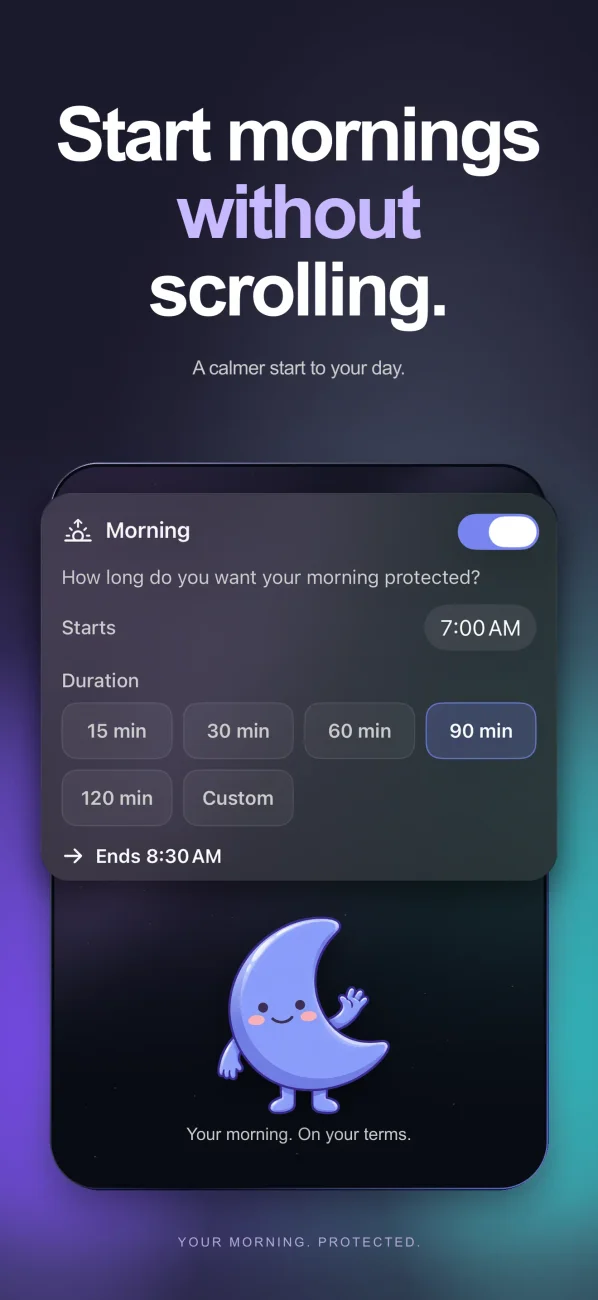
Choose a Night window before bed, a Morning window after waking, or both. Each lasts 15–120 minutes. Set the same times every day, different times for weekdays and weekends, or choose your days.
Night and Morning settings lock during an active window. Before it starts, choose a timed early unlock or select None. Revoking Screen Time access in iOS can end protection.
Add a separate daytime Focus window for work or study, up to four hours on the days you choose. Your existing app selection also applies to Focus.
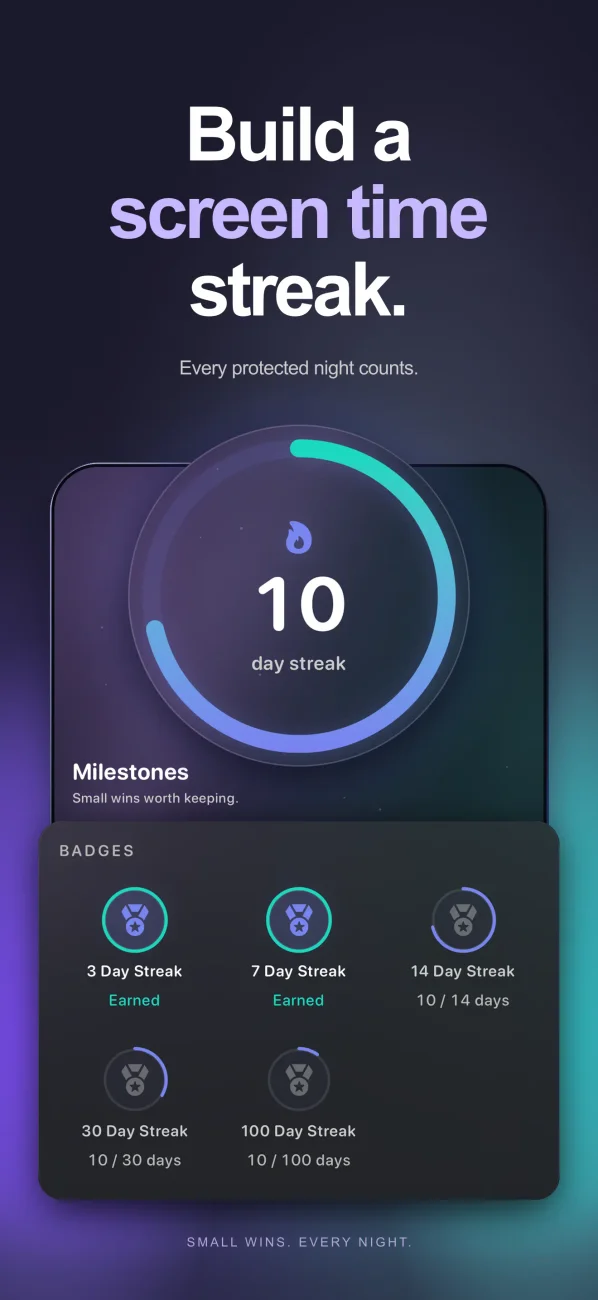
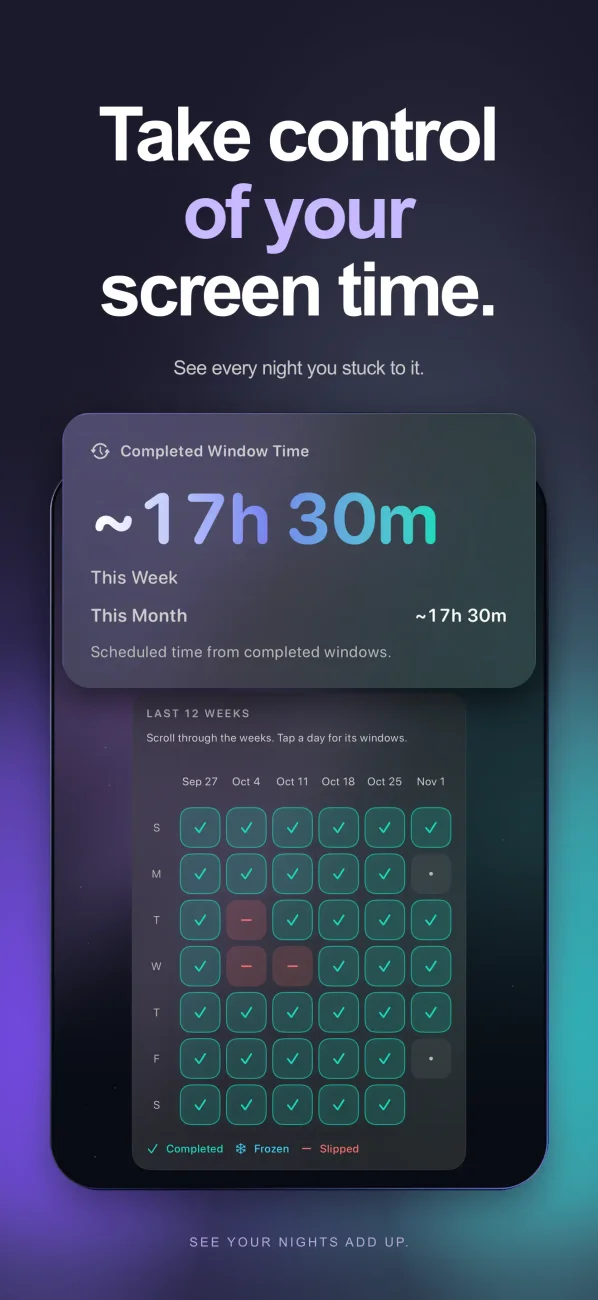
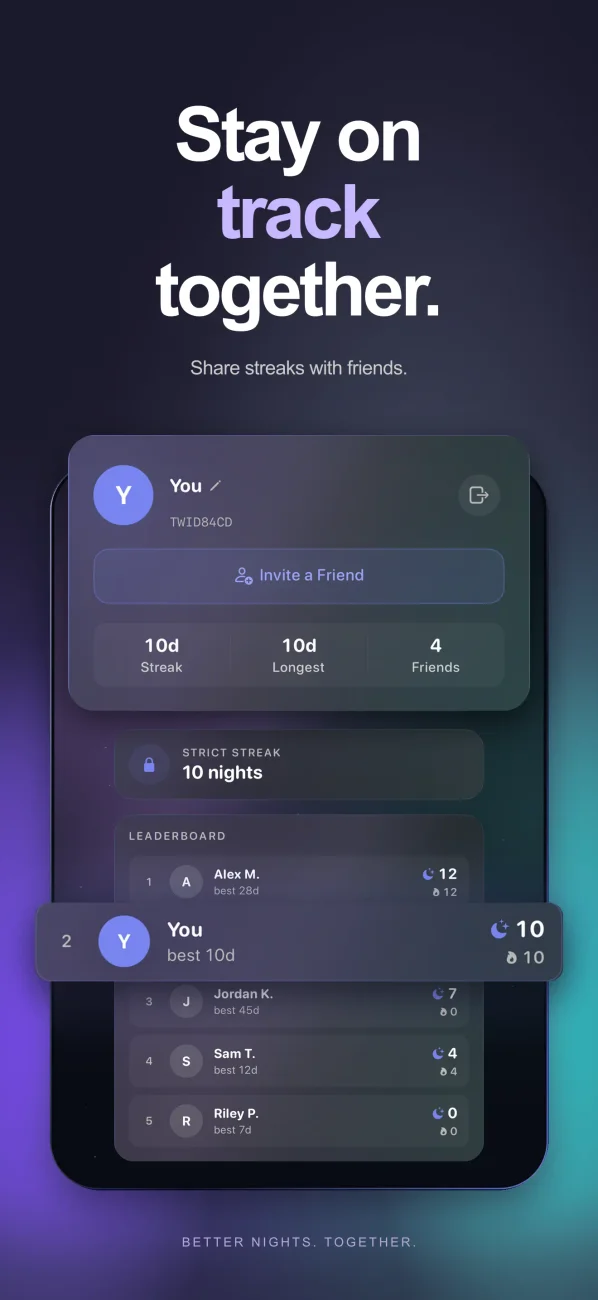
See your streaks and progress in Insights. If you choose to use Friends, connect by invite code and follow the shared leaderboard.
New users need a subscription for full access. Available plans, prices, and any trial you qualify for appear before purchase. Eligible legacy users keep their existing access. Existing Lifetime purchases remain supported. Subscriptions renew automatically unless cancelled at least 24 hours before the end of the current period. Manage subscriptions in your App Store account. Restore Purchases is available in the app.
Selected app identities and raw Screen Time usage stay on your device. Optional account, progress and friend data can sync. Product analytics and purchase services support the app. Tracking permission is optional.
Terms of Use (EULA): https://www.apple.com/legal/internet-services/itunes/dev/stdeula/
Privacy Policy: https://twilock.com/privacy/
What’s new
Version 1.2.8 · Nov 20, 2026
Small bug fixes and improvements.
App privacy
What Prism Studios declares on the App Store about how this app handles data.
-
Data used to track you
May be used to track you across apps and websites owned by other companies.
- Purchases
- Identifiers
- Usage data
-
Data linked to you
May be collected and linked to your identity.
- Purchases
- Contact info
- Contacts
- User content
- Identifiers
- Usage data
- Diagnostics
Privacy practices may vary, for example with the features you use or your age.
Information
- Seller
- Prism Studios Limited Liability Company
- Category
- Productivity
- Version
- 1.2.8
- Updated
- Nov 20, 2026
- Released
- Aug 26, 2026
- Size
- 96.8 MB
- Requires
- iOS 16.0 or later
- Age rating
- 4+
- Price
- Free
- In-app purchases
- Yes
- Languages
- English, Arabic, Czech, Danish, Dutch, Finnish, French, German, Greek, Hebrew, Hindi, Hungarian + 17 more
- Copyright
- © 2026 Prism Studios LLC
You might also like
-
 Ask Any Place on Maps: ReqlyAI Agents on the map
-
 LifeShelfSave anything, find it later
-
 Nodal: Private Offline AI ChatLocal LLM & voice cloning
-
 Ransom: Exercise Screen TimeDo push-ups, then scroll
-
 Binly: Notes, Links & FilesPhotos, PDFs & iCloud Sync
-
 YourKeepPrivate File Backup
-
 Reset: Screen Time ControlApp Blocker, Build Focus
-
 PinNote - Lock Screen NotesSticky Note Widget & Reminder
-
 Network & System Admin ToolkitNetwork Tools & SSH Terminal
-
 On The Lock - Lock Screen MemoA note you cannot miss