TwinPolarCam
Dual-Camera – for Every Moment
Designed for iPhone, iPod touch
$0.99 · In-app purchases
- Age rating4+
- CategoryPhoto & Video
- Developer天从 何
- LanguagesEnglish+ 2 more
- Size3.8 MB
Links to the official App Store page
Download.org hosts no file of TwinPolarCam. The button opens its official App Store page, published by 天从 何. Listing last checked on Nov 17, 2026.
Screenshots



About
Discover Dual-Camera Recording Without Compromise
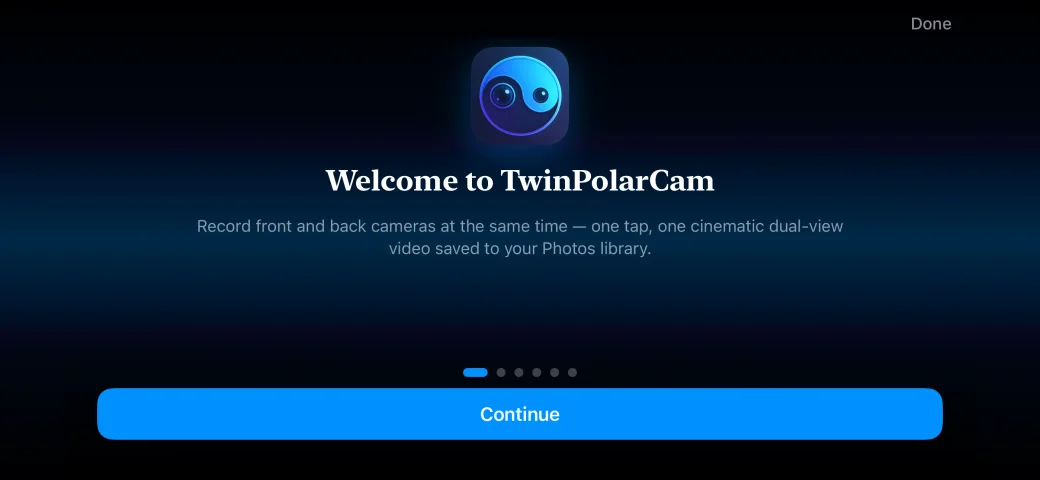
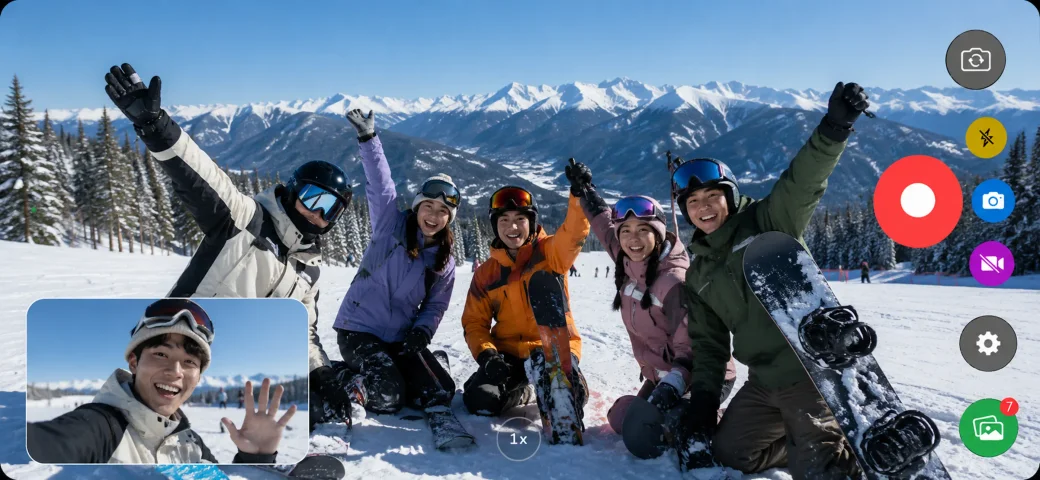
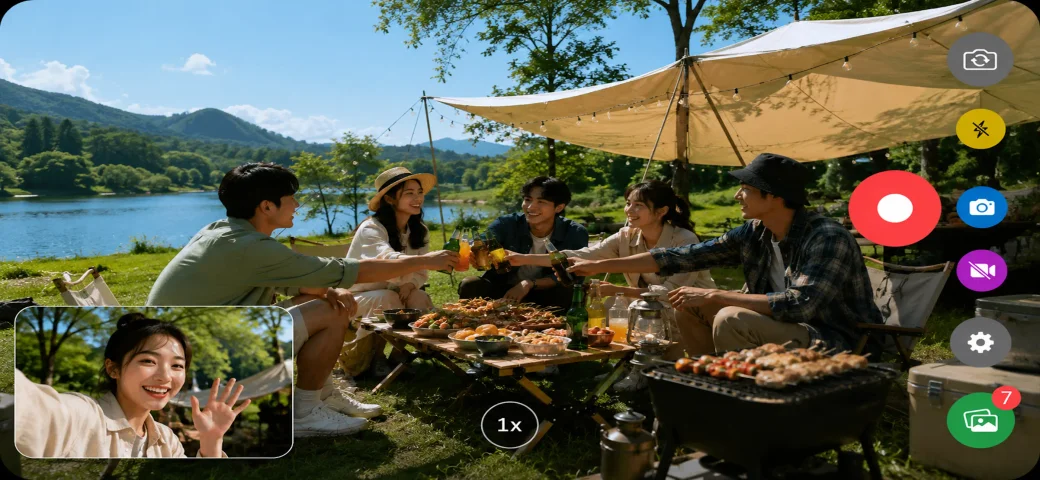
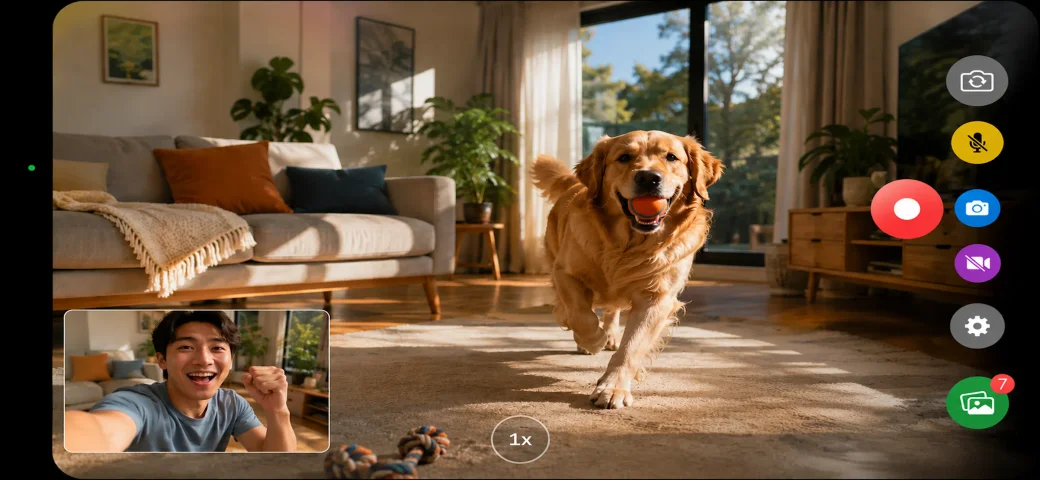
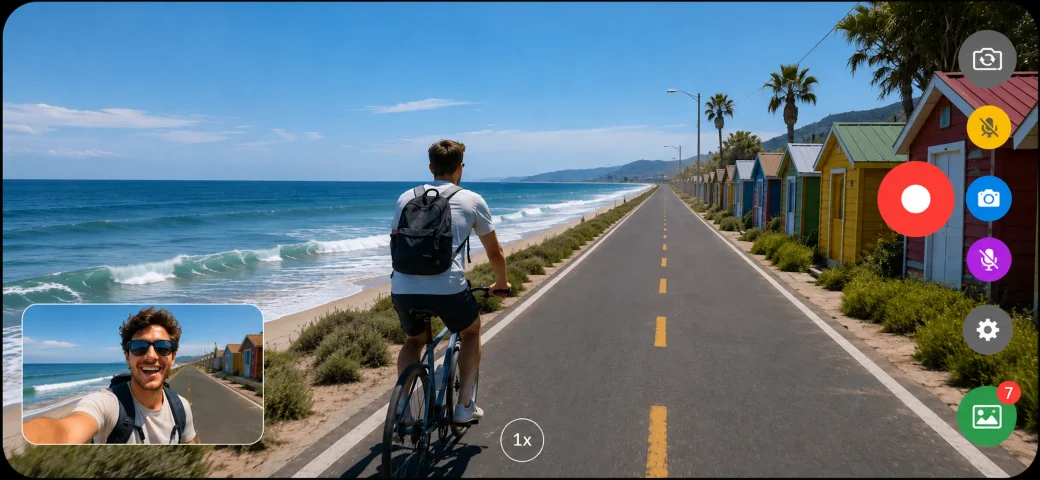
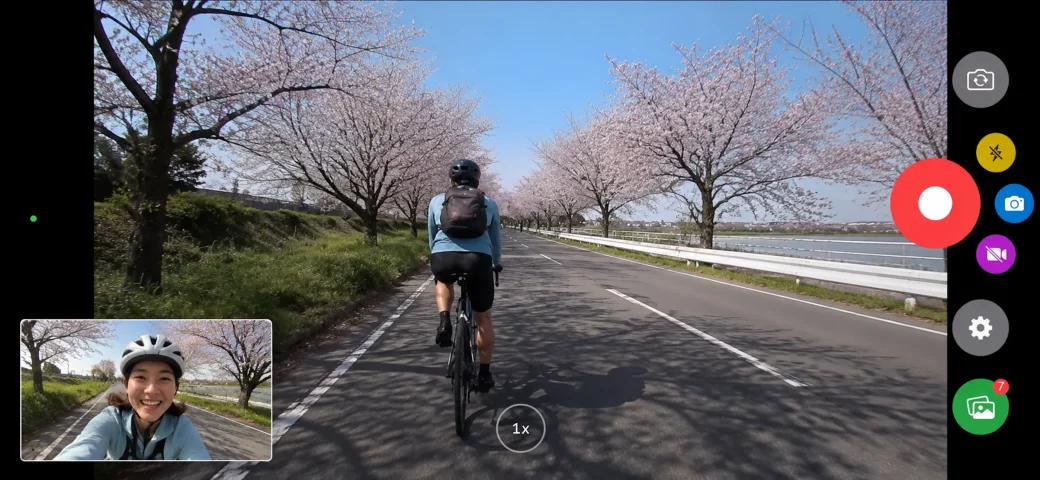
Tired of choosing between yourself and the scene? TwinPolarCam is a dual-camera video recorder for creators. Using Apple Multi-Cam technology, it records front and rear cameras at the same time, composes a main view with customizable picture-in-picture, and saves to Photos.
No registration. No account. No cloud upload. All videos stay on your device until you export or share.
Three Scenarios
Scenario 1: Travel and Cycling Vlogs
Front camera captures your reactions. Rear camera captures the road and scenery.
Scenario 2: Tutorials and How-To Content
Front camera shows your expression. Rear camera shows hands and details.
Scenario 3: Family and Daily Moments
Front camera catches a smile. Rear camera captures the full scene.
Dual-Camera Recording
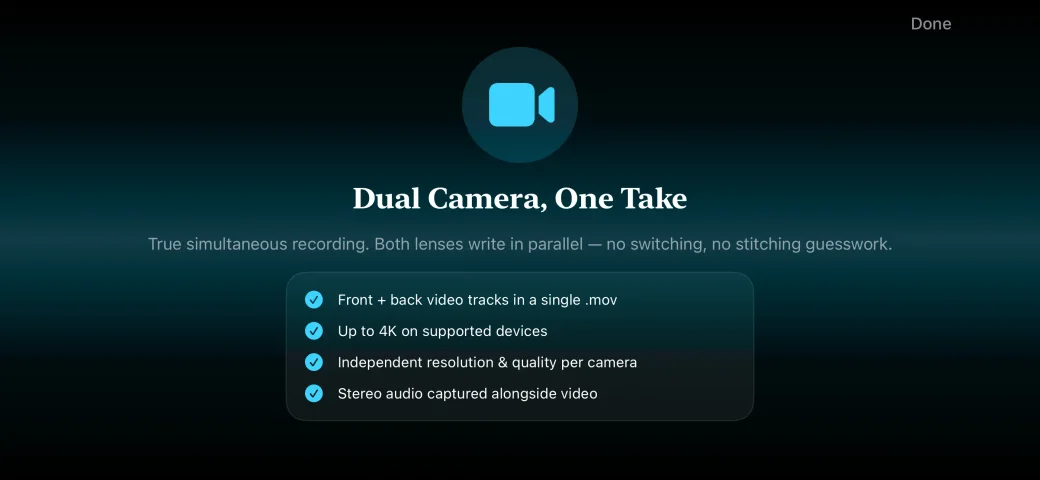
- Simultaneous front and back capture in one multi-track file
- Swap main and PiP roles anytime
- Independent main and PiP settings
- Up to 4K, 24 or 30 fps, HDR, stabilization, and night mode
- Stereo audio with quality, format, and channel options
Picture-in-Picture
- Drag to move, pinch to resize
- Border width, color, corner radius, opacity, and size
- Live preview before recording
Recording Controls
- Start, stop, and pause with one hand
- Screenshot main plus PiP to Photos while recording
- Flashlight Off, On, or Auto
- Pinch-to-zoom on main preview
- Pause preview to save battery
- Landscape-first interface with haptic feedback
Export and Pending Library
- Auto compose after stop, or export manually from Pending
- Preview, share, delete, and batch export
- List or grid layout with adjustable columns
- Export queue, oldest first, with progress and remaining time
- Cancel one or all exports
- Optional auto-delete of originals after export
- Auto or manual export in Settings
- Clear errors for permission, storage, and file issues
Reliable Recording
- Auto pause and resume after calls, Siri, and backgrounding
- Emergency auto-save when backgrounded too long
- Crash recovery restores valid segments on next launch
- Timer freeze during pause
- Control Center without leaving app does not pause recording
- Does not interrupt music until you record
Live Activity
- Lock Screen and Dynamic Island status on supported devices
- Background safety countdown with quick return
- Can be disabled in Settings
Guides and Settings
- First-launch onboarding and built-in guides
- About page with feature and privacy overview
- Grouped settings for main camera, PiP, audio, general, with reset
- Light, Dark, Match System, keep screen awake, portrait lock
- English, Simplified Chinese, and Traditional Chinese
- Email feedback, in-app rating, optional developer tip
Privacy and Local Data
- No login, no account, no server-side user data
- On-device recording and composition
- Original cache excluded from iCloud Backup
- Photos Add Only permission when saving
Why TwinPolarCam
- Dual perspectives in one take
- Easy for beginners, deep settings for advanced users
- Works for travel, tutorials, vlogs, reviews, family moments
- Interruption recovery and emergency save
- Private by design
Device Requirements
- iOS 15.0 or later
- A12 or later with Multi-Cam support
- iPhone XS, XR, and newer recommended
- Unsupported devices see a compatibility screen and refund guidance
Perfect for vlogs, interviews, tutorials, reaction videos, and unboxings. Download TwinPolarCam and capture both perspectives in one take.
What’s new
Version 2.1.0 · Nov 16, 2026
TwinPolarCam v2.1.0 Major Update
1. Smarter feedback when Mail is not set up: open Settings and tap Send Feedback to see a dedicated page where you can copy our support email and diagnostic details, or jump to your mail app. No more silent failures after tapping feedback.
2. Refined scrolling on iOS 26: settings, tutorials, Pending Exports, and more now use a soft blurred top edge where content meets the navigation bar, for a calmer and more consistent look across the app.
3. Improved stability: safer integration between scroll views and system UI so lists and forms stay smooth while you browse.
If TwinPolarCam helps your dual-camera workflow, we would love a rating on the App Store or a note through Settings. Your feedback keeps us improving.
App privacy
What 天从 何 declares on the App Store about how this app handles data.
-
Data not collected
The developer does not collect any data from this app.
Privacy practices may vary, for example with the features you use or your age.
Information
- Seller
- 天从 何
- Category
- Photo & Video
- Version
- 2.1.0
- Updated
- Nov 16, 2026
- Released
- Jul 28, 2025
- Size
- 3.8 MB
- Requires
- iOS 15.0 or later
- Age rating
- 4+
- Price
- $0.99
- In-app purchases
- Yes
- Languages
- English, Simplified Chinese, Traditional Chinese
- Copyright
- © @iHTCboy
You might also like
-
 YesCamDual Camera App
-
 浣熊吃照片 - 相册清理照片整理Photo & Video
-
 DualShoot RecorderShoot Vertical & Landscape
-
 DualShot ProDual-Camera Sync Recorder
-
 Reflecto_Front and back cameras at once
-
 极简双摄相机Photo & Video
-
 DualReel: Multi Angle RecorderRecord 16:9 & 9:16 Together
-
 BothCam – Dual CameraDual Cam Photo & Video
-
 Rec Me Duo - Two LensesRecord with Both Cameras
-
 DualShot-HoriSnapDual Camera Recorder