Two Step Authenticator・2FA・MFA
Two Factor Authentication App
Designed for iPhone
Free · In-app purchases
- Age rating4+
- CategoryUtilities
- DeveloperToriv Blenk
- LanguagesEnglish
- Size34.3 MB
Links to the official App Store page
Download.org hosts no file of Two Step Authenticator・2FA・MFA. The button opens its official App Store page, published by Toriv Blenk. Listing last checked on Nov 12, 2026.
Screenshots

About
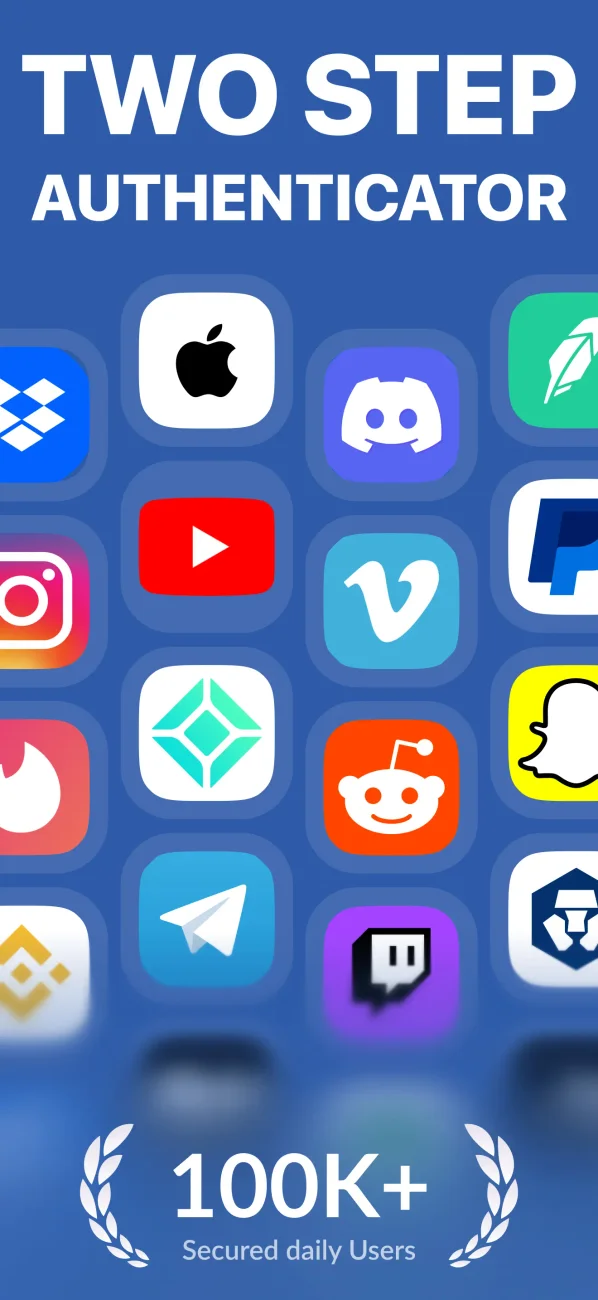
Keep your online accounts protected with an extra layer of security. Add two-factor authentication to the services you use and keep all your 2FA codes together in one app on your iPhone.
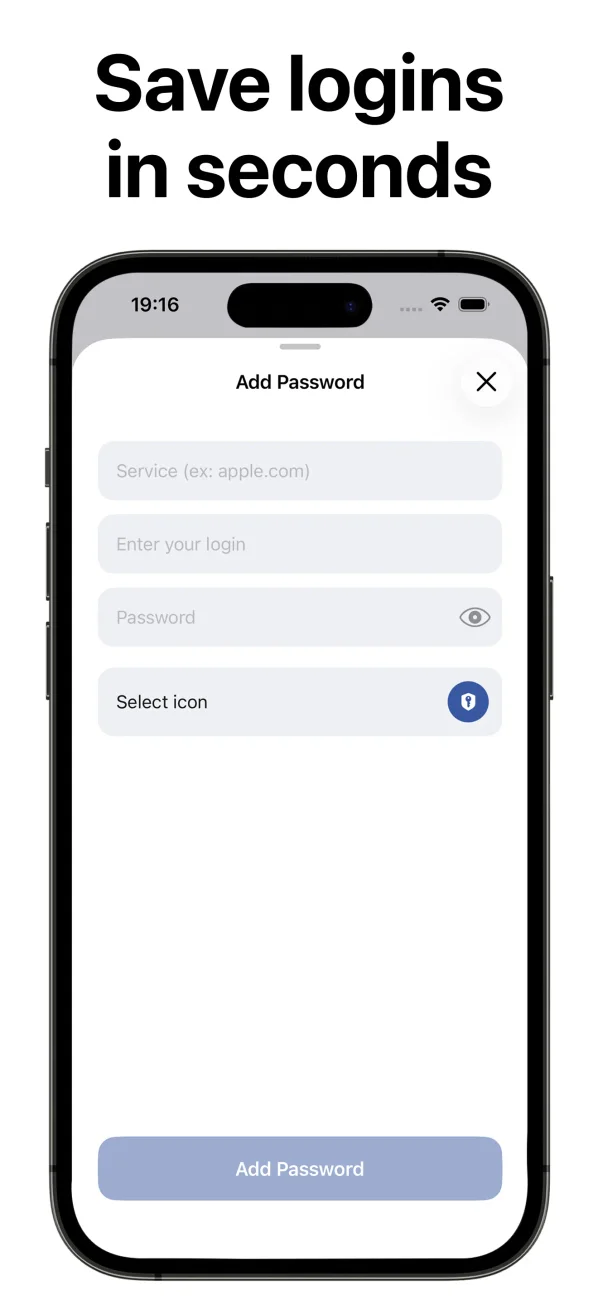
Adding an account is quick: scan the QR code or type in the setup key. Your passwords live in the built-in Password Manager, the whole app is locked with Face ID, and you can create or read QR codes whenever you need them.
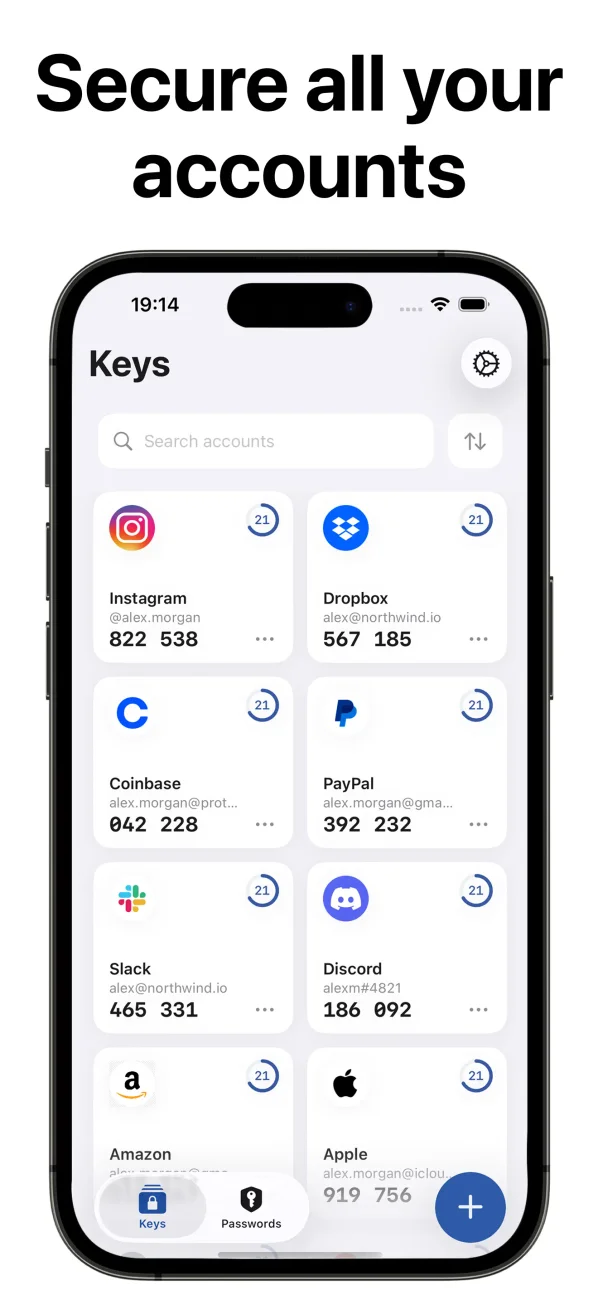
• 2FA CODES IN ONE PLACE - Turn on two-factor authentication for your accounts on different services and keep every verification code together in one app.
• ADD BY QR CODE - Scan the QR code the service shows you and the account is added right away, no typing needed.
• ADD BY SETUP KEY - Prefer to type? Enter the 2FA setup key provided by the service to add the account manually.
• PASSWORD MANAGER - Add your passwords to the app and keep them stored securely in one place.
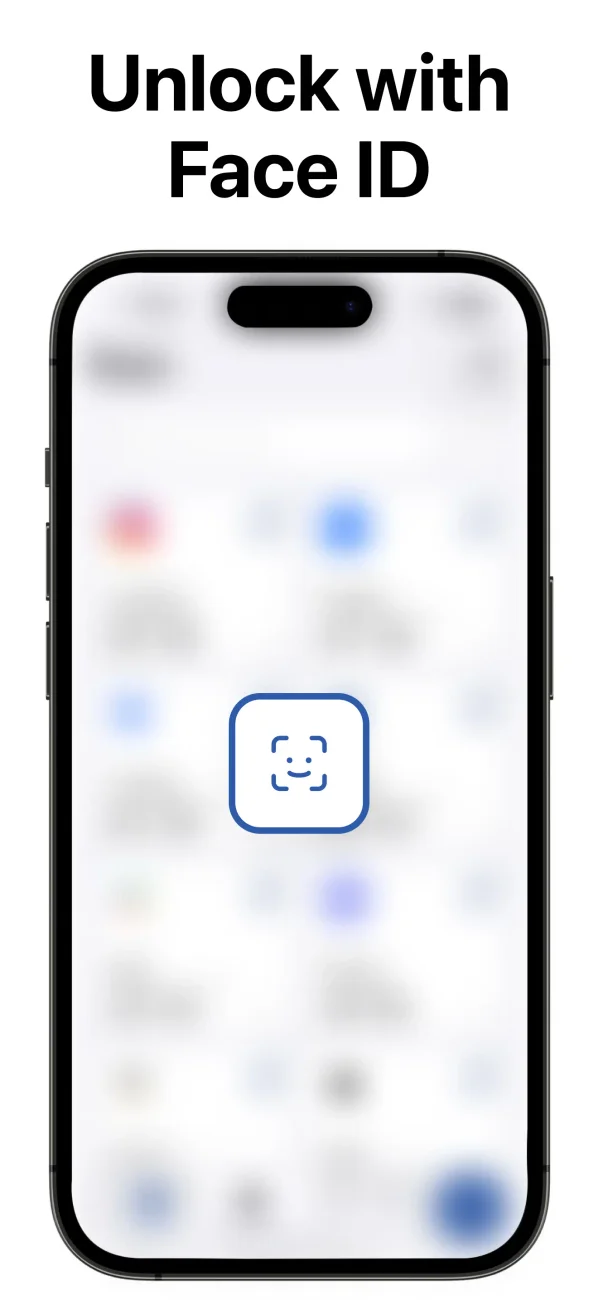
• FACE ID PROTECTION - Keep your codes and passwords away from prying eyes. The app is protected with Face ID.
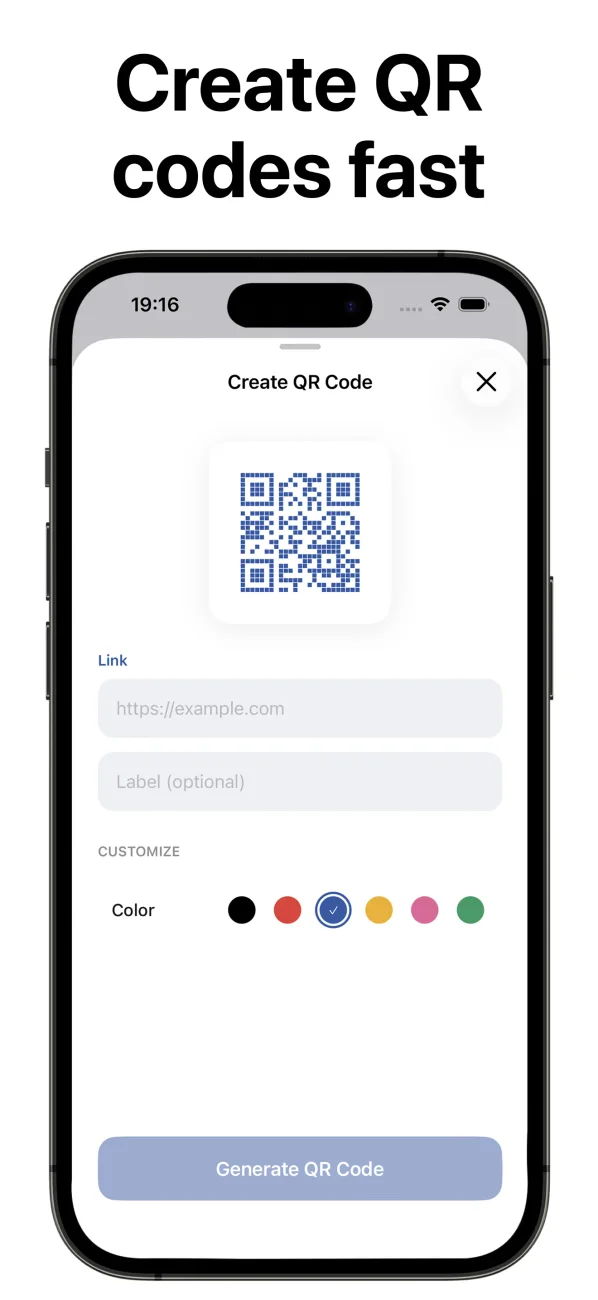
• QR CODE GENERATOR - Create your own QR codes in a few taps.
• QR CODE READER - Decode QR codes and see exactly what they contain.
• LEARN ABOUT 2FA - Helpful articles explain how two-step verification and multi-factor authentication work and why they matter.
• SIMPLE TO USE - A clean, simple interface that makes two-factor authentication easy, even if you are setting it up for the first time.
• PERFECT FOR - Anyone who wants stronger protection for their online accounts and one place for their 2FA codes and passwords.
Contact us: antoniagilbertowvy640@gmail.com
Terms of Use: https://www.apple.com/legal/internet-services/itunes/dev/stdeula/
Privacy Policy: https://docs.google.com/document/d/1YZVB-1MpcKVig3_4BhU0GDD-FV6YOOAgPvr4snMFe8k/edit?tab=t.0
What’s new
Version 1.2 · Nov 6, 2026
Hi there! Some bugs were fixed, app stability has been improved.
App privacy
What Toriv Blenk declares on the App Store about how this app handles data.
-
Data not collected
The developer does not collect any data from this app.
Privacy practices may vary, for example with the features you use or your age.
Information
- Seller
- Toriv Blenk
- Category
- Utilities
- Version
- 1.2
- Updated
- Nov 6, 2026
- Released
- Nov 2, 2026
- Size
- 34.3 MB
- Requires
- iOS 18.0 or later
- Age rating
- 4+
- Price
- Free
- In-app purchases
- Yes
- Languages
- English
- Copyright
- © Toriv Blenk Copyright 2026
You might also like
-
 QR Scanner, Smart Code ReaderBarcode Scan, Photo QRcode
-
 ELWconnectUtilities
-
 MeldekarteUtilities
-
 Odysseus AI - Automation AgentSelf Hosted AI Workspace, Bot
-
 QR Code & Barcode Scanner *QR Code & Barcode Scanner
-
 PDF: Scanner, converterScan, build PDFs
-
 JUH2GOUtilities
-
 Rulid: Measure & Plan RoomsScan space, move furniture
-
 TAEXEL - твой авто и сервисыUtilities
-
 E-TANKEN AppUtilities