
- Age rating4+
- CategoryUtilities
- DeveloperLeonardo Melegari
- LanguagesEnglish
- Size31.7 MB
Links to the official App Store page
Download.org hosts no file of TwoFac - Authenticator. The button opens its official App Store page, published by Leonardo Melegari. Listing last checked on Nov 13, 2026.
Screenshots

About
Your two-factor codes. Private, secure, always available.
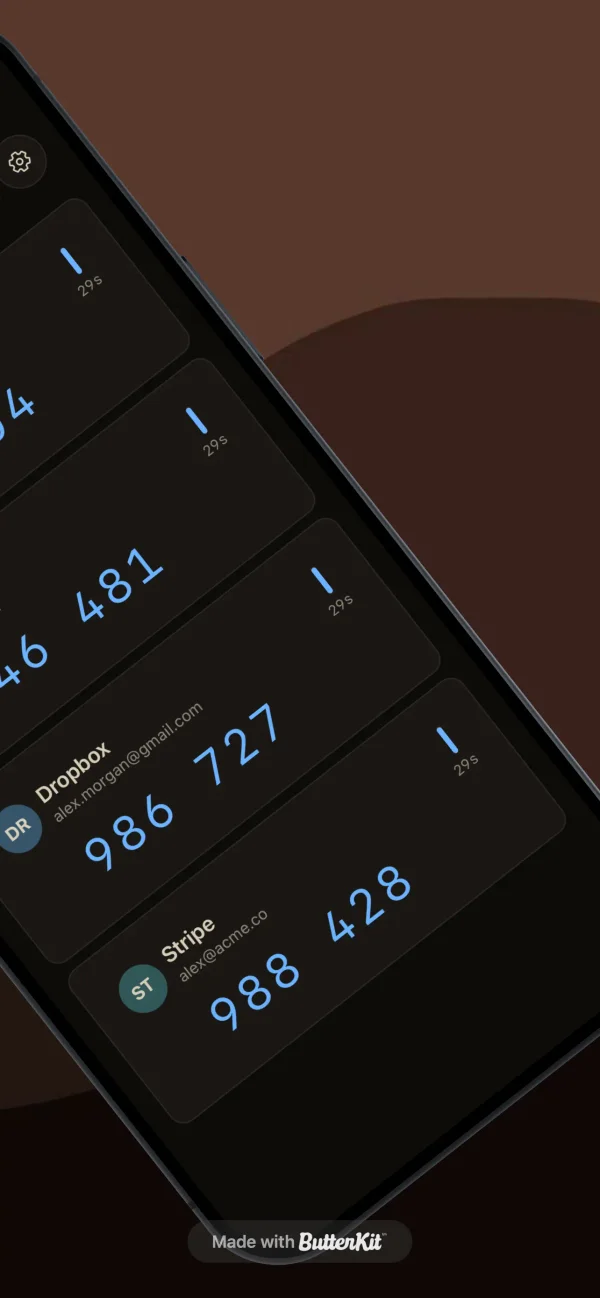
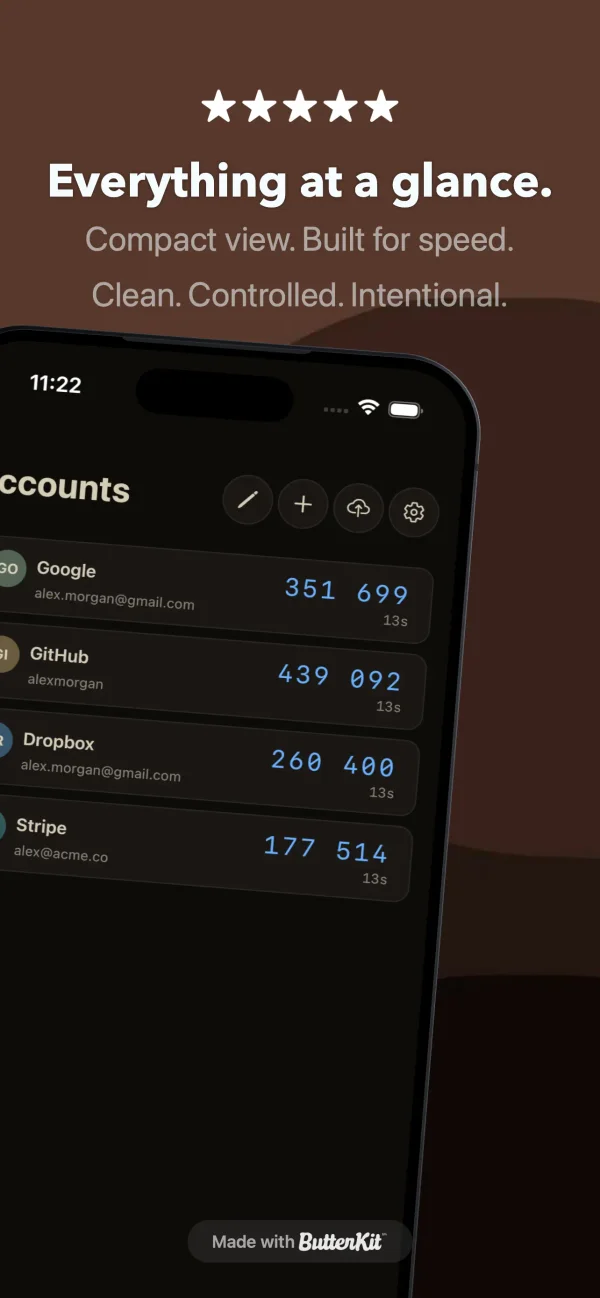
TwoFac is an offline authenticator that keeps your one-time passwords exactly where they belong — on your device. No account to create, no server to trust, no subscription to manage. Just your codes, ready when you need them.
PRIVATE BY DESIGN
Every secret is encrypted and stored locally using your device's secure storage. TwoFac has no backend, no analytics, and no data collection of any kind. Your codes never leave your phone unless you explicitly export a backup.
SIMPLE TO USE
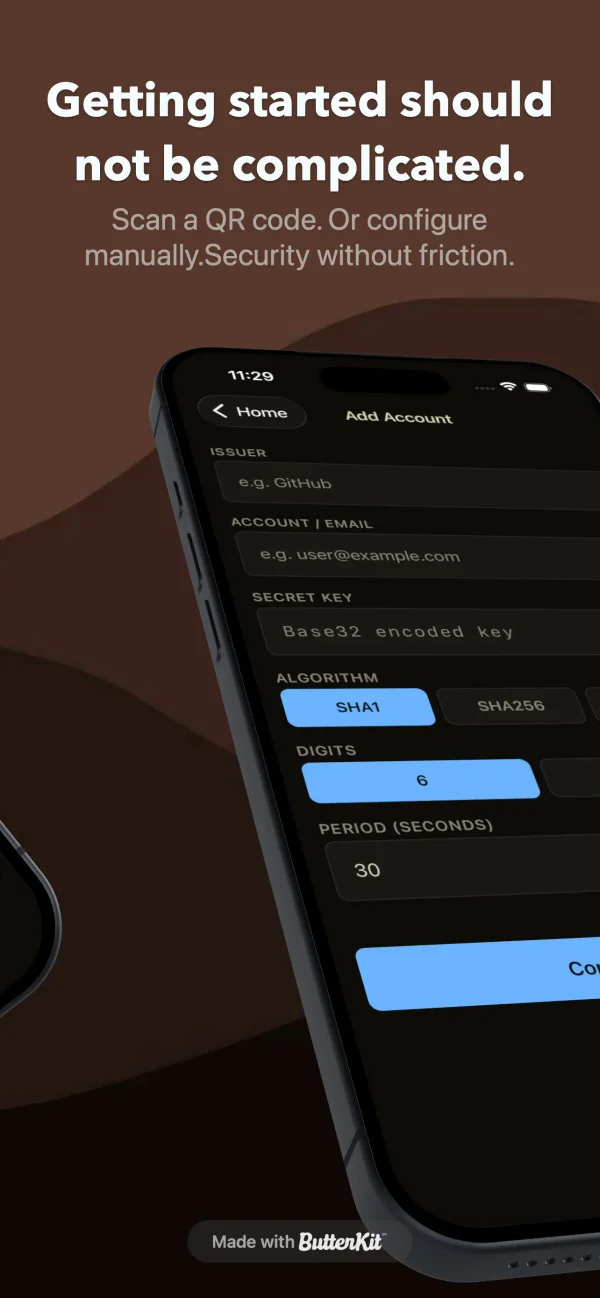
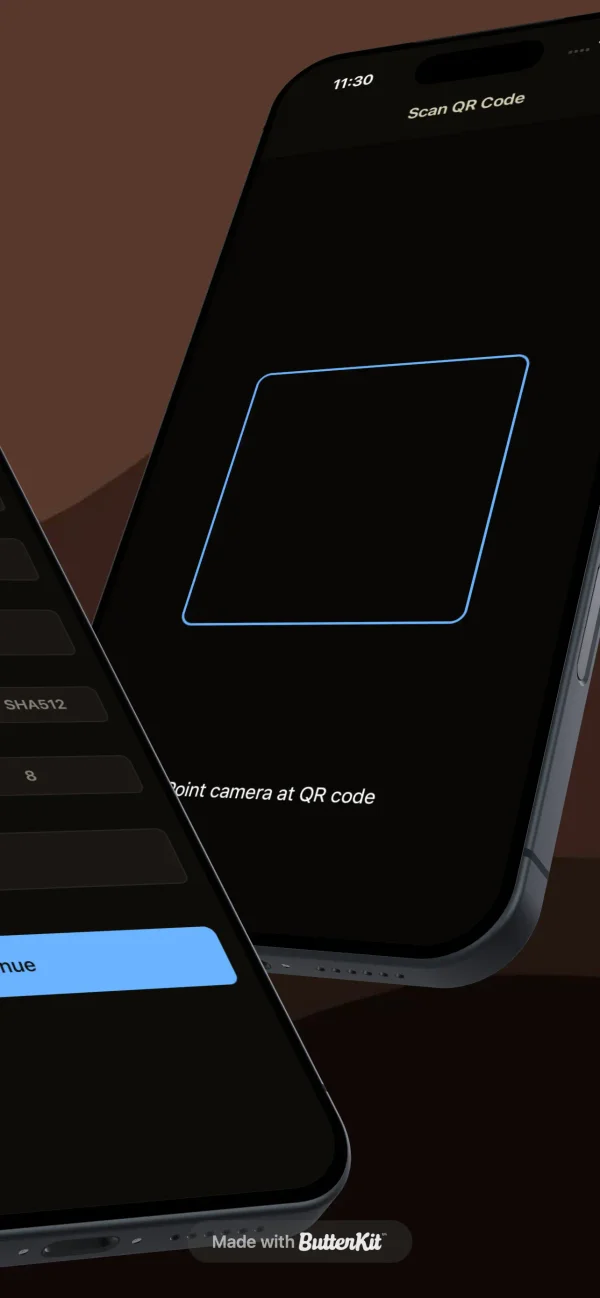
• Scan a QR code to add any TOTP account in seconds
• Enter codes manually with full field validation
• Copy any token with a single tap
• See exactly how long your code is valid with a live countdown
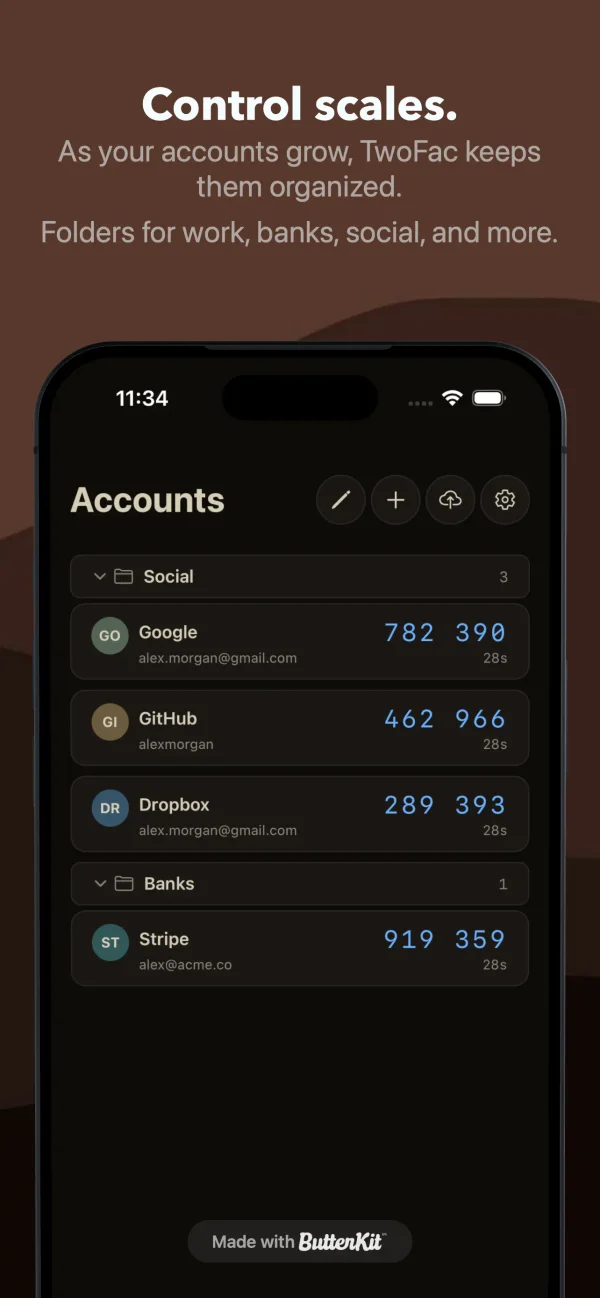
• Organize accounts into folders to keep things tidy
BACKUP WHEN YOU WANT
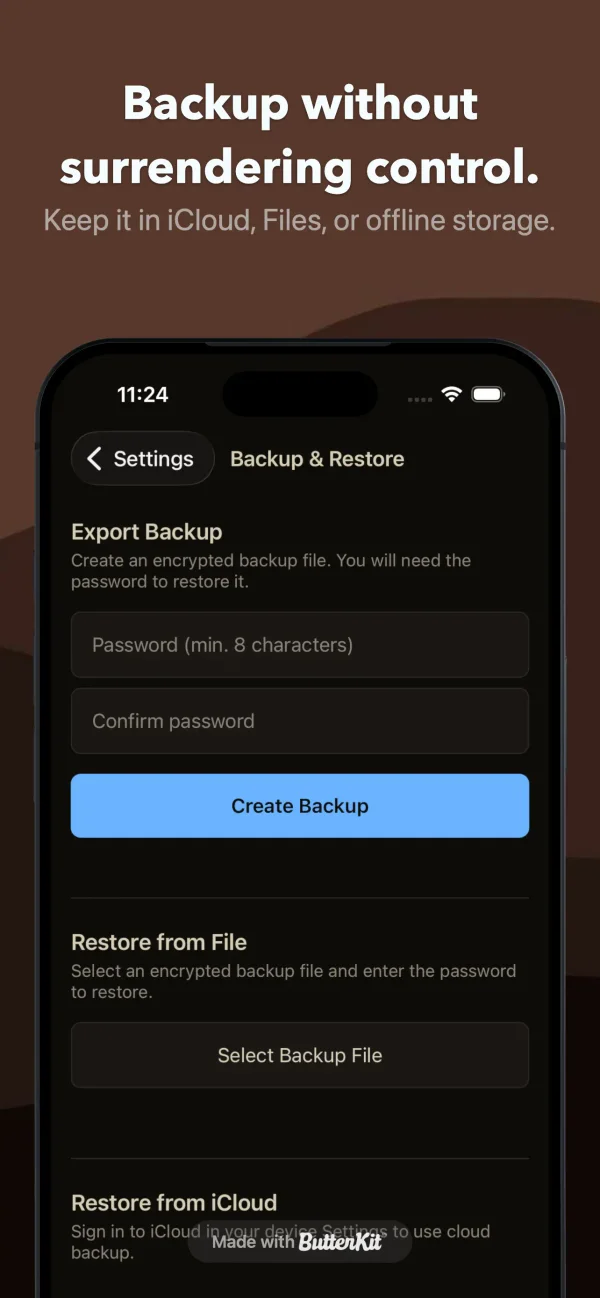
Export an encrypted backup file protected by a password you choose. Save it to iCloud Drive, share it to Files, or keep it anywhere you like. Restore it on any device running TwoFac. Your backup, your rules.
SECURE AT REST
• Secrets encrypted with AES-GCM on-device
• Optional biometric app lock (Face ID / Touch ID)
• Automatic re-lock after a configurable timeout
• Screenshot prevention in the app switcher
COMPATIBLE WITH EVERYTHING
TwoFac works with any service that supports TOTP (RFC 6238): Google, GitHub, Dropbox, Notion, Stripe, Amazon, Cloudflare, Twitter, Discord, and thousands more.
FREE. ALWAYS.
TwoFac is and will always be free to use. No ads. No in-app purchases. No premium tier. If you find it useful, a small donation keeps the project alive — but there's no obligation whatsoever.
SUPPORTS
TOTP / RFC 6238 · SHA-1, SHA-256, SHA-512 · 6- and 8-digit codes · 30- and 60-second periods · otpauth:// URI standard · iCloud Drive backup · Encrypted JSON export/import
Terms Of Use (EULA): https://leomelegari.github.io/twofac-site/terms
Privacy Policy: https://leomelegari.github.io/twofac-site/privacy
App privacy
What Leonardo Melegari declares on the App Store about how this app handles data.
-
Data not collected
The developer does not collect any data from this app.
Privacy practices may vary, for example with the features you use or your age.
Information
- Seller
- Leonardo Melegari
- Category
- Utilities
- Version
- 1.1.4
- Updated
- Feb 25, 2026
- Released
- Feb 25, 2026
- Size
- 31.7 MB
- Requires
- iOS 15.1 or later
- Age rating
- 4+
- Price
- Free
- Languages
- English
- Copyright
- © 2026 Leo&Me Software House. All rights reserved.
You might also like
-
 Vaultic: 2FA AuthenticatorTOTP codes, passwords, browser
-
 AtOnline AuthSecure 2FA Authenticator
-
 Auth Mate - 2FA AuthenticatorTOTP codes, sync & backups
-
 Authenticator: OTP & 2FA CodeAuthentication App - OTP
-
 Keylet: 2FA AuthenticatorTOTP, Passkey & Code Vault
-
 Pangi – 2FA AuthenticatorPrivate TOTP Codes & AutoFill
-
 2FA iAtomos: AuthenticatorFree forever. Private 2FA
-
 Opty - 2FA Authenticator2FA Authenticator & OTP Codes
-
 ZarPaysAirtimes & TopUps
-
 2FA Vault - TOTP AuthenticatorSecure 2FA TOTP Generator