Type & Ink: Handwriting
Turn typed text into art
Designed for iPhone, iPad, Mac, iPod touch
Free · In-app purchases
- Age rating4+
- CategoryUtilities
- Developer余 张
- LanguagesEnglish+ 3 more
- Size142.5 MB
Links to the official App Store page
Download.org hosts no file of Type & Ink: Handwriting. The button opens its official App Store page, published by 余 张. Listing last checked on Nov 12, 2026.
Screenshots


About
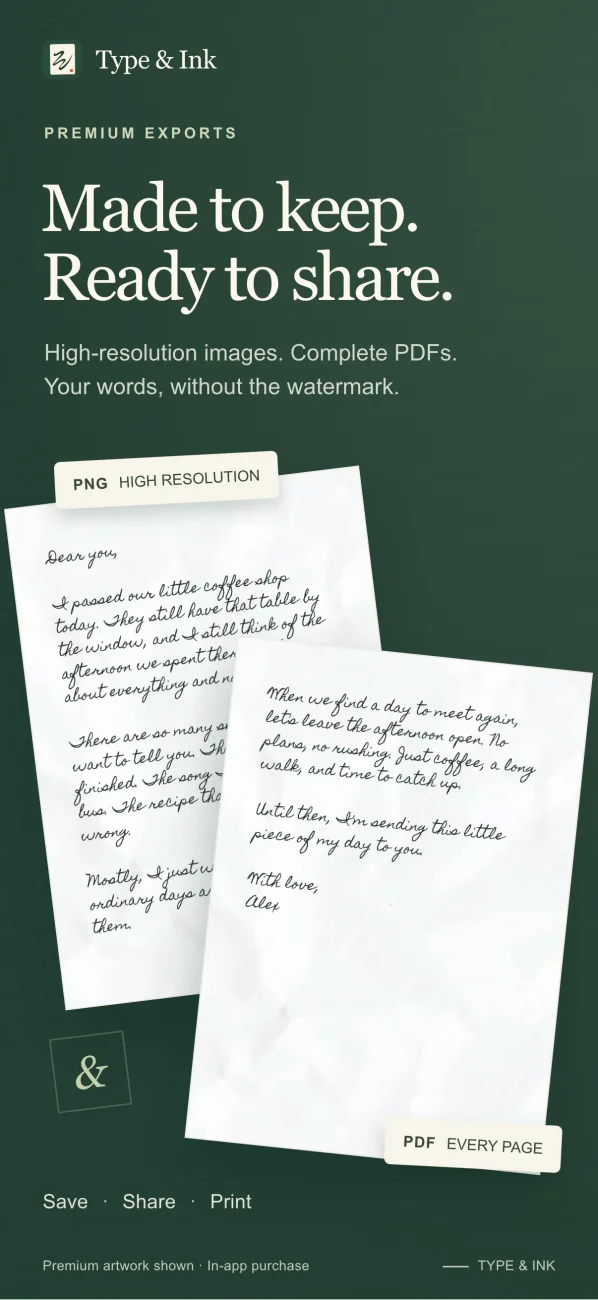
Turn typed text into handwriting and create quote images with your own photos. Type & Ink combines handwriting fonts, stationery and layout controls for personal letters, poetry pages and text cards. Upgrade to Premium to export finished work as high-resolution images or complete PDFs.
TEXT TO HANDWRITING
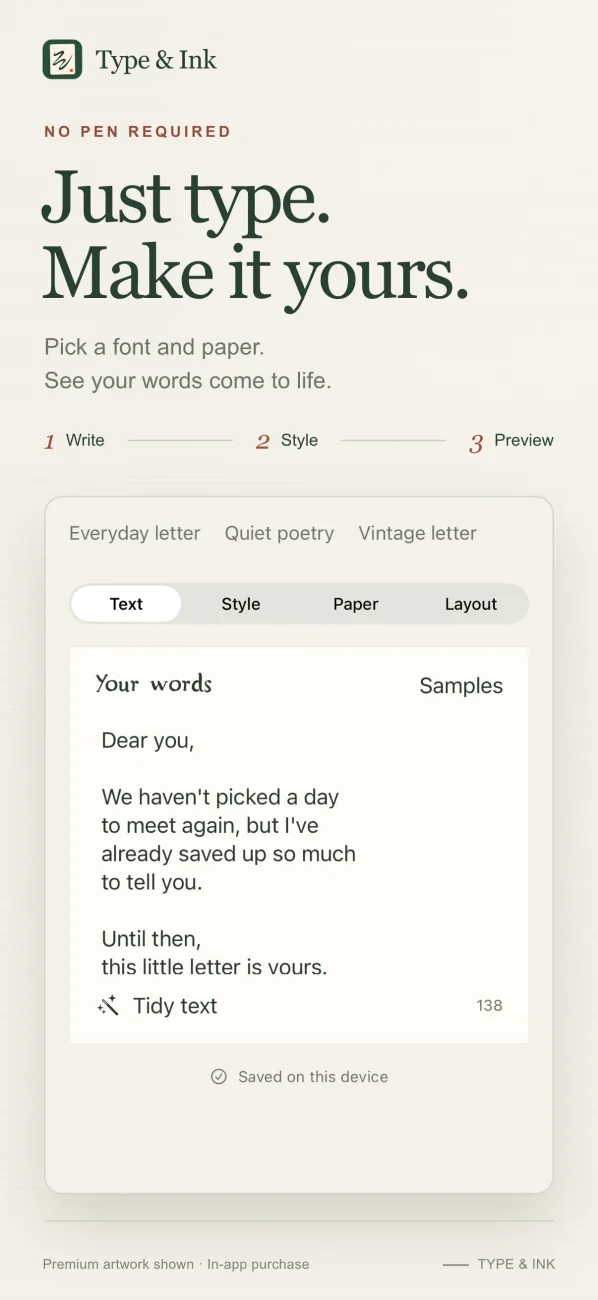
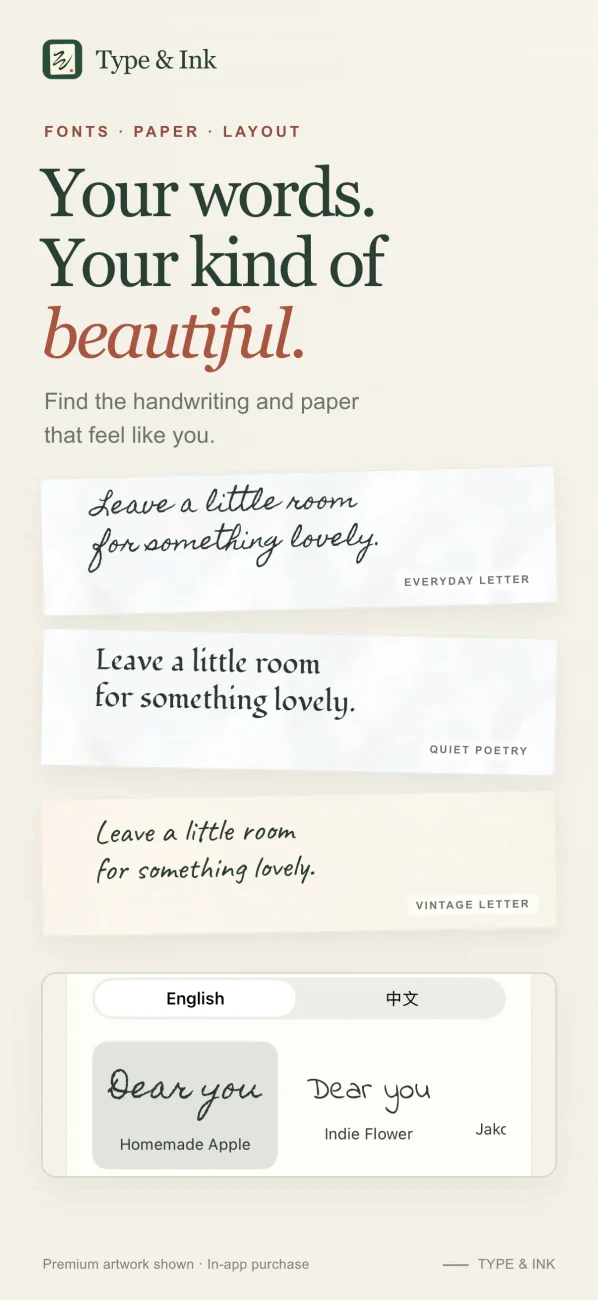
Type or paste your words, choose an English or Chinese handwriting font, and preview the result on paper. Adjust the font size and ink color to create a personal letter, a thank-you note or a favorite poem—without writing each character by hand.
STATIONERY AND PAGE LAYOUT
Choose a built-in paper background or import an image from your photo library. Adjust line spacing and margins, or start with a letter, poetry or vintage style preset. A4 and US Letter formats help you prepare pages for printing.
QUOTE IMAGES AND TEXT ON PHOTOS
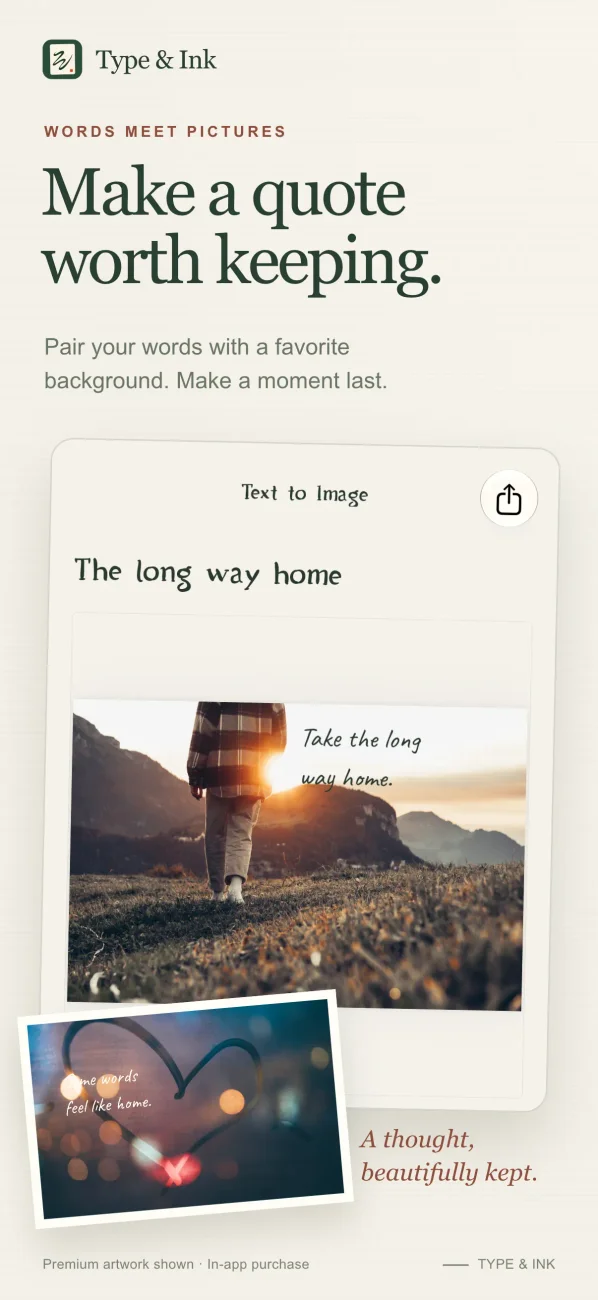
Pair a favorite quote, birthday message or travel memory with a meaningful photo. Customize the font, color and spacing to create text cards and images for sharing.
SAVE YOUR PROGRESS
Your edits are saved automatically, so you can return and keep refining your work. Start with your own words or adapt one of the included sample texts.
EXPORT WITH PREMIUM
Unlock finished exports through an in-app purchase:
• High-resolution images to save to Photos or share.
• Complete PDFs that preserve your layout across multiple pages.
• Watermark-free output for a clean finished result.
You can edit and view a watermarked preview before purchasing. Multi-page works preview the first page only. Saving finished images, sharing exported files and exporting complete PDFs require Premium. Pricing is shown on the purchase screen.
Start with your words. Give them a page worth keeping.
What’s new
Version 2.0.0 · Oct 24, 2026
Text Box is now Type & Ink, with a renewed focus on text-to-handwriting and quote images.
• A new icon and a refreshed interface inspired by paper, ink and a quiet writing desk.
• A redesigned editor makes it easier to preview your work, choose fonts, change stationery and refine your layout.
• New letter, poetry and vintage style presets help you find a look for your words.
• Artwork thumbnails make your saved projects easier to recognize and revisit.
• A smoother Premium flow continues your selected export after a successful purchase.
• Ads have been removed for a more focused creative experience.
Your existing Premium purchase remains valid.
App privacy
What 余 张 declares on the App Store about how this app handles data.
-
Data not collected
The developer does not collect any data from this app.
Privacy practices may vary, for example with the features you use or your age.
Information
- Seller
- 余 张
- Category
- Utilities
- Version
- 2.0.0
- Updated
- Oct 24, 2026
- Released
- Oct 23, 2022
- Size
- 142.5 MB
- Requires
- iOS 15.6 or later
- Age rating
- 4+
- Price
- Free
- In-app purchases
- Yes
- Languages
- English, Simplified Chinese, Spanish, Traditional Chinese
- Copyright
- Copyright © 2027 ZYSoft. All rights reserved.
You might also like
-
 手写生成器-专业的手写模拟器Utilities
-
 乱写 - 手写生成器Utilities
-
 Handwriting To TextUtilities
-
 Handwriting Simulator手写字迹模拟神器
-
 素笺-写信新潮流:优雅的手写信纸Utilities
-
 超级写作 - 人工智能写作助手Utilities
-
 计数器:追踪记录事件次数、习惯打卡、计数统计、点击数量、工具Utilities
-
 手迹造字-个人字库精品字体安装应用Utilities
-
 Picture to Text: OCR ScannerScan and Read Photo, Image
-
 秒试布 - 面料,花型云试衣间Utilities