
Typesy - Touch Typing
Quickly learn to touch type
Designed for iPad
Free · In-app purchases
- Age rating4+
- CategoryEducation
- DevelopereReflect
- LanguagesEnglish+ 8 more
- Size113.9 MB
Links to the official App Store page
Download.org hosts no file of Typesy - Touch Typing. The button opens its official App Store page, published by eReflect. Listing last checked on Nov 20, 2026.
Screenshots


About
Are you ready to master the art of typing with Typesy, the ultimate typing tutor and keyboarding software?
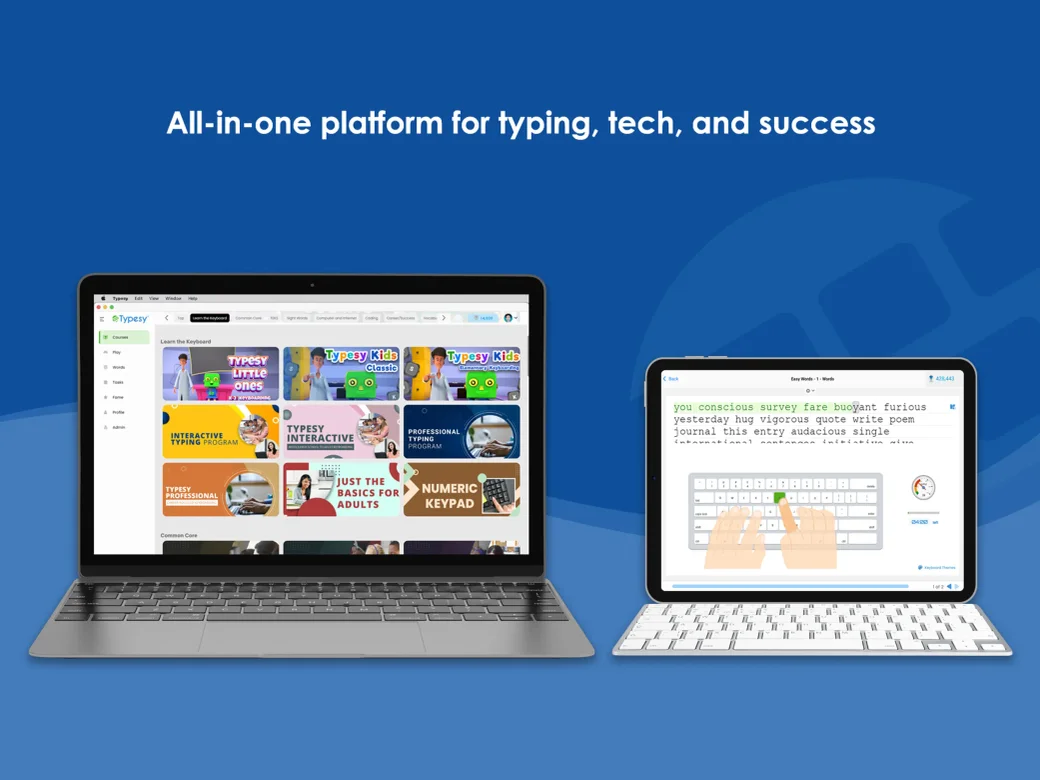
Typesy is your personal guide to becoming a typing pro, whether you're a beginner or looking to level up your skills. With engaging lessons, fun exercises, and cutting-edge technology, you'll type faster, more accurately, and with newfound confidence.
Key Features:
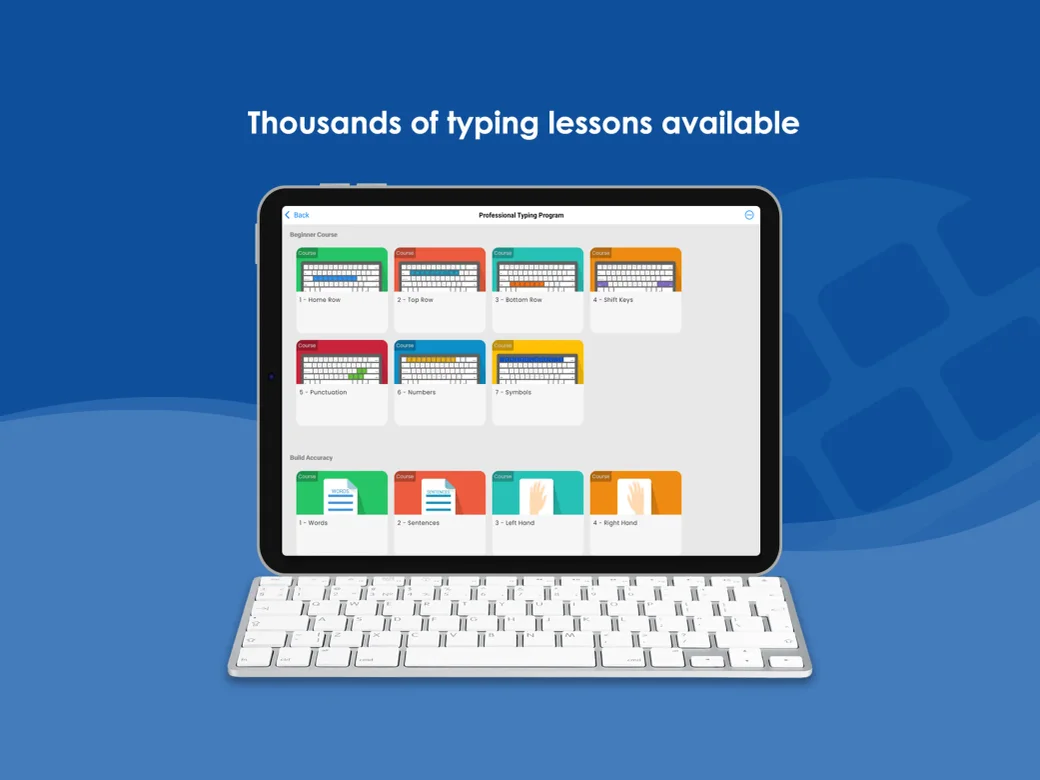
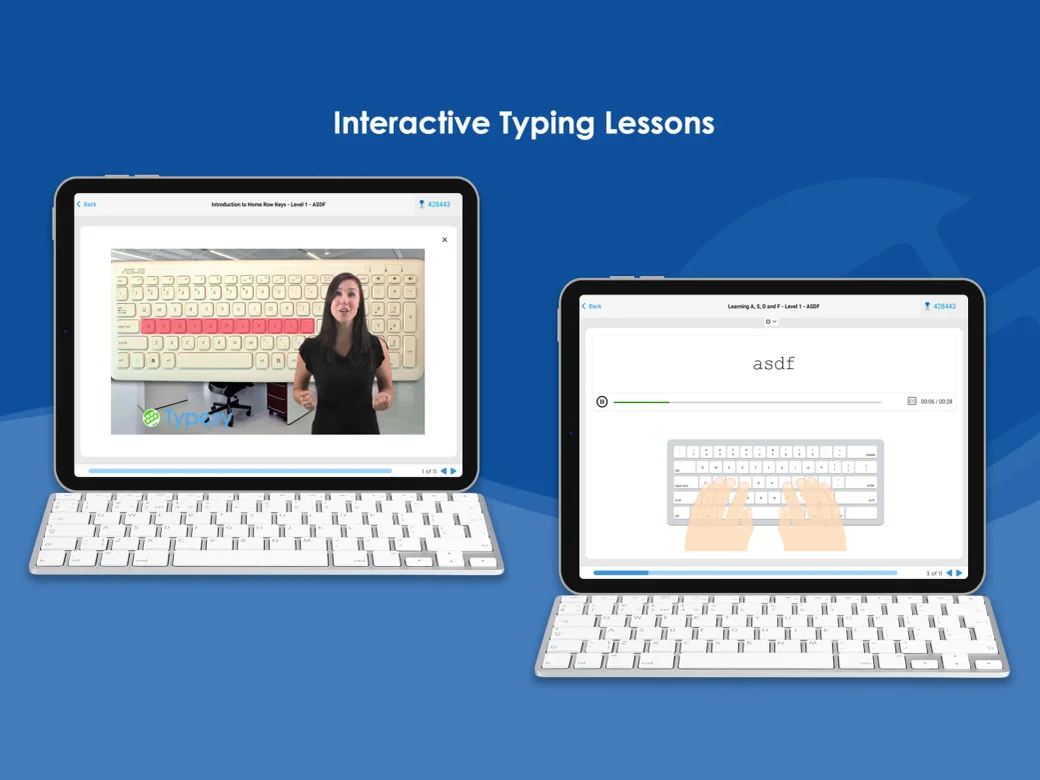
- Interactive Typing Lessons: Dive into the interactive lessons tailored for all skill levels. Learn touch typing techniques and boost your WPM (words per minute) effortlessly.
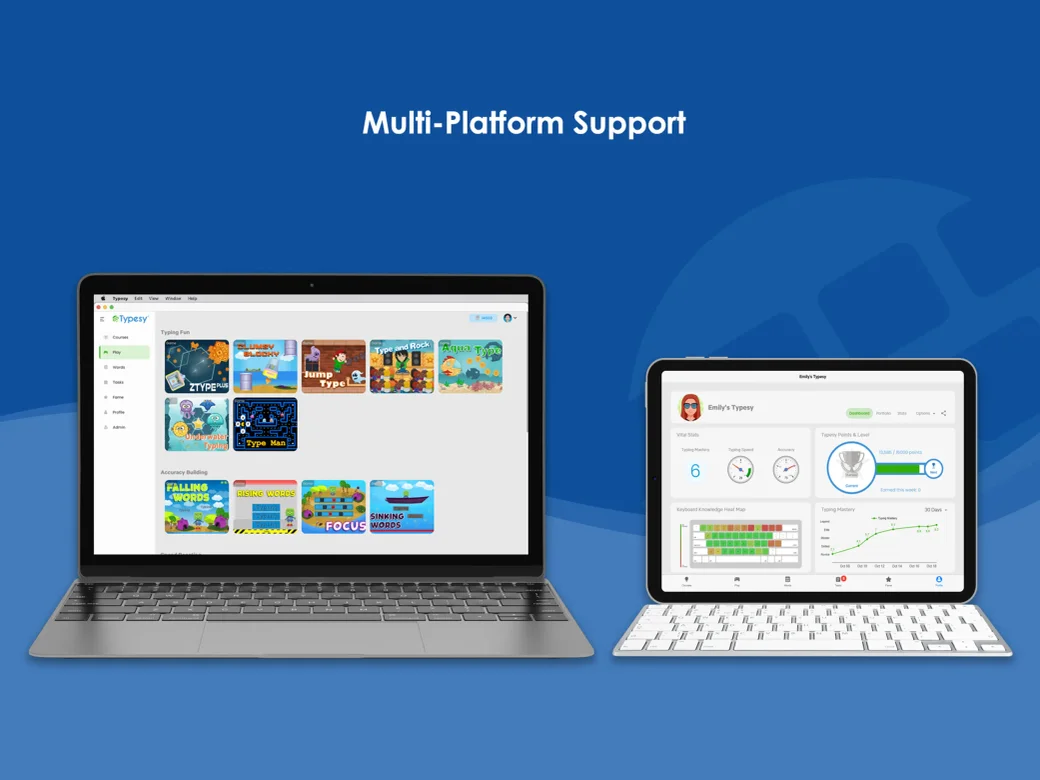
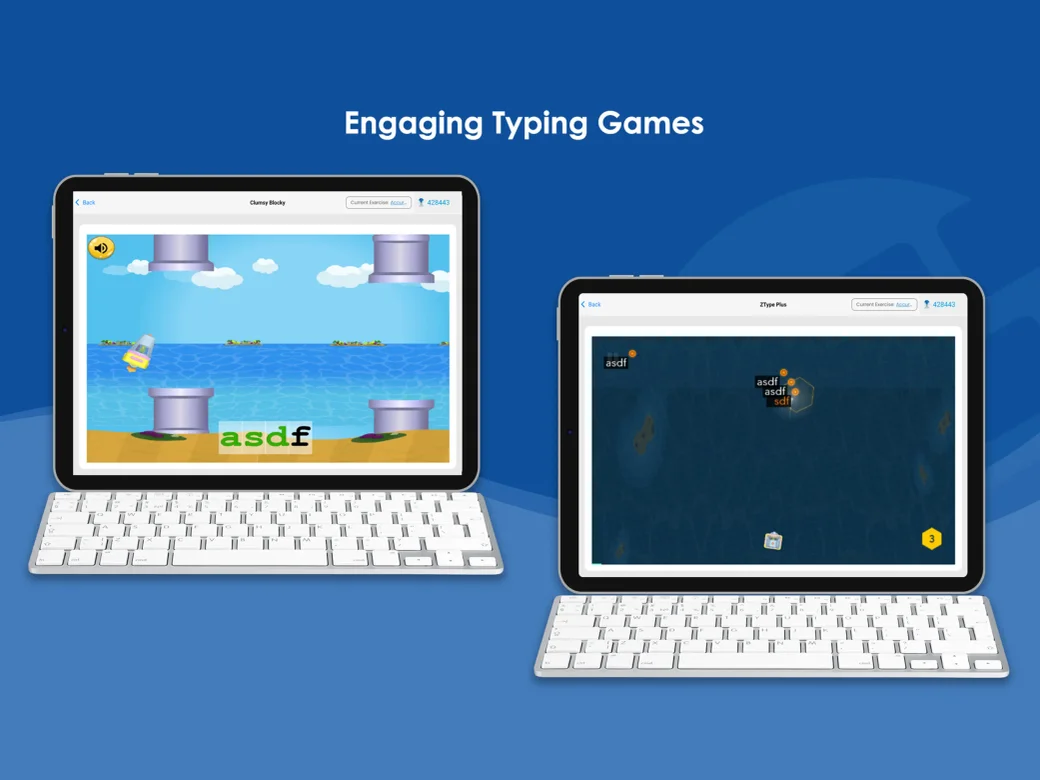
- Engaging Typing Games: Learning doesn't have to be boring! Enjoy a variety of typing games designed to make practice fun and addictive.
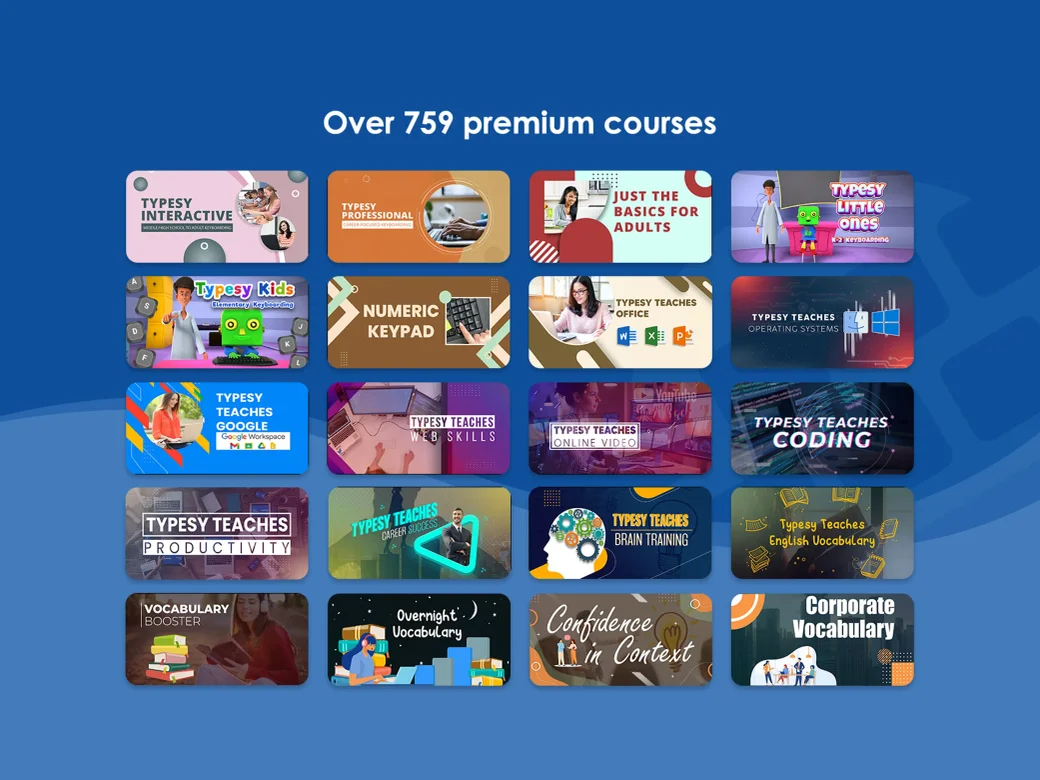
- Rich Content Library: Explore a vast library of texts and articles across different genres. Improve your typing while reading interesting and informative content.
- Progress Tracking: Track your typing speed and accuracy over time. Watch yourself evolve into a typing pro with detailed performance analytics.
Join millions of satisfied learners who have transformed their typing skills with Typesy. Whether you want to enhance your professional productivity or simply type faster for personal use, Typesy has you covered.
Here are links of our Terms and Conditions and Privacy Policy:
https://www.ereflect.com/terms-and-conditions.html
https://www.ereflect.com/privacy.html
What’s new
Version 2026.11.3 · Nov 19, 2026
Courses are now called Lessons, with a clearer look across the app. New lesson types bring Word, Excel, PowerPoint and Google Docs, Sheets and Slides practice, plus all 20 mouse-skills activities. Typing Mastery in your Stats now gives a fairer, more accurate picture of your skill. Expired school and homeschool accounts can now sign in and see clear renewal steps instead of being locked out. Plus a smooth loading screen at launch, clearer network messages on school networks and an improved Hall of Fame.
App privacy
What eReflect declares on the App Store about how this app handles data.
-
Data linked to you
May be collected and linked to your identity.
- Contact info
- Identifiers
-
Data not linked to you
May be collected but is not linked to your identity.
- User content
- Diagnostics
Privacy practices may vary, for example with the features you use or your age.
Information
- Seller
- eReflect Pty Ltd
- Category
- Education
- Version
- 2026.11.3
- Updated
- Nov 19, 2026
- Released
- Jan 25, 2016
- Size
- 113.9 MB
- Requires
- iOS 15.0 or later
- Age rating
- 4+
- Price
- Free
- In-app purchases
- Yes
- Languages
- English, Catalan, French, German, Italian, Polish, Portuguese, Simplified Chinese, Spanish
- Copyright
- © eReflect Software 2006-2023
You might also like
-
 Typing Fingers LTTouch Typing App for All
-
 GreatTypinglearn to type
-
 Touch-type Read and SpellTTRS - Learn typing
-
 Keyboarding Without TearsTouch Typing Made Easy
-
 Typing Practice - Dino HuntingRun & learn to type ABC letter
-
 Best Typing Lessons and TestLearn how to touch type faster
-
 Animal Typing - LiteLearn to type faster !
-
 Type Flash - typing gamefast paced word racer game
-
 Typing Practice - RoyaltyType faster, Boost WPM speed
-
 Typing LandA fun and exciting typing game