
Typing Tutor: Learn to Type
Keyboard Lessons, WPM Tests
Designed for iPhone
Free · In-app purchases
- Age rating4+
- CategoryEducation
- DeveloperPhuc Pham
- LanguagesEnglish
- Size8.4 MB
Links to the official App Store page
Download.org hosts no file of Typing Tutor: Learn to Type. The button opens its official App Store page, published by Phuc Pham. Listing last checked on Nov 17, 2026.
Screenshots
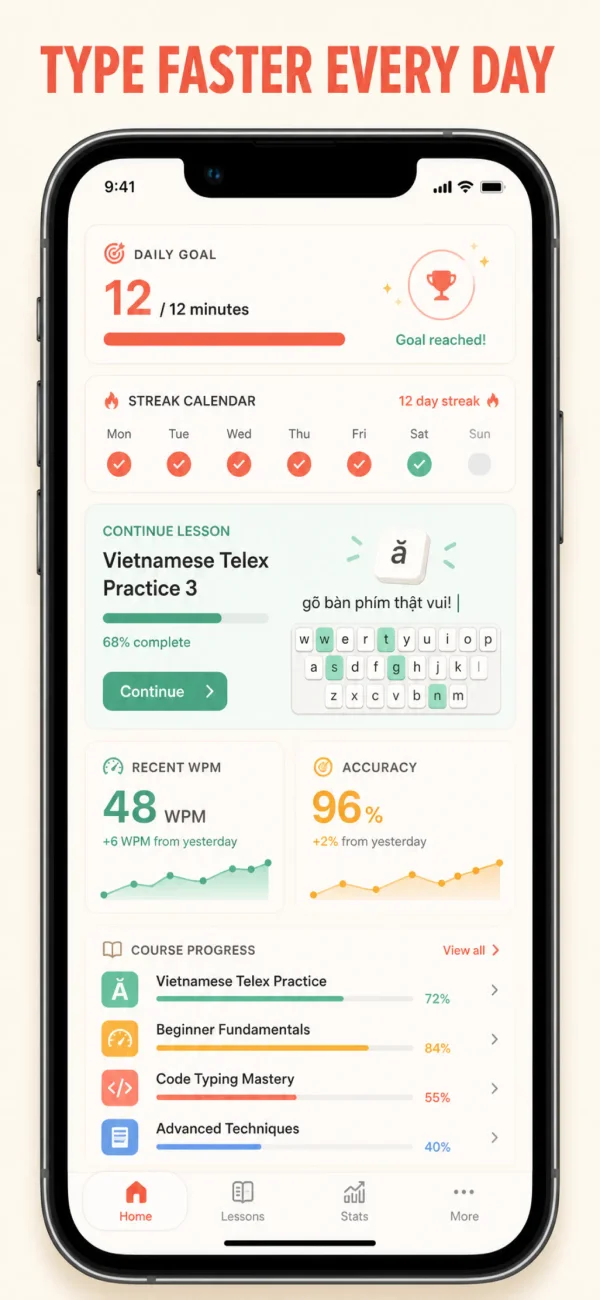
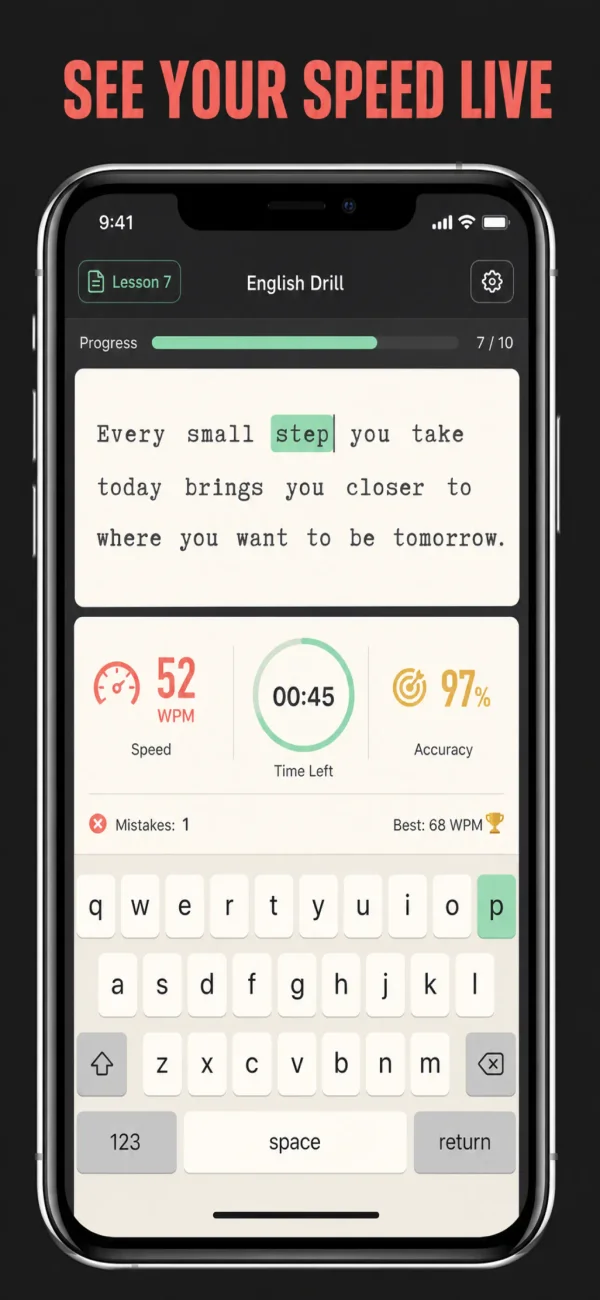
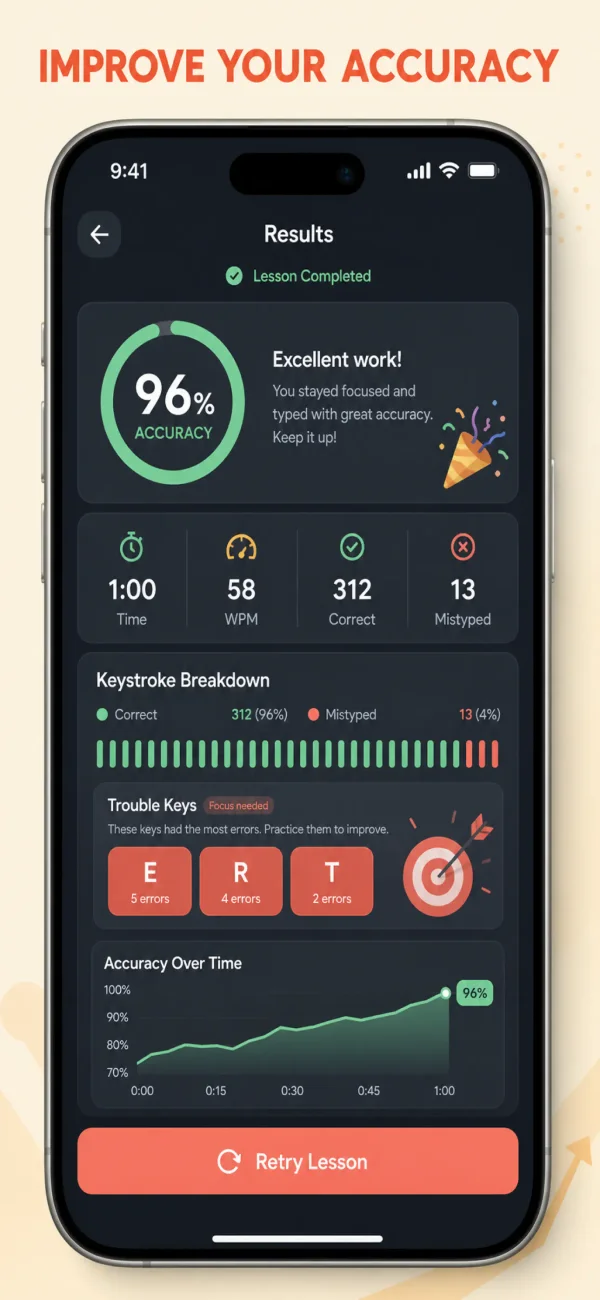
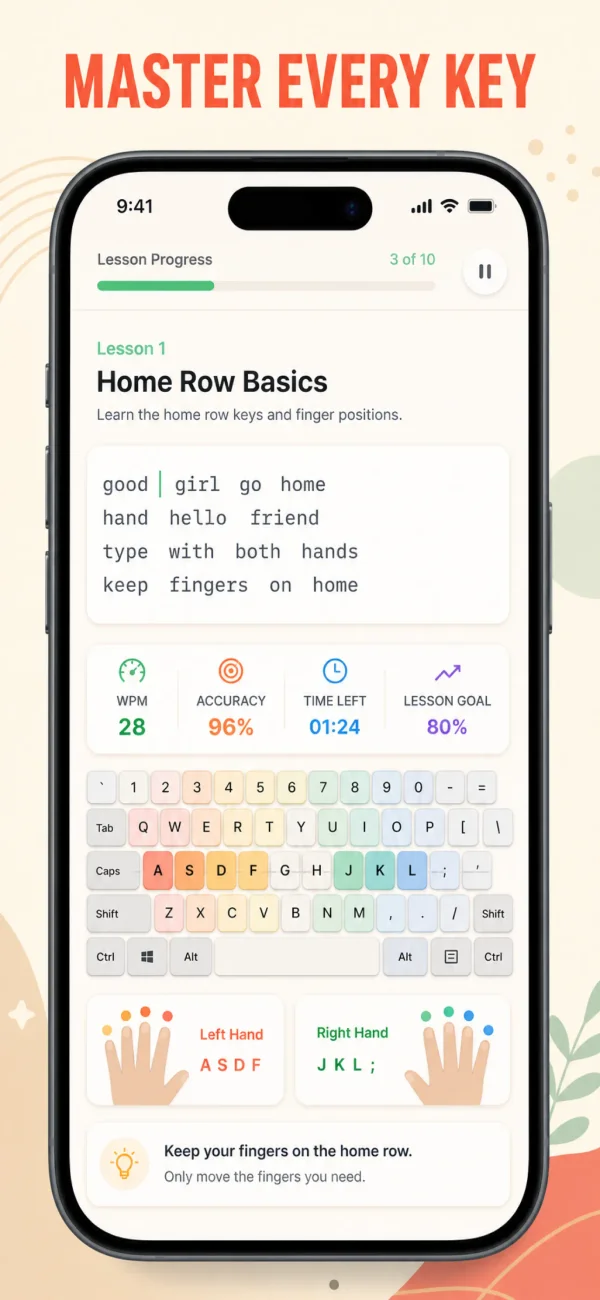
About
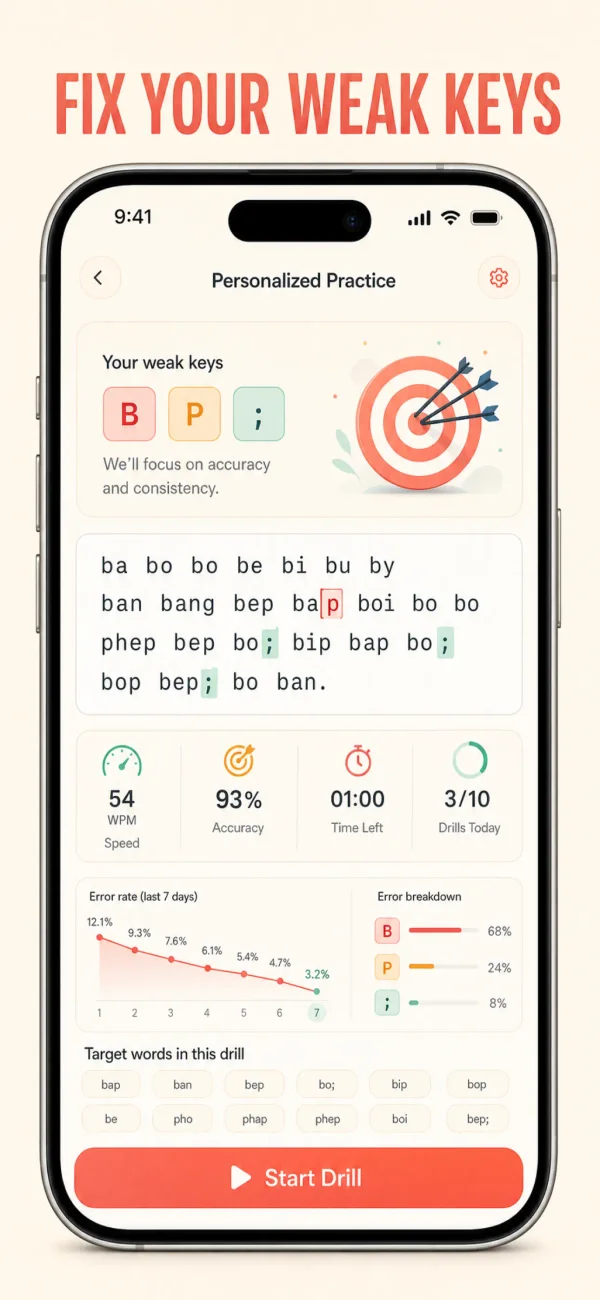
Learn to type without looking at the keys. A structured touch-typing course takes you from the home row to full sentences, numbers, symbols and code — one lesson at a time, right on your iPhone.
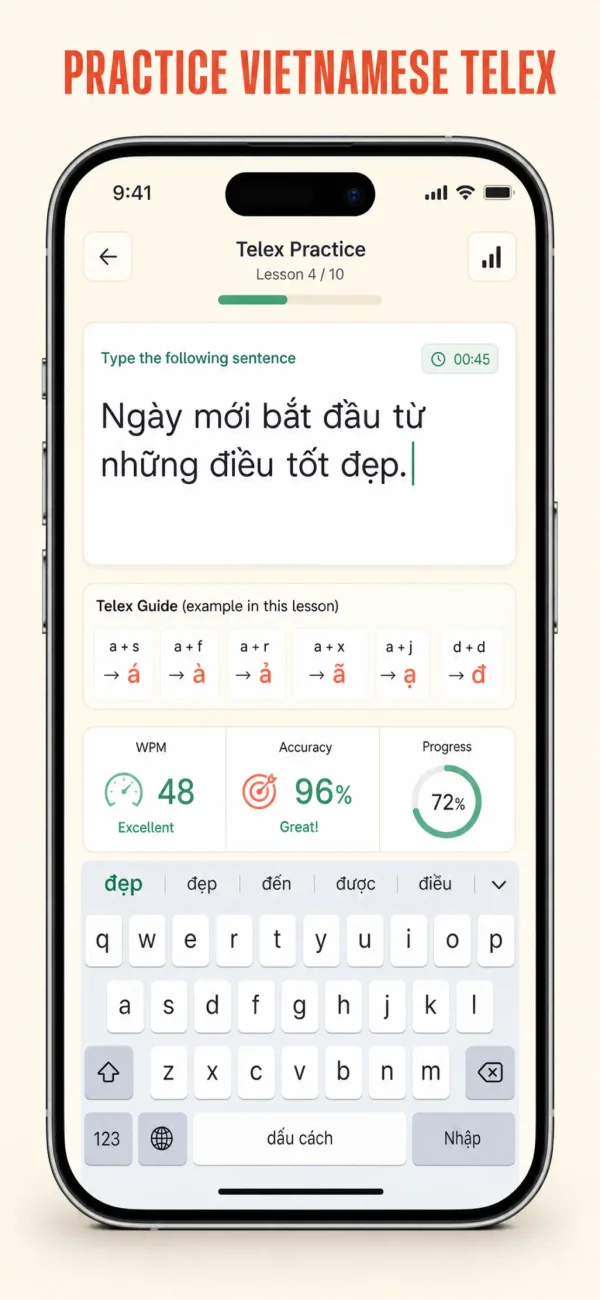
Most typing apps throw a paragraph at you and show a score. This one teaches. A display-only keyboard sits under the text and lights up the exact key you should press next, colored by the finger that owns it, so your hands learn the layout instead of hunting for it. Every character is marked correct or wrong the instant you type it, and a live WPM and accuracy readout runs the whole time. Lessons unlock in order and are graded with up to three stars, so you always know what to work on next.
WHAT YOU GET
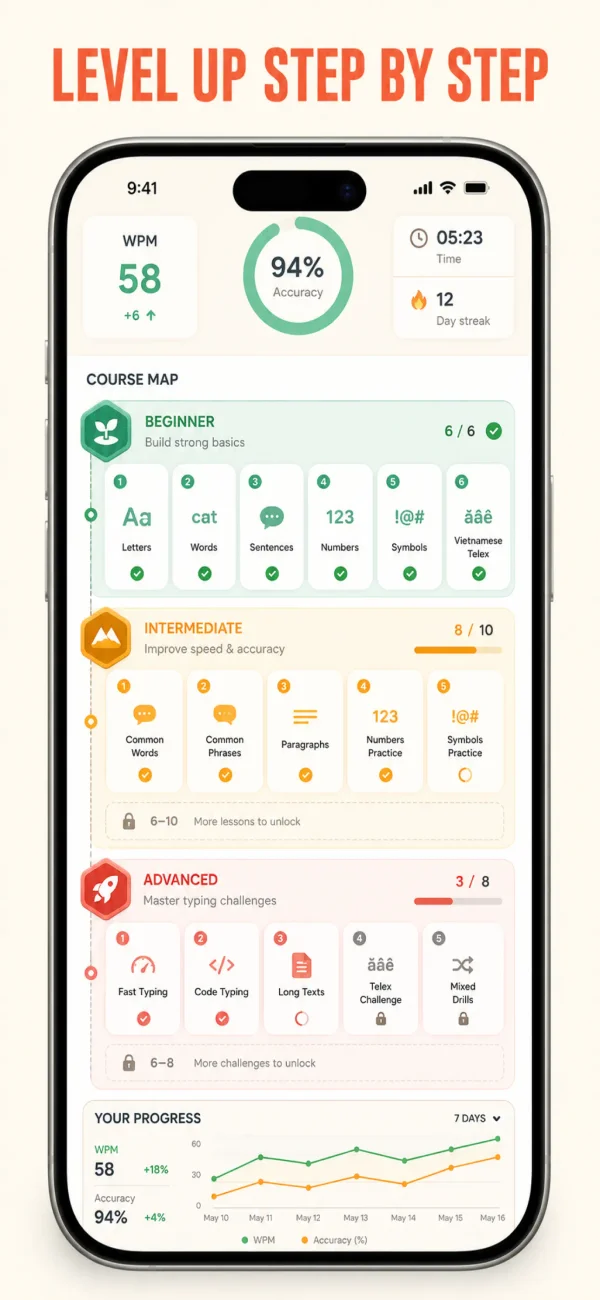
- Real muscle memory: 9 stages and 26 lessons that add one keyboard region at a time — home row, top row, bottom row, words and sentences, capitals and punctuation, the number row, symbols, speed and precision.
- Eyes off the keys: an on-screen coach highlights the next key and shows the correct finger by color, both toggleable in Settings.
- An honest number: type a short, medium or long passage in the Speed Test tab and get graded WPM and accuracy, with your personal bests kept on record.
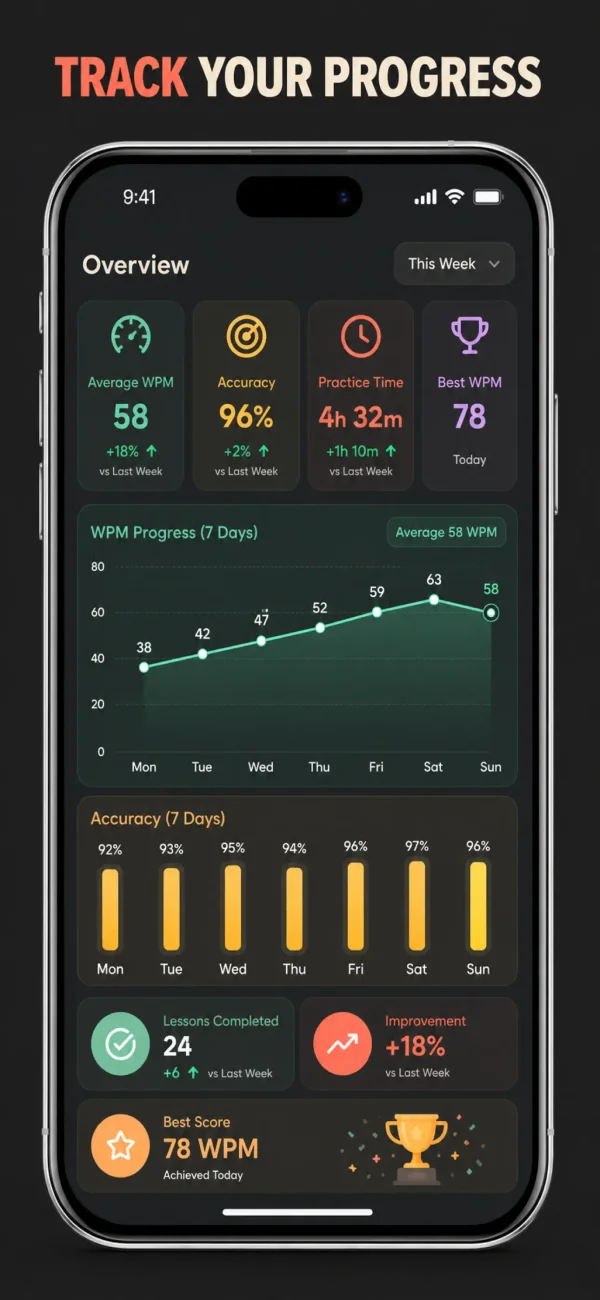
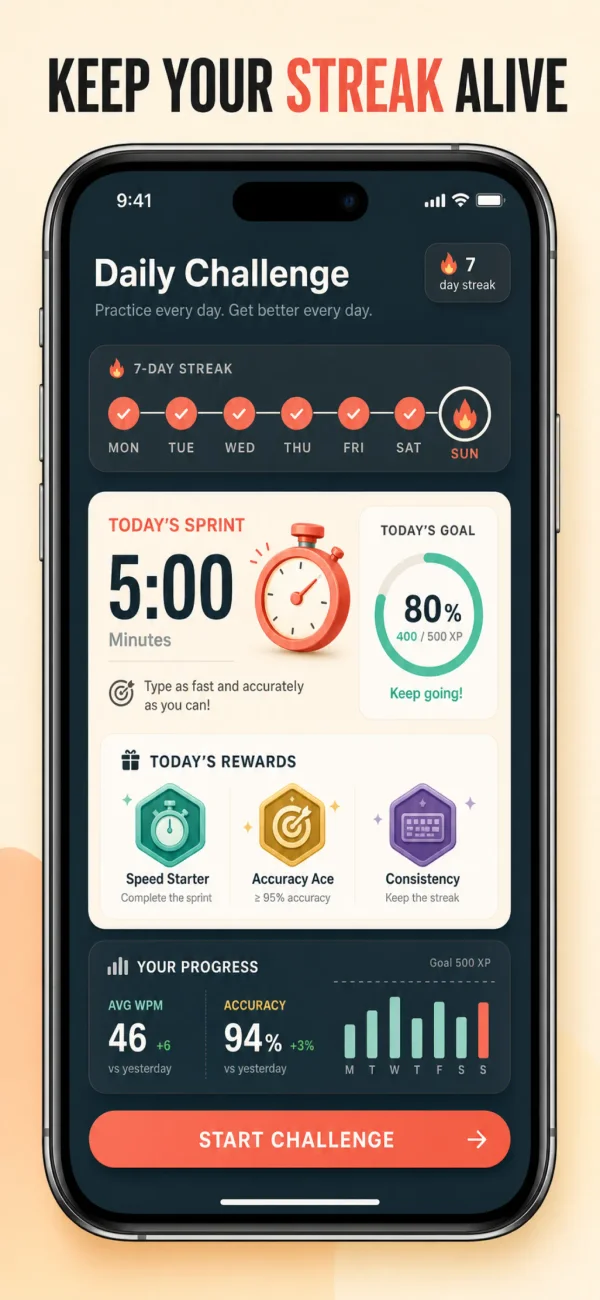
- Proof you are improving: a Progress tab with a WPM trend chart, average accuracy, total runs, day streak and a course-completion ring.
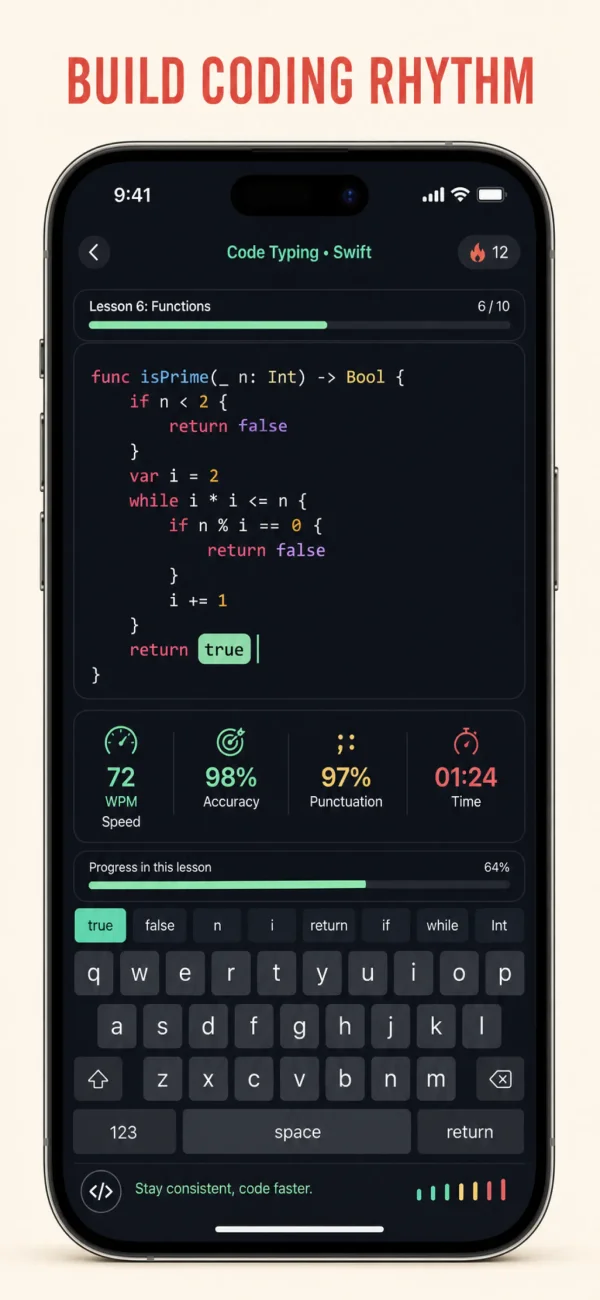
- Drills that match your work: Swift code snippets, brackets and operators, the number row, and precision passages full of quotes, prices, emails and mixed case.
- A reason to come back: 11 badges tied to real milestones, from your first lesson to 60 WPM, 98% accuracy, a 7-day streak and finishing the entire course.
PERFECT FOR
- Students and self-taught typists who want to stop hunting and pecking.
- Office workers who type all day and want fewer backspaces.
- Developers who need brackets, symbols and operators to feel automatic.
- Anyone rebuilding speed and accuracy in a few focused minutes a day.
WHY NOT JUST USE A FREE TYPING TEST WEBSITE?
A test tells you your score. It does not tell you which finger you are using wrong, which key you keep missing, or what to practice tomorrow. This is an ordered course with a next-key coach, star grading and a saved progress history — a typing test is one screen of it.
PRIVACY
Everything stays on your device. Progress, personal bests and streaks are stored locally on your iPhone. There is no account to create and no analytics or tracking. You can erase all progress from Settings at any time, and the optional daily reminder is a local notification only.
FULL ACCESS
Full access unlocks the complete lesson course, the Speed Test tab, the Progress dashboard and every badge. Choose the plan that fits: weekly, yearly, or a one-time lifetime purchase. Payment is charged to your Apple Account at confirmation. Subscriptions renew automatically unless auto-renew is turned off at least 24 hours before the end of the current period; manage or cancel in your Apple Account settings. Lifetime is a one-time purchase with nothing to renew.
Start with the home row today — three short lessons and you will already be typing four keys by touch.
Terms of Use (EULA): https://web-levi.web.app/terms
Privacy Policy: https://web-levi.web.app/privacy-policy
Questions? tphuc.work@gmail.com
What’s new
Version 1.1.1 · Aug 17, 2026
Bug fixes and performance improvements.
App privacy
What Phuc Pham declares on the App Store about how this app handles data.
-
Data not collected
The developer does not collect any data from this app.
Privacy practices may vary, for example with the features you use or your age.
Information
- Seller
- Phuc Pham
- Category
- Education
- Version
- 1.1.1
- Updated
- Aug 17, 2026
- Released
- Jun 13, 2026
- Size
- 8.4 MB
- Requires
- iOS 18.0 or later
- Age rating
- 4+
- Price
- Free
- In-app purchases
- Yes
- Languages
- English
- Copyright
- © 2026 Phuc Pham
You might also like
-
 KeyRush: Typing Speed TestKeyboard Trainer & Lessons
-
 ThumbType: Typing Speed TestKeyboard Practice & WPM Test
-
 Typing Practice: TypeManiaSpeed Test, Games & Lessons
-
 Typing TrainerTouch Typing Trainer
-
 Type Tap - Learn to TypeFun Typing Game for Kids
-
 Typing Practice: English NewsLearn English with typing news
-
 GreatTypinglearn to type
-
 Best Typing Lessons and TestLearn how to touch type faster
-
 Typing LandA fun and exciting typing game
-
 Type Flash - typing gamefast paced word racer game