
- Age rating4+
- CategoryProductivity
- DeveloperCandan ONCEL
- LanguagesEnglish
- Size31.2 MB
Links to the official App Store page
Download.org hosts no file of U Scheduler. The button opens its official App Store page, published by Candan ONCEL. Listing last checked on Nov 13, 2026.
Screenshots
About
U Scheduler – Your Smart Calendar and Personal Planner
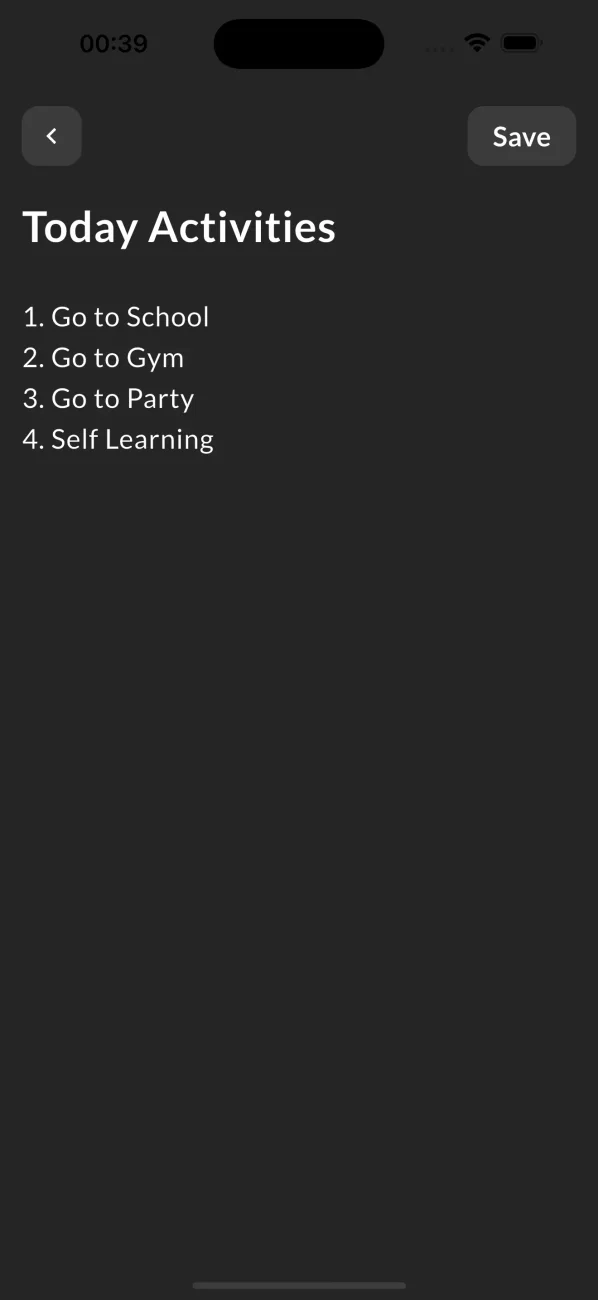
Time is one of the most valuable resources we have, yet managing it effectively is often one of the biggest challenges in our lives. Between work projects, school deadlines, family commitments, and personal goals, it is easy to feel overwhelmed or lose track of important tasks. That is why we created U Scheduler, a powerful yet simple calendar and planner app designed to help you stay in control of your schedule.
U Scheduler is more than just a calendar. It is an all-in-one planner app that combines a smart calendar, reminders with notifications, note-taking, and customizable backgrounds into one easy-to-use platform. With U Scheduler, you no longer need separate apps for tasks, notes, and scheduling. Everything you need to stay organized and productive is right at your fingertips.
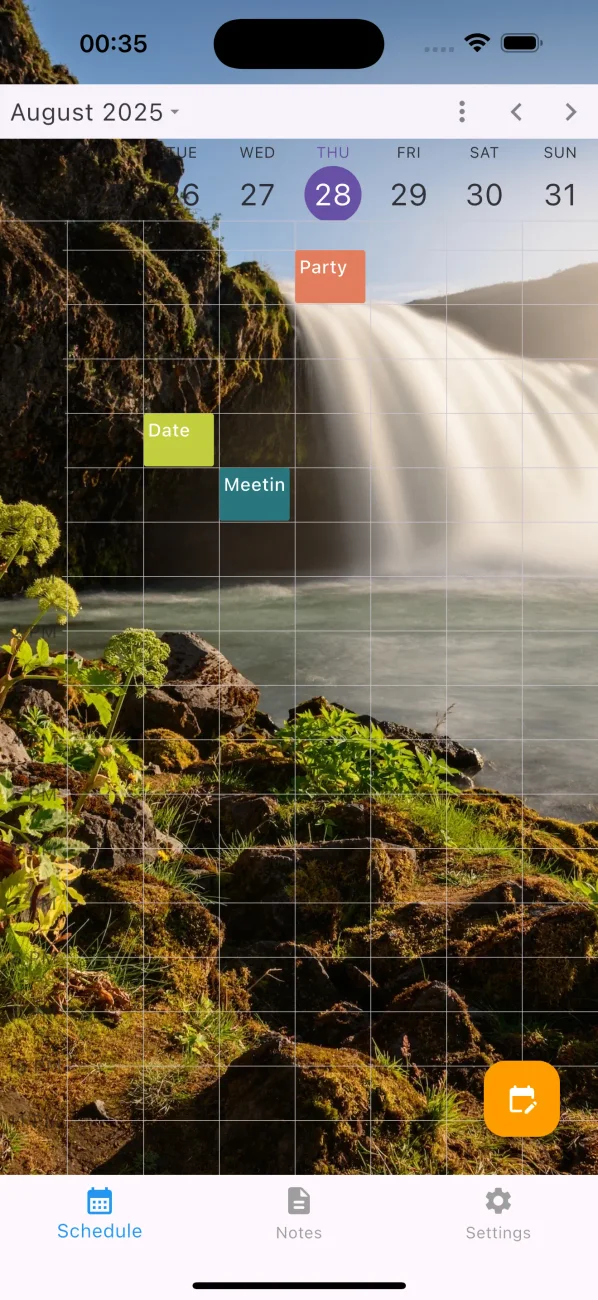
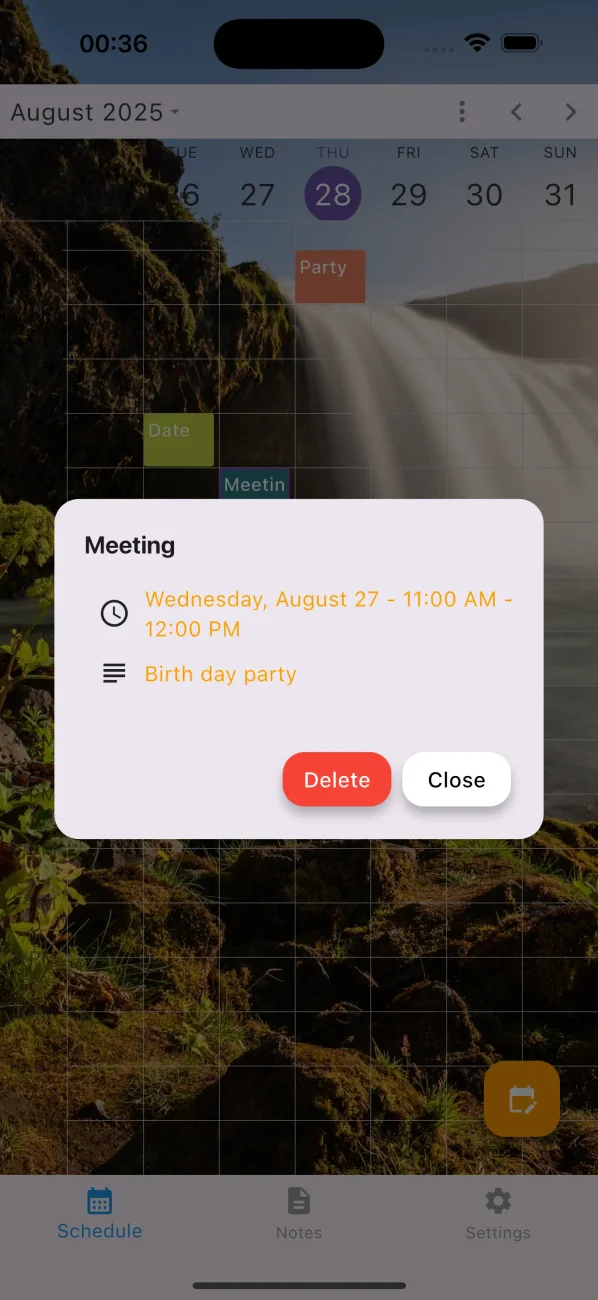
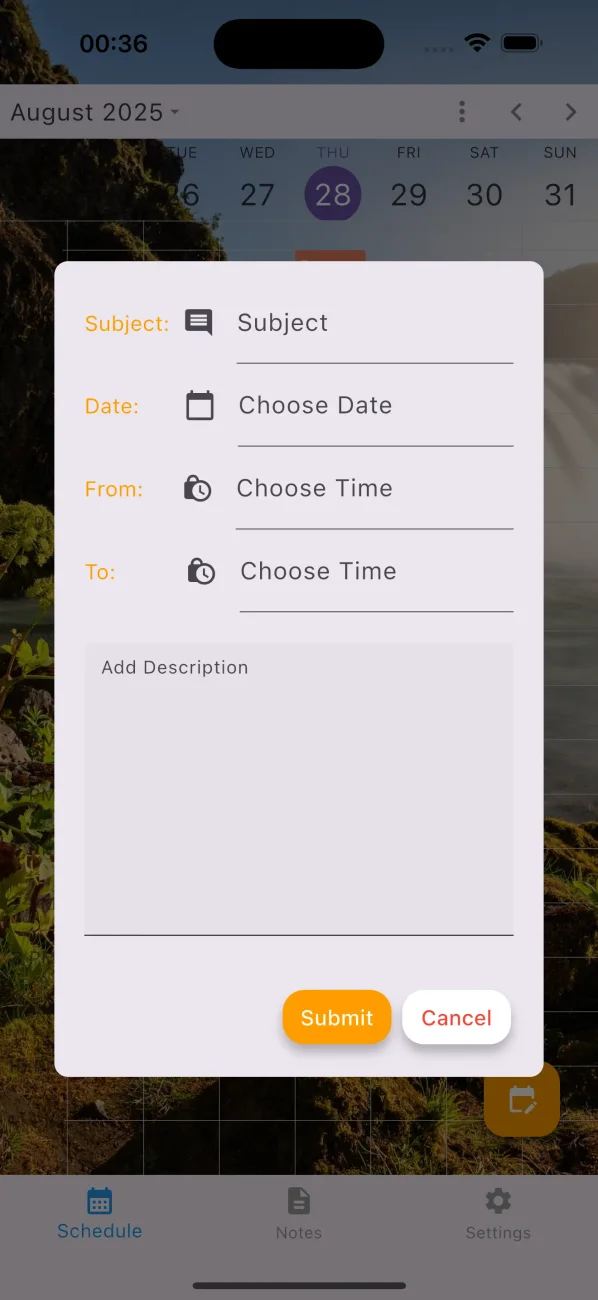
The calendar supports detailed event creation, allowing you to add titles, categories, times, and notes. You can also color-code events to keep your schedule visually clear and easy to navigate. The flexible layout makes U Scheduler suitable for students, professionals, and families alike.
Reminders and Notifications You Can Trust
Never miss an important task again. U Scheduler provides customizable reminders and notifications to keep you on track. Set reminders for single events, recurring tasks, or deadlines, and receive alerts exactly when you need them. Notifications work in the background, so you can rely on U Scheduler even if you are not actively using the app.
This feature is especially useful for managing recurring activities such as classes, workouts, or bill payments. Instead of worrying about forgetting, you can focus on your priorities knowing U Scheduler will remind you at the right moment.
Built-In Note-Taking
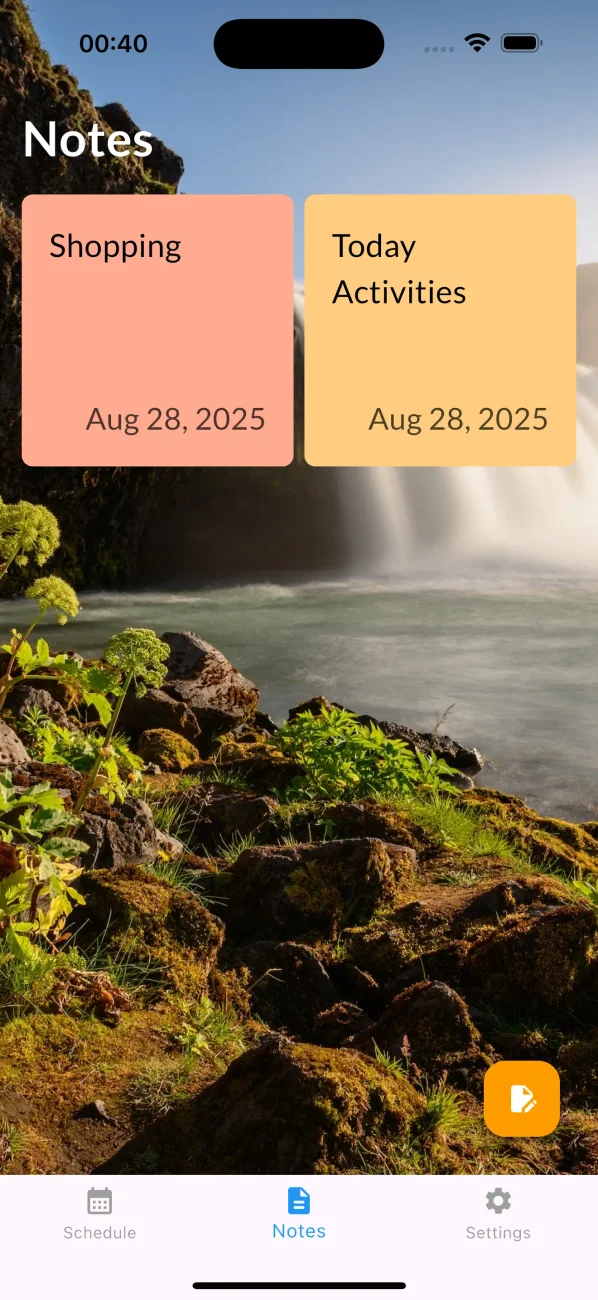
One of the most useful additions to U Scheduler is the integrated note feature. Take quick notes for meetings, classes, or personal ideas without switching to another app. Attach notes to calendar events for added context, or store them separately as stand-alone notes for easy access.
This combination of scheduling and note-taking makes U Scheduler a complete productivity tool. Whether you want to record lecture details, meeting points, or personal reflections, your notes will always be organized and connected to your schedule.
- Customizable Backgrounds and Color Themes
Designed for Simplicity and Productivity
U Scheduler is built around the idea that managing your time should be simple. Its interface is clean, modern, and intuitive. Creating, editing, and organizing events is quick and straightforward. Switching between daily, weekly, and monthly views is seamless. The goal is to give you everything you need for planning without unnecessary complexity.
- Recurring Events: Automatically repeat events daily, weekly, or monthly to save time.
- Quick Event Creation: Add tasks and reminders in seconds.
- Offline Access: Use your calendar anytime, even without internet.
- Perfect for Students, Professionals, and Families
- Students: Track classes, assignments, and exams while keeping notes organized.
- Professionals: Manage meetings, deadlines, and project notes in one place.
- Families: Coordinate family activities and never miss important events.
Start Planning Smarter with U Scheduler
Your time is valuable, and U Scheduler is here to help you make the most of it. By combining a reliable calendar, smart reminders, note-taking, and customizable backgrounds, it delivers everything you need to stay productive and inspired.
What’s new
Version 1.0.1 · Sep 1, 2025
- Add more background colors to choose.
- Fixed Bugs and improvements.
App privacy
What Candan ONCEL declares on the App Store about how this app handles data.
-
Data not collected
The developer does not collect any data from this app.
Privacy practices may vary, for example with the features you use or your age.
Information
- Seller
- Candan ONCEL
- Category
- Productivity
- Version
- 1.0.1
- Updated
- Sep 1, 2025
- Released
- Aug 28, 2025
- Size
- 31.2 MB
- Requires
- iOS 13 or later
- Age rating
- 4+
- Languages
- English
- Copyright
- © U Schedular
You might also like
-
 HFL ShippingCambodia Logistics
-
 Habit Tracker, To Do Done ListHabit Tracker, Goal Manager
-
 Minvo: AI Chat Bot & AssistantTranslator, Math, Photo, Video
-
 iSupProductivity
-
 Calculator Widget - Calc NotesNotes, History, Shopping Calc
-
 TL ExpressCargo & freight Company
-
 Live Translator: ektoTranslate Speech in Real-time
-
 Mute Video - Edit Clip SoundReduce, remove or boost audio
-
 To-do List, Checklist, WidgetTo.do.list, Task Manager, Todo
-
 Site Report Pro- Punchlist AppPunch List & Site Audit Snags