- Age rating4+
- CategoryLifestyle
- DeveloperUNION biometrics Co., Ltd.
- LanguagesEnglish+ 1 more
- Size150.3 MB
Links to the official App Store page
Download.org hosts no file of UBio PetID. The button opens its official App Store page, published by UNION biometrics Co., Ltd. Listing last checked on Nov 12, 2026.
Screenshots
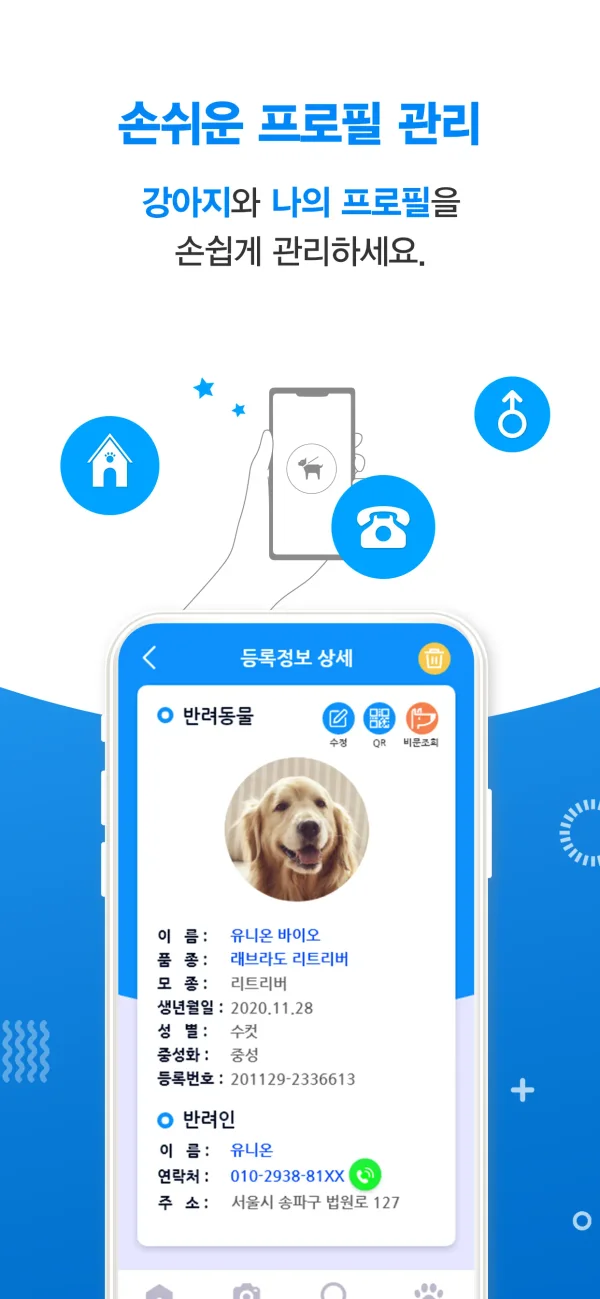

About
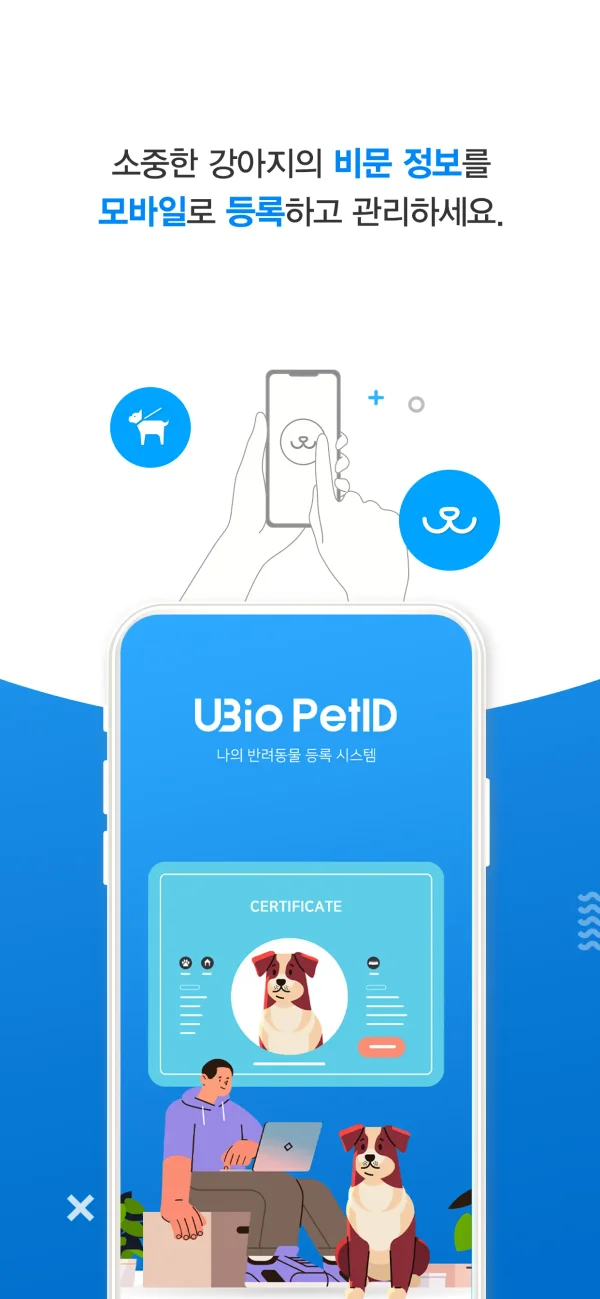
Register your precious dog's information quickly and easily on mobile.
You can easily register your dog's information through the unique nose print that exists on the dog's nose. If your dog is lost, you can report the loss and use the lost dog search service.
Main function:
1. Biometric information (dog nose prints) registration search
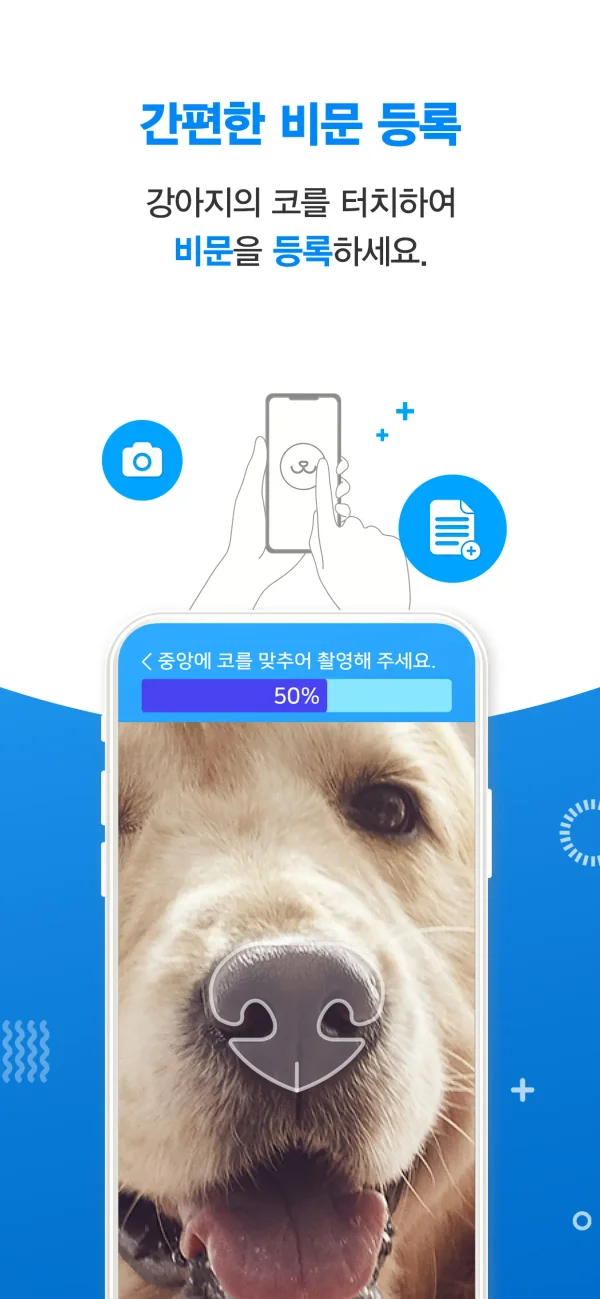
- "Dog nose prints registration service: You can easily register your dog's nose prints with the camera. Point the nose at the center of the camera and click on the nose to automatically recognize the dog nose prints and register the profile."
- Dog nose prints search service: If your profile is registered, you can use the dog nose prints search service to
confirm that you are a dog.
2. QR code
- QR dog nose prints registration service: By registering a necklace with a QR code printed on it along with your dog's nose prints, you can easily confirm that it is your dog with a QR code.
- QR code issuance service: If only the dog's nose prints is registered, the dog's unique QR code is issued to the UBio PetID app
3. Report the lost dog
- Lost Dog Reporting Service: As long as your profile is registered on UBio PetID! You can report a missing dog to UBio PetID when you lose your dog.
- Lost Dog Finding Service: If you find a lost and neglected dog, search for the dog nose prints through the lost dog search and save the location and photo in UBio PetID if it is a reported lost dog.
Dog nose prints Shooting Guide (iPhone 12 or higher recommended)
- Move it back and forth to fit the shape of the nose as much as possible within the circle.
- When the shape of the nose fits within the circle, start shooting by touching the dog nose prints part.
- When the nose feature information is collected, the progress bar at the top shows the progress from 0% to 100%
- As the focus shifts when the dog moves, please keep it still for 1-2 seconds.
- If there is no movement of the dog, please touch the dog nose prints to take a picture
- If there is no movement of the dog, the recording is completed within 1 second
What’s new
Version 1.2.5 · May 27, 2025
Improved server stability
App privacy
What UNION biometrics Co., Ltd. declares on the App Store about how this app handles data.
-
Data linked to you
May be collected and linked to your identity.
- Contact info
- Identifiers
-
Data not linked to you
May be collected but is not linked to your identity.
- Location
- User content
- Usage data
- Diagnostics
Privacy practices may vary, for example with the features you use or your age.
Information
- Seller
- UNION biometrics Co., Ltd.
- Category
- Lifestyle
- Version
- 1.2.5
- Updated
- May 27, 2025
- Released
- May 24, 2022
- Size
- 150.3 MB
- Requires
- iOS 14.0 or later
- Age rating
- 4+
- Price
- Free
- Languages
- English, Korean
- Copyright
- © 2022 UNIONCOMMUNITY Co., Ltd.
You might also like
-
 YapScanPet ID with One Scan / Pet ID
-
 PetnowScan, Identify, Reunite
-
 MungNote: Dog Health JournalMeds, vaccines & vet records
-
 어느 밤의 기록Lifestyle
-
 Happy Bank - Joy JournalSave small joys every day
-
 AI Grief Support & HealingMemorial memory book for loss
-
 하우스디테일Lifestyle
-
 MyFellowPetComplete Pet Care, One App