- Age rating4+
- CategoryFinance
- DeveloperUCO BANK
- LanguagesEnglish
- Size23.7 MB
Links to the official App Store page
Download.org hosts no file of UCOPAY+. The button opens its official App Store page, published by UCO BANK. Listing last checked on Nov 12, 2026.
Screenshots
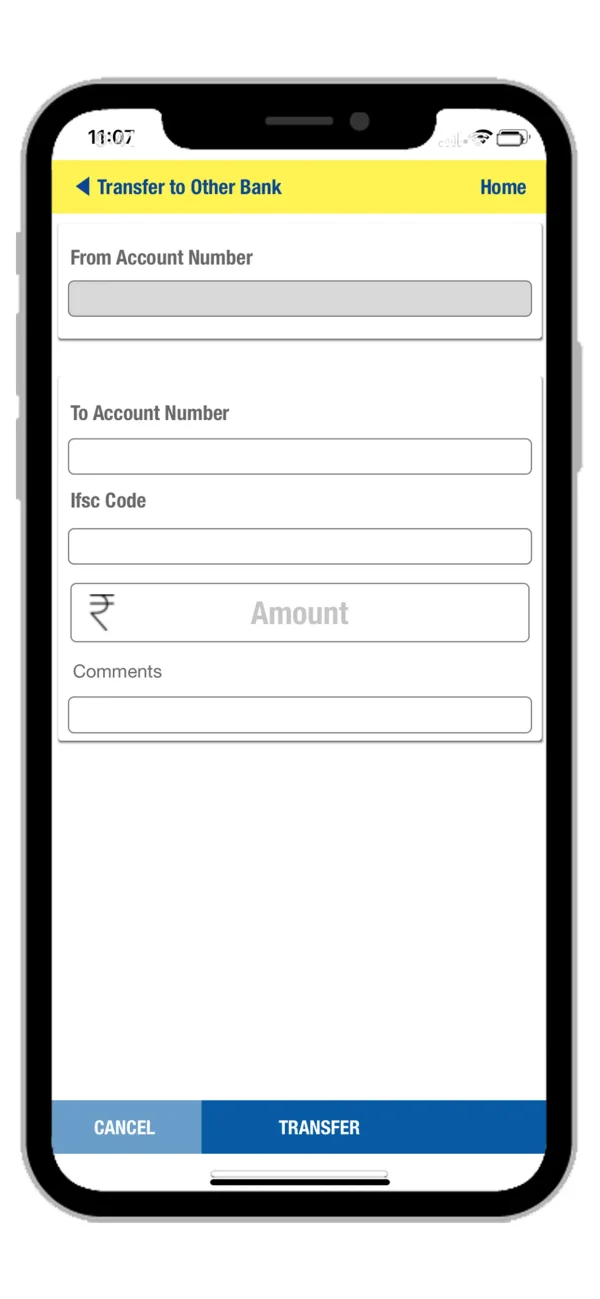
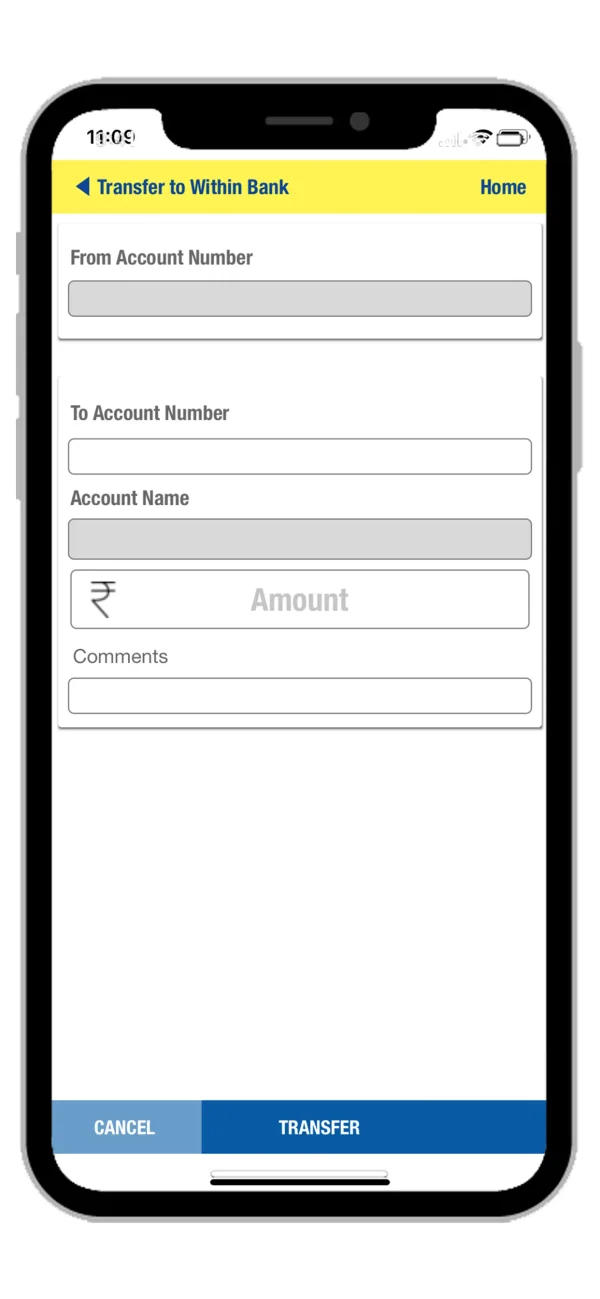
About
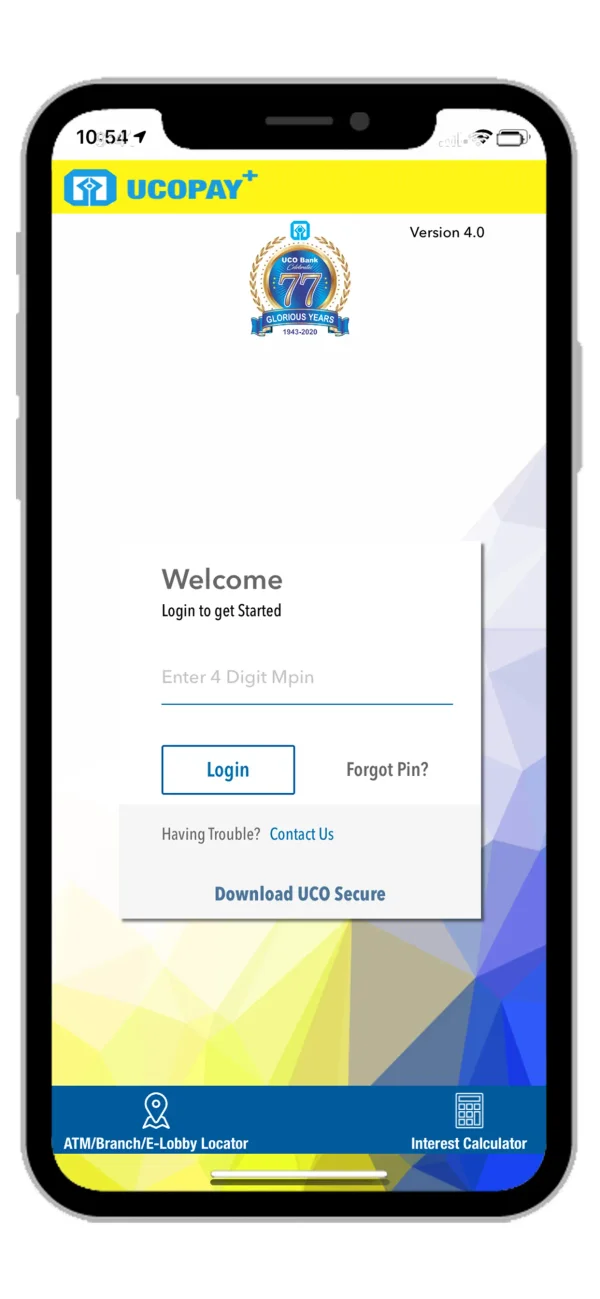
UCO Bank, a commercial Bank and Government of India undertaking provides various customer oriented services. To facilitate customers more towards the digital Banking and cashless environment, UCO Bank launches UCOPAY+ – a digital wallet app an alternative to your physical wallet/Batua.
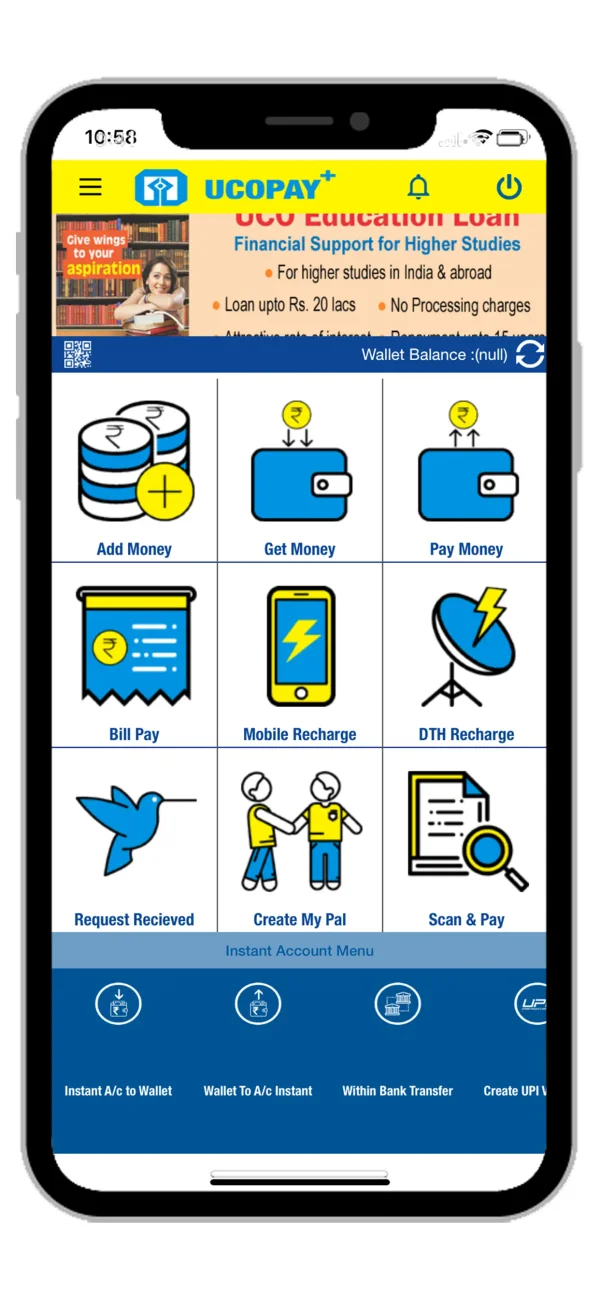
UCOPAY+ is a semi closed digital wallet application on iOS platform to cater your financial requirement. It is electronic virtual wallet where you can load money and spend it for your Mobile recharge/ DTH recharge/various utility Bill Payments including Gas, Electricity, Insurance, Mutual Funds, etc., sending money to your near & dear ones. It contains various features like adding money from your net banking/debit card/credit card, getting money from your pals, paying money to your pal’s wallet/UCO Bank account/Other bank account. It provides facility of QR Code scanning of merchants and doing quick payment.
You can check all transaction statement and send it to your Email-IDs.
How to Register:-
• Download the app “ UCOPAY” from iTunes App Store.
• Register in “UCOPAY” by entering your mobile number and creating your profile.
• Load money into your wallet (through your net banking, debit card, Credit card, by asking from
your Pal and by your Bank account).
• Use the wallet money for your day to day expenses like bill payment, mobile/DTH recharge, online
shopping etc.
• Transfer money from wallet to UCO Bank account.
• If you are a merchant, create your own QR code and receive the money by displaying the QR code
to the customer.
• Customer can pay the bill by scanning the QR code without any pain/complexity like writing
account number/IFSC/Name etc.
• Any complaints need to be forwarded to uco.mbanking@ucobank.co.in;
uco.custcare@ucobank.co.in, 033-44559084/9059/9459/9460/9039.
All you need to access the wallet is:
• iOS phone
• Access to Internet which can be via Wi-Fi or your mobile internet
What’s new
Version 17.0 · Oct 8, 2026
Security Enhancement
App privacy
What UCO BANK declares on the App Store about how this app handles data.
-
Data not collected
The developer does not collect any data from this app.
Privacy practices may vary, for example with the features you use or your age.
Information
- Seller
- UCO BANK
- Category
- Finance
- Version
- 17.0
- Updated
- Oct 8, 2026
- Released
- Jan 6, 2017
- Size
- 23.7 MB
- Requires
- iOS 13.0 or later
- Age rating
- 4+
- Price
- Free
- Languages
- English
- Copyright
- © 2017-18 UCO Bank
You might also like
-
 PGB mBankingFinance
-
 AU 0101: Mobile Banking AppSavings Account,Credit Card,FD
-
 PNB ONEFinance
-
 Canara ePassbookFinance
-
 Digit InsuranceMotor, Health, Travel & Life
-
 PSB UnICPSB UnIC
-
 OmniCard: UPI, Card & RewardsYour Daily Payments UPI App
-
 SBI Card: Manage Credit CardApply Online, Shop, Pay in EMI
-
 Tata Neu: UPI, Cards, RewardsYour daily spends, rewarded