
- Age rating4+
- CategoryFinance
- DeveloperUnited Credit Union - Missouri
- LanguagesEnglish+ 1 more
- Size82.7 MB
Links to the official App Store page
Download.org hosts no file of UCU Mobile. The button opens its official App Store page, published by United Credit Union - Missouri. Listing last checked on Nov 21, 2026.
Screenshots
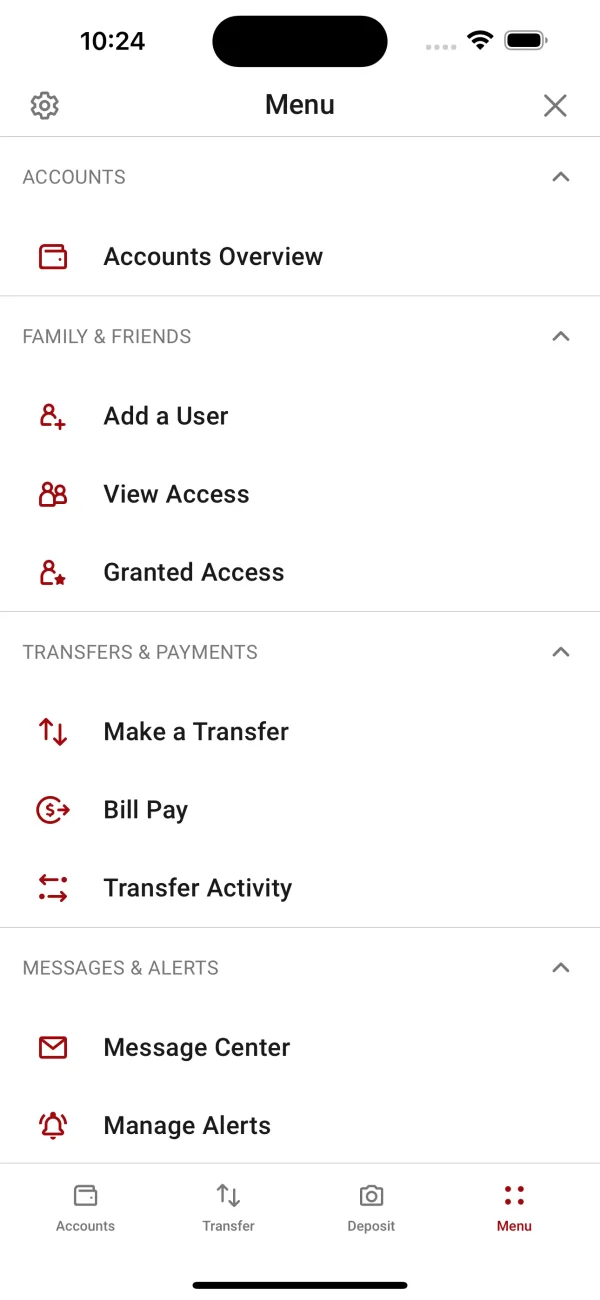
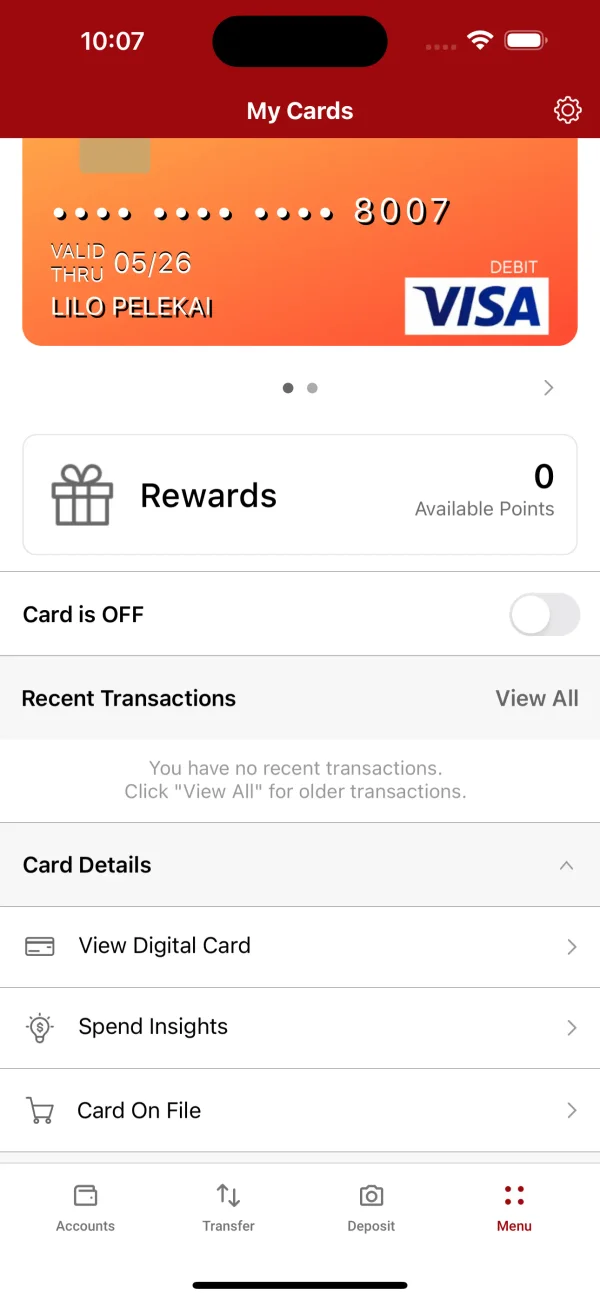
About
Mobile banking at your fingertips.
Banking with UCU Mobile is faster and easier than ever before!
With UCU Mobile, you can:
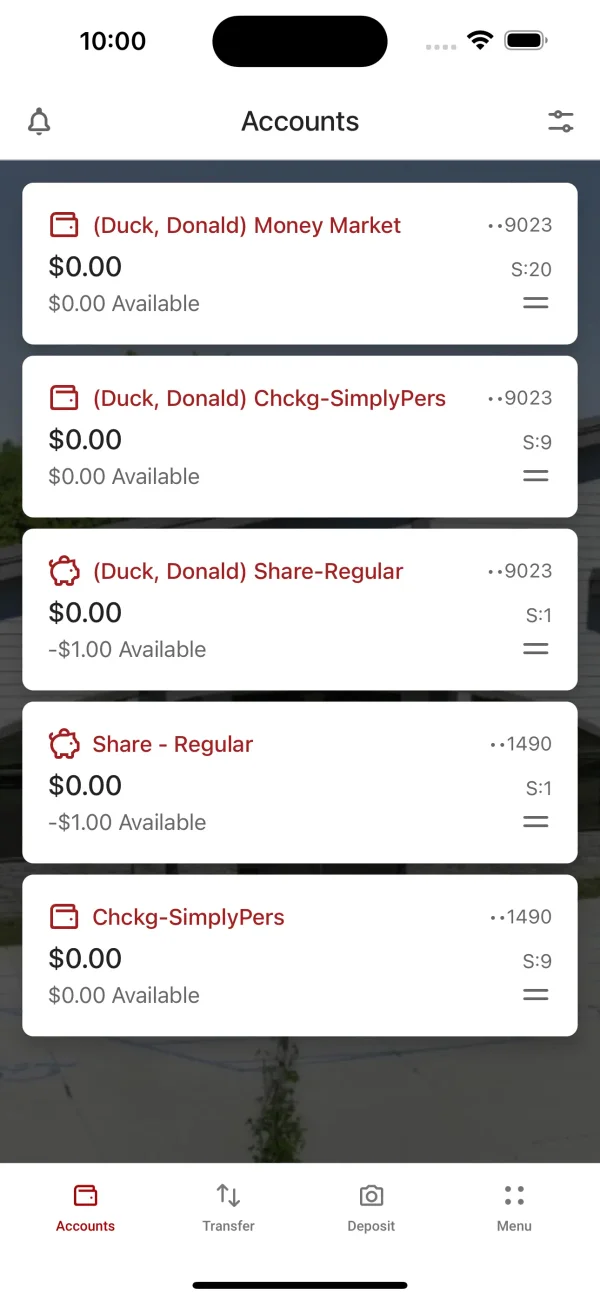
View balances
View transaction
View scheduled transfers, pending deposits, and upcoming transfers
Set up alerts
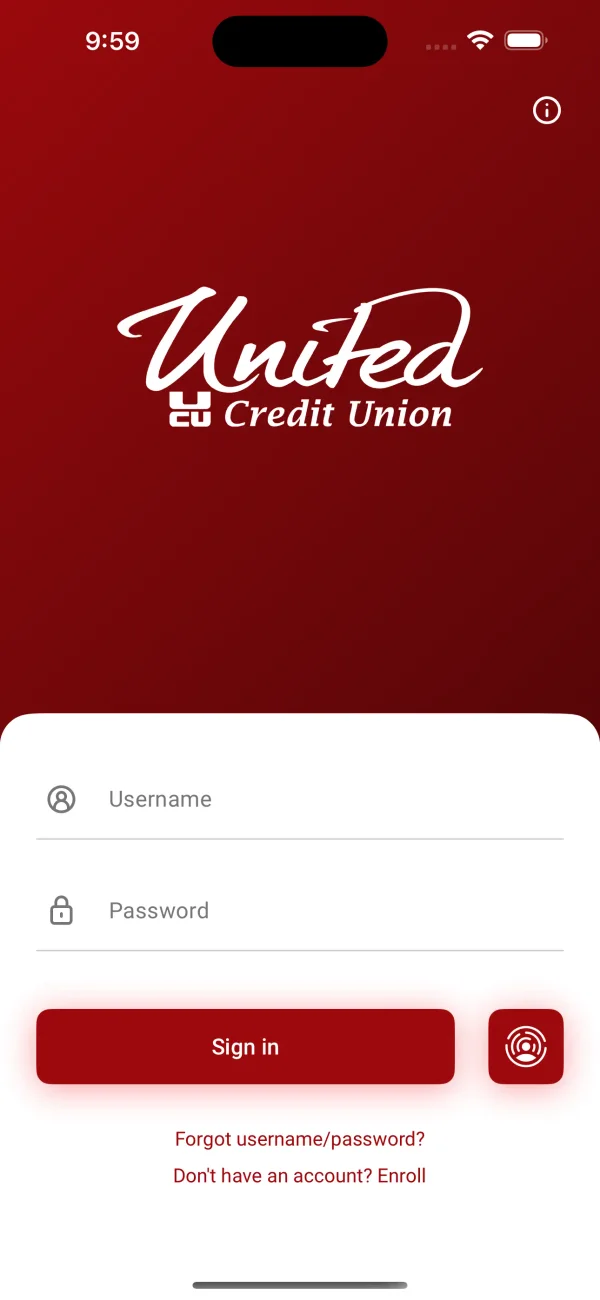
Face ID authentication
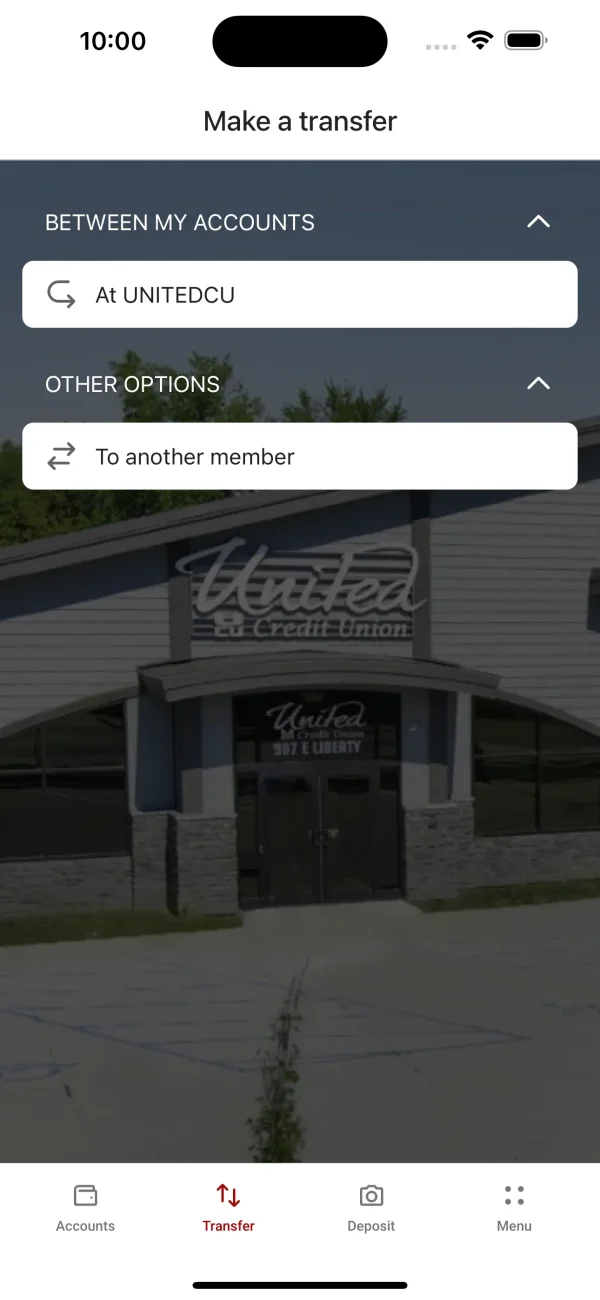
Make transfers between your accounts
Make transfer to other UCU members
Make loan payments
Grant account access to a sub-user
Deposit checks by taking a picture with your device’s camera
Manage card controls for your debit and credit cards from your device. This includes freezing misplaced cards.
View monthly statements
Order checks
Pay bills
Locate branches and ATM’s near you
UCU’s Mobile App is convenient, safe, and secure.
First time users must select the enroll link to set up their account.
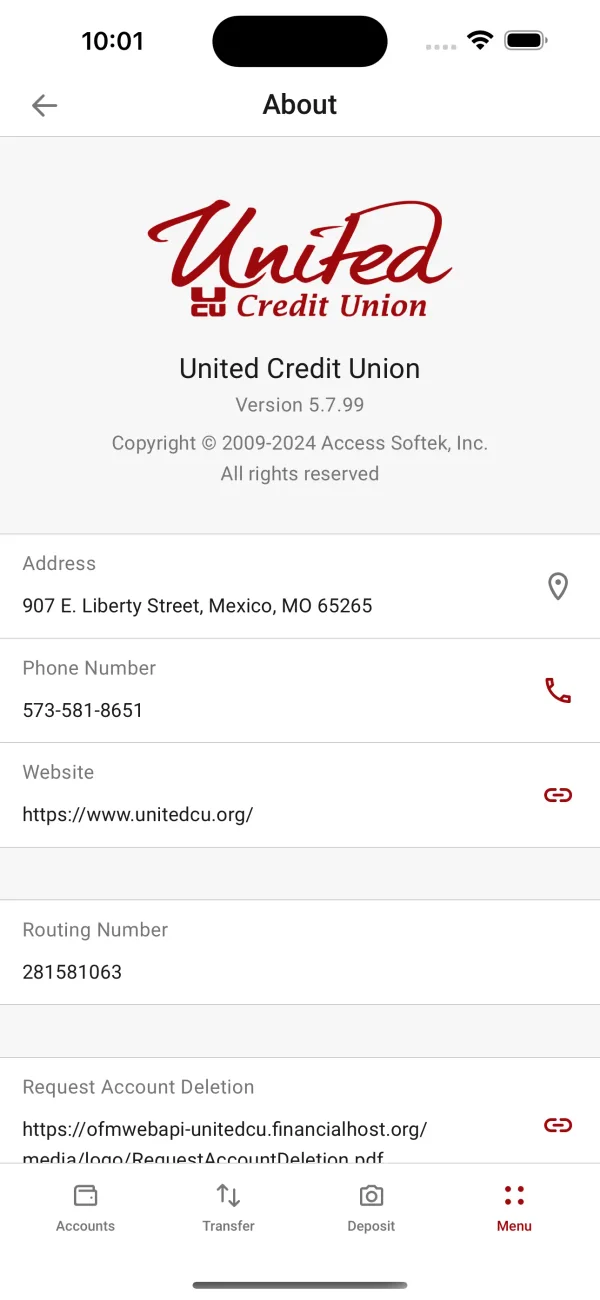
If you have any issues using the app, please call us at 573.581.8651 for assistance.
You must be a member of United Credit Union to enroll. Looking to become a member, visit one of our branch locations or visit us at www.unitedcu.org for more information.
Insured by NCUA
We are United!
What’s new
Version 5.18.90 · Nov 20, 2026
Various bugfixes and optimizations
App privacy
What United Credit Union - Missouri declares on the App Store about how this app handles data.
-
Data not linked to you
May be collected but is not linked to your identity.
- Financial info
- Location
- Identifiers
- Usage data
- Diagnostics
Privacy practices may vary, for example with the features you use or your age.
Information
- Seller
- United Credit Union, MO
- Category
- Finance
- Version
- 5.18.90
- Updated
- Nov 20, 2026
- Released
- Feb 14, 2024
- Size
- 82.7 MB
- Requires
- iOS 16 or later
- Age rating
- 4+
- Price
- Free
- Languages
- English, Spanish
- Copyright
- © 2026 Access Softek, Inc.