
Ugh! Storage: Private Cloud
Private Cloud on Your Hardware
Designed for iPhone, iPad
Free
- Age rating4+
- CategoryProductivity
- DeveloperHonorius Neogy
- LanguagesEnglish
- Size21.0 MB
Links to the official App Store page
Download.org hosts no file of Ugh! Storage: Private Cloud. The button opens its official App Store page, published by Honorius Neogy. Listing last checked on Nov 18, 2026.
Screenshots

About
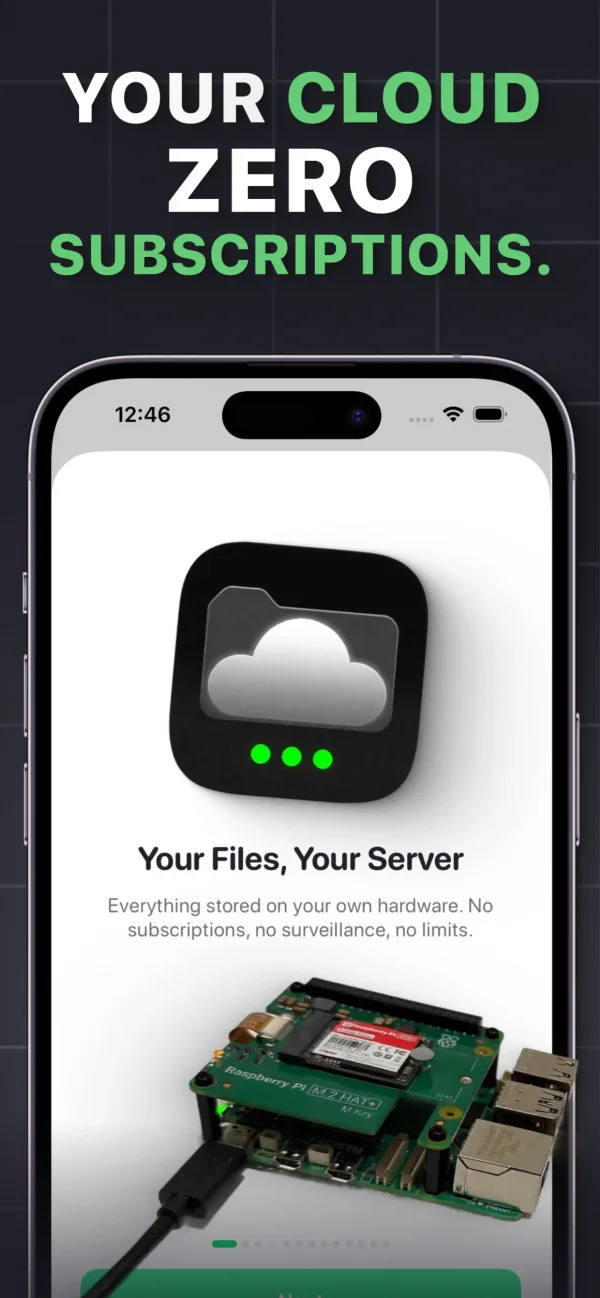
Ugh! Storage turns a Raspberry Pi 5 into your personal cloud — encrypted, subscription-free, and yours forever. Your photos and files sync to hardware in your home, not a server farm you'll never see.
WHY UGH! STORAGE
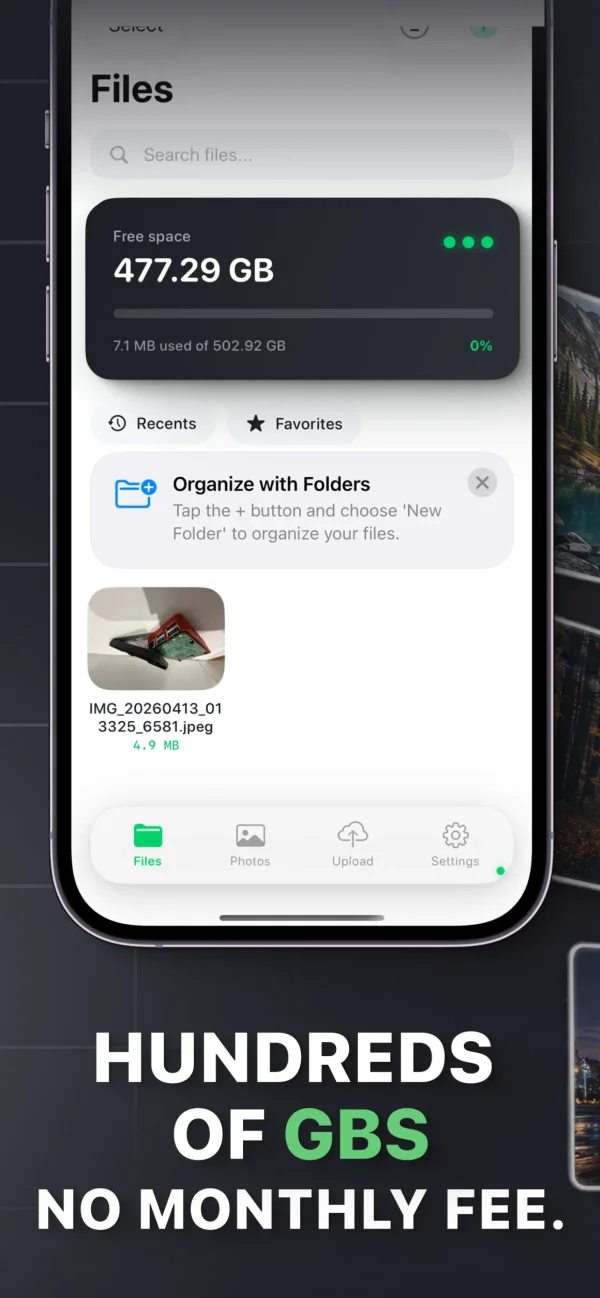
No monthly fee. Ever. You already paid when you bought the Pi. Your storage grows when you want — just swap in a bigger drive. No family-tier upgrades. No "you're out of space" emails at 2 AM.
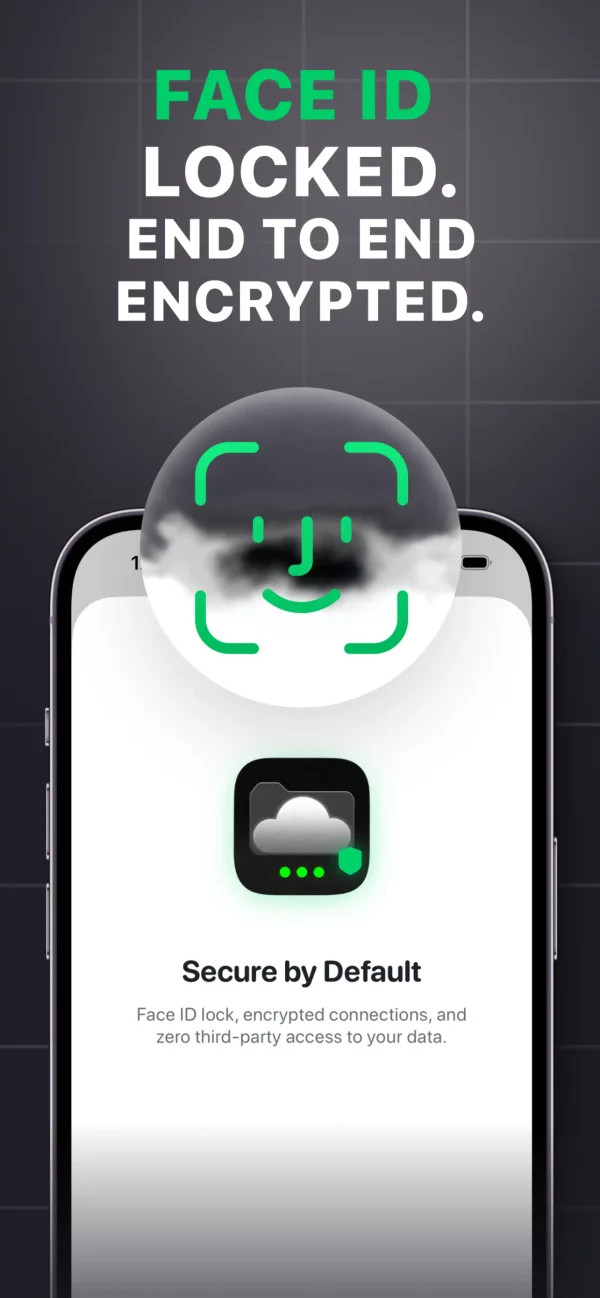
Your files are encrypted on your device before they leave it. The server on your Pi never sees them in plaintext — and neither do we. You hold the keys.
WHAT'S INSIDE
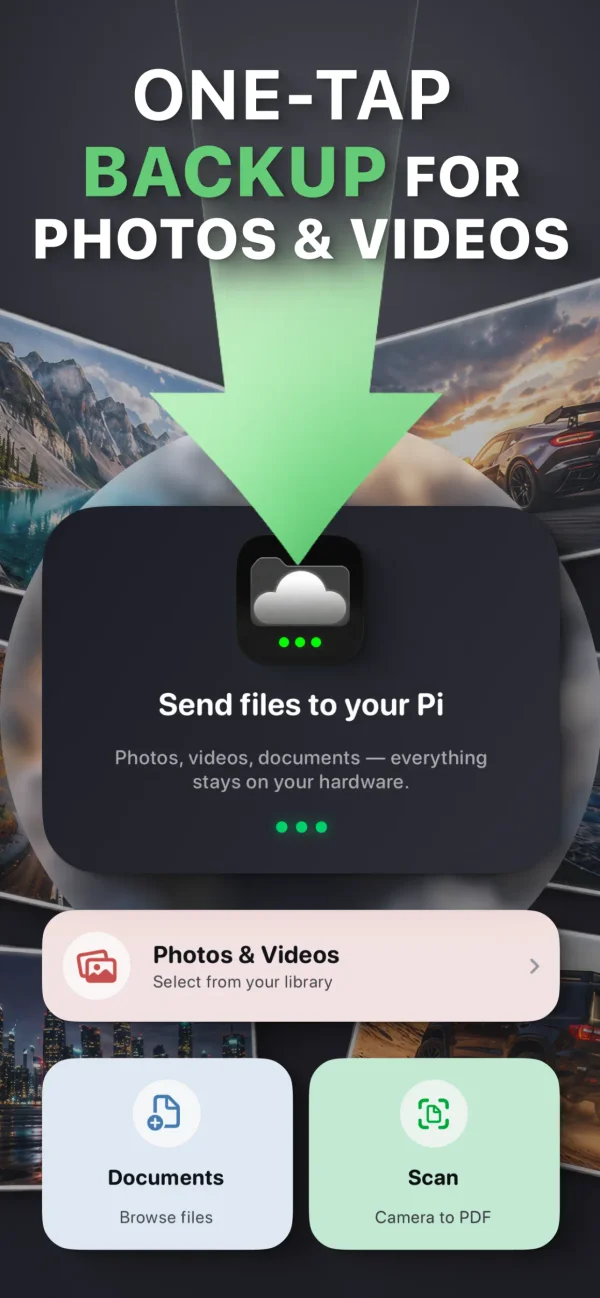
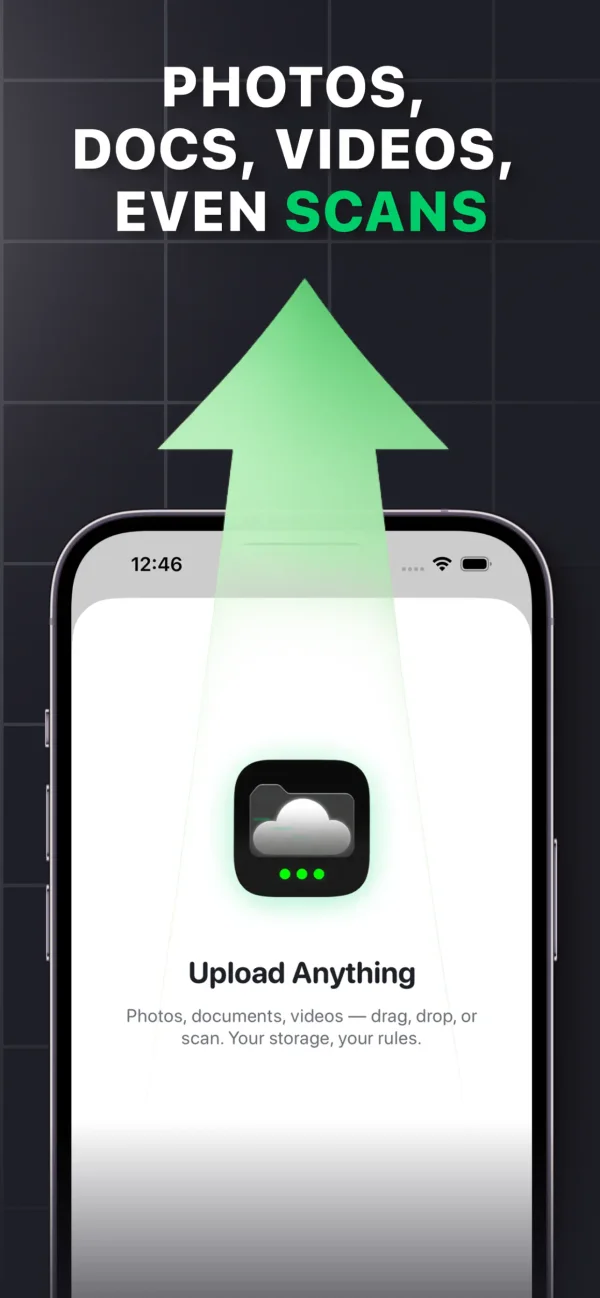
• Automatic photo backup with duplicate detection
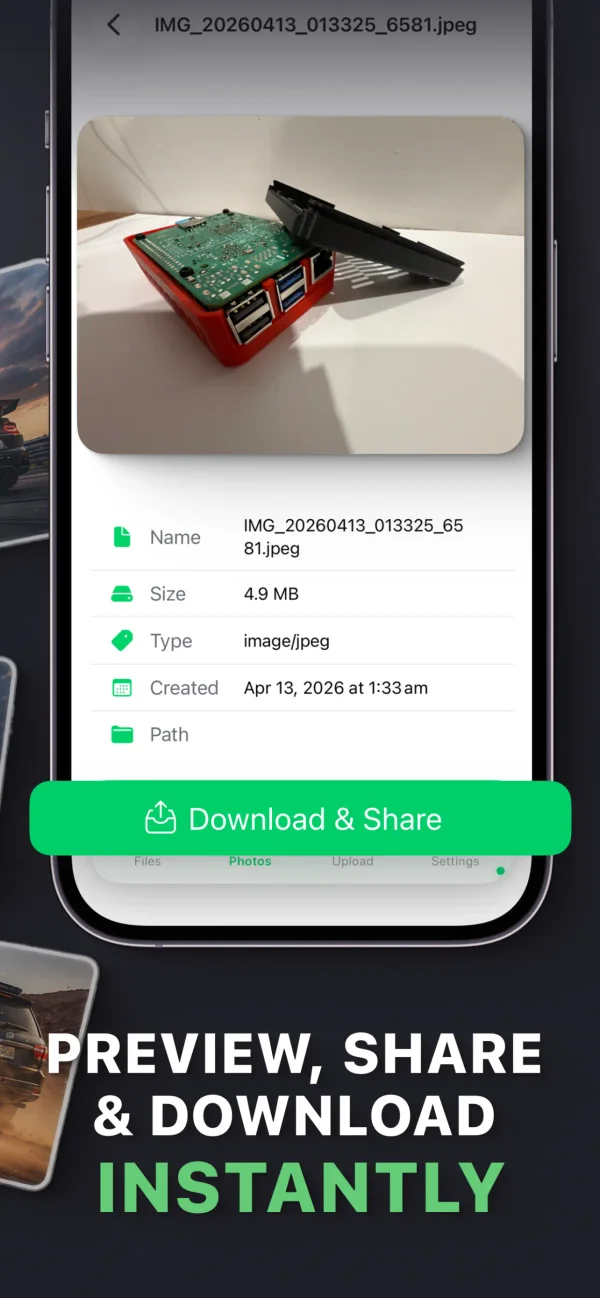
• Full file manager: folders, drag-and-drop, preview, share links
• End-to-end AES-256 encryption
• AI search: find photos by what's in them, search videos by transcript
• Built-in OCR — search text inside scanned documents
• Spotlight integration: find a file from your iPhone home screen
• Home-screen widget showing storage usage at a glance
• Share sheet extension — send anything from any app to your cloud
• Document scanner with perspective correction
• Offline mode: browse cached files without a connection
• Face ID / Touch ID lock
• Native macOS app with proper menus, keyboard shortcuts, and windows
• Guided setup over Bluetooth — no terminal, no SSH, no command line
WHAT YOU NEED
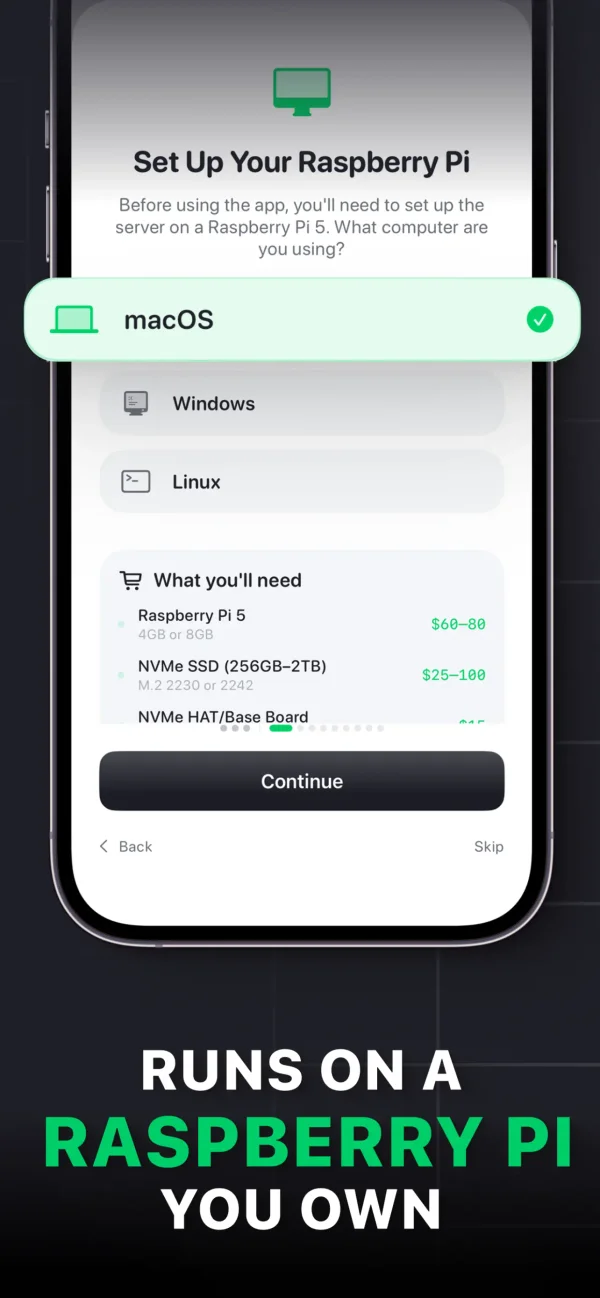
• Raspberry Pi 5 with an NVMe SSD (1TB+ recommended)
• Wi-Fi or Ethernet
• This app — that's it
The app walks you through assembling, flashing, and pairing — step by step,
no terminal required. First-time setup takes about 20 minutes.
PRIVATE BY DESIGN
• Zero-knowledge encryption: your data is encrypted with keys only you hold
• No tracking of your content, no analytics on your files
• Access tokens stored in the iOS Keychain
• HTTPS-only with strict certificate validation
• Apple Privacy Manifest (2024+ compliance)
• Biometric lock prefers Face ID / Touch ID only — never falls back to passcode
WHO IT'S FOR
• Anyone with cloud subscription fatigue
• Privacy-conscious families
• Photographers with terabyte-scale libraries
• NAS users wanting a simpler, native iPhone + Mac experience
• Developers and self-hosting enthusiasts
• Anyone who owns a Raspberry Pi and wants to put it to work
VERSION 2.0 HIGHLIGHTS
New guided setup flow. Smoother browsing. Off-thread encryption for large uploads. Background uploads that actually finish overnight. Fully native macOS app. Full Apple Privacy Manifest. Over 40 reliability and privacy fixes.
FREE. NO TIERS. NO ADS.
The app is free. No in-app purchases. No "premium" tier. You already paid for your storage when you bought the Pi.
What’s new
Version 2.0 · Apr 21, 2026
Welcome to Ugh! Storage 2.0 — the biggest reliability and polish release since launch. Setup is smoother, uploads are more resilient, the macOS app feels properly native, and we've hardened privacy end-to-end.
SMOOTHER SETUP
Signing in now routes you straight into a guided device-pairing flow instead of dropping you into an empty app. If you re-install or sign in on a new device, the same flow walks you back through connecting to your Pi. The "Invalid server URL" dead-end is gone.
FASTER BROWSING
• Thumbnails debounce during fast scrolling so your Pi and your battery aren't hammered fetching images you've already scrolled past
• Encryption for large uploads moved off the main thread — a 500 MB video no longer freezes the UI
• Memory-cached access tokens make file grids snappier
BACKGROUND UPLOADS THAT ACTUALLY RUN
Uploads queued before you close the app now finish in the background while you sleep, instead of waiting for you to reopen. A missed system declaration was silently disabling this — fixed.
RELIABILITY
• Upload queue survives crashes (atomic writes)
• Share extension safely rejects oversized files instead of crashing
• Share sheet auto-recovers when your access token refreshes mid-batch
• Undo on "moved to trash" now tells you if it fails instead of silently swallowing the error
• Empty Trash disables during the request — no more accidental double-taps
macOS, PROPERLY NATIVE
• Closing the main window no longer strands you — reopen from the Window menu or by clicking the dock icon
• Toolbar controls use native macOS placement (primary-action / cancellation-action)
• Biometric prompt uses macOS-appropriate language ("Authenticate…" instead of "Unlock…")
• Share sheet uses the correct key-window lookup instead of a deprecated API
WIDGET
• Tap the storage widget to jump straight into the app
• Widget clears itself on logout so a shared device never shows the previous user's stats
PRIVACY & SECURITY
• Biometric lock prefers Face ID / Touch ID only — won't fall back to device passcode
• Lock engages when the app becomes inactive, hiding content from the app-switcher preview
• Manual server URL entry enforces HTTPS (private LAN addresses still allowed)
• Full logout wipe: device name, theme preference, photo-backup history, AI-derived metadata — nothing leaks to the next user
• Apple Privacy Manifest added (2024+ requirement)
• Sentry crash-report breadcrumbs scrub any credential-shaped keys before transmission
• Client-side path validation rejects traversal attempts before they reach your Pi
ACCESSIBILITY
• Toasts ("upload complete", "moved to trash", "couldn't restore") now announce to VoiceOver
• Global search progress updates announce as they change ("Searching…" / "Thinking…")
• Photo scrubber announces the current month as you drag
• Dynamic Type capped at xxxLarge so extra-large text settings can't break layouts
UNDER THE HOOD
• Swift strict concurrency enforced across the entire project
• AI metadata, upload staging, and offline cache excluded from iCloud backups (saves GB on restore)
• Widget and Share extensions sync properly with the main app after token refresh
• Over 40 individually reviewed hardening fixes
Thanks for using Ugh! Storage. Your feedback shapes every release — keep it coming.
App privacy
What Honorius Neogy declares on the App Store about how this app handles data.
-
Data not collected
The developer does not collect any data from this app.
Privacy practices may vary, for example with the features you use or your age.
Information
- Seller
- Honorius Neogy
- Category
- Productivity
- Version
- 2.0
- Updated
- Apr 21, 2026
- Released
- Apr 2, 2026
- Size
- 21.0 MB
- Requires
- iOS 17.0 or later
- Age rating
- 4+
- Price
- Free
- Languages
- English
- Copyright
- © 2026 Honorius M. Neogy.
You might also like
-
 Ark CloudYour encrypted cloud
-
 dosya: Cloud Storage & BackupSave photos, share files
-
 Document & pdf scanner appCam, Fast, Text & Photo Scan
-
 V Calculator: Hidden Vault +-=Secure Vault, Hide Photo Video
-
 My Space - File ManagerFile Manager & Media Player
-
 Punch List & Site Audit Report#1 Punch List & Snag Reporter
-
 Math Notes - Math SolverCalculator, LaTeX, Math AI
-
 Scanner App for iPhoneImage, PNG & PDF Converter
-
 Notesnook: Private notepadEncrypted notes & secure vault
-
 VPN Safe Web Private TunnelFast & Secure Proxy Access