
UGScan - 3D Scanner
Capture & Share Reality in 3D
Designed for iPhone, iPad, Mac
Free
- Age rating4+
- CategoryGraphics & Design
- Developer成亮 单
- LanguagesEnglish+ 6 more
- Size25.9 MB
Links to the official App Store page
Download.org hosts no file of UGScan - 3D Scanner. The button opens its official App Store page, published by 成亮 单. Listing last checked on Nov 16, 2026.
Screenshots
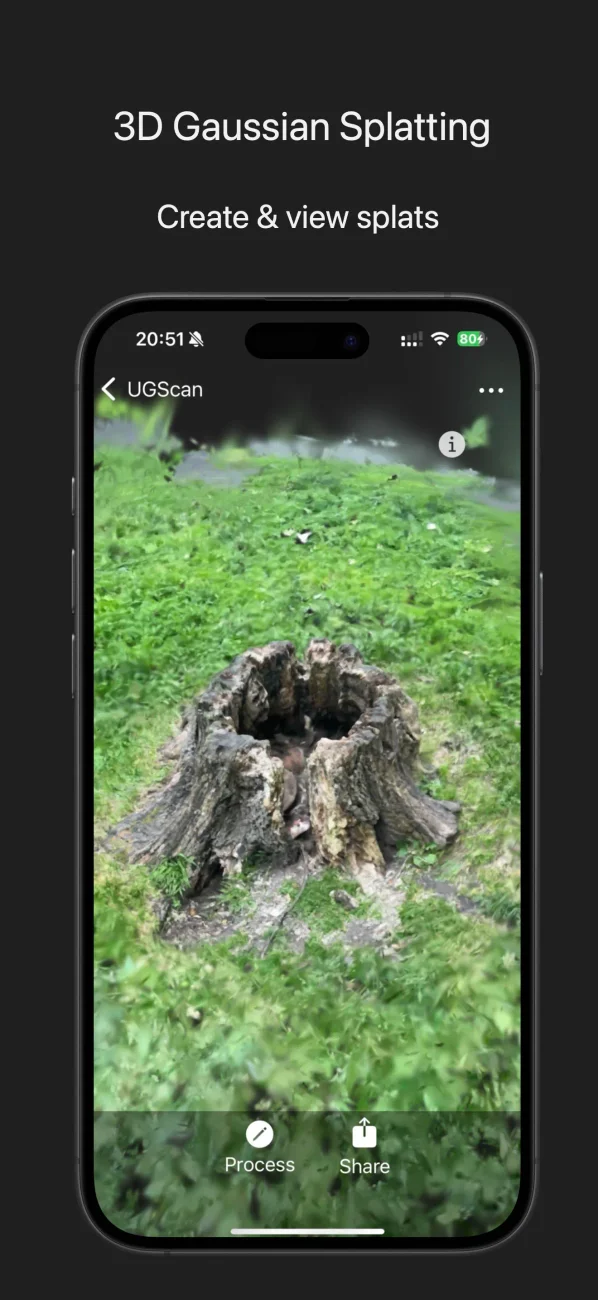
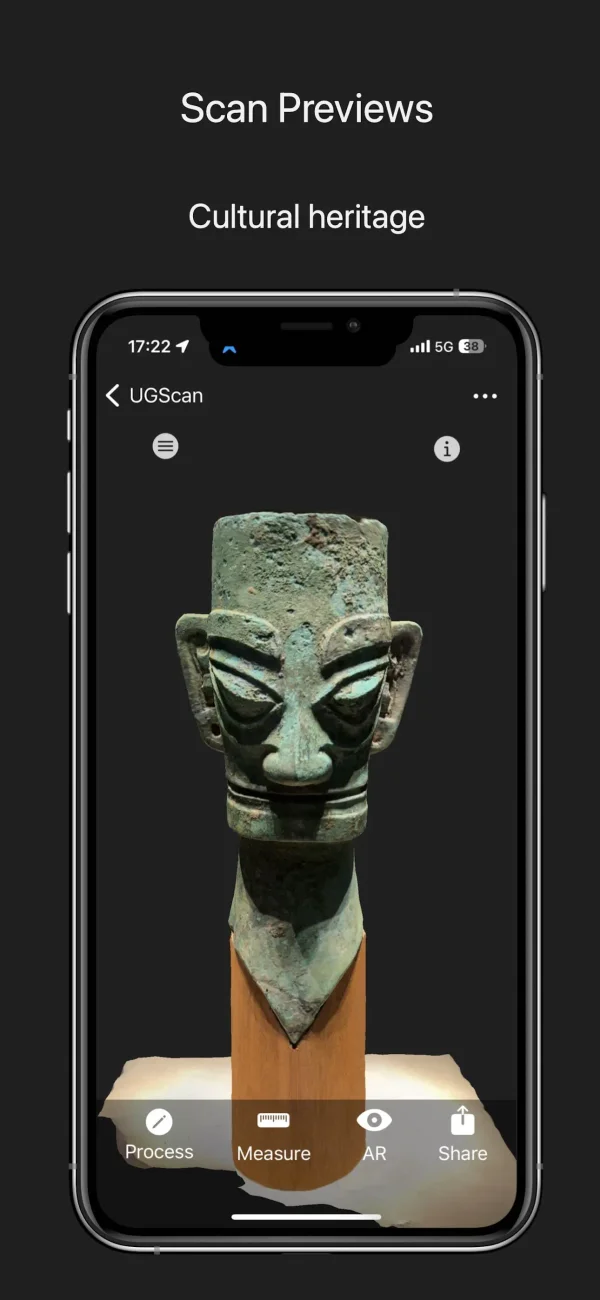
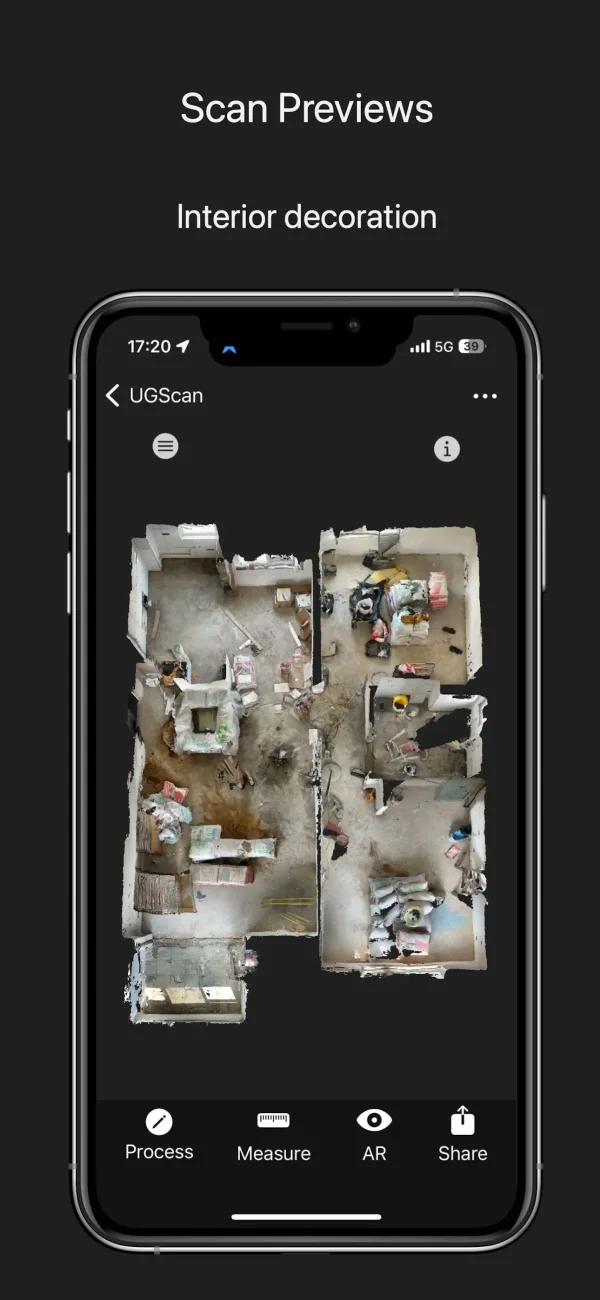
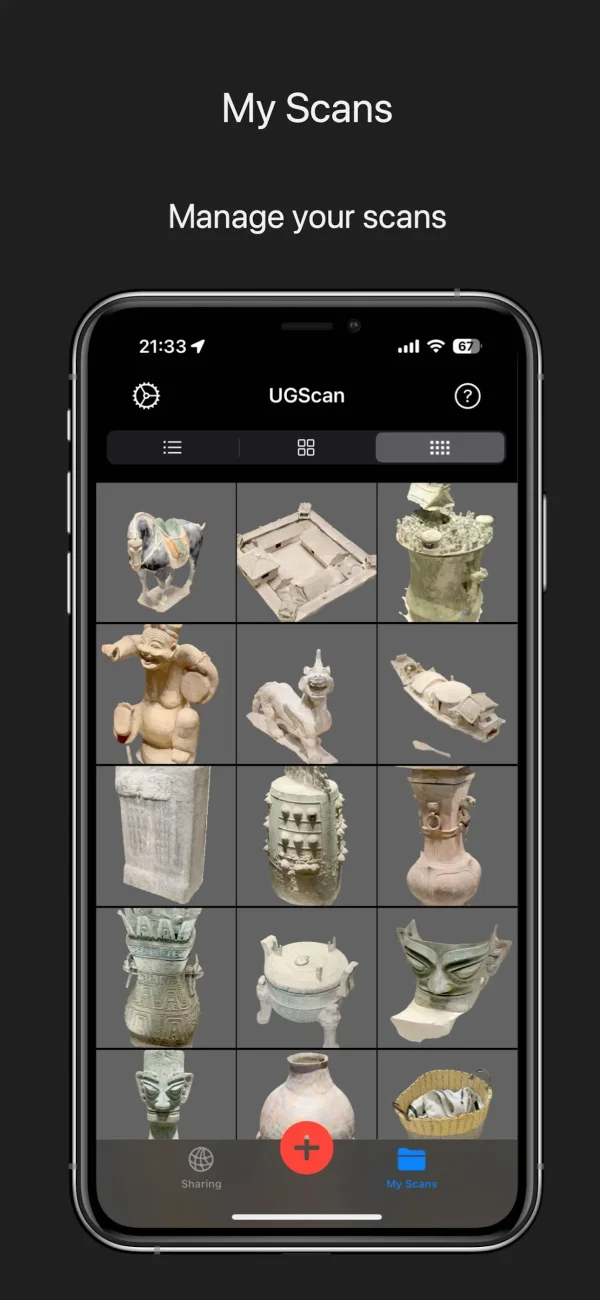

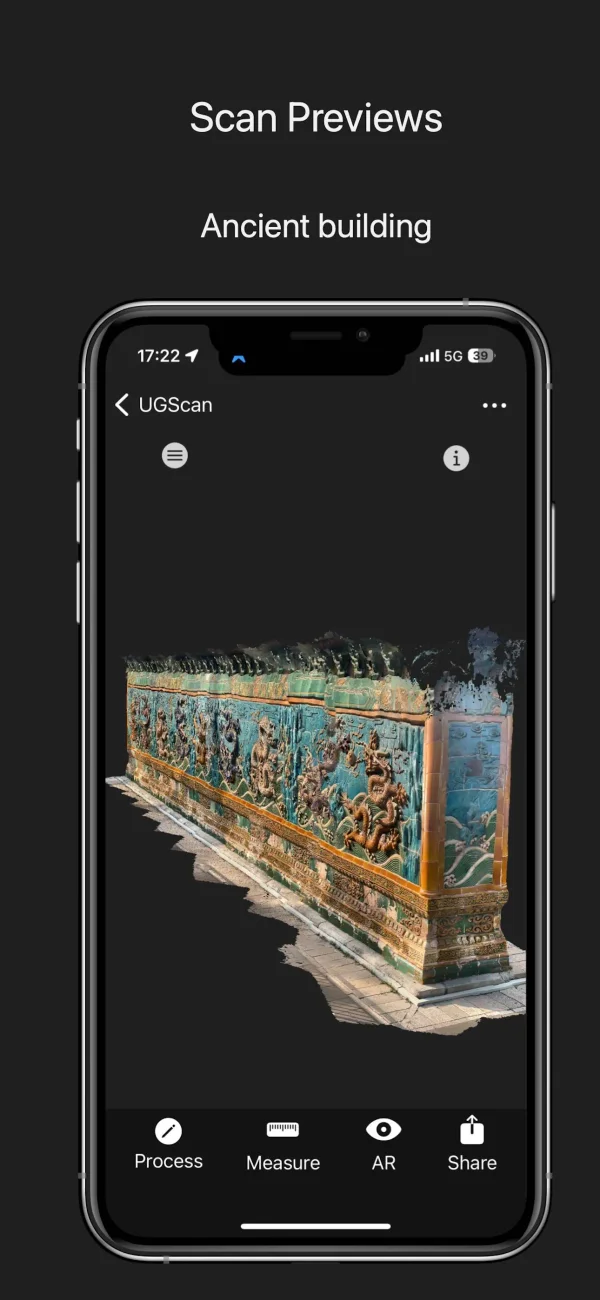
About
UGScan - LiDAR 3D Scanner for iPhone and iPad
Turn real-world objects into accurate 3D models in seconds.
UGScan is a powerful LiDAR 3D scanning app built for creators, designers, engineers, and anyone working with 3D content.
Scan objects, rooms, and full environments using your iPhone or iPad, then export to industry-standard formats for modeling, CAD, AR, VR, and 3D printing.
Core features are now free to use.
4 scanning modes
Object Mode
Capture small objects, furniture, and assets with high precision.
Ideal for 3D modeling, asset creation, and 3D printing.
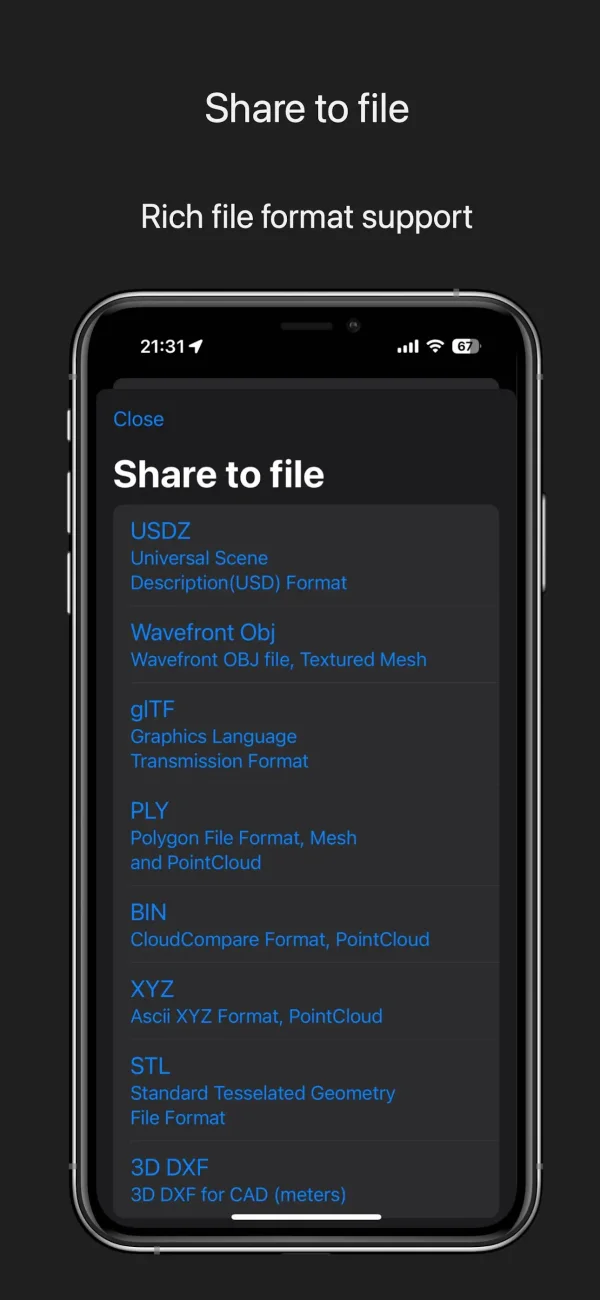
Export formats: USDZ, OBJ, STL, glTF, GLB, DXF
LiDAR Mesh Mode
Scan rooms, buildings, and real-world environments with textures.
Great for scene reconstruction, visualization, and digital twins.
Export formats: USDZ, OBJ, STL, glTF, GLB, PLY, BIN, XYZ, DXF
Point Cloud Mode
Record large-scale point clouds for surveying and measurement workflows.
Preserves raw spatial data for professional use.
Export formats: OBJ, PLY, BIN (CloudCompare), XYZ
RoomPlan Mode
Scan full homes and generate floor plans instantly.
Ideal for interior design, renovation, and space planning.
Export formats: USDZ (RoomPlan), DXF (2D/3D)
Professional workflow features
Post-processing tools, including texture generation, mesh simplification, cropping, and hole filling
Continue scanning within existing projects
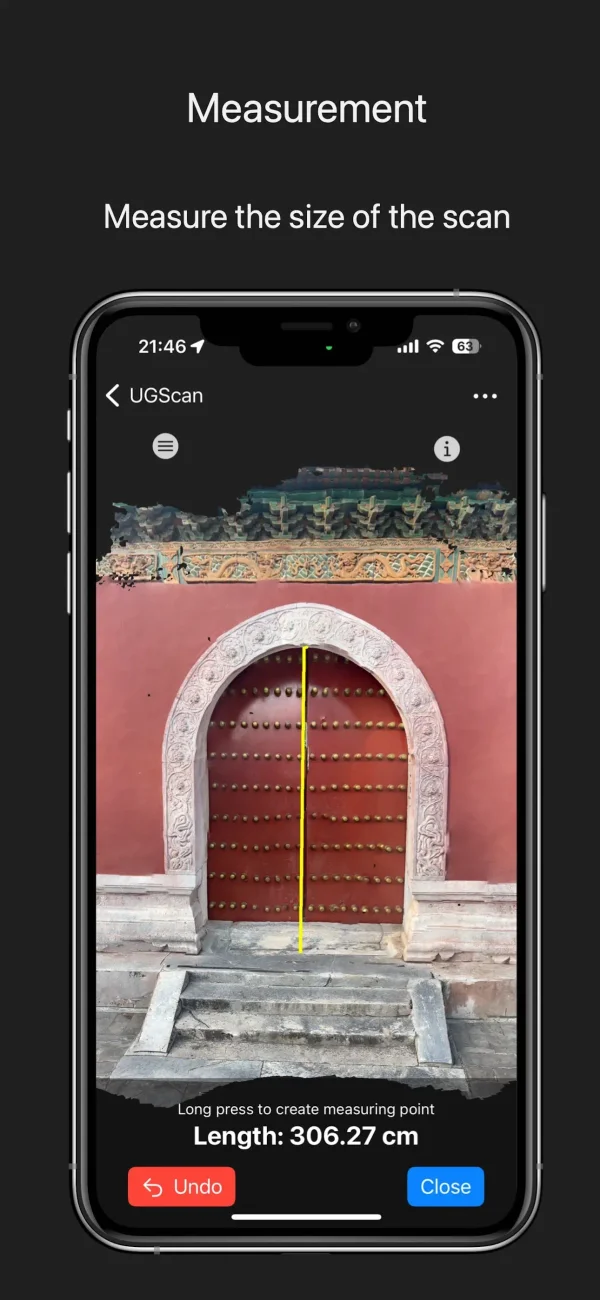
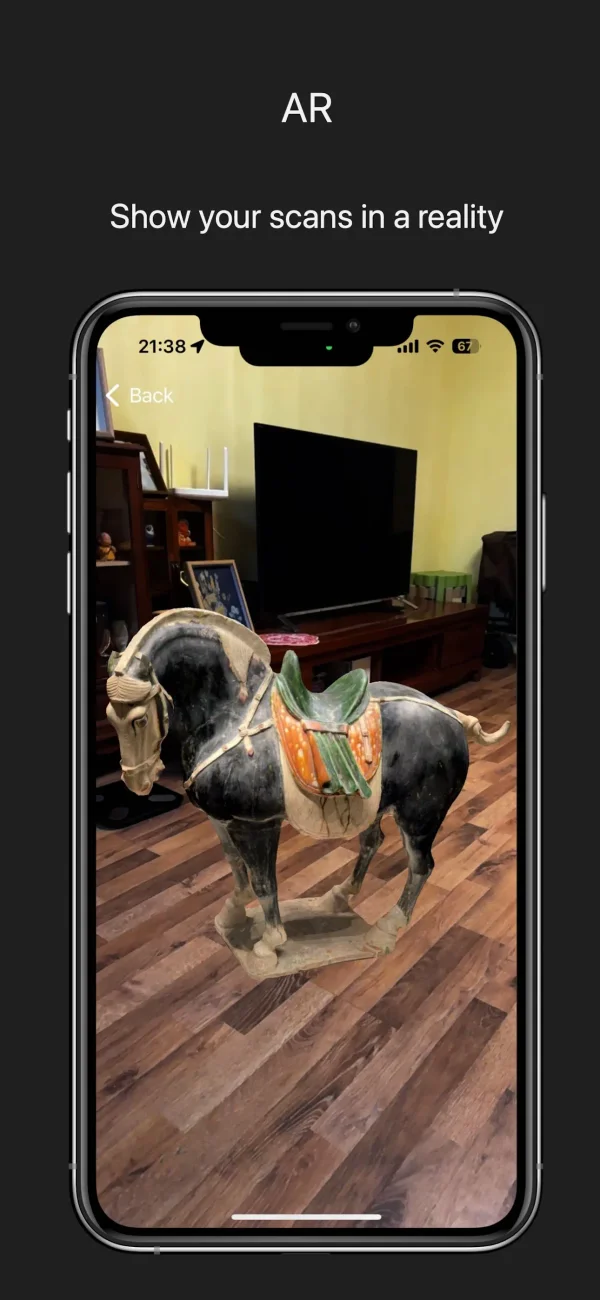
AR preview and measurement tools for real-time validation
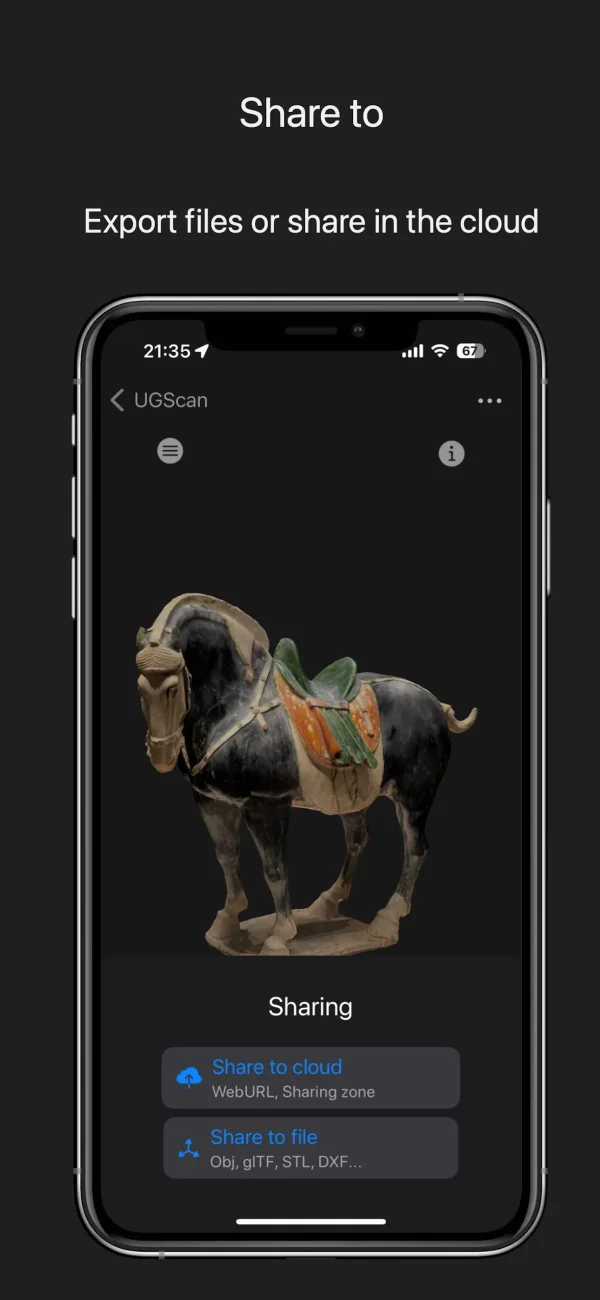
Cloud sharing with link-based access and content publishing
Multi-format export compatible with Blender, Unity, Unreal Engine, CAD tools, and 3D printing workflows
Use cases
3D scanning, 3D modeling, LiDAR capture, digital asset creation, architecture, interior design, engineering documentation, real estate, cultural preservation, education, and 3D printing
Device requirements
Requires LiDAR-enabled iPhone or iPad, such as Pro models
Some features depend on hardware and iOS version
Contact
ugscan3d@gmail.com
What’s new
Version 2.4.5 · Jun 24, 2026
Bug Fixes and Stability Improvements.
App privacy
What 成亮 单 declares on the App Store about how this app handles data.
-
Data linked to you
May be collected and linked to your identity.
- Location
- Contact info
- Identifiers
- Surroundings
Privacy practices may vary, for example with the features you use or your age.
Information
- Seller
- Shan Chengliang
- Category
- Graphics & Design
- Version
- 2.4.5
- Updated
- Jun 24, 2026
- Released
- Sep 19, 2022
- Size
- 25.9 MB
- Requires
- iOS 16.0 or later
- Age rating
- 4+
- Price
- Free
- Languages
- English, French, German, Japanese, Korean, Simplified Chinese, Traditional Chinese
- Copyright
- © 2022-2026 Chengliang Shan
You might also like
-
 Qlone 3D ScannerEasy, User-Friendly AR Capture
-
 Gathered - Design InspirationMoodboards & image references
-
 WHEE Labs - Fan Merch MakerImage Restoration & Quick Edit
-
 swatchbook remixFashion & Design Customization
-
 Metaspace - 3D SketchbookDraw in 3D, explore in AR
-
 ARki: Room Planner & 3D DesignFloor Plans & Home Layouts
-
 Omniscient - Blender CGI LidarCamera Tracking & Virtual Cam
-
 MAKAR 3D ScanCAPTURE REALITY,BORN TO CREATE
-
 Scenery: AR & Spatial CreatorBuild on iPad & Mac, no code
-
 DEVAR 3D ScanCreate 3D Models from Objects