Ultimate Meme Image Creator
Make Memes and Collages
Designed for iPhone, iPad
Free · In-app purchases
- Age rating4+
- CategoryPhoto & Video
- DeveloperSandeep Bhandari
- LanguagesEnglish+ 15 more
- Size12.7 MB
Links to the official App Store page
Download.org hosts no file of Ultimate Meme Image Creator. The button opens its official App Store page, published by Sandeep Bhandari. Listing last checked on Nov 12, 2026.
Screenshots
About
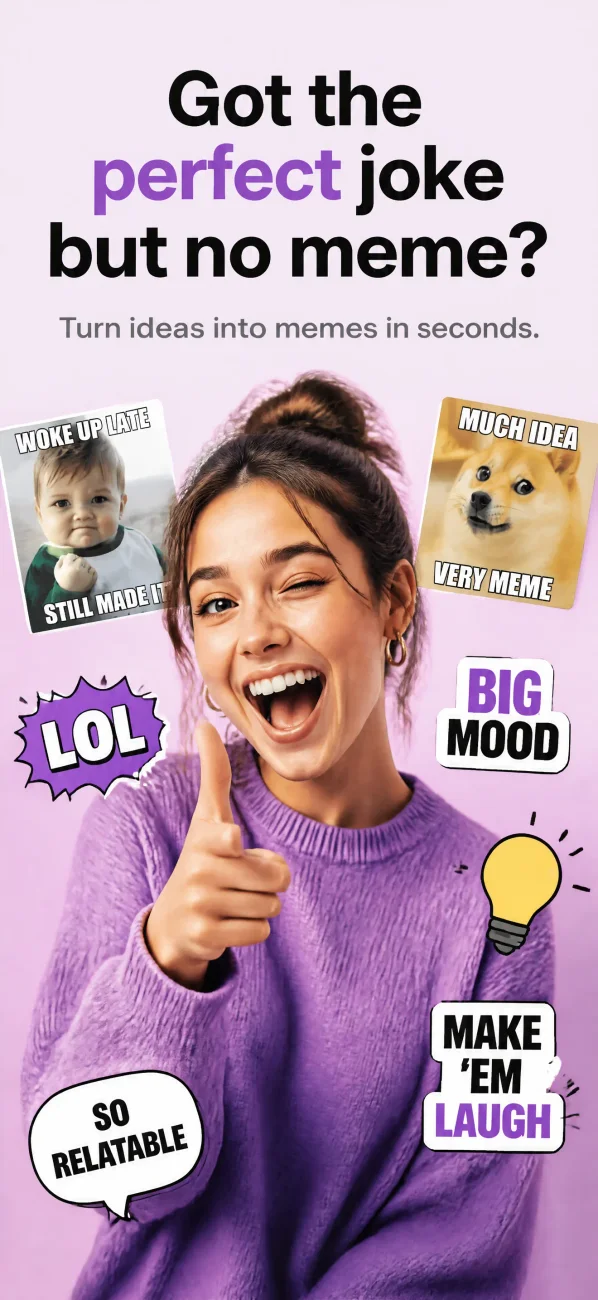
Make a meme in seconds without starting over every time. Pick a template or photo, add your caption, and save or share right away. No account needed, and your work stays ready to resume.
Ultimate Meme Creator helps group chat regulars, social posters, and creators turn photos and templates into memes quickly.
FEATURES
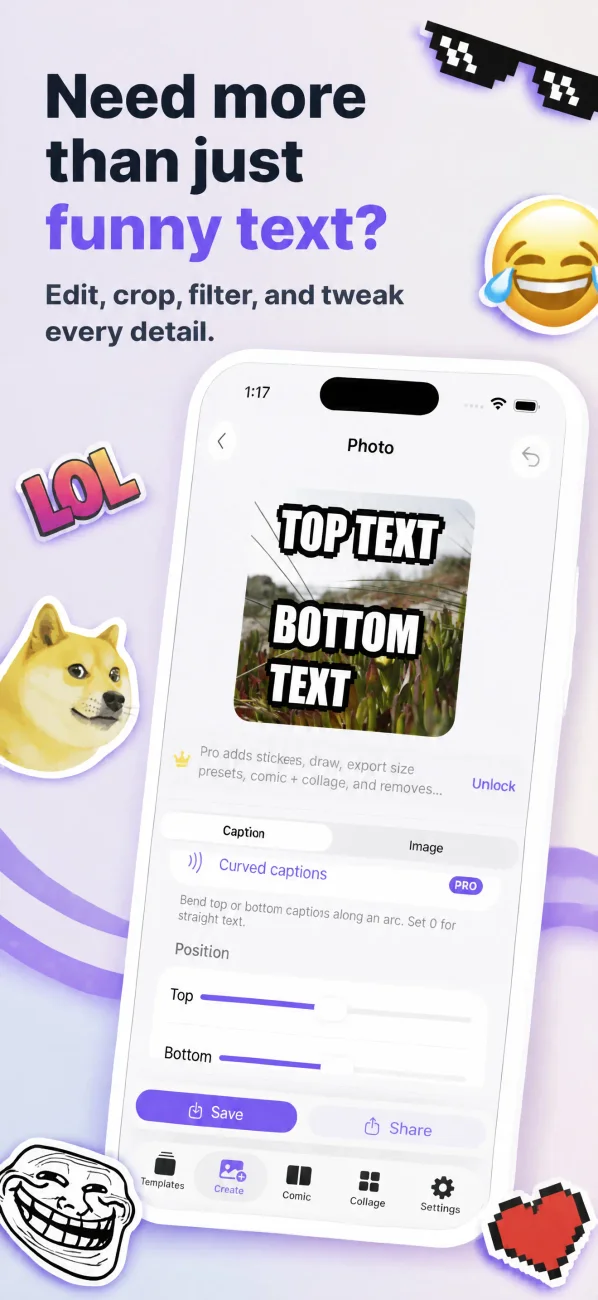
- Browse a built-in template gallery by All, Basics, Textures, Gradients, Effects, and Panels, then search by name or category to find the right meme background fast.
- Star favorite templates and jump back into your recents, with your last 10 used templates kept ready on your device.
- Start from your own picture by choosing from Photos, taking a new photo, or pasting a copied image straight into the editor.
- Add a top caption and bottom caption for classic meme layouts, or place a center caption with Pro.
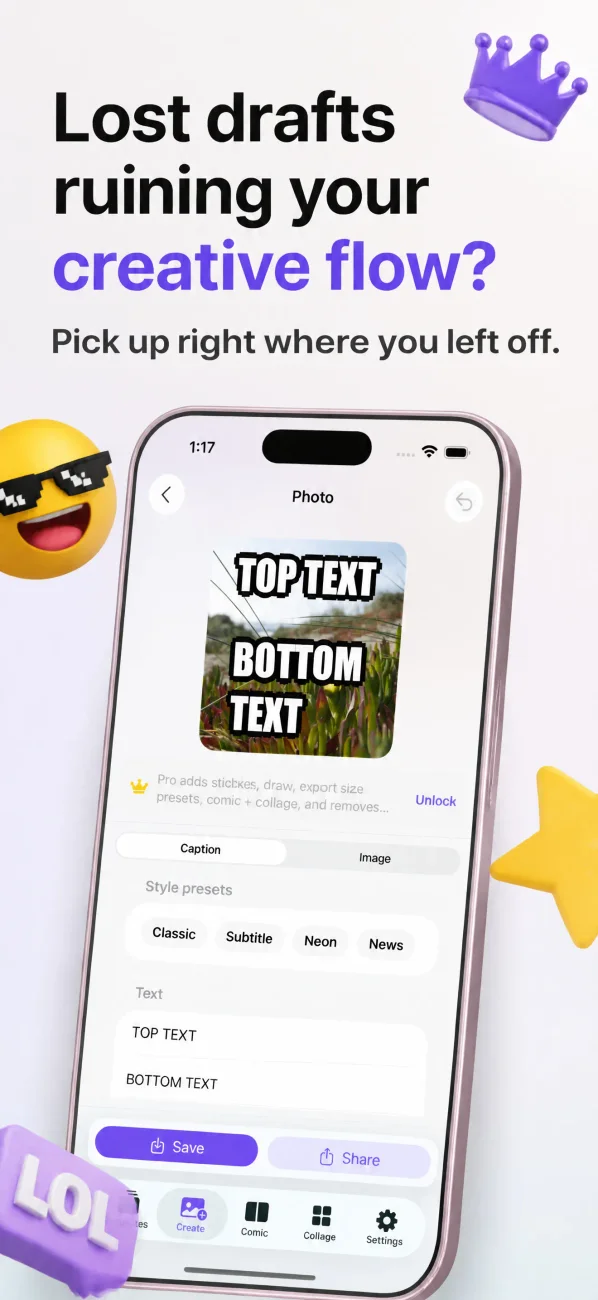
- Pick from text styles like Classic, Subtitle, Neon, News, Caption, and Bubble to change the whole look in one tap.
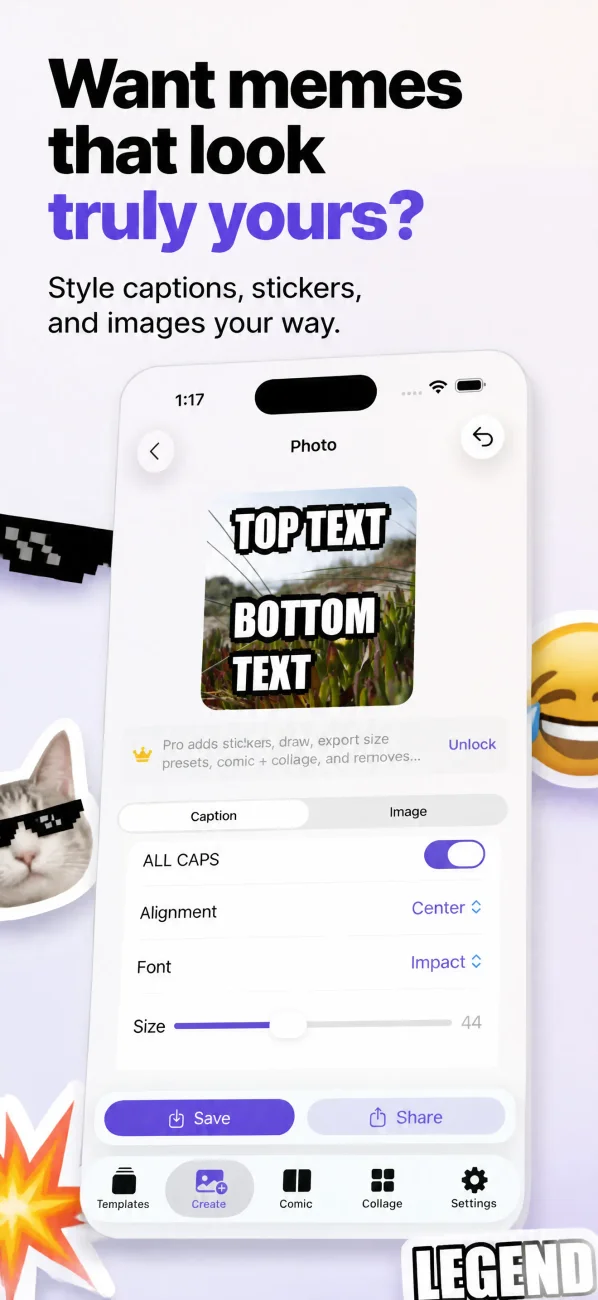
- Fine-tune your meme caption with all caps, left, center, or right alignment, font choices, text color, outline color, outline width, and caption position controls.
- Use the Bubble style to place the top caption inside a bubble, or bend top and bottom captions into curved text with Pro.
- Undo changes as you work, with step-by-step history for captions, stickers, text boxes, drawing, and more.
- With Pro, add extra text boxes, move them, rotate them, duplicate them, lock them, and send them forward or back.
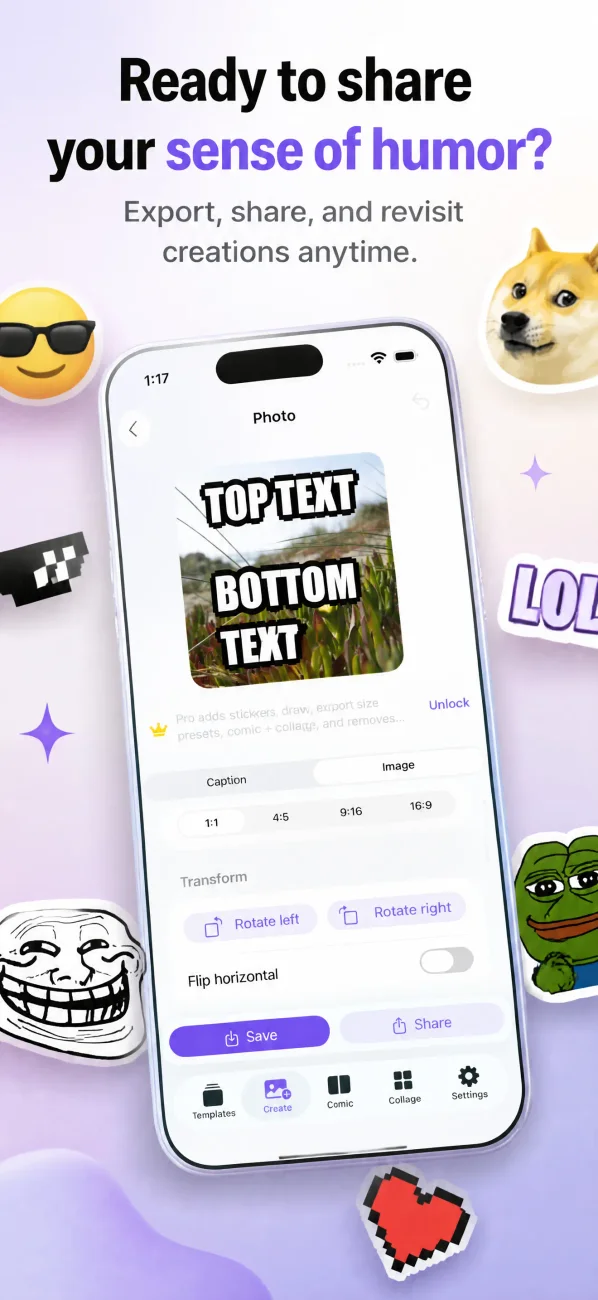
- Edit the image without losing the original look using crop ratios, rotate, flip, filters, and filter intensity.
- Cut out the subject from the background with Pro, right on your device.
- Add sticker packs, tint them, resize them, rotate them, and line them up with center snap guides.
- Save watermark-free images to Photos, share them, and revisit your last 8 exports in the Recent Exports gallery.
- Choose output shapes for square posts, stories, landscape images, and more with Pro, plus safe margins, border options, and export size presets.
- Make a 2-image comic strip or 2×2 collage with Pro.
PERFECT WHEN
You want to turn a camera photo into a reaction meme before the moment passes. You keep reusing the same favorites and need recents, autosave, and Resume Last Draft so you do not rebuild the same meme twice. You want a quick meme maker for group chats, a meme editor for social posts, a comic maker for side-by-side jokes, or a collage layout for simple before-and-after posts.
WHY IT WORKS
Ultimate Meme Creator keeps the process simple: templates, Photos, camera, and paste all open into the same editor, so you can go from idea to finished meme image with less back and forth. Full draft autosave remembers captions, stickers, text boxes, drawing, image edits, colors, curved text, bubble style, and output choices on your device. Home screen quick actions and voice shortcuts also help you jump straight to New Meme, Open Templates, or your last draft.
PAID FEATURES
Pro removes ads and opens up the premium editor, including center caption, curved captions, extra text boxes, draw tools, full sticker packs, background cutout, output controls, export size presets, comic, collage, and the Last Meme widget. Photos access is only used when you pick an image or save to Photos, and camera access is only used when you choose Take Photo.
Start your next meme, comic, or collage in a few taps and share it while the joke is still fresh.
Terms of Use (EULA) - http://www.apple.com/legal/itunes/appstore/dev/stdeula
What’s new
Version 2.4 · Nov 4, 2026
Bug fixes and enhancements
App privacy
What Sandeep Bhandari declares on the App Store about how this app handles data.
-
Data used to track you
May be used to track you across apps and websites owned by other companies.
- Identifiers
- Usage data
-
Data linked to you
May be collected and linked to your identity.
- Identifiers
- Usage data
-
Data not linked to you
May be collected but is not linked to your identity.
- Diagnostics
Privacy practices may vary, for example with the features you use or your age.
Information
- Seller
- Sandeep Bhandari
- Category
- Photo & Video
- Version
- 2.4
- Updated
- Nov 4, 2026
- Released
- Oct 5, 2016
- Size
- 12.7 MB
- Requires
- iOS 26.0 or later
- Age rating
- 4+
- Price
- Free
- In-app purchases
- Yes
- Languages
- English, Arabic, Dutch, French, German, Hindi, Italian, Japanese, Korean, Polish, Portuguese, Russian + 4 more
- Copyright
- © Indrani Solutions
You might also like
-
 Meme Factory-Meme GeneratorYour Humor, Unleashed
-
 Meme Maker- Fun Meme GeneratorNew funny easy meme creator
-
 Comic Caption Meme Maker LiteCartoon Strip Creator
-
 ImgPlay: GIF Maker & MemeVideo to GIF Creator & Editor
-
 Cut and Paste: Photos EditorChange Background, Swap Faces
-
 Cut Paste Photos, Retouch PicsBackground Change, Eraser
-
 AI Face DancePhoto & Video
-
 GIF Maker - Turn Video to GIFsGIF Editor,GIF Creator,gifs
-
 Photo Collage Montage MakerPicture editor layout creator
-
 Add Text: Write On PhotosCard, Banner & Flyer Maker