
- Age rating17+
- CategoryUtilities
- DeveloperKevin Stewart
- LanguagesEnglish
- Size3.1 MB
Links to the official App Store page
Download.org hosts no file of Umbra Browser. The button opens its official App Store page, published by Kevin Stewart. Listing last checked on Nov 15, 2026.
Screenshots




About
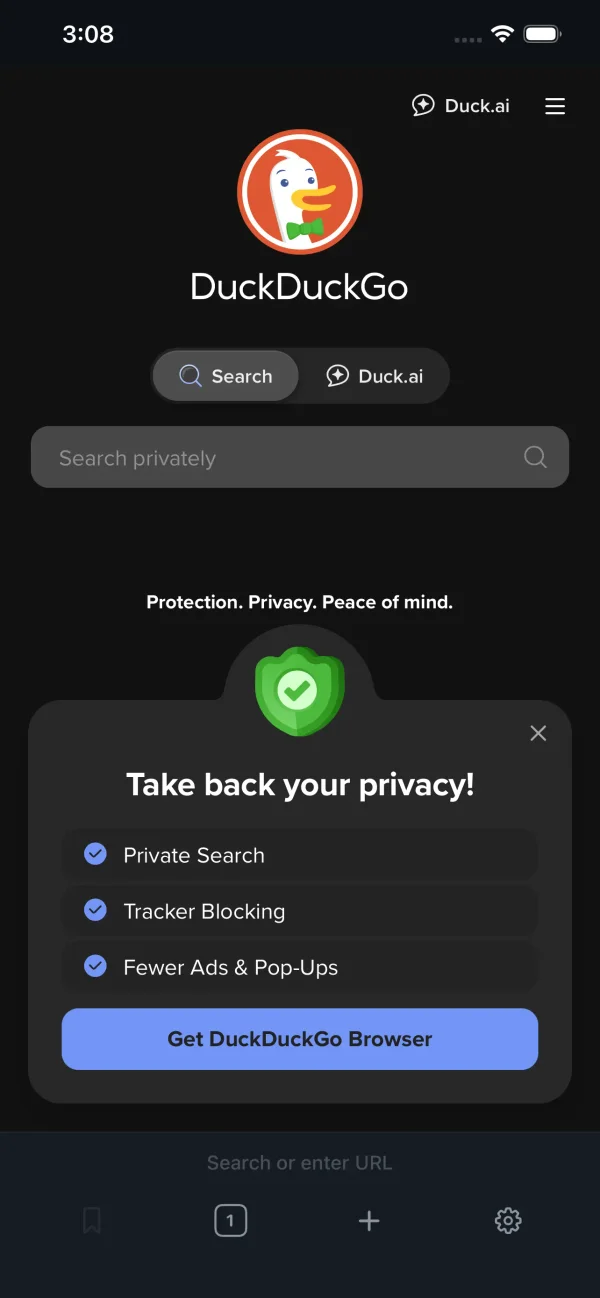
Umbra is a privacy-first browser that treats your data the way it should be treated: as yours alone. Every feature is free.
EVERY TAB IS A VAULT
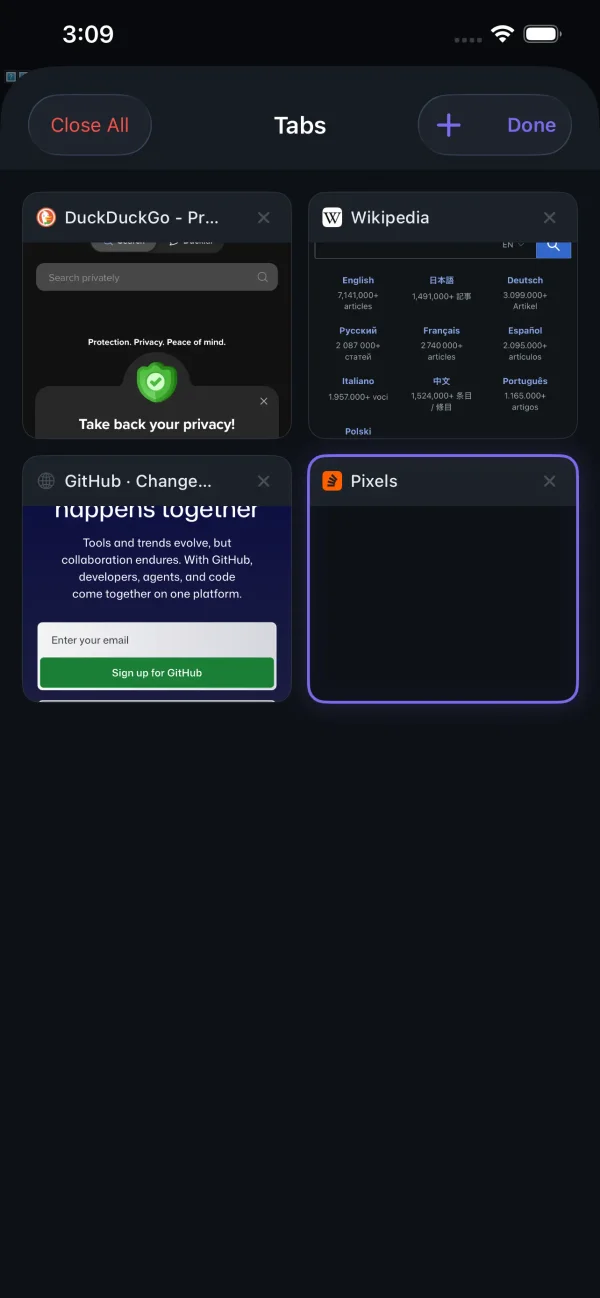
Each tab runs in its own isolated container. Cookies, cache, and localStorage are completely separated between tabs and destroyed the moment you close one. No browsing history is ever written to disk.
BLOCK ADS & TRACKERS
Umbra blocks ads, trackers, and fingerprinting scripts using built-in content blocking powered by EasyList and EasyPrivacy. See exactly what's blocked with the per-tab privacy shield. Tap the shield icon for a full breakdown of blocked ads, trackers, and scripts. Your all-time blocked count now shows on the new tab page, and you can open a shareable privacy report at any time. Turn on an optional weekly reminder to see what Umbra blocked that week.
SAVE LOGINS TO PASSPONY
If you use PassPony, our open-source password manager, Umbra can save new logins straight to it as you browse. They are encrypted with your own keys and stay on your device. No accounts, nothing sent to us.
ANTI-FINGERPRINTING
Canvas fingerprinting, WebGL probing, navigator sniffing. Umbra neutralizes the most common fingerprinting techniques by injecting protections at the browser level.
ENCRYPTED EVERYTHING
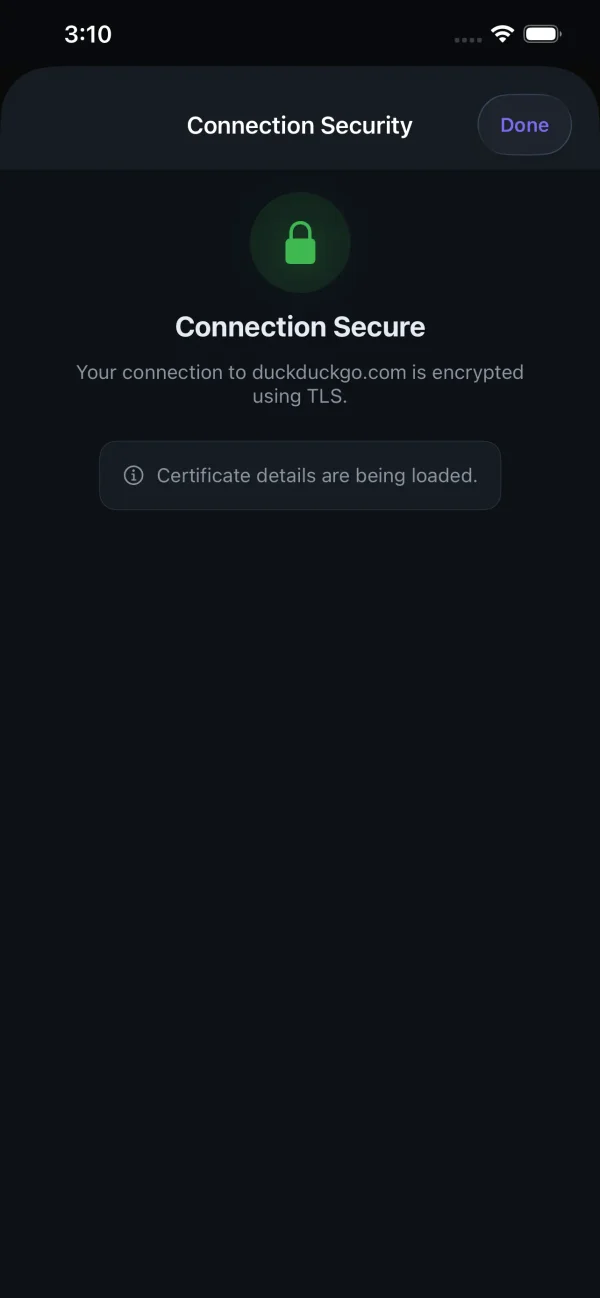
HTTPS-first browsing with automatic upgrade and HTTP warning interstitials. Encrypted DNS-over-HTTPS with your choice of provider (Cloudflare, Google, Quad9, and more). Bookmarks encrypted with AES-256-GCM, key stored in your Keychain. SSL certificate inspector: tap the lock icon to verify any site's certificate.
SMART PRIVACY FEATURES
Automatic UTM parameter stripping on every URL. DuckDuckGo as default search engine (Startpage and Brave Search also available). Per-site whitelist to disable blocking where needed. Share sheet strips tracking parameters automatically.
BOOKMARKS
Import your bookmarks from Safari, Chrome, or Firefox using their exported bookmarks file. Everything you save is encrypted at rest with your Keychain-stored key.
READER MODE
Distraction-free reading with a clean, fast-loading text view. No ads, no popups, no clutter.
USERSCRIPTS
Install custom userscripts to extend Umbra's functionality. Inject JavaScript on any page: block elements, restyle sites, or add features.
SESSION RESTORE
Pick up where you left off. Umbra saves your open tabs and restores them on launch.
COMMAND PALETTE
A quick-access command palette to switch tabs, open bookmarks, search history, and navigate.
OPEN SOURCE
Umbra is open source under the MPL-2.0 license. Read the code at github.com/norsehorse-dev/UmbraBrowser.
ALL FEATURES INCLUDED
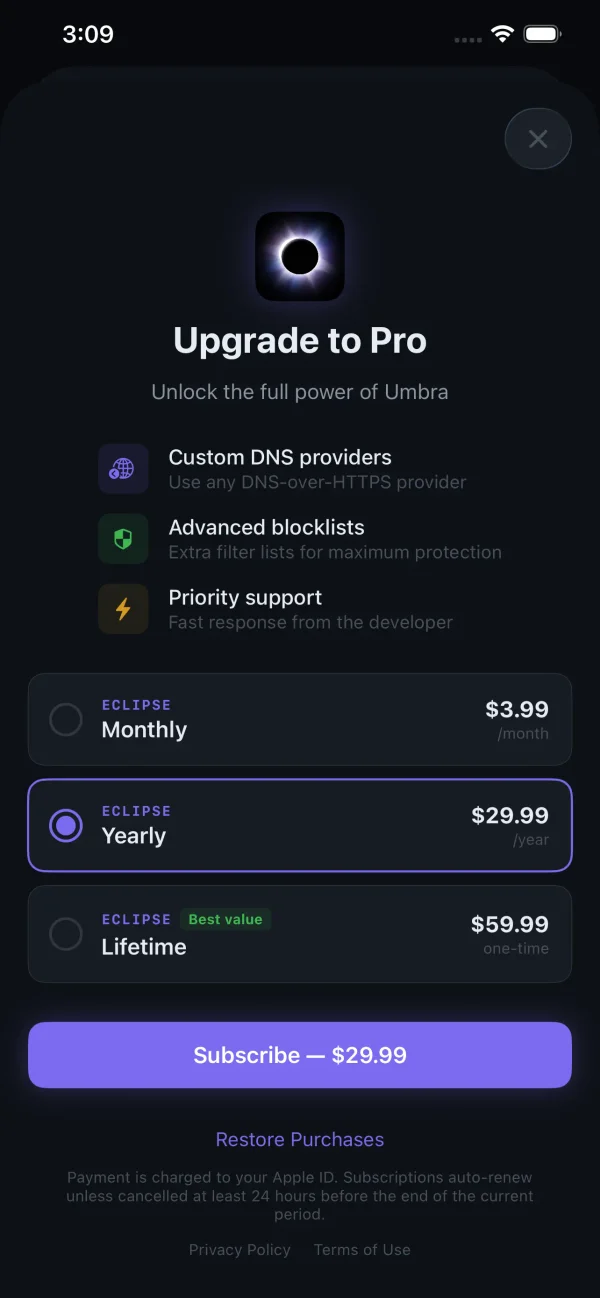
Everything is free with no restrictions. Custom DNS providers, advanced blocklists, userscripts, session restore, encrypted bookmarks, and every privacy feature, available to all users.
Built by NorseHorse. No ads. No tracking. No compromises.
Terms of Use: https://umbrabrowser.app/eula
Privacy Policy: https://umbrabrowser.app/privacy
What’s new
Version 2.0.0 · Oct 17, 2026
Umbra 2.0
New
Save to PassPony: when you sign in to a site, Umbra can save the login straight to PassPony, encrypted with your own keys. No accounts, and nothing leaves your device.
Privacy Report: see how many trackers and ads Umbra has blocked for you, and share a clean report card. Your blocked count now shows on the new tab page too.
Weekly report reminder: an optional nudge to check what Umbra blocked that week.
Import bookmarks from another browser using its exported bookmarks file.
Pull to refresh.
Restore Tabs on Launch and Keep History: two new settings, both off by default, if you want tabs or history to survive closing the app.
Fixed
Tabs and history are now erased when you close Umbra, including a force close. Before, they came back on the next launch, which is not what Umbra promised.
Close All Tabs & Clear Data now clears history and cached data too. Before, it only closed your tabs, and they could come back after a restart.
Tapping the X on a tab now closes it. Before, it opened the tab, and long-press was the only way to close one. You can also swipe a tab sideways to close it.
Disabling blocking for a site now takes effect immediately on the open tab. Before, it did nothing until you reopened the tab.
The Anti-Fingerprinting setting now actually turns the protection on and off. It was on regardless of the toggle before.
Removed a leftover upgrade screen from onboarding. Everything in Umbra is free.
App privacy
What Kevin Stewart declares on the App Store about how this app handles data.
-
Data not collected
The developer does not collect any data from this app.
Privacy practices may vary, for example with the features you use or your age.
Information
- Seller
- Kevin Stewart
- Category
- Utilities
- Version
- 2.0.0
- Updated
- Oct 17, 2026
- Released
- Apr 7, 2026
- Size
- 3.1 MB
- Requires
- iOS 17.6 or later
- Age rating
- 17+
- Price
- Free
- Languages
- English
- Copyright
- © Kevin Stewart 2026
You might also like
-
 Pane BrowserThe whole screen is the page.
-
 Redirect WebsitesLocal regex URL redirects
-
 Eagle Browser: AdGuardPrivate Browser, Reading, Pip
-
 Minoo - Private NotesOrganised, Focused, Private.
-
 Cinder - compress videosOn-device video compressor
-
 Penguin BrowserWeb Explorer
-
 Coding KeyboardEsc, Ctrl, and a Tab key
-
 Modex - Build Your Own BrowserCustomize Any Website with AI
-
 Quiet BrowserBrowse and save on device
-
 EliozzRecord stories, scan & listen