
UniReader: Multi-Format Reader
DjVu, CHM, MOBI, EPUB & comics
Designed for iPhone, iPad, Mac
Free · In-app purchases
- Age rating4+
- CategoryEducation
- DeveloperGuglielmo Pasa
- LanguagesEnglish+ 20 more
- Size24.2 MB
Links to the official App Store page
Download.org hosts no file of UniReader: Multi-Format Reader. The button opens its official App Store page, published by Guglielmo Pasa. Listing last checked on Nov 23, 2026.
Screenshots
About
UniReader 1.18.0
UniReader opens what other apps refuse.
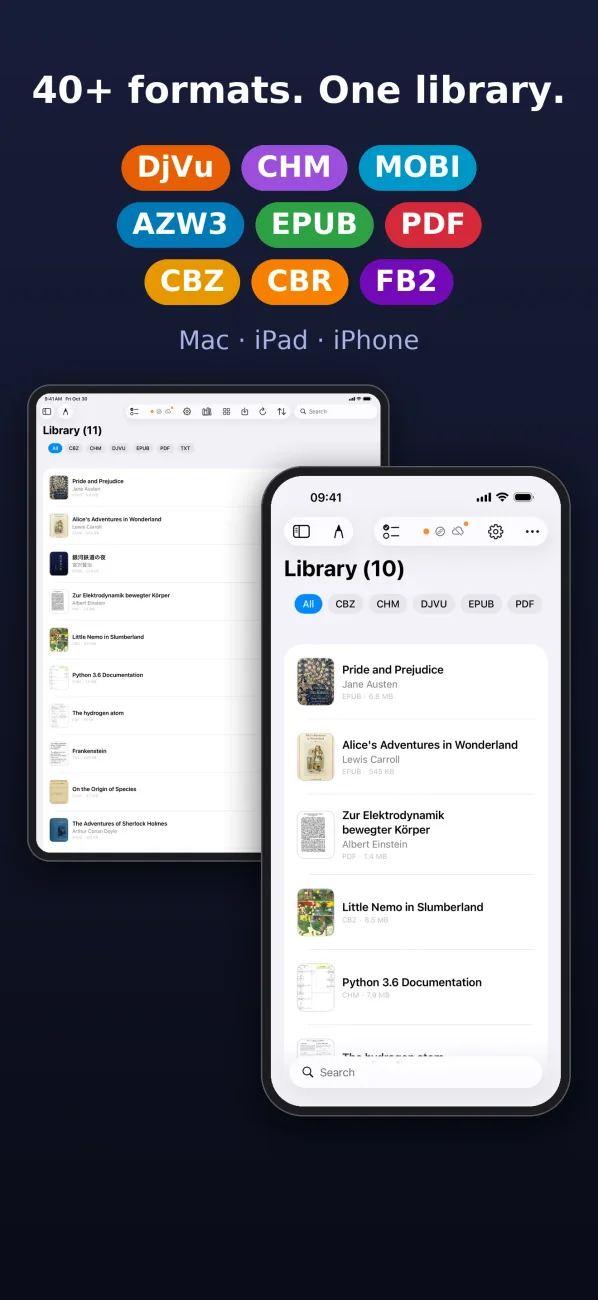
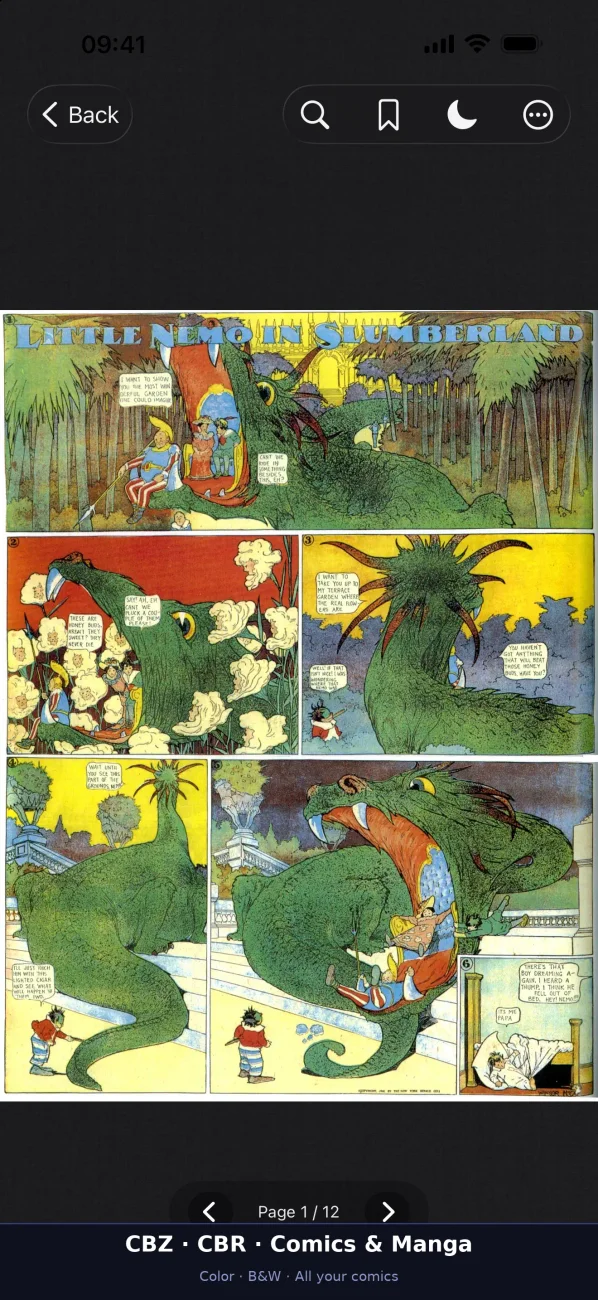
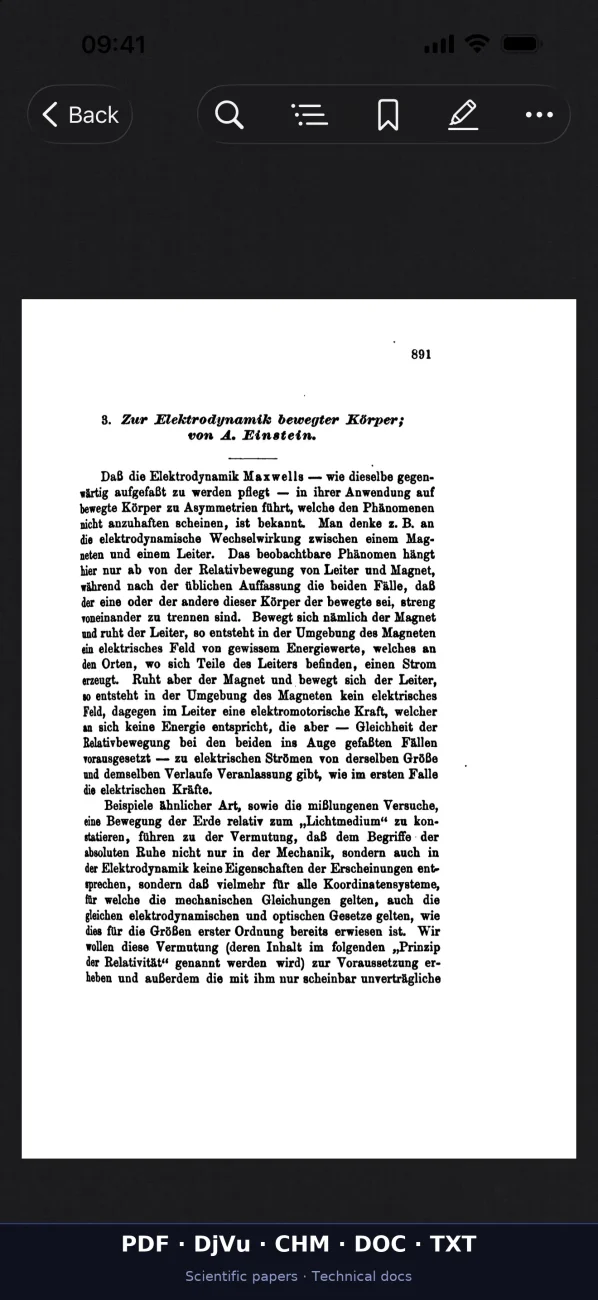
PDF, EPUB, DjVu, CHM, MOBI, AZW3, FB2, comics, DOC, DOCX, ODT, HWP, RTF, Markdown, web pages, Jupyter notebooks, PostScript, TeX DVI, XPS and more: over 40 formats in one library, plus images and archives.
No more juggling apps.
--- READ WITHOUT FRICTION ---
The real problem isn't reading. It's everything that interrupts it: the wrong format, an awkward import, a lost page.
UniReader exists to remove that friction. Open. Read. Pick up exactly where you left off.
--- WHAT YOU GET ---
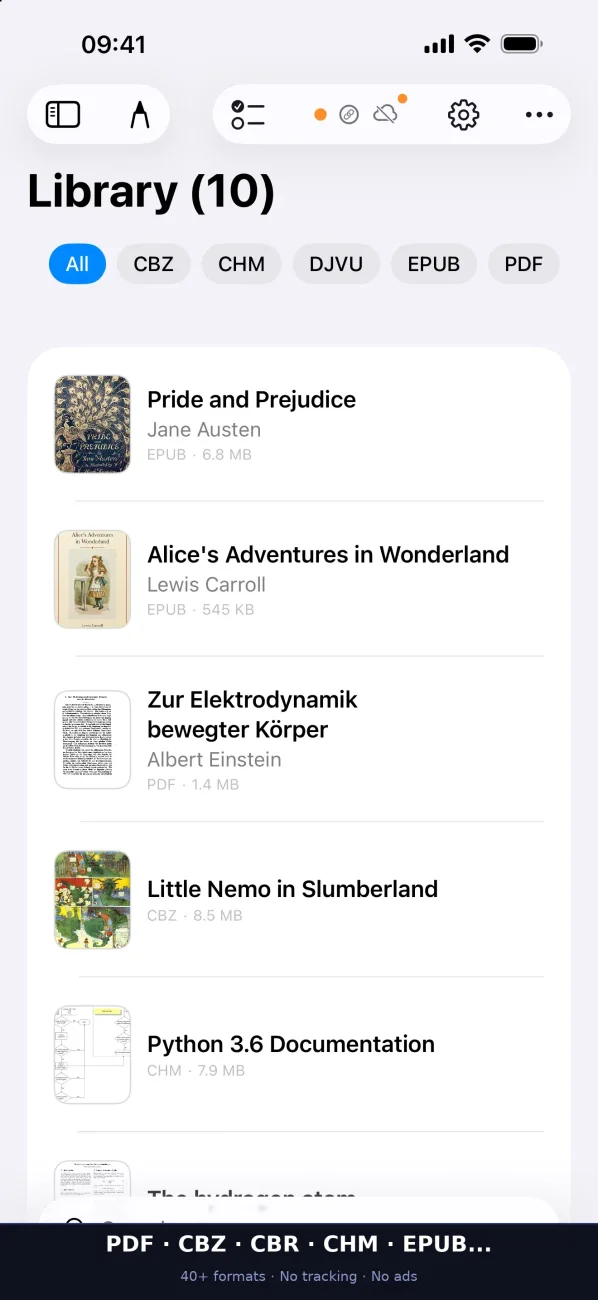
A real library
20 books or 20,000: the library stays fast and organized.
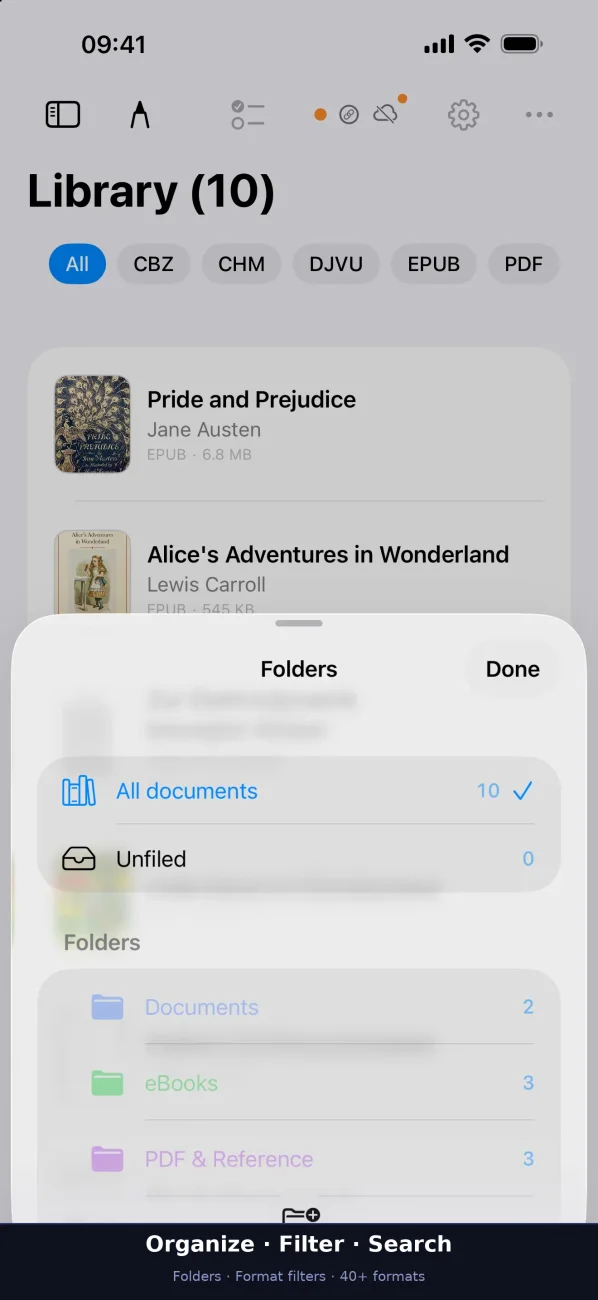
Grid or list, covers, folders, collections, search. Filter by format and import over your local network.
Comfortable reading
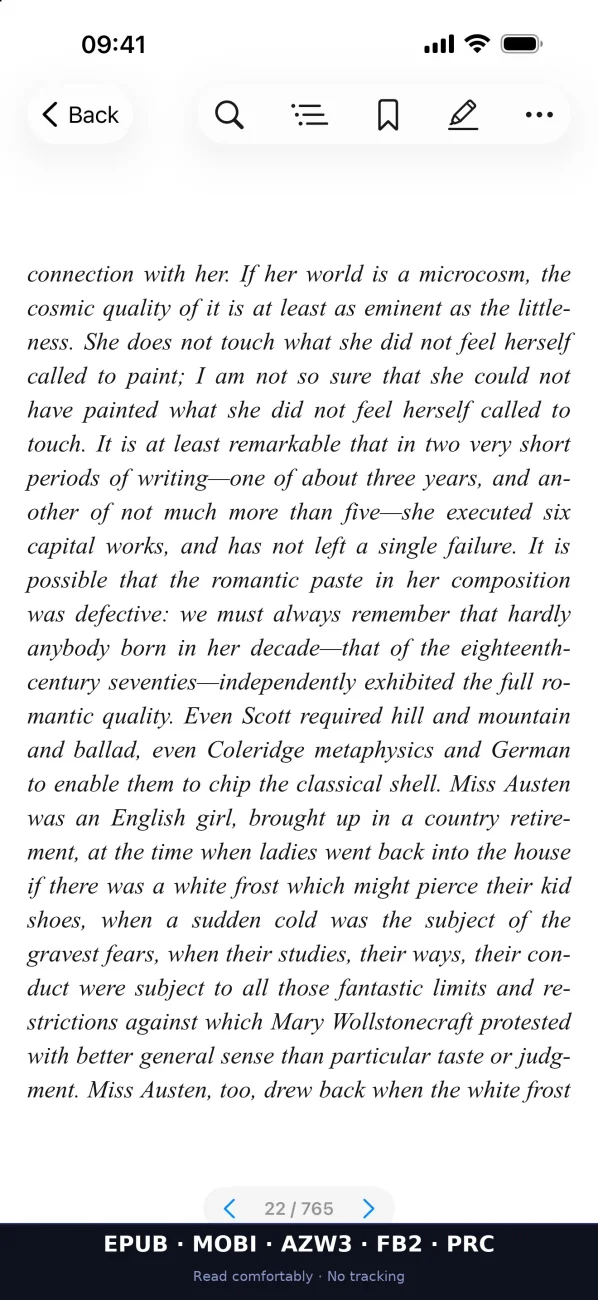
Light, Night, Sepia and Paper themes; adjustable fonts and margins. EPUB in two columns, PDF full screen, your exact place restored.
Markdown, read and written
Markdown files open fully formatted: headings, tables, task lists, syntax-highlighted code, footnotes and formulas, in your reading theme. Create a new document in any folder and write it in the app.
Serious annotations
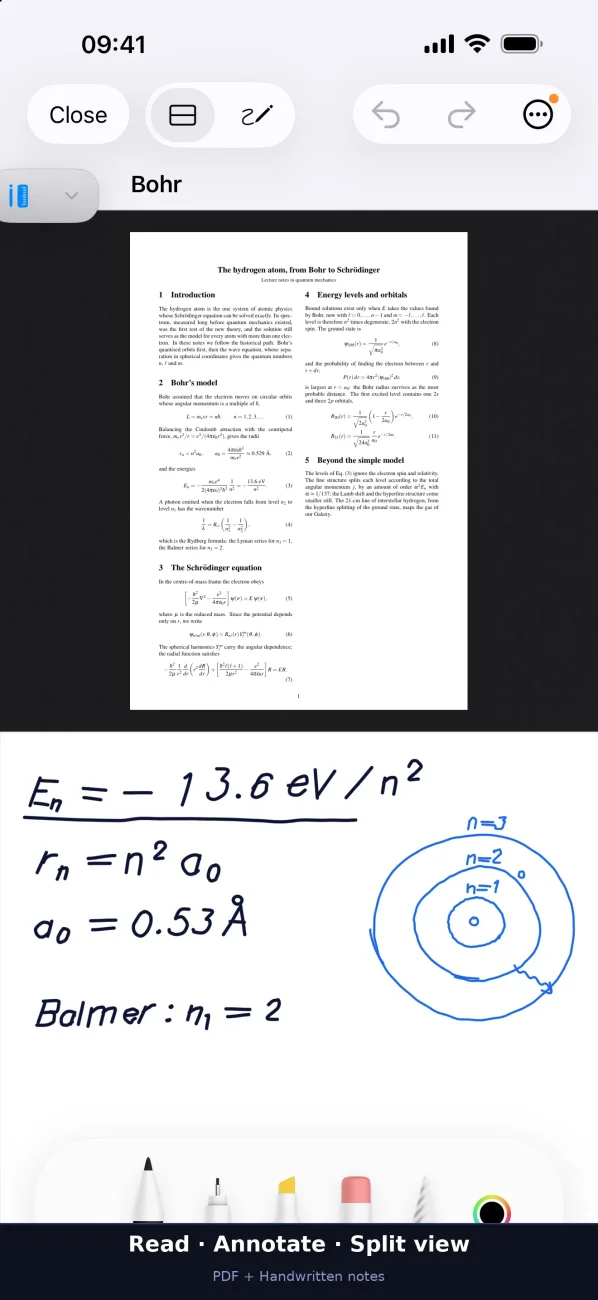
Highlights, bookmarks, handwritten notes, export to PDF or PNG.
Optional cloud sync for your progress and bookmarks.
Catalogs and import
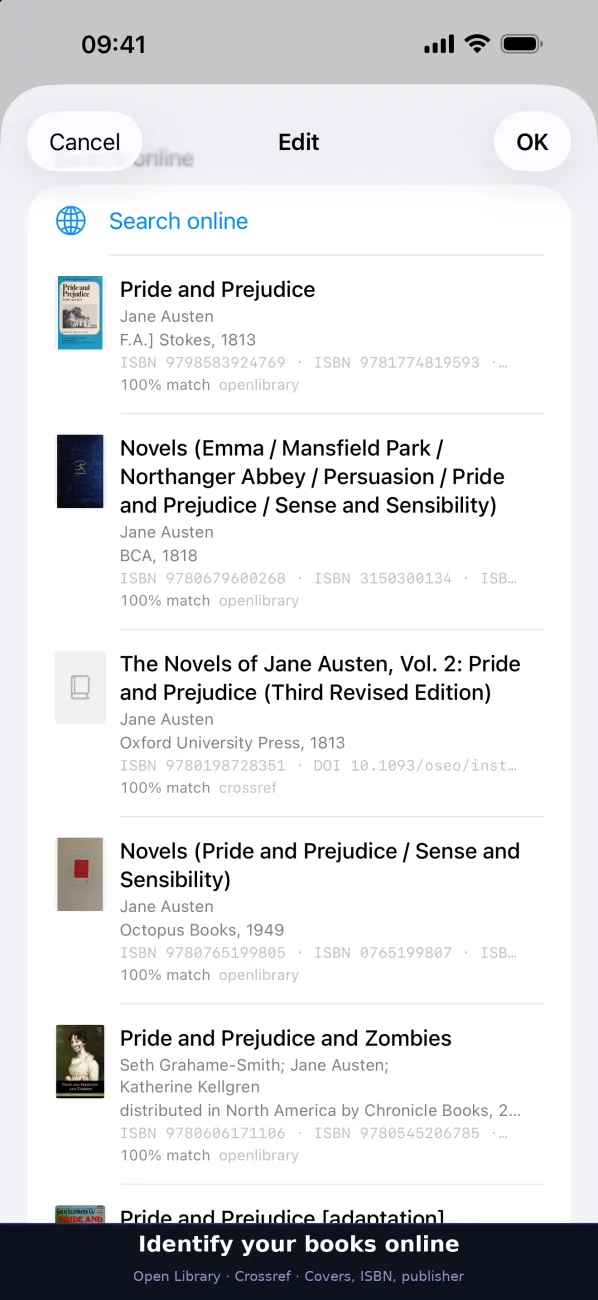
OPDS catalogs (Gutenberg, Wikisource and more), import from a browser on the same Wi-Fi network. Shortcuts actions, and your books show up in system search.
--- WHO IT IS FOR ---
For anyone with hundreds of books in ten formats who just wants to read them.
For the person who annotates technical manuals in the morning and novels at night, and refuses to run two separate apps.
For researchers, students and avid readers: anyone who reads seriously and wants a tool that keeps up.
--- ACCESS ---
Free plan
Standalone images and DRM-free PDF, EPUB and TXT, plus the first 6 pages of FB2 books and comics, with the essential library tools.
Free forever: try it with no commitment.
Premium
Every format, cloud sync, advanced annotations, reading statistics and sync with UniReader on your computer.
Try Premium free for 10 days: you won't be charged when the trial ends.
--- PRIVACY ---
Your documents stay on your device. No account required, no server.
No tracking, no analytics, no data collection.
UniReader doesn't know what you read. By design.
Less friction. More reading.
Terms of Use (EULA): https://www.apple.com/legal/internet-services/itunes/dev/stdeula/
What’s new
Version 1.18.0 · Nov 18, 2026
What's New 1.18.0
- New formats: OpenDocument (ODT), HWP and HWPX, XPS, PostScript and EPS, TeX DVI, web pages (HTML, MHTML, web archives), Jupyter notebooks, reStructuredText, AsciiDoc and Org, books from older e-readers (LRF, SNB, TCR, RB), scanned books (UVZ), CB7 and CBT comics, KEPUB and AZW4.
- Standalone images now open for free (JPEG, PNG, HEIC, multi-page TIFF, animated GIF…); comics and multi-page images get a free preview of their first 6 pages.
- Archives (ZIP, RAR, 7z, TAR): see what they contain; with Premium, browse them like a folder of your library and read the books inside without unpacking them.
- TeX DVI, PostScript and XPS open like PDFs, with search, selection and highlights; a DVI can be exported to PDF, or to PostScript with its fonts included.
- Compressed documents (.ps.gz, .dvi.gz, .ps.Z, .bz2) open directly.
- A file with the wrong extension is recognized by its content.
- Fixes: highlights now sync both ways with UniReader on your computer; the last page of a book no longer shifts to the right, and tall images stay within their page.
App privacy
What Guglielmo Pasa declares on the App Store about how this app handles data.
-
Data not collected
The developer does not collect any data from this app.
Privacy practices may vary, for example with the features you use or your age.
Information
- Seller
- Guglielmo Pasa
- Category
- Education
- Version
- 1.18.0
- Updated
- Nov 18, 2026
- Released
- Feb 24, 2026
- Size
- 24.2 MB
- Requires
- iOS 17.0 or later
- Age rating
- 4+
- Price
- Free
- In-app purchases
- Yes
- Languages
- English, Arabic, Dutch, French, German, Hindi, Indonesian, Italian, Japanese, Korean, Polish, Portuguese + 9 more
- Copyright
- © 2026 PasaCreation
You might also like
-
 CHM File Reader AppRead & Convert CHM Files
-
 Periodic table - ElementaPeriodic table for school
-
 Grove: Learn EnglishABC, phonics, reading, grammar
-
 Jumu'ah: Live Quran TranslatorHear the imam in your language
-
 Ultimate Guide to Phrasal Verbmetaphorical meanings
-
 Speed Reading BootcampTrain faster reading in 5 days
-
 Centum: Movie ShadowingWatch It 100 Times
-
 AlpusDictionary viewer
-
 Vidyalaya LMS: Best LMS SystemEducation
-
 Infrared ExplorerThermal imaging for science