- Age rating4+
- CategoryUtilities
- DeveloperEuiseok Kim
- LanguagesEnglish+ 9 more
- Size20.6 MB
Links to the official App Store page
Download.org hosts no file of Unit Converter · Baro. The button opens its official App Store page, published by Euiseok Kim. Listing last checked on Nov 23, 2026.
Screenshots

About
The developer has not provided this text in your language.
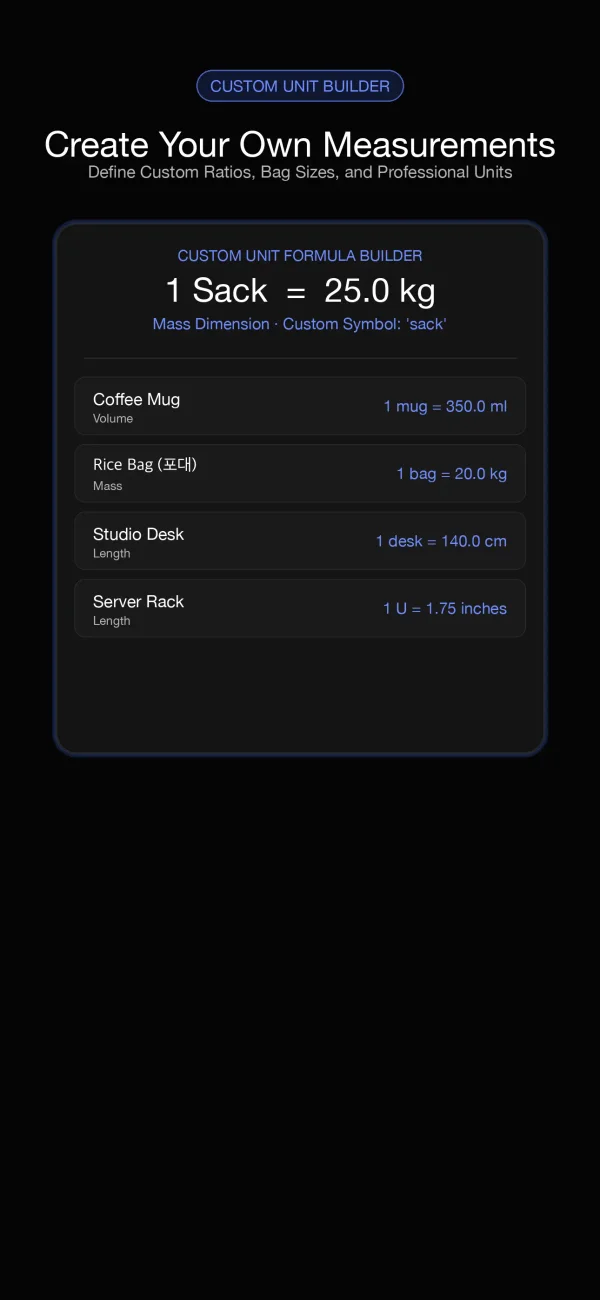
■ 평 · 돈 · 근 · 관 — the Korean units the built-in converters leave out.
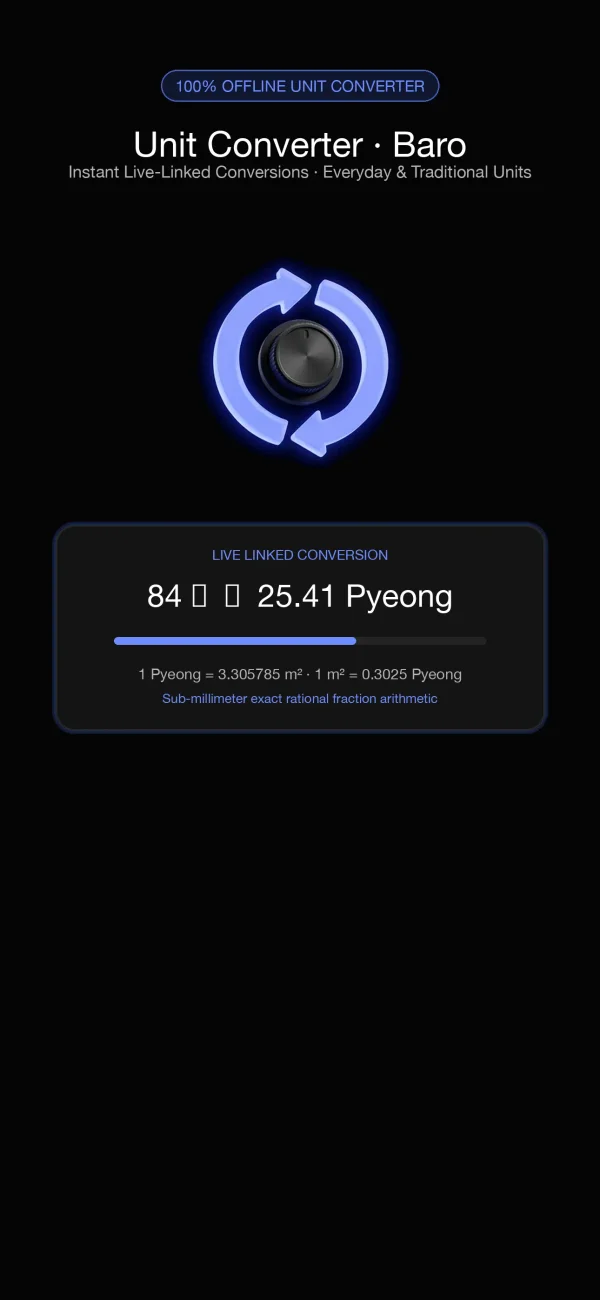
Unit Converter · Baro opens straight onto them, with the everyday metric, imperial, temperature and shoe-size pairs one tap away. Both rows are live: type into either one and the other follows on every keystroke. No equals key, no convert button, no category menu.
Cold start to answer is zero taps — the app comes back exactly as you left it, same pair, same digits, same caret.
-------------------------------
● Why these units are hard
-------------------------------
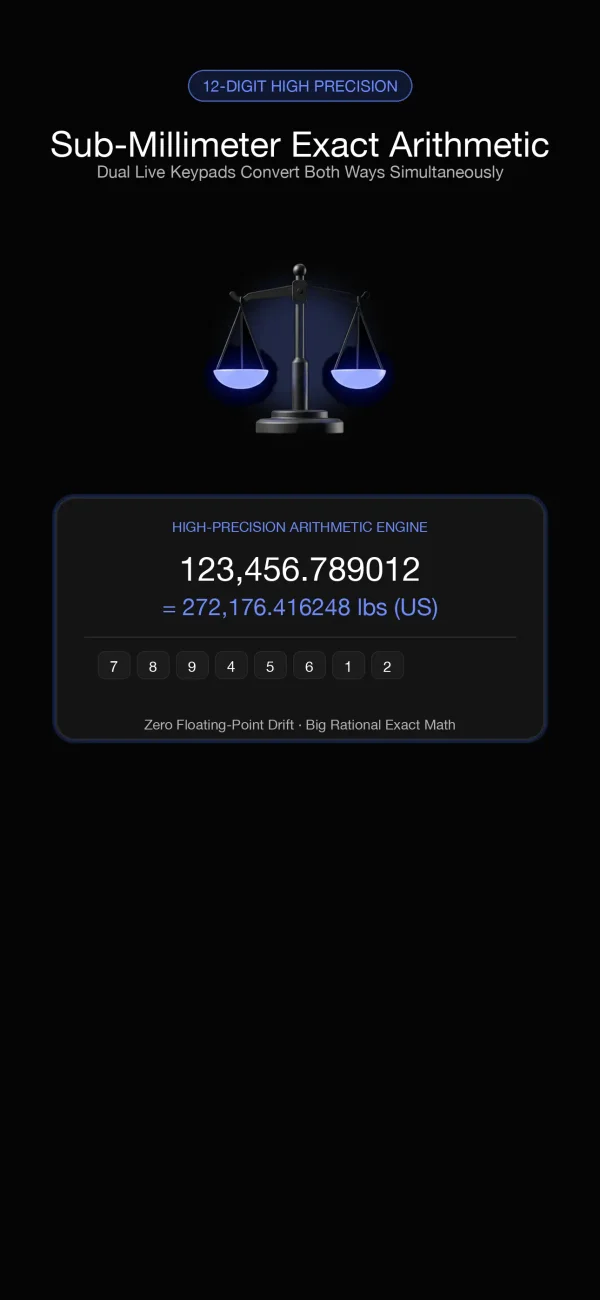
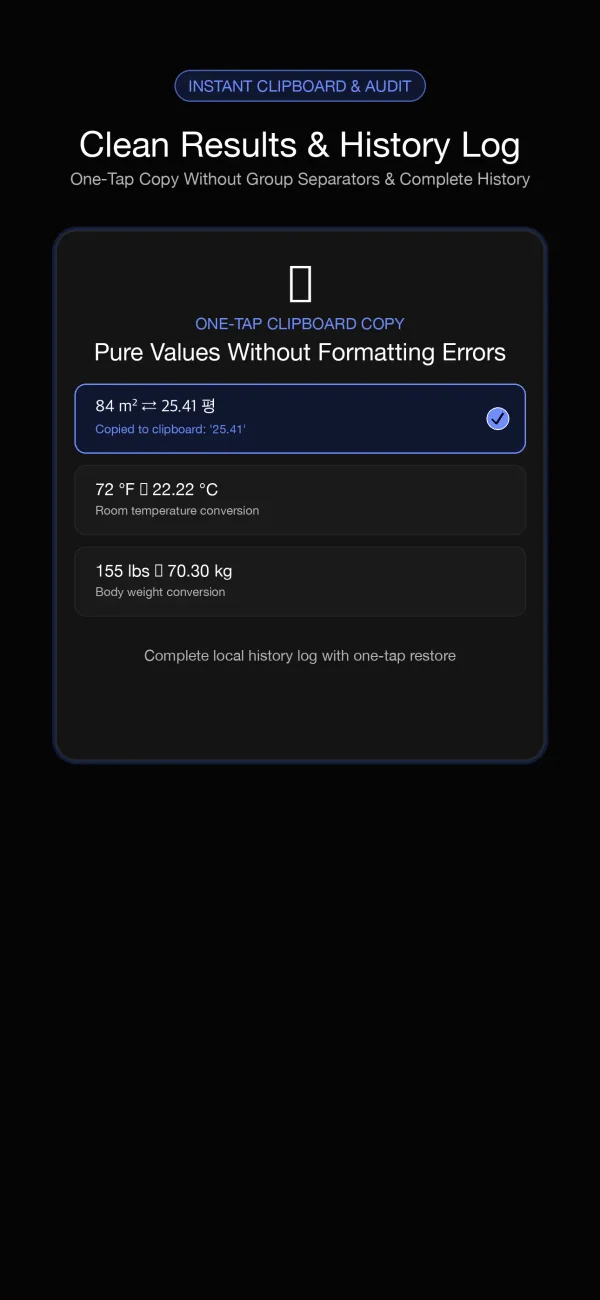
• 1 평 = 400/121 m² and 1 자 = 10/33 m have no exact decimal form. Every factor here is an exact fraction, never a rounded decimal, so 84 → m² → 평 comes back as 84, not 83.99999999999999.
• 근 means 600 g for meat and 375 g for vegetables, fruit and herbal medicine. Choosing silently makes the answer 60% wrong, so the toggle stays on screen whenever it can change the result.
• Shoe sizes are a lookup table, not a ratio. Values outside it say so instead of inventing a number.
• Temperature has its own code path, so ℃ and ℉ are never a plain multiplier. Below absolute zero the app says so rather than clamping your input.
-------------------------------
● On the first screen
-------------------------------
• A five-slot chip rail — 평 ↔ m², 돈 ↔ g, 근 ↔ g, mm ↔ US, ℃ ↔ ℉ to begin with. A new pair pins itself to the front; tapping a chip already there never reorders it, so muscle memory keeps working.
• Two live rows — tap the other one and the caret moves there. No keyboard swap, no mode.
• A ⇅ swap that does not drift — it carries the exact value, not the rounded number on screen, so flipping back and forth never moves your digits.
• Its own keypad — sixteen keys, painted with the first frame. The system keyboard never appears and the layout never jumps. 00 is there for 1,000 평 and 10,000 g.
• Copy — one key puts the result on the clipboard. The app never reads it back.
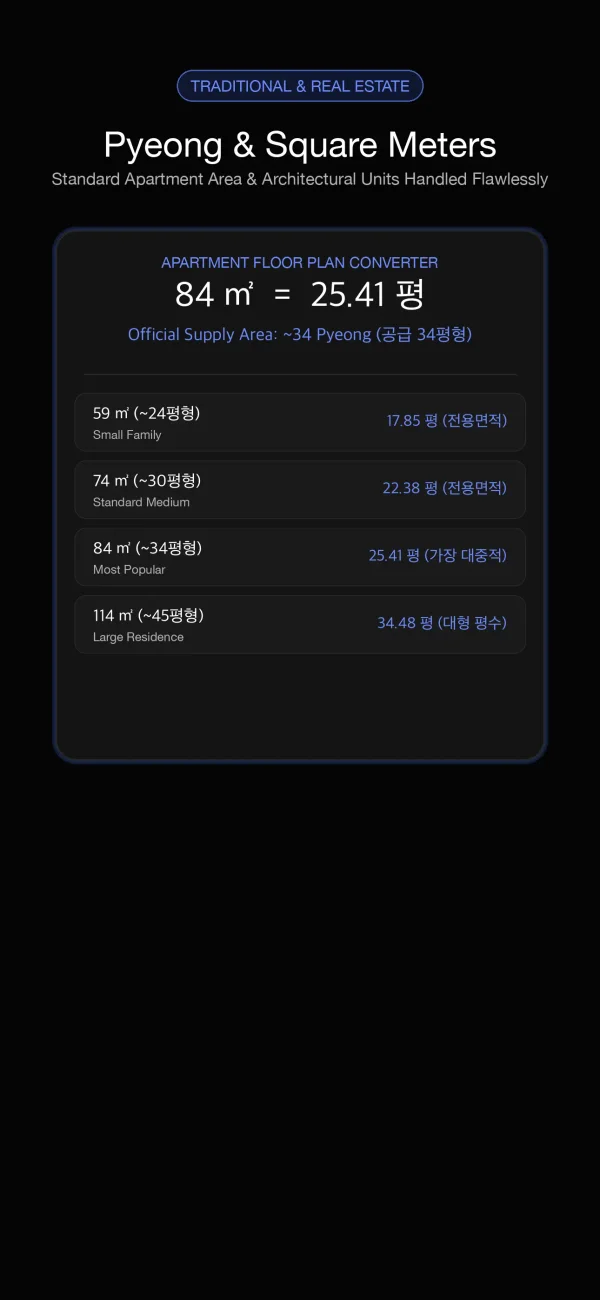
• 평형 for apartments — enter an area and the familiar 평형 label appears with an 전용 / 공급 toggle. Two separate tables, not an invented ratio.
-------------------------------
● The full catalogue, two taps away
-------------------------------
척관법 first — 평 ↔ m², 돈 ↔ g, 냥 ↔ g, 근 ↔ g, 관 ↔ kg, 자 ↔ cm, 치 ↔ cm, 되 ↔ L, 말 ↔ L, 홉 ↔ mL — then area, weight, length, temperature, volume, shoes and speed. Every row previews the answer for the number you already typed, so you see it before choosing. One tap applies the pair, pins it and closes.
The list is curated, not exhaustive: a few dozen pairs people actually reach for, instead of a search field. And the info sheet prints every factor in plain text — 1 돈 = 3.75 g, 1 관 = 3.75 kg, 1 평 = 400/121 m², 1 자 = 10/33 m, 1 되 = 1.8039 L, both 근 values, the Mondopoint shoe anchors — so you can check the arithmetic yourself, offline.
-------------------------------
● Private by design, built to be tapped
-------------------------------
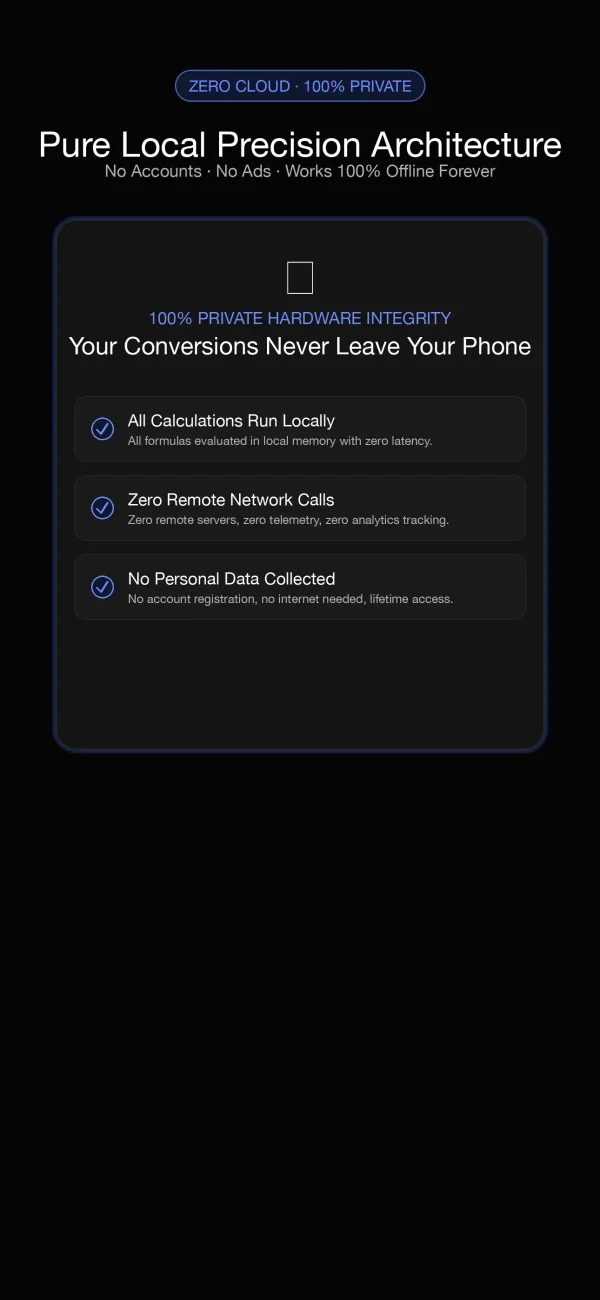
• Zero network code. Nothing leaves this phone, ever — check it in airplane mode.
• No system permissions at all, and no permission prompt anywhere.
• No account, no login. Privacy label: Data Not Collected.
• Zero analytics, zero telemetry, zero third-party SDKs. No ads, no subscriptions, no in-app purchases.
• Every control is at least 64 × 64 pt, body text 24 pt and up, high contrast on AMOLED-friendly black.
• Single taps only — no double-taps, no long-press, no swipes, no hidden gestures.
• Six languages: English, 한국어, 日本語, Deutsch, Français, العربية (right-to-left included).
Deliberately left out: currency and exchange rates (live rates need a network call), cooking cups and spoons (they depend on the ingredient) and 마지기 (too regionally variable to answer honestly).
-------------------------------
● The Baro promise
-------------------------------
Unit Converter is part of Baro — lightweight tools that respect your data, your battery, and your time.
"The tools you reach for first."
What’s new
Version 1.0.13 · Nov 9, 2026
• The apartment-size card in the pyeong ↔ m² converter now names the size band in your own language instead of always spelling it in Korean.
App privacy
What Euiseok Kim declares on the App Store about how this app handles data.
-
Data not collected
The developer does not collect any data from this app.
Privacy practices may vary, for example with the features you use or your age.
Information
- Seller
- Euiseok Kim
- Category
- Utilities
- Version
- 1.0.13
- Updated
- Nov 9, 2026
- Released
- Aug 28, 2026
- Size
- 20.6 MB
- Requires
- iOS 16.0 or later
- Age rating
- 4+
- Price
- Free
- Languages
- English, Arabic, French, German, Indonesian, Japanese, Korean, Simplified Chinese, Turkish, Vietnamese
- Copyright
- © 2026 Lion and the Lab
You might also like
-
 Are You OK? —— 独居青年的“反席”利器Utilities
-
 Photo Cleaner:AI Smart CleanupDelete Duplicates, Save Space
-
 TalkScreen-Phone show heartExpress your heart on phone
-
 AnnidiemOnly the days that matter.
-
 FreshKeep-Save your groceriesFood Expiry Tracker
-
 MoonSound: Clock & SoundsSleep · Focus · Soundscapes
-
 PickUp - Package Code ManagerScan codes & pickup reminders
-
 LED Banner - Pocket Sign AppLED scroller, scrolling text
-
 StorageGo: Space OrganizerSort photos, compress videos
-
 BlurBefore - Redact & PixelateHide faces, IDs & QR codes