
- Age rating4+
- CategoryEducation
- DeveloperElias Kessel
- LanguagesEnglish+ 4 more
- Size6.2 MB
Links to the official App Store page
Download.org hosts no file of United Note. The button opens its official App Store page, published by Elias Kessel. Listing last checked on Nov 18, 2026.
Screenshots



About
A sheet of paper you can share – and write on together.
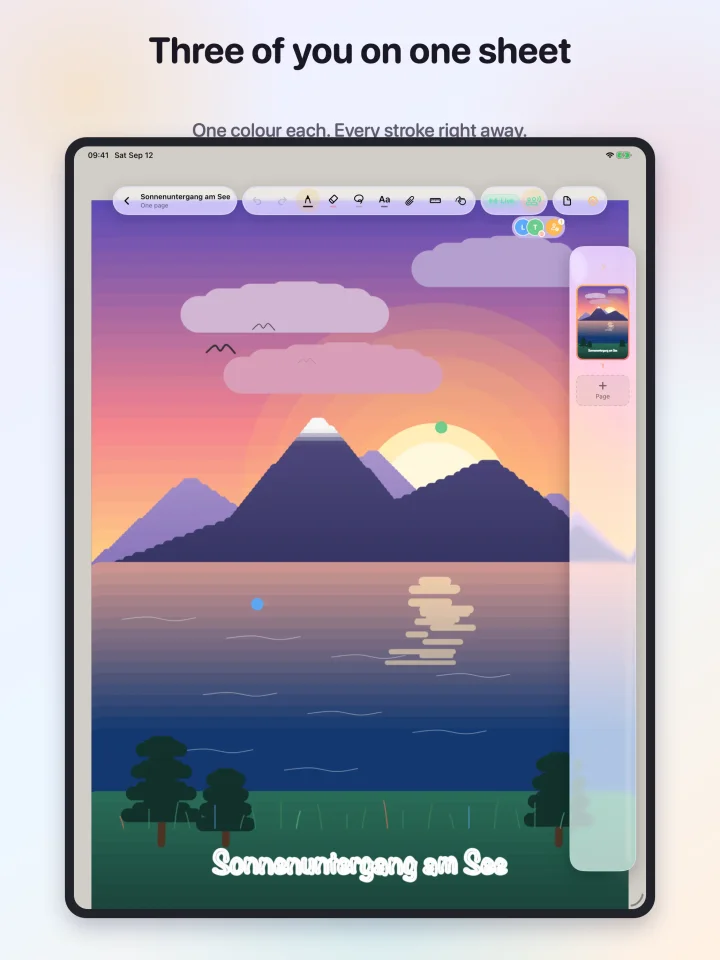
United Note is a notebook for iPad and pencil. It feels like paper: open it, write, turn the page. And when you want, several of you sit at the same sheet and watch each other's strokes appear.
TOGETHER ON ONE SHEET
• Share a note, and whoever is nearby joins with one tap.
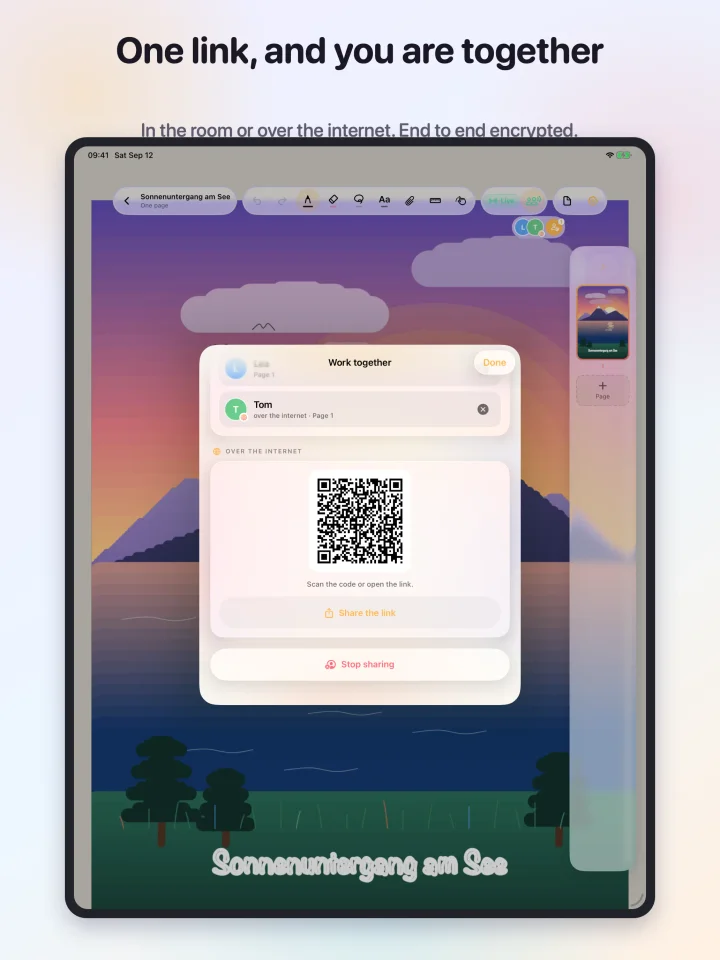
• Over the internet it works the same: share a link or a QR code.
• You see who writes where – each person in their own colour.
• The host lets everyone in personally, with a checkmark in the list.
SAFE, WITHOUT AN ACCOUNT
• On a first meeting both iPads show the same four digits. If they match, nobody is in between.
• Everything between the devices is end to end encrypted (Noise XX with ChaCha20-Poly1305).
• Over the internet too: the relay only passes encrypted bytes and cannot read a single stroke.
• No account, no sign-in, no ads, no tracking.
YOUR HANDWRITING, FOUND AGAIN
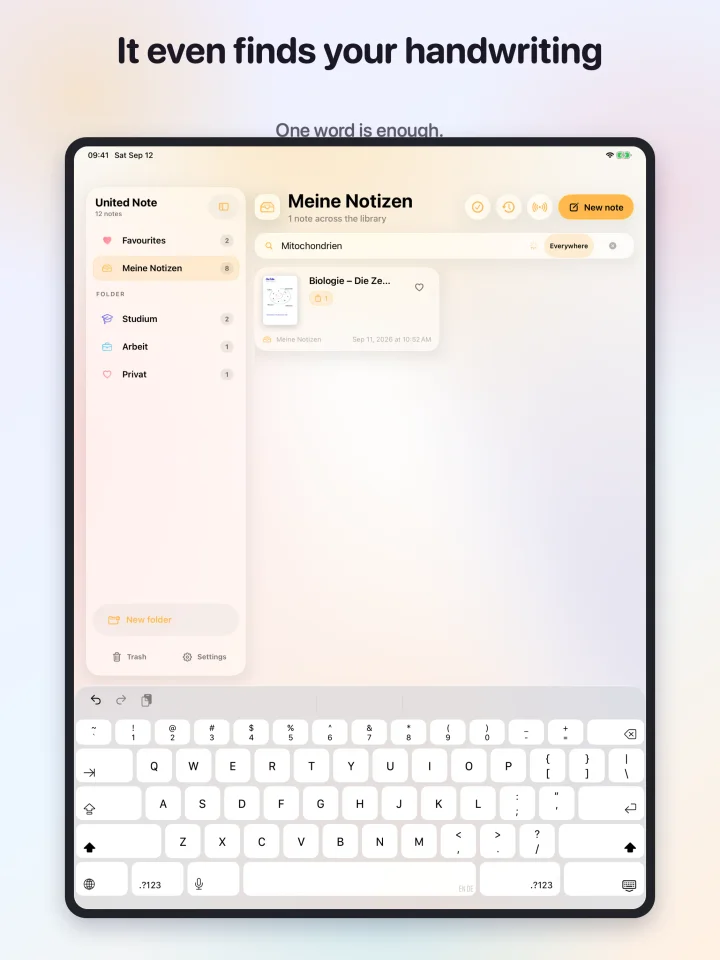
• Search reads your handwriting and finds words in the middle of a page.
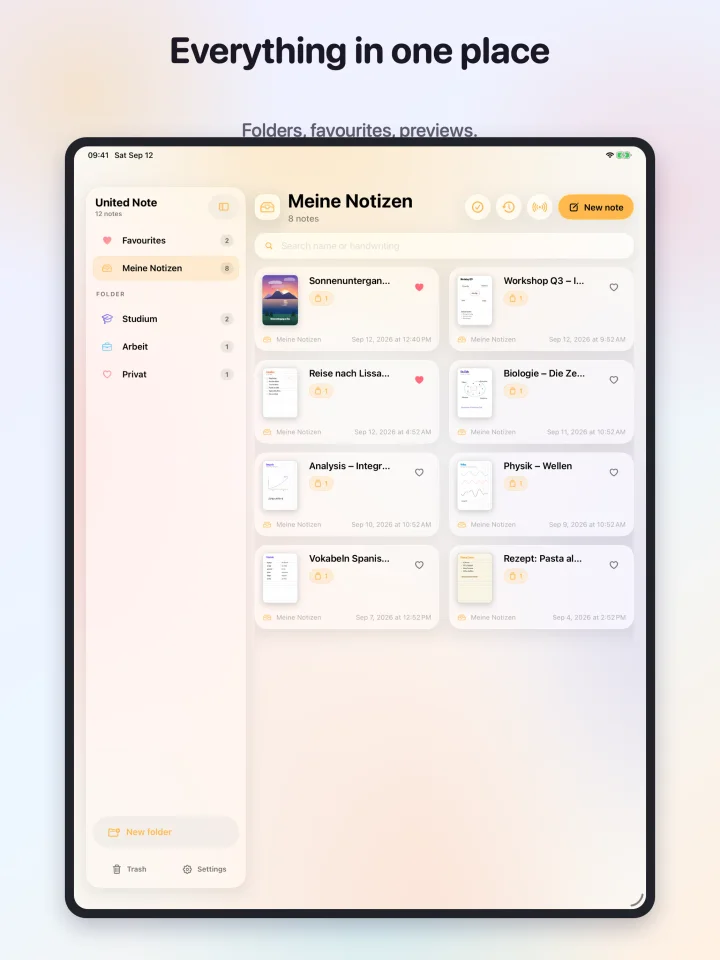
• Folders, favourites and a trash that keeps things for a while.
• Previews show you at a glance which sheet you are after.
PAPER, THE WAY YOU LIKE IT
• Blank, squared, ruled or dotted, in white, cream, slate or black.
• Add, move, duplicate or delete pages – the filmstrip shows them all.
• Import PDFs and write on them, drop in photos, type text wherever you want.
• Export as PDF or as an image.
BUILT FOR WRITING
• Pen, marker, pencil, eraser, ruler, lasso – in a bar you put together yourself.
• Undo and redo, many steps deep.
• Drawing with your finger can be switched on and off.
App privacy
What Elias Kessel declares on the App Store about how this app handles data.
-
Data not linked to you
May be collected but is not linked to your identity.
- Identifiers
Privacy practices may vary, for example with the features you use or your age.
Information
- Seller
- Elias Kessel
- Category
- Education
- Version
- 1.0
- Updated
- Sep 15, 2026
- Released
- Sep 14, 2026
- Size
- 6.2 MB
- Requires
- iOS 26.0 or later
- Age rating
- 4+
- Price
- Free
- Languages
- English, French, German, Italian, Simplified Chinese
- Copyright
- © Elias Kessel
You might also like
-
 PauseInkWhiteboard für den Unterricht
-
 MS-SchoolEducation
-
 PandaCoco - AI TutorLearn Chinese with AI
-
 Cây StudyEducation
-
 ClasseViva ExtraEducation
-
 MyWords: Learn EnglishLearn Any Word with MyWords
-
 COMO Korean - Korean AlphabetLearn Korean Hangul Letter
-
 Hamburger KunsthalleEducation
-
 Learn Korean - for BeginnersGrammar Vocabulary Conjugation
-
 laZ EbookEducation