- Age rating4+
- CategoryUtilities
- DeveloperJames Roche
- LanguagesEnglish
- Size3.3 MB
Links to the official App Store page
Download.org hosts no file of UnitFlowPro. The button opens its official App Store page, published by James Roche. Listing last checked on Nov 17, 2026.
Screenshots
About
UnitFlowPro — Unit Converter
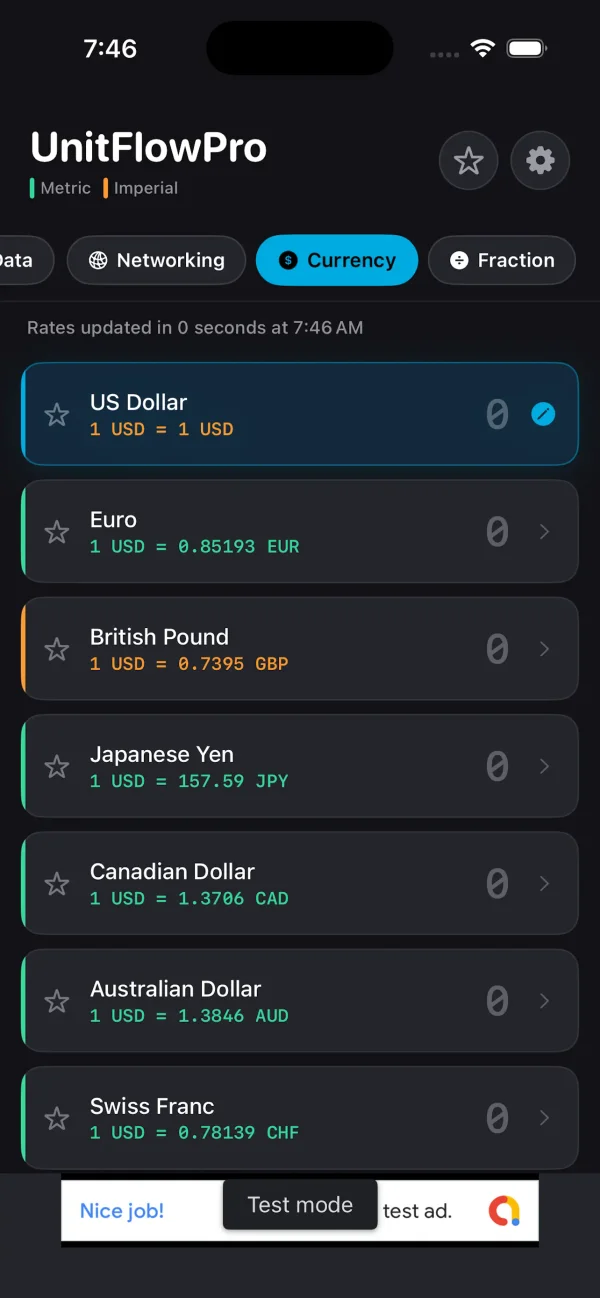
The last unit converter you'll ever need. 30+ categories, powerful tool cards, and a clean interface that gets out of the way. No ads. No subscription. Just a fast, capable converter that respects your time.
Paste & Convert
Copy a value from anywhere — a recipe, a weather app, a text message — and UnitFlowPro instantly detects it. One tap converts it in the right category automatically.
Favourites
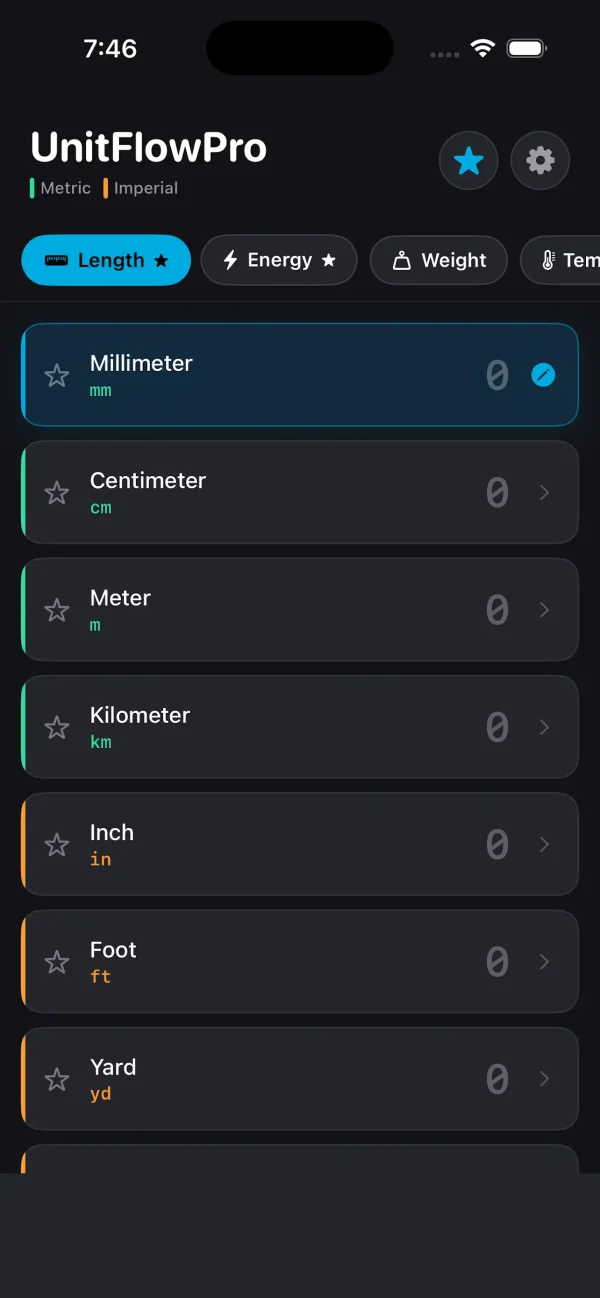
Star the units you use every day. kg → lbs. Miles per hour. Fahrenheit. Starred units float to the top of every list so your most-used conversions are always one tap away.
Remembers Where You Left Off
Switch to Temperature, come back later, and UnitFlowPro opens exactly where you were. Every category remembers your last active unit.
30+ Conversion Categories
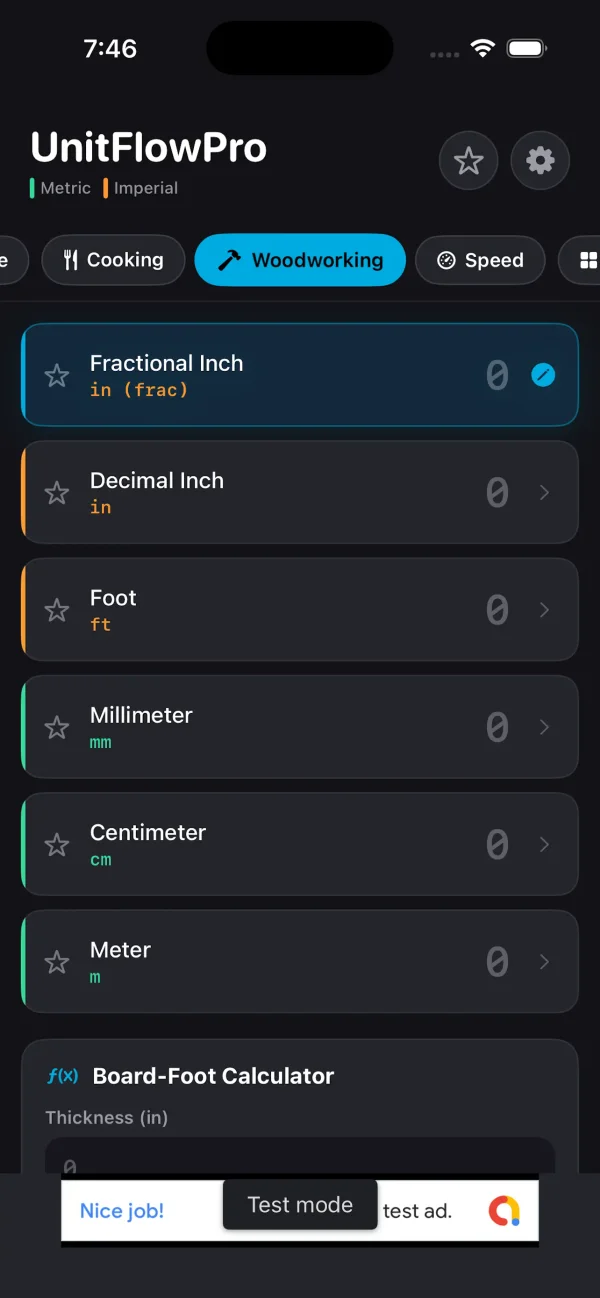
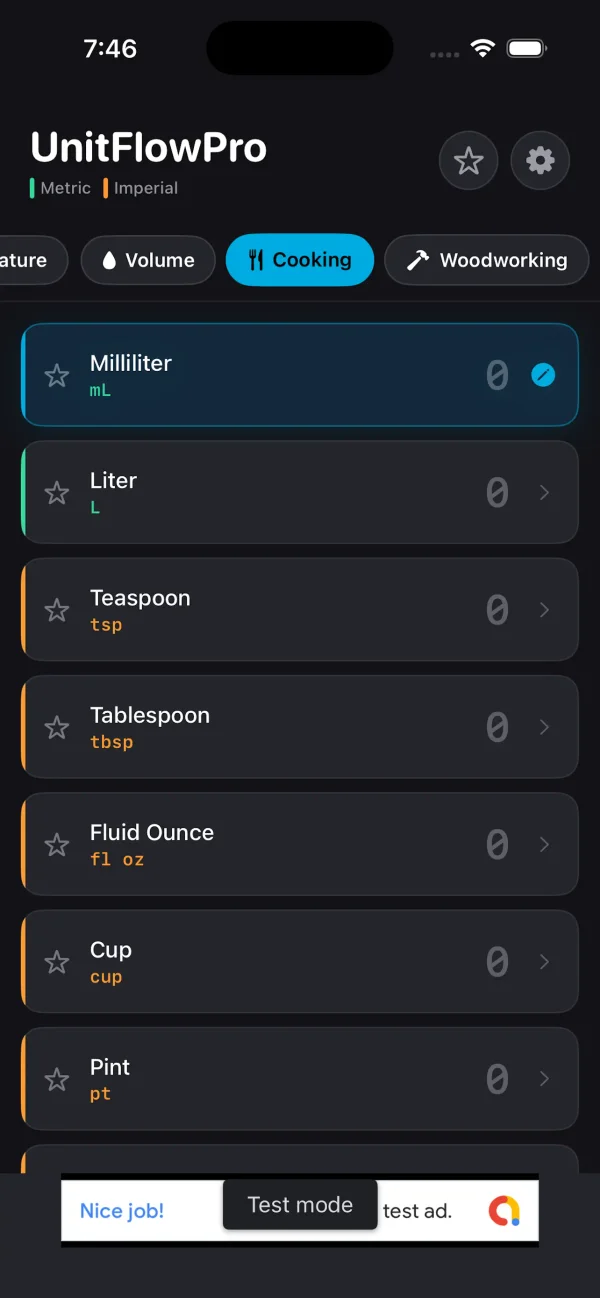
Length · Weight · Temperature · Volume · Speed · Area · Pressure · Energy · Data · Cooking · Time · Angle · Force · Power · Fuel Economy · Currency · Blood Glucose · 3D Printing · Electronics · Networking · Screen · Cannabis · Numeral Systems · Color · Fraction · Woodworking · Age · Shopping · and more.
Powerful Tool Cards
Go beyond simple conversions with built-in calculators:
BMI Calculator
Tip & Discount Calculator
Fuel Economy & Trip Cost
Pace Calculator (running, cycling, swimming)
Time Zone Converter
Age Calculator
EV Charging Estimator
Ohm's Law Solver
Paint & Flooring Estimator
Concrete Calculator
Recipe Scaler
Screen PPI & Aspect Ratio
Transfer Time Calculator
Unit Price Comparator
Expression Calculator
Type mixed-unit expressions like 2 ft + 6 in + 5 cm and get an instant result. Supports +, −, ×, ÷, parentheses, and unit suffixes.
Built for Daily Use
Live currency rates with offline fallback
Conversion history with pins, notes, and restore
iCloud sync across all your Apple devices
Siri & Shortcuts integration — just say "convert 12 feet to meters"
Spotlight deep links — search any category from the home screen
Share conversions as images
Comparison charts across all units
Category reordering and hiding
Dark, Light, and System appearance modes
Dynamic Type and VoiceOver accessibility support
Mac Catalyst support
No Ads. No Subscription. No Nonsense.
UnitFlowPro is a one-time purchase. Everything included, forever.
What’s new
Version 5.2 · Oct 7, 2026
What's New
Ad-free: UnitFlowPro no longer contains ads or in-app purchases. (Optional line: keep it only if this is the first release without them.)
Better on iPad: a wider category sidebar so long names like "Numeral Systems" fit, and a tidier, centered layout on larger screens, including onboarding.
Larger text sizes: headers, buttons and unit rows now stay readable and uncluttered at the largest accessibility text sizes.
Easier to tap: the header, reorder, favourite and info buttons now have larger touch areas.
Smarter Siri and Shortcuts: requests like "12 in to cm" now work, and "20 C to F" and "kelvin" are understood.
More accurate calculator: currency in the expression calculator now uses live exchange rates, and same-unit division such as 10 ft / 2 ft returns a plain number.
Better copy and paste: values like "1,234 kg" from your clipboard are recognised, and "B" (byte) is no longer confused with "b" (bit).
Cleaner history sync: iCloud no longer creates duplicate history entries when you use more than one device.
Share Image fix: shared conversion images are now readable when you share from Dark Mode.
Stability: fixed crashes from very large numbers in the tip, pace and 3D-printing calculators and the aspect-ratio tool.
Smaller fixes: the start category can no longer appear to be hidden in Reorder Categories, and colors in the Color Converter now show correct values.
App privacy
What James Roche declares on the App Store about how this app handles data.
-
Data used to track you
May be used to track you across apps and websites owned by other companies.
- Usage data
-
Data not linked to you
May be collected but is not linked to your identity.
- Identifiers
- Usage data
Privacy practices may vary, for example with the features you use or your age.
Information
- Seller
- James Roche
- Category
- Utilities
- Version
- 5.2
- Updated
- Oct 7, 2026
- Released
- May 14, 2026
- Size
- 3.3 MB
- Requires
- iOS 17.6 or later
- Age rating
- 4+
- Price
- $1.99
- Languages
- English
- Copyright
- © James Roche
You might also like
-
 BridgemoteRemote for HomeKit TVs
-
 Vertex: Merge ContactsMerge Duplicate Contacts
-
 QR Code Generator ExpertCreate, Save & Share QR Codes
-
 POI ToolboxManage locations effortlessly
-
 Translator: Mini TranslateOffline AI Photo & Voice
-
 Signature Creator & SignerSign Documents & Fill Forms
-
 KENWOOD DASH CAM MANAGERUtilities
-
 MOCREO SensorUtilities
-
 IP Camera LiteTurn device into IP Camera
-
 Pin Trading - Scan & CollectThe Ultimate Pin Companion