Universal Remote I TV Control
Smart TV Remote for All TVs
Designed for iPhone, iPod touch
Free · In-app purchases
- Age rating17+
- CategoryUtilities
- DeveloperLevel Clash Apps S.L.
- LanguagesEnglish+ 12 more
- Size314.5 MB
Links to the official App Store page
Download.org hosts no file of Universal Remote I TV Control. The button opens its official App Store page, published by Level Clash Apps S.L. Listing last checked on Nov 25, 2026.
Screenshots


About
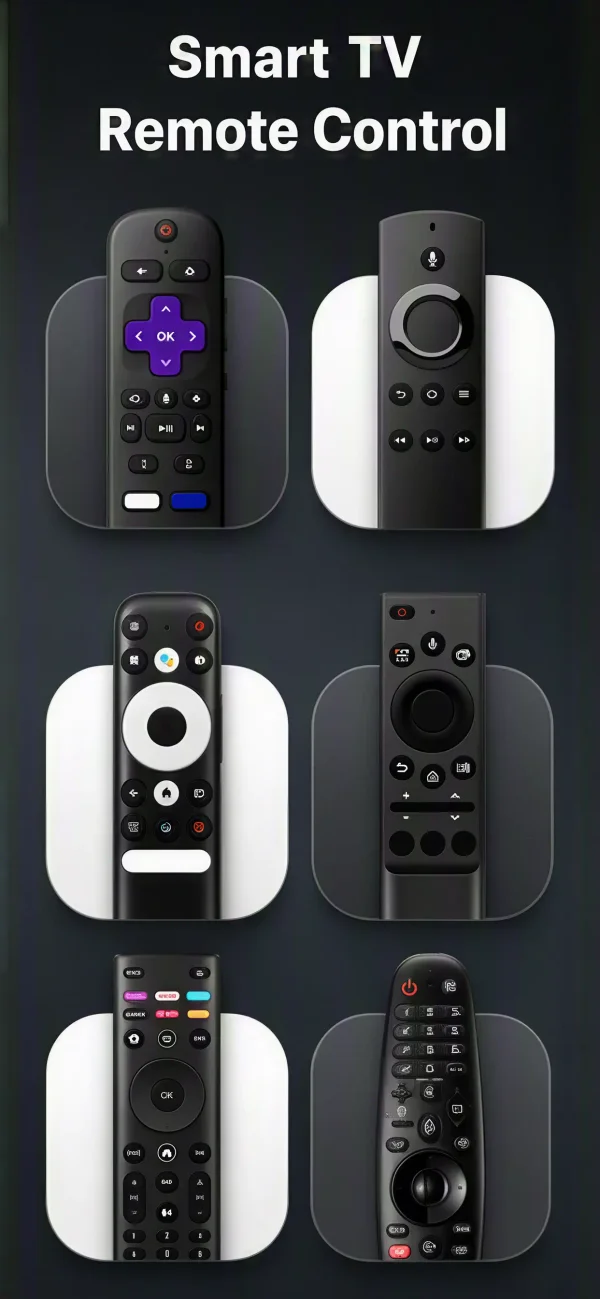
Universal Remote Control for Smart TV
Turn your iPhone into a convenient universal TV remote and enjoy easier control of your home entertainment.
Connect to a compatible Smart TV or streaming device over the same Wi-Fi network, browse your favorite content, adjust the volume, and navigate without searching for a missing remote.
Your phone is always close by. Now your TV controls can be, too. Whether you're settling in for movie night, searching for a new series, or switching between devices, Universal Remote brings everyday controls together in one simple app.
► EVERYTHING YOU NEED IN ONE TV REMOTE
••• Easy Touchpad Navigation
Swipe, tap, and move through TV menus using an intuitive touchpad. Browse entertainment, select content, and navigate compatible devices with less effort.
••• Volume and Mute Controls Turn the volume up or down and mute the sound from your iPhone when supported by your connected device. Keep the controls you use most within easy reach.
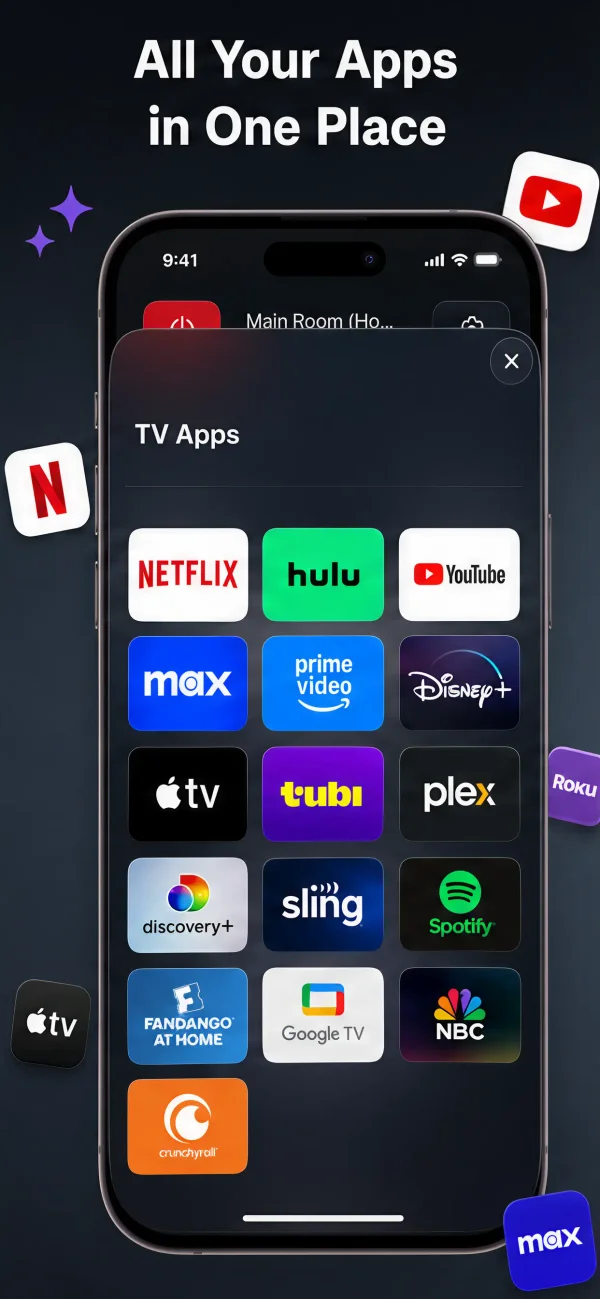
••• Quick Channel Access Jump to supported channels and apps using convenient shortcuts. Spend less time navigating menus and more time enjoying your favorite shows.
••• Built-In Keyboard Use your iPhone to enter text and search for movies, series, videos, and other entertainment. A convenient alternative to typing one letter at a time with a traditional TV remote.
••• Control Multiple Devices Have more than one compatible TV or streaming device? Switch between connected devices with a tap and manage your entertainment from one place.
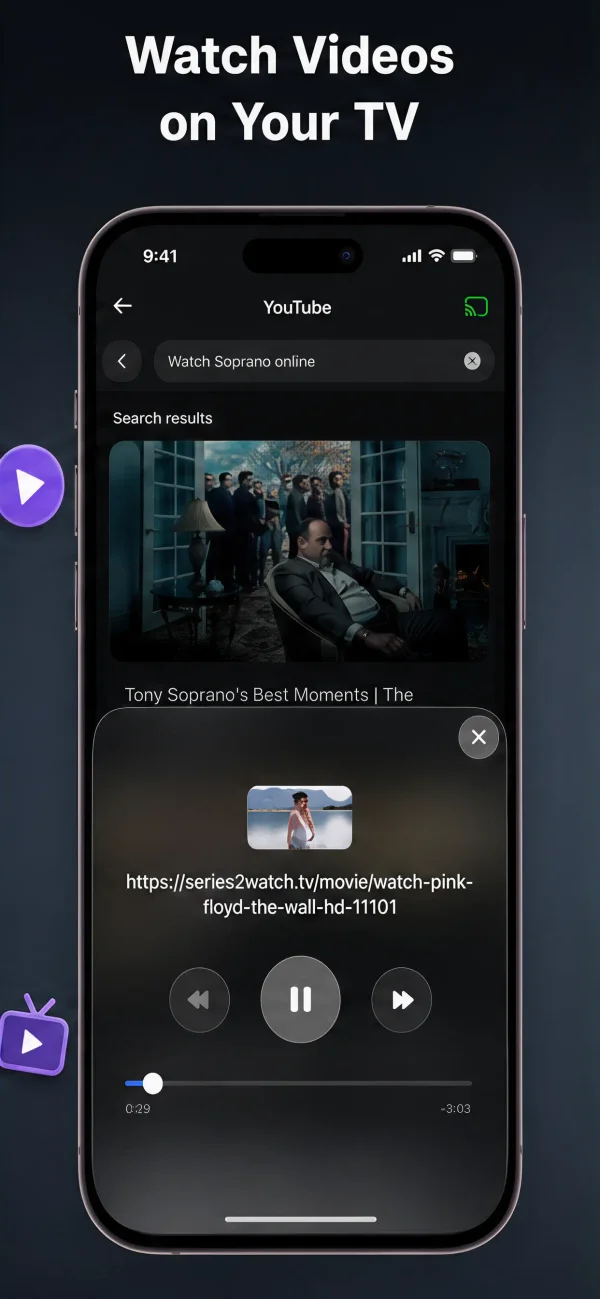
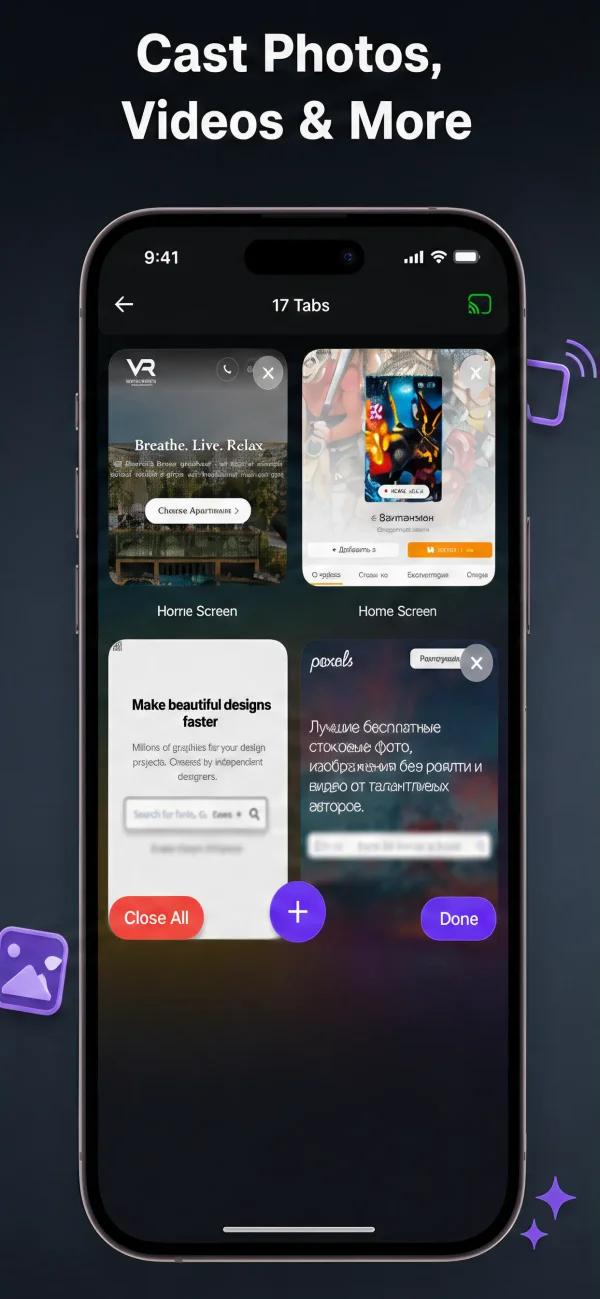
••• Cast Photos and Media Share supported photos and media on your TV using the app's casting features. Explore content through the built-in browser or YouTube and enjoy it on a bigger screen where supported.
► DESIGNED FOR EVERYDAY ENTERTAINMENT
A remote control should make watching TV easier, not more complicated. Universal Remote offers a clean, easy-to-use interface that helps you find the right control when you need it.
Use the touchpad to browse, the keyboard to search, and the volume controls to fine-tune your viewing experience. Whether you're relaxing on the couch or sharing photos with family, your iPhone can help you stay in control. Enjoy a familiar remote experience with convenient tools for daily viewing, browsing and searching.
► SIMPLE WI-FI CONNECTION
Getting started is easy:
1. Connect your iPhone and compatible Smart TV or streaming device to the same Wi-Fi network.
2. Open Universal Remote on your iPhone.
3. Select and connect to a supported device.
4. Start navigating, searching, and controlling your TV.
No complicated setup: connect your devices and enjoy convenient control. Available functions depend on the TV or streaming device and its supported capabilities.
► WHY USE UNIVERSAL REMOTE?
• Keep a convenient TV remote on your iPhone.
• Navigate supported Smart TVs and streaming devices.
• Search more comfortably with a built-in keyboard.
• Reach channels and apps using quick shortcuts.
• Switch between multiple compatible devices.
• Share supported photos and media on the big screen.
► UPGRADE TO PREMIUM
Unlock unlimited access to available app features with a Premium subscription.
Available subscription options:
• Weekly subscription with a 3-day free trial, where eligible
• Monthly subscription
• Yearly subscription
Payment will be charged to your Apple Account at confirmation of purchase. Subscriptions automatically renew unless auto-renewal is turned off at least 24 hours before the end of the current subscription period. Your account will be charged for renewal within 24 hours before the period ends, at the applicable subscription price.
Manage subscriptions or turn off auto-renewal in your Apple Account settings. If a free trial is offered, any unused portion may be forfeited when you purchase a subscription. Cancellation takes effect at the end of the current billing period.
Privacy Policy: http://go2020apps.com/privacy-policy.html
Terms of Service: http://go2020apps.com/terms-of-use.html
What’s new
Version 1.5.13 · Nov 12, 2026
Get ready for the ultimate upgrade!
You can now browse and cast your favorite YouTube videos straight to your Smart TV using just your phone.
We also turbo-charged our connection speeds so your entertainment launches faster than ever. Your big screen and top content are now just one tap away!
If this new YouTube streaming power makes your movie nights better, dropping a 5-star review means the world to us. Thanks for choosing Universal Remote!
App privacy
What Level Clash Apps S.L. declares on the App Store about how this app handles data.
-
Data used to track you
May be used to track you across apps and websites owned by other companies.
- Usage data
-
Data not linked to you
May be collected but is not linked to your identity.
- Usage data
- Diagnostics
Privacy practices may vary, for example with the features you use or your age.
Information
- Seller
- Level Clash Apps S.L.
- Category
- Utilities
- Version
- 1.5.13
- Updated
- Nov 12, 2026
- Released
- Nov 17, 2022
- Size
- 314.5 MB
- Requires
- iOS 15.0 or later
- Age rating
- 17+
- Price
- Free
- In-app purchases
- Yes
- Languages
- English, Arabic, French, German, Italian, Japanese, Korean, Portuguese, Russian, Simplified Chinese, Spanish, Turkish + 1 more
- Copyright
- © Level Clash Apps
You might also like
-
 Remote Control for Android TVControl Your Smart TV & TV Box
-
 Universal Remote - TV Remote ·Remote Control for Smart TV
-
 Universal remote tv smartFor samsung,lg,sony,philips tv
-
 Sam : tv remote for Samsungremote control for smart tv
-
 Smart TV Remote Control PlusRemote Controller, Keyboard
-
 TV Remote, Universal RemoteRemote Control for TV
-
 Universal TV Remote ControlSupports 100+ TV brands
-
 TCLee : Remote for TCL ROKU TVFor TCL and smart roku tv
-
 Smartify - LG TV RemoteRemote control for LG Smart TV
-
 Remotie: remote for Samsung TVSmart TV Remote Control