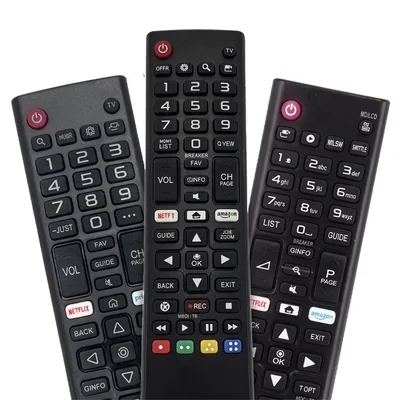
Universal TV Remote Control ⋅
For TCL, Hisense, Samsung, LG
Designed for iPhone
Free
- Age rating4+
- CategoryUtilities
- DeveloperCailin ORourke
- LanguagesEnglish
- Size10.3 MB
Links to the official App Store page
Download.org hosts no file of Universal TV Remote Control ⋅. The button opens its official App Store page, published by Cailin ORourke. Listing last checked on Nov 23, 2026.
Screenshots
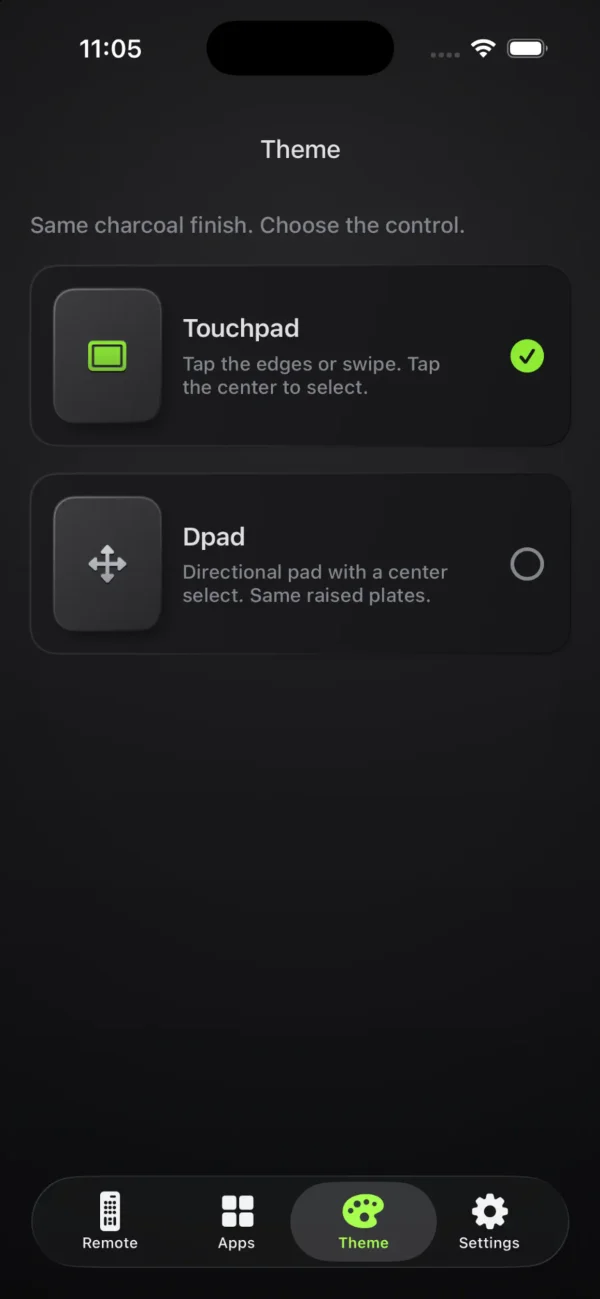
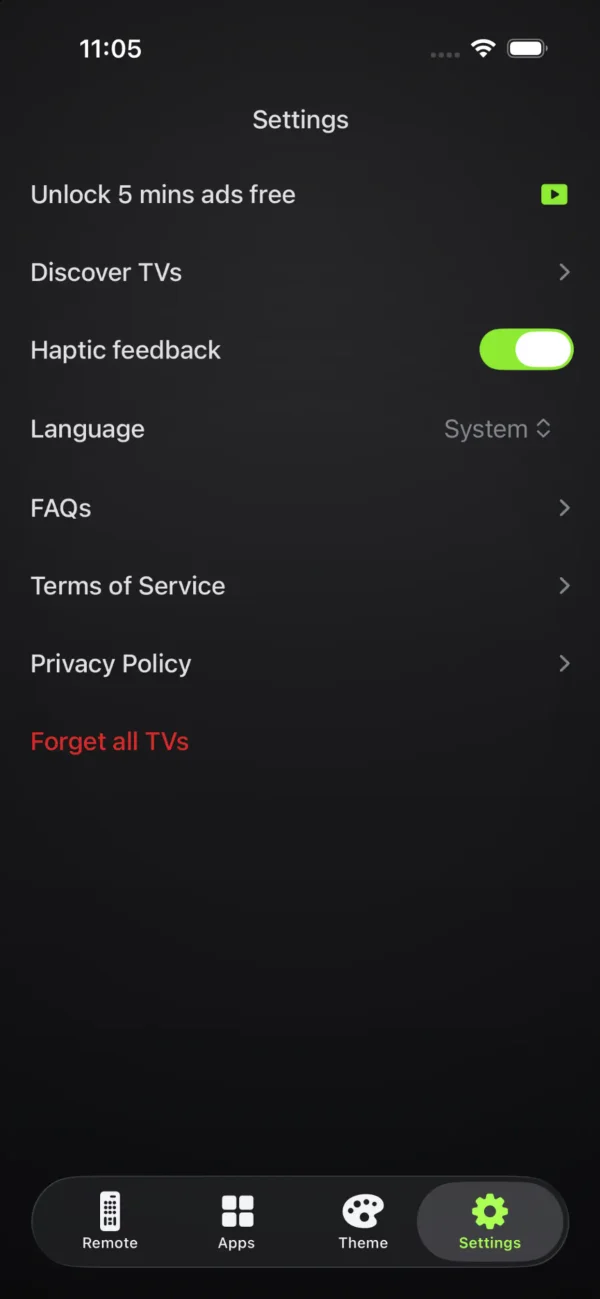
About
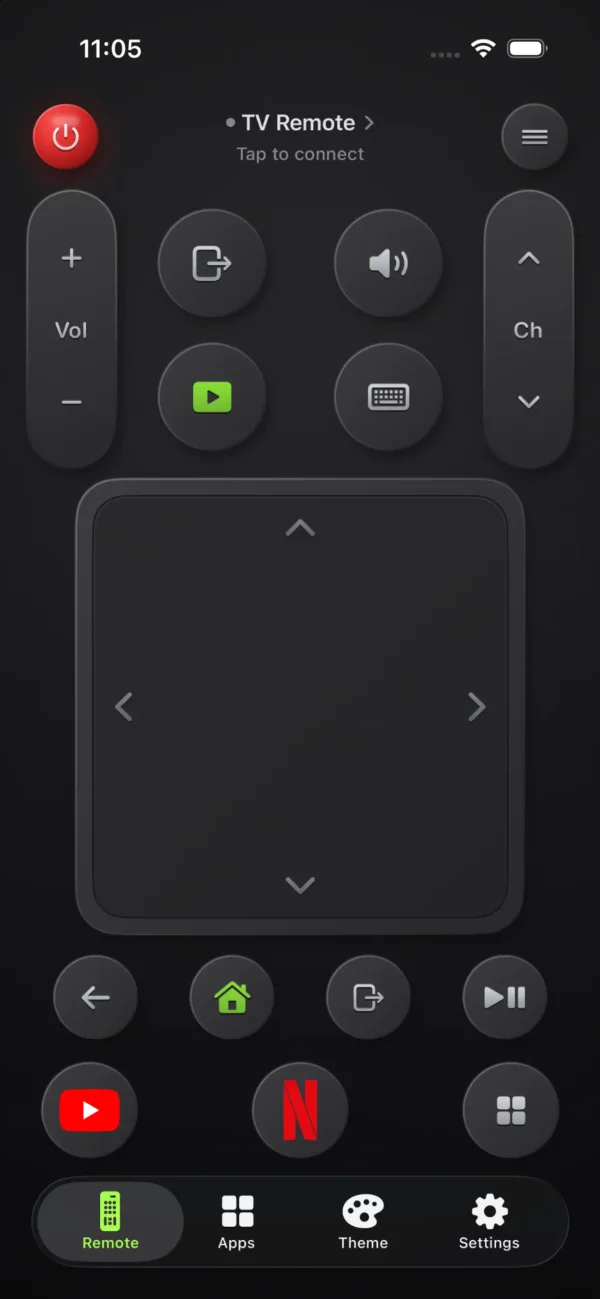
Your TV remote, right on your iPhone. Control compatible smart TVs, adjust the volume, browse apps and navigate with a touchpad or familiar directional buttons—all from one place.
Universal TV Remote Control makes everyday viewing easier, whether your physical remote is missing, out of reach or out of batteries.
CONNECT OVER WI-FI
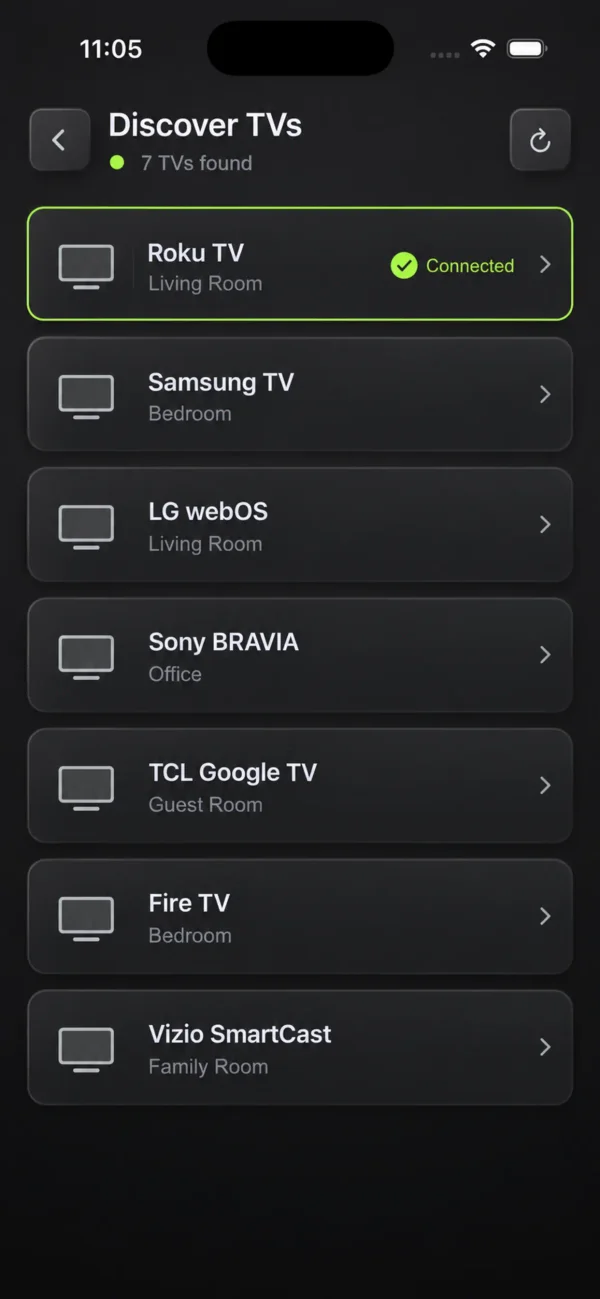
Connect your iPhone and TV to the same Wi-Fi network, choose your TV and follow the pairing instructions. Automatic discovery helps you find compatible TVs nearby.
CONTROL THE ESSENTIALS
Adjust volume, mute sound, change channels and control playback. Access the buttons you use most in a clear, convenient layout.
SWIPE OR TAP
Move through TV menus with touchpad gestures or use the classic D-pad for familiar directional control.
TYPE WITH YOUR IPHONE
Use the built-in keyboard to enter text in supported TV search fields. Spend less time selecting letters with your physical remote.
OPEN YOUR TV APPS
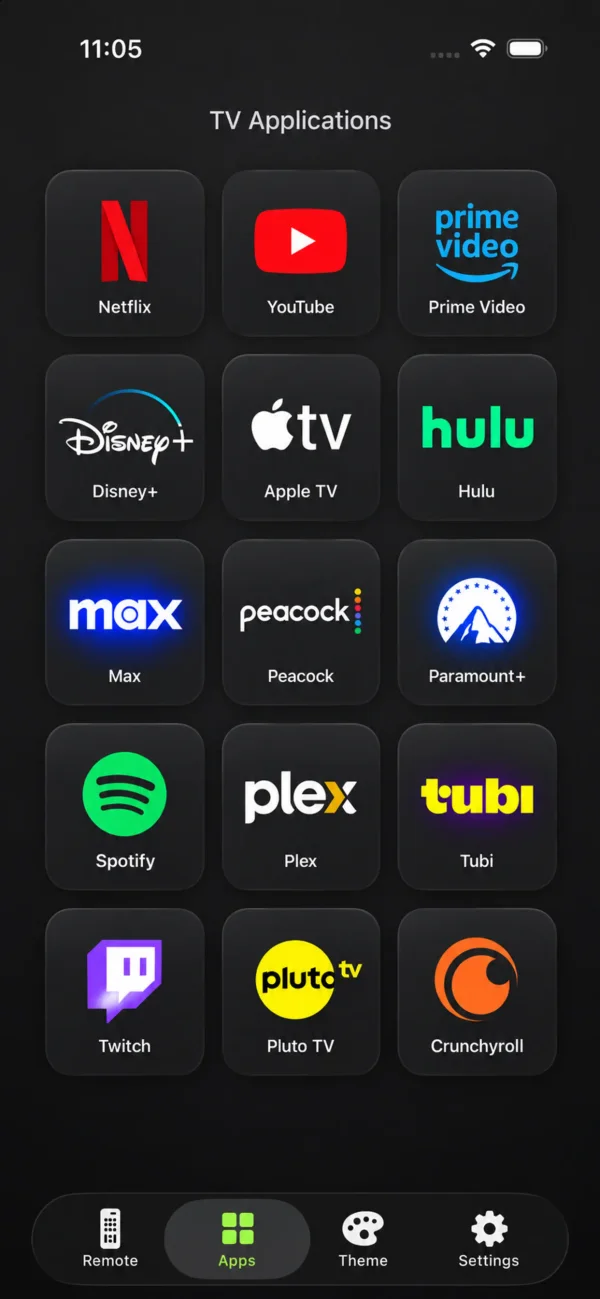
Browse and launch supported apps installed on your TV from your iPhone. Get to your entertainment with fewer steps.
SWITCH BETWEEN TVs
Find compatible TVs on your network and select the one you want to control, from the living room to the bedroom.
COMPATIBLE SMART TVs
Works with supported Samsung Smart TVs, LG webOS TVs and Roku TVs and streaming devices. Compatibility depends on your TV’s model and operating system.
GETTING STARTED
• Connect your iPhone and TV to the same Wi-Fi network.
• Allow Local Network access so the app can discover your TV.
• Select your device and accept the pairing request or enter the code if prompted.
Available features vary by device and app. Keyboard input, app launching, volume, channels and power controls may not be supported on every model. Turning a TV on requires a compatible model and the appropriate network standby settings.
Keep a convenient backup remote close at hand. Download Universal TV Remote Control and connect your compatible TV.
This is an independent application and is not affiliated with or endorsed by Samsung, LG or Roku. All trademarks belong to their respective owners.
What’s new
Version 3 · Nov 20, 2026
UI UX improvements
minor bug fixes
App privacy
What Cailin ORourke declares on the App Store about how this app handles data.
-
Data used to track you
May be used to track you across apps and websites owned by other companies.
- Usage data
-
Data not linked to you
May be collected but is not linked to your identity.
- Usage data
Privacy practices may vary, for example with the features you use or your age.
Information
- Seller
- Cailin ORourke
- Category
- Utilities
- Version
- 3
- Updated
- Nov 20, 2026
- Released
- Oct 20, 2026
- Size
- 10.3 MB
- Requires
- iOS 17.0 or later
- Age rating
- 4+
- Price
- Free
- Languages
- English
- Copyright
- © TV Remote
You might also like
-
 GadziraGadzira
-
 TV Remote For All TV BrandsSmart Control, Cast & Mirror
-
 My Telone V3Utilities
-
 Security Alarm: Anti TheftIntruder Selfie & Motion Alert
-
 Best Phone SecurityMax Security, Max Privacy
-
 Private Browser - PriverProtects history & bookmarks
-
 Universal Remote · Control TVSamsung LG Vizio Smart TV App
-
 All TV Remote Control APPTV Remote - Universal Control
-
 Universal TV Remote・TV ControlSmart Remote for All TVs
-
 Don't Touch Phone WallpapersAesthetic Lock Screen & Home