Universal TV Remote Control ◦
Controller for Roku, Sony, LG
Designed for iPhone, iPad
Free · In-app purchases
- Age rating4+
- CategoryUtilities
- DeveloperAalto Studio FZE
- LanguagesEnglish+ 14 more
- Size122.3 MB
Links to the official App Store page
Download.org hosts no file of Universal TV Remote Control ◦. The button opens its official App Store page, published by Aalto Studio FZE. Listing last checked on Nov 28, 2026.
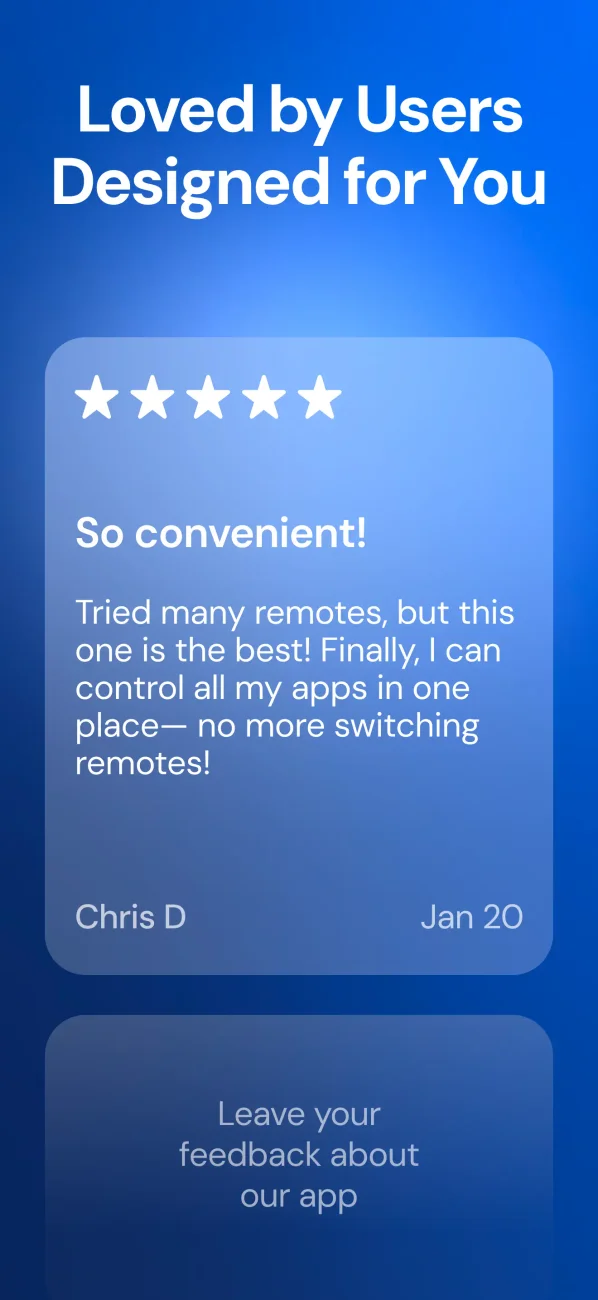
Screenshots


About
Universal TV Remote Control
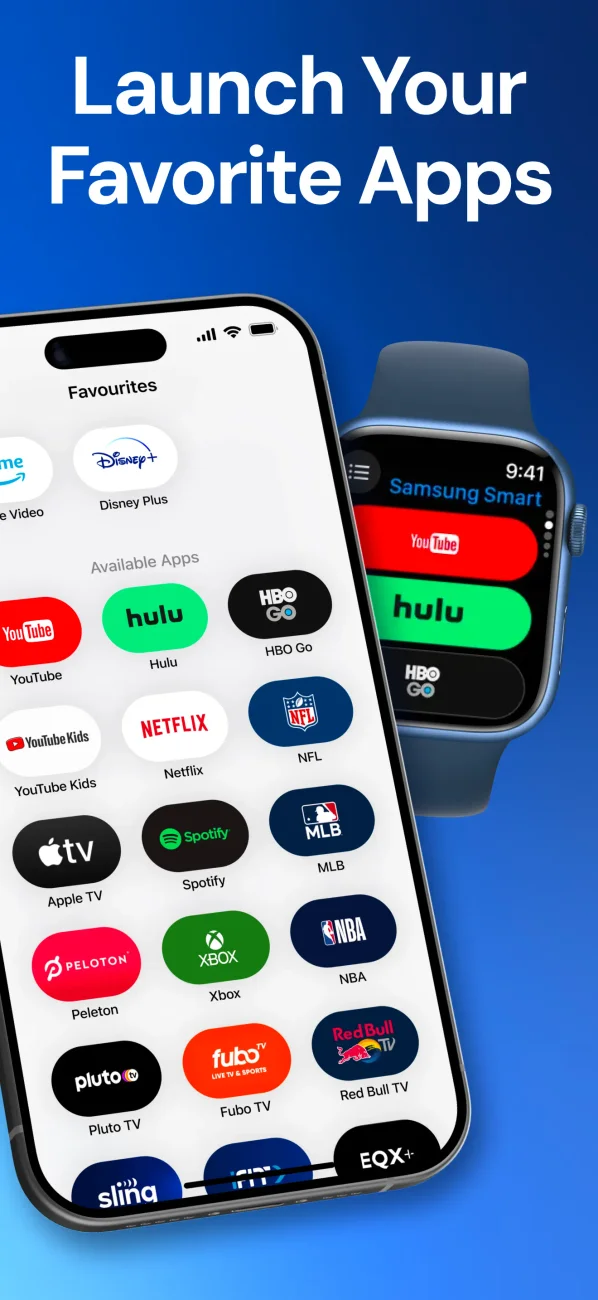
Transform your smartphone into a powerful universal remote with Universal+, the top choice for seamless control over your LG, Samsung, and other TV brands. Experience peak convenience whether you’re at home or on the go.
Key Features:
Universal Compatibility: Effortlessly manage your LG, Samsung, and other TVs with a single app. Universal+ is designed for full compatibility, ensuring a smooth user experience.
Premium Subscription Features:
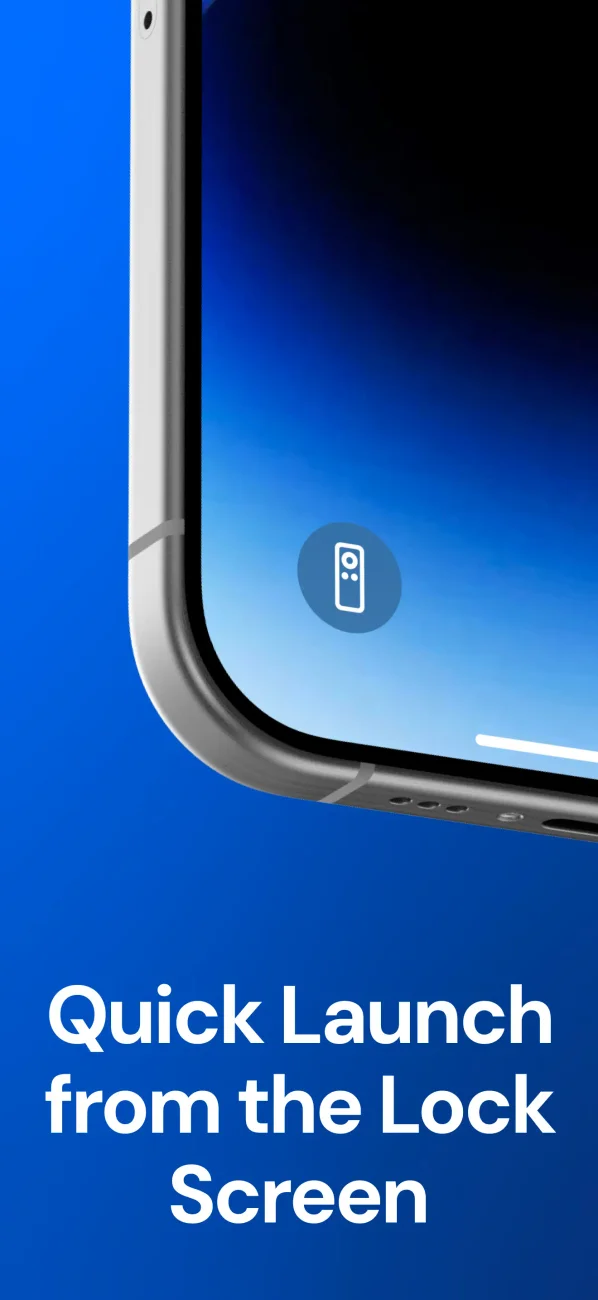
1- Live Activity Support: Stay updated with real-time TV activity displays directly on your phone’s lock screen. Never miss what's playing!
2- Customizable Widgets: Instantly access TV controls from your home screen with widgets that allow you to turn your TV on or off and more.
3- On/Off Functionality: Power your TV on or off directly from your device—perfect when the remote is out of reach or out of range.
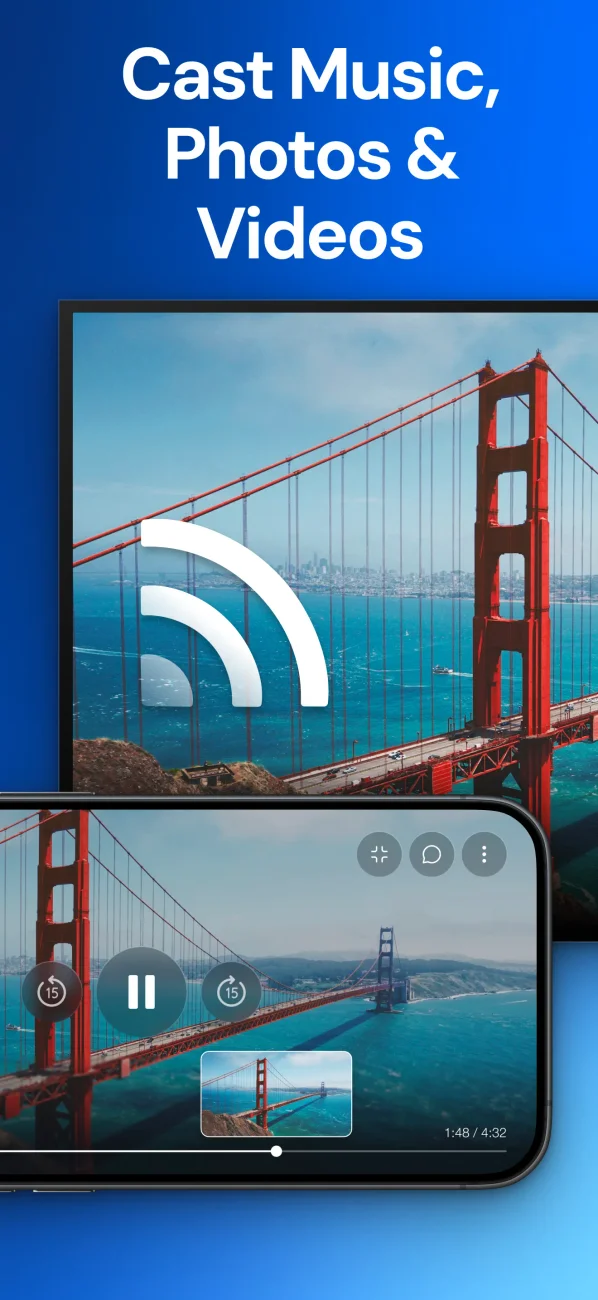
4- Media Casting: Share your favorite moments by casting photos, videos, and music directly to your TV from your phone for an enhanced viewing experience.
5- Remove Ads
Free Features:
1- Single Device Addition
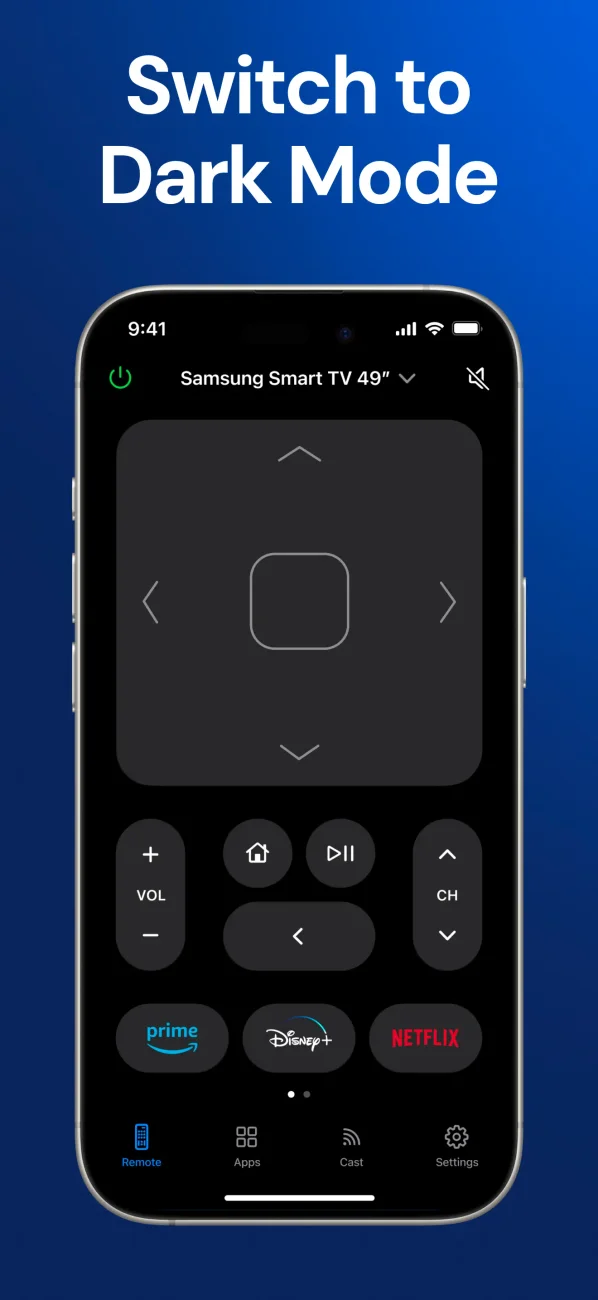
2- Volume, Home, Menu, Back, and Channel Controls
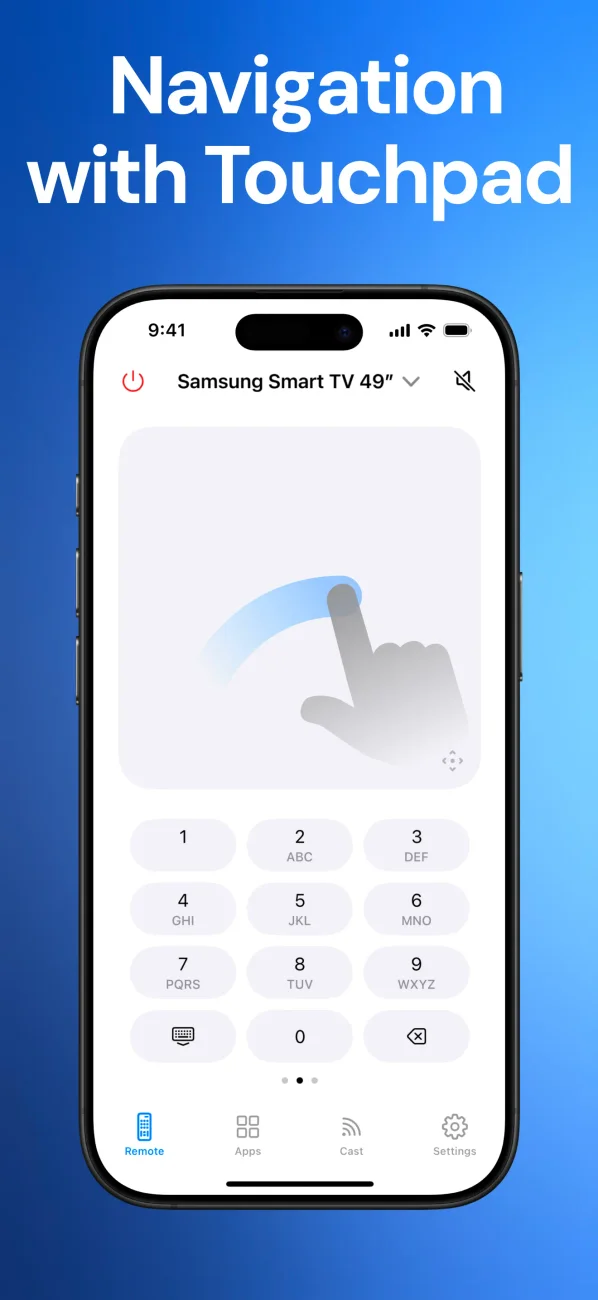
3- Trackpad Navigation
Simple Setup:
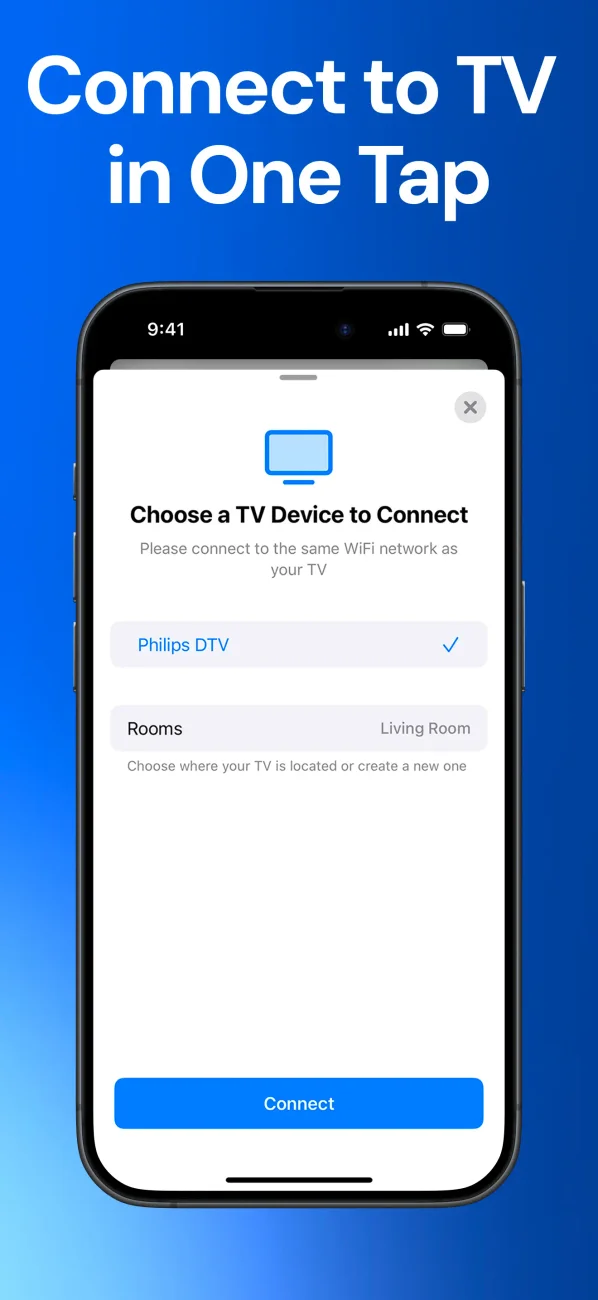
Getting started with Universal+ is quick and easy. Connect your phone and TV to the same Wi-Fi network, follow the setup guide, and you’re ready to go!
Elegant Interface:
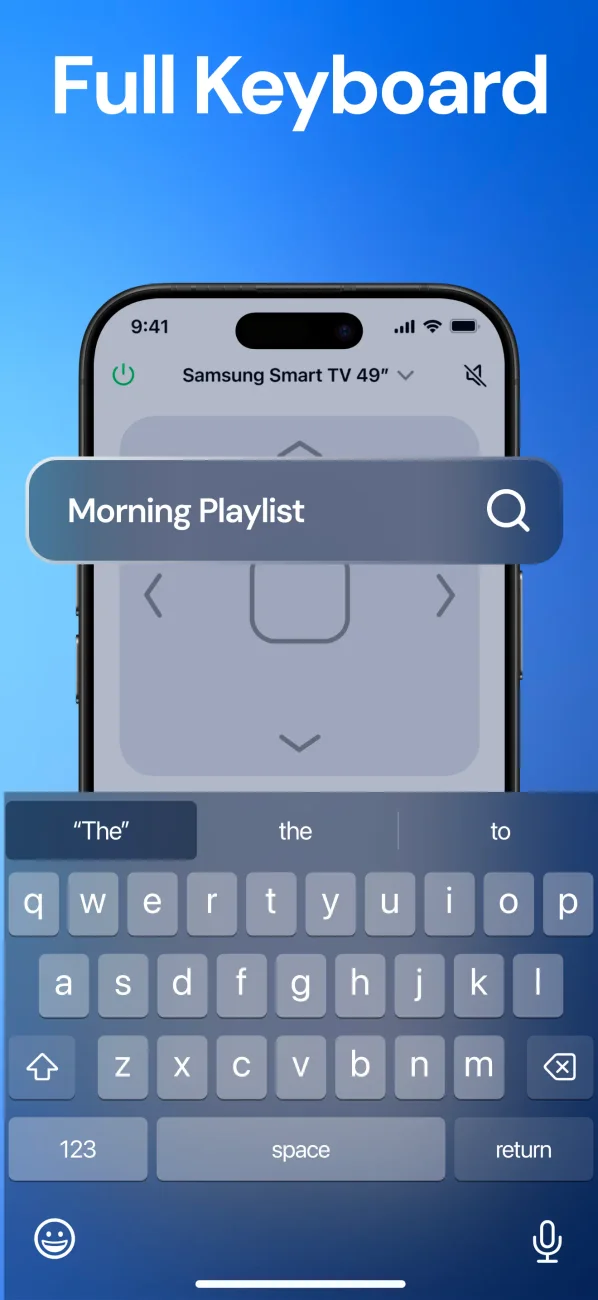
Enjoy a sleek, user-friendly design that makes navigating TV menus and controls intuitive and effortless.
Why Choose Universal+?
With Universal+, your phone becomes the ultimate remote control, enhancing how you watch TV and interact with media.
Download Universal+ now and take the first step toward smarter, more integrated TV control!
Support:
For assistance, visit our support page or contact us directly through the app.
Privacy:
Your privacy is our priority. Universal+ doesn’t store personal information and ensures your data is secure.
Terms of Use: https://universalplustv.com/terms
Privacy Policy: https://universalplustv.com/privacy
Elevate your home entertainment with Universal+ your phone, your remote, your way!
What’s new
Version 1.4 · Oct 20, 2026
+ Added support for iPhone Duo
+ Fixed minor bugs
App privacy
What Aalto Studio FZE declares on the App Store about how this app handles data.
-
Data used to track you
May be used to track you across apps and websites owned by other companies.
- Identifiers
- Usage data
- Diagnostics
-
Data linked to you
May be collected and linked to your identity.
- Purchases
- Contact info
- Identifiers
- Usage data
- Diagnostics
-
Data not linked to you
May be collected but is not linked to your identity.
- Diagnostics
Privacy practices may vary, for example with the features you use or your age.
Information
- Seller
- Aalto Studio FZE
- Category
- Utilities
- Version
- 1.4
- Updated
- Oct 20, 2026
- Released
- Apr 16, 2024
- Size
- 122.3 MB
- Requires
- iOS 18.0 or later
- Age rating
- 4+
- Price
- Free
- In-app purchases
- Yes
- Languages
- English, Arabic, Dutch, French, German, Italian, Japanese, Korean, Polish, Portuguese, Russian, Simplified Chinese + 3 more
- Copyright
- © Aalto Studio
You might also like
-
 Smart TV Remote UniversalVoice, Keyboard & Trackpad
-
 Universal TV Remote ControlSupports 100+ TV brands
-
 TV Remote UniversalSmart Control: Voice, Keyboard
-
 TV Remote, Universal RemoteRemote Control for TV
-
 Remote Control for Android TVControl Your Smart TV & TV Box
-
 Universal Remote - TV Remote ·Remote Control for Smart TV
-
 Universal TV Remote · ControlRemote Control for Smart TVs
-
 Universal TV Remote Control+Smart Television Controller
-
 Sam : tv remote for Samsungremote control for smart tv
-
 Unimote : smart TV remoteremote control for tv