
- Age rating4+
- CategoryLifestyle
- DeveloperYusuke Yoshida
- LanguagesJapanese+ 1 more
- Size8.0 MB
Links to the official App Store page
Download.org hosts no file of Unletter. The button opens its official App Store page, published by Yusuke Yoshida. Listing last checked on Nov 17, 2026.
Screenshots
About
Unletter lets you seal today’s feelings in a special envelope and open them in the future.
■ Write a letter and seal it
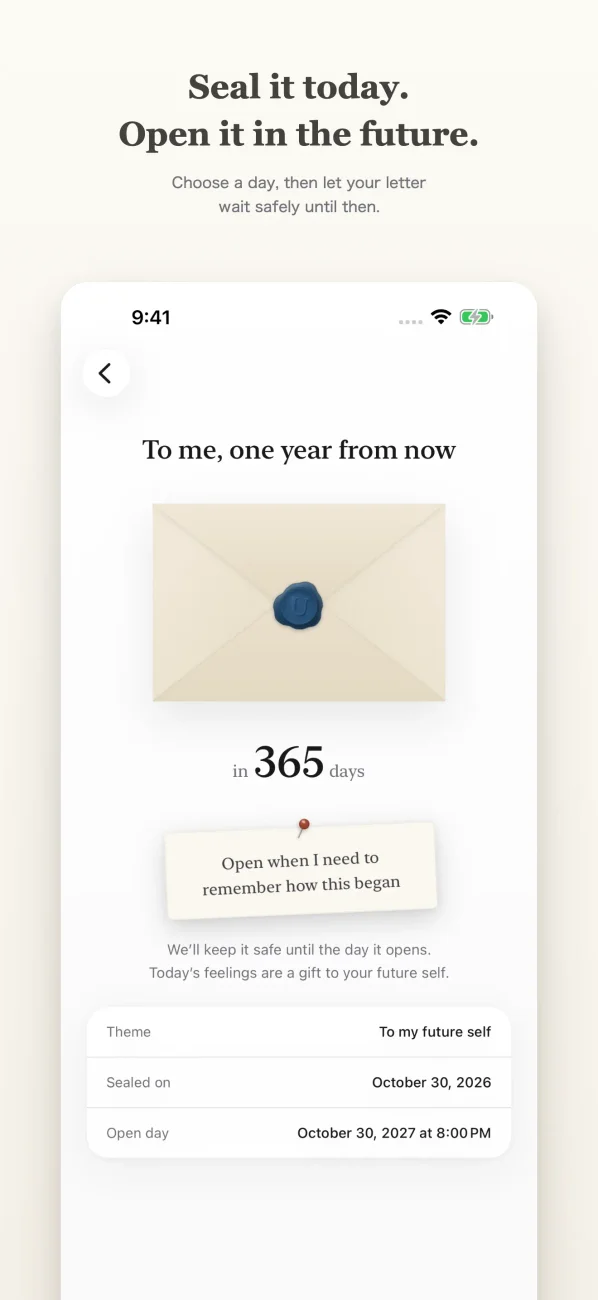
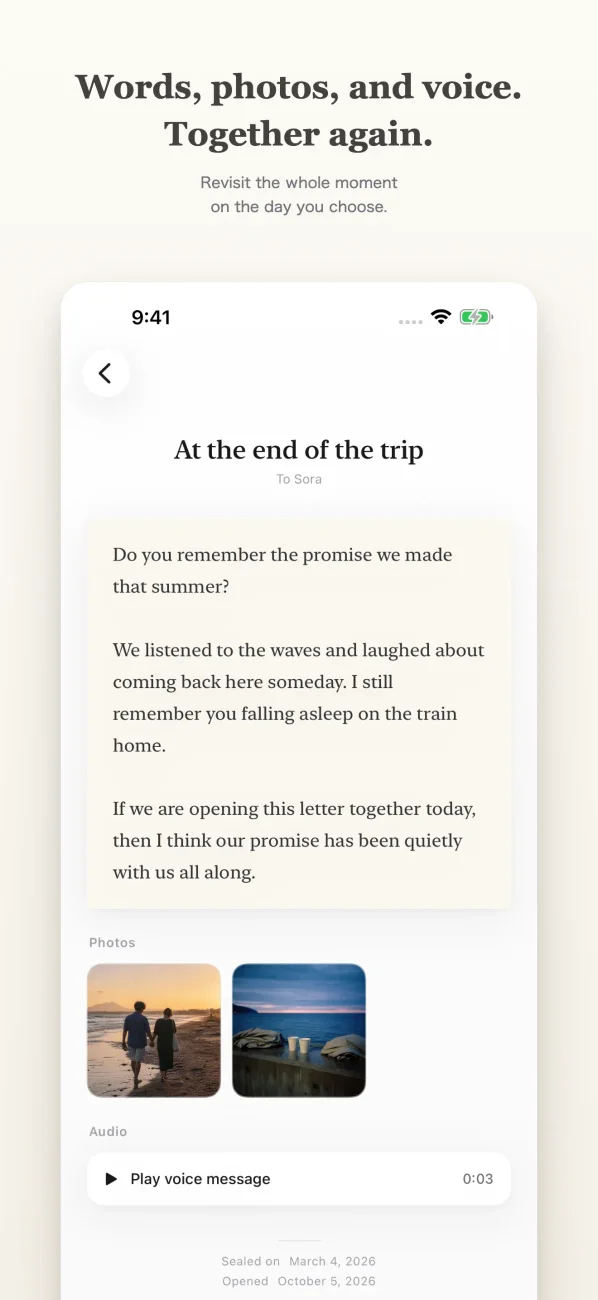
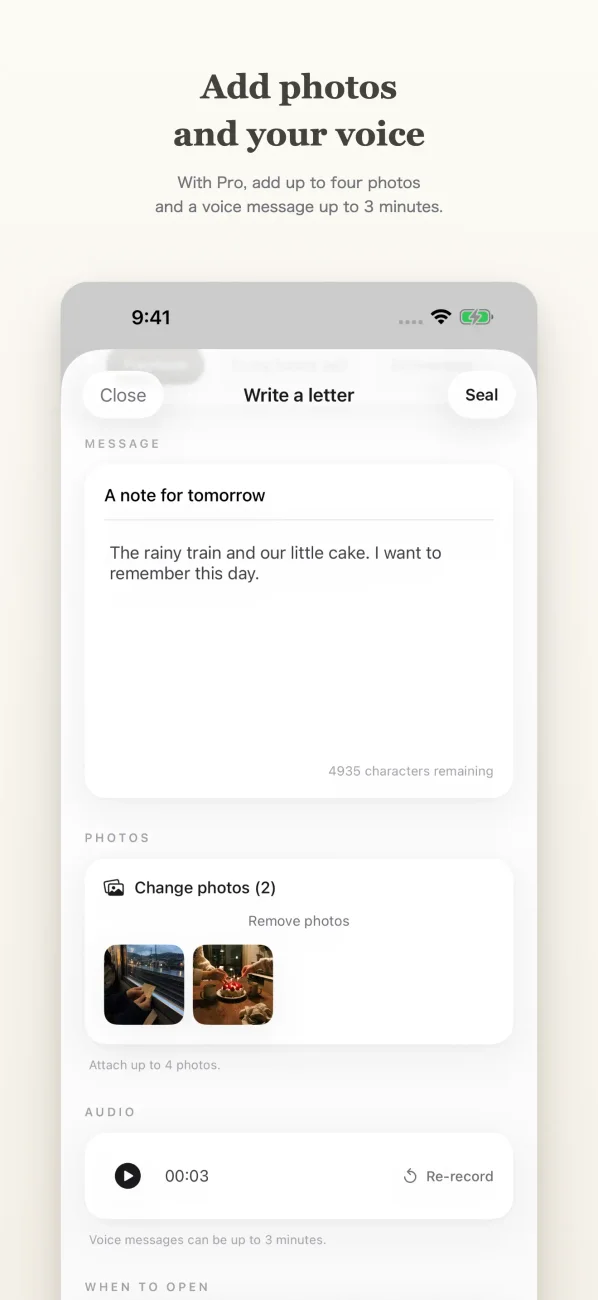
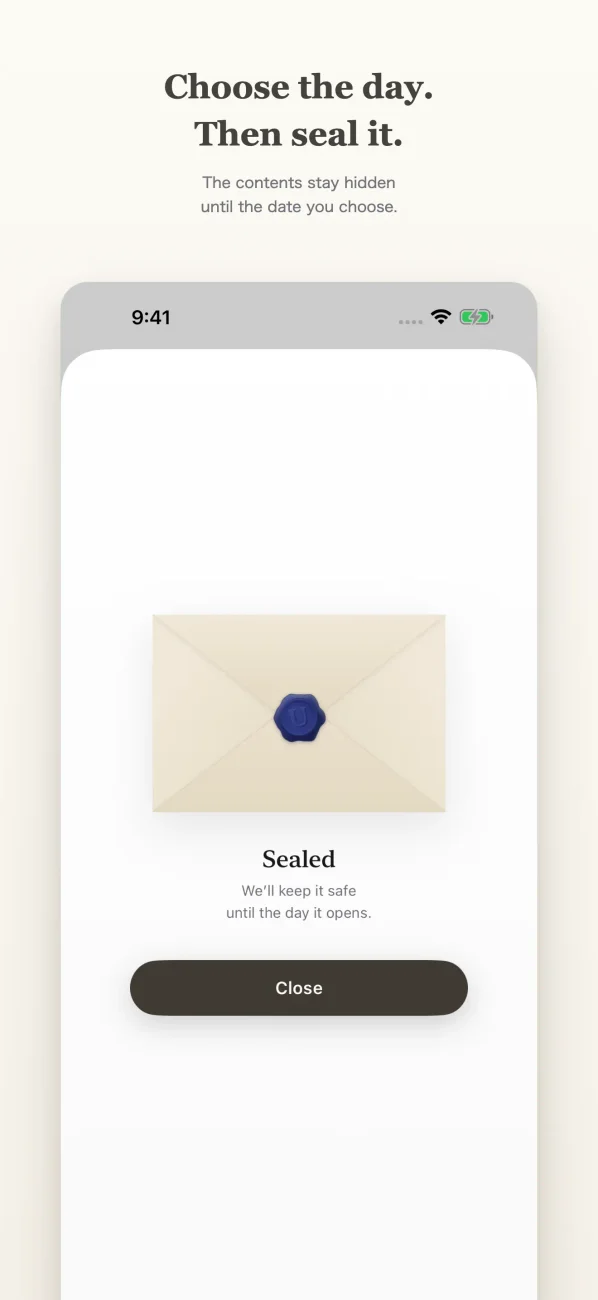
Add photos or your voice to your message, then seal the envelope with wax. Once you choose a day to open it, the contents stay hidden until that day arrives.
■ A note you can see before opening
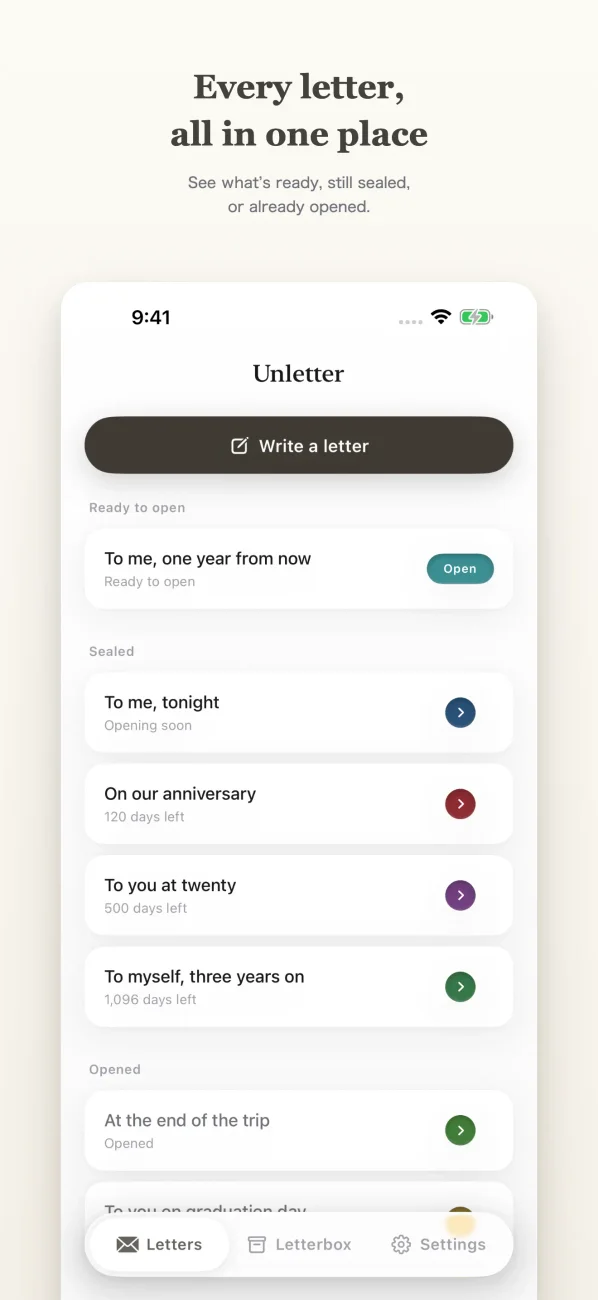
Keep the contents hidden while leaving a short note about the promise—when, where, with whom, and on what occasion to open it. You can revisit the note any time while you wait.
■ A one-of-a-kind wax seal
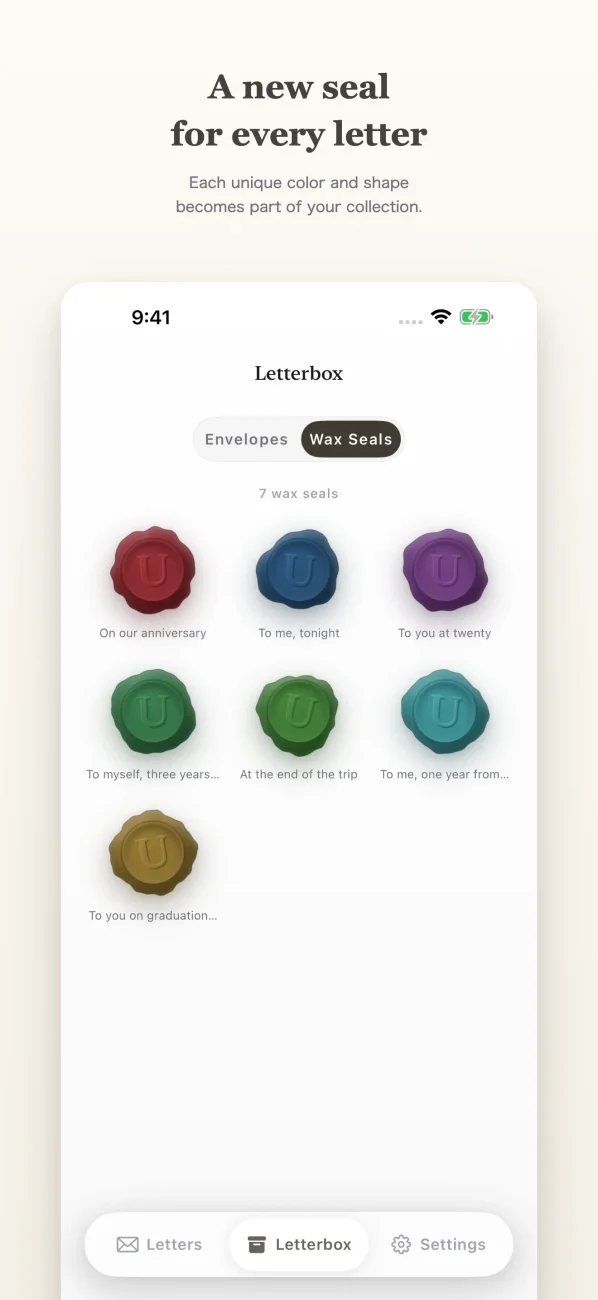
Each time you seal a letter, a wax seal is created with a unique color and shape. It becomes a special seal for your letter alone.
■ When the day comes
Three months, six months, a year, or further into the future—a notification arrives on the day you chose. Break the seal, open the envelope, and meet your letter again in the future.
■ Collect them in your Letterbox
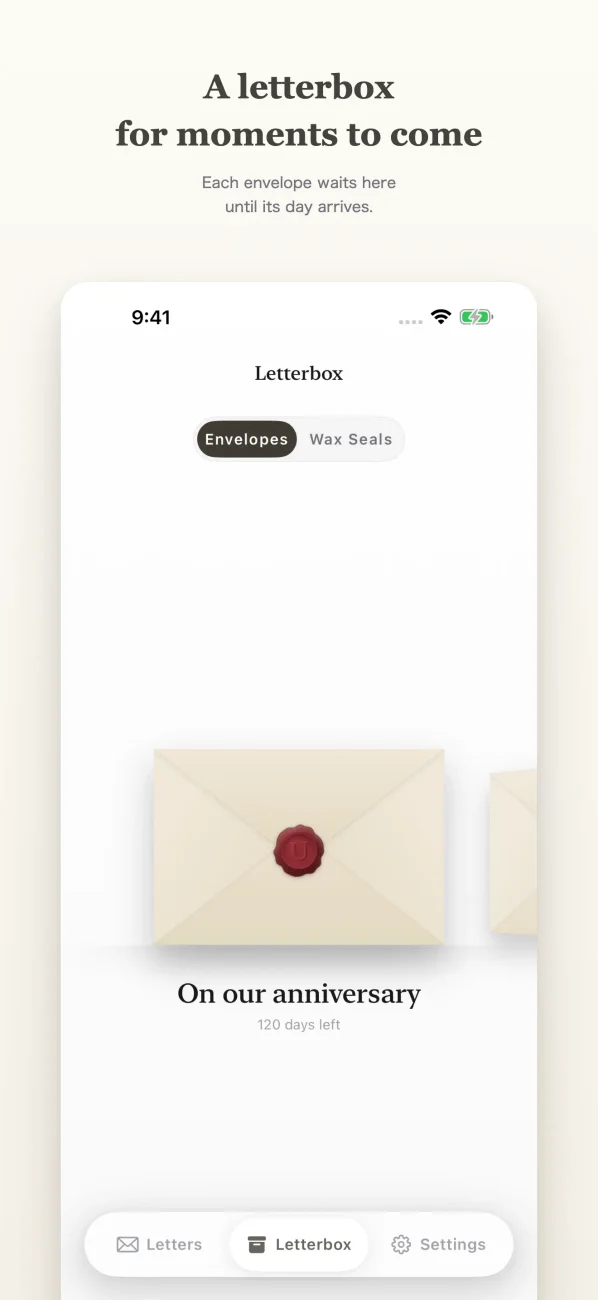
Your letters line up in the Letterbox. Browse your shelf of envelopes or collect each unique wax seal in the Seal Collection. Your own collection grows with every letter.
■ A letter for someone dear
“To someone dear” does not send the letter to another device. It stays in your Unletter so you can open it together, on the same device, on the day you choose.
■ For moments like these
• Share today’s dreams and worries with your future self
• Save words for an anniversary to open with someone dear
• Mark a milestone such as coming of age, graduation, or a wedding
■ Leave your voice (Pro)
When words aren’t enough, leave up to 3 minutes of your voice. Hearing your own voice—or the voice of someone dear—in the future can become a gift unlike any other.
■ Saved here, with optional iCloud sync
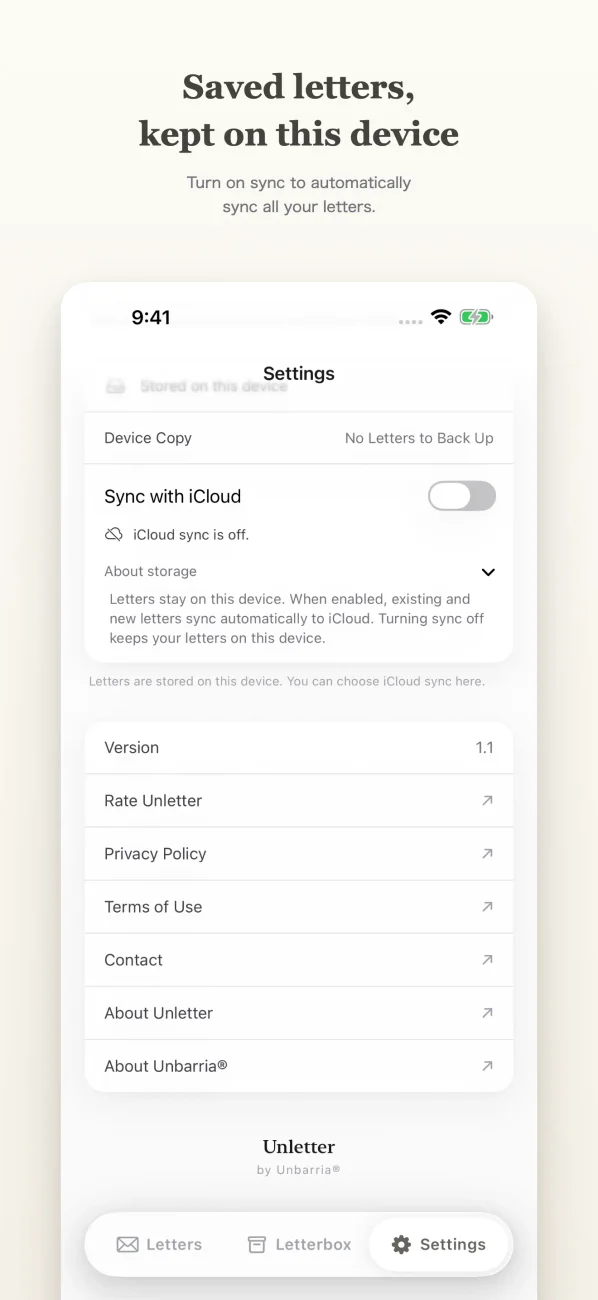
Letters you create, or download and save from iCloud, are kept on this device with an integrity-checked copy. Saved letters work offline and stay here when you turn sync off.
When updating from V1, Unletter automatically recovers iCloud letters, respecting earlier off settings. Letters not yet downloaded need access to the Apple Account’s iCloud where they were saved, then download and on-device saving. Initial recovery only receives letters. Turn on sync in Settings to automatically sync all existing and new letters both ways with your iCloud. The developer cannot access your letters’ contents.
■ Deleting a letter
Deleting removes the letter and attachments from this device. When sync is on and connected, deletion also reaches the same Apple Account’s iCloud and syncing V1.1 devices. Offline deletions are recorded here and applied when sync is on and connected again.
Today’s heart, kept for the future.
What’s new
Version 1.1.1 · Nov 11, 2026
• On screens with an Open button, letters now open only when you press that button. Tapping the envelope gives it a gentle movement.
• Improved the menu animation when switching to Settings.
• Added a gentle envelope response when tapped after sealing a letter.
App privacy
What Yusuke Yoshida declares on the App Store about how this app handles data.
-
Data not collected
The developer does not collect any data from this app.
Privacy practices may vary, for example with the features you use or your age.
Information
- Seller
- Yusuke Yoshida
- Category
- Lifestyle
- Version
- 1.1.1
- Updated
- Nov 11, 2026
- Released
- Jun 10, 2026
- Size
- 8.0 MB
- Requires
- iOS 17.0 or later
- Age rating
- 4+
- In-app purchases
- Yes
- Languages
- Japanese, English
- Copyright
- © 2026 Unbarria
You might also like
-
 未来への手紙-未来に手紙を送ろう-Lifestyle
-
 Grumpies: Meteorite feelingsnew communication tool.
-
 C-1440Your day as a voice
-
 NewMemo - AI日記&メモLifestyle
-
 Nook Letter -思い出の手紙Lifestyle
-
 ソナエノート - 防災備蓄品を管理するアプリLifestyle
-
 DrawWake: Doodle Alarm ClockDraw to Wake Up, Stop Snoozing
-
 LovOnStay Connected, Stay Closer
-
 BatteryNestバッテリーで暮らす癒しの動物ジオラマ
-
 Habik: Weekly Habit TrackerBuild Daily Routines & Goals