
Unpost: Delete Posts, Messages
Bulk Discord & Reddit Cleanup
Designed for iPhone, iPad
Free · In-app purchases
- Age rating4+
- CategoryUtilities
- Developermohamed mlika
- LanguagesEnglish
- Size89.2 MB
Links to the official App Store page
Download.org hosts no file of Unpost: Delete Posts, Messages. The button opens its official App Store page, published by mohamed mlika. Listing last checked on Nov 23, 2026.
Screenshots
About
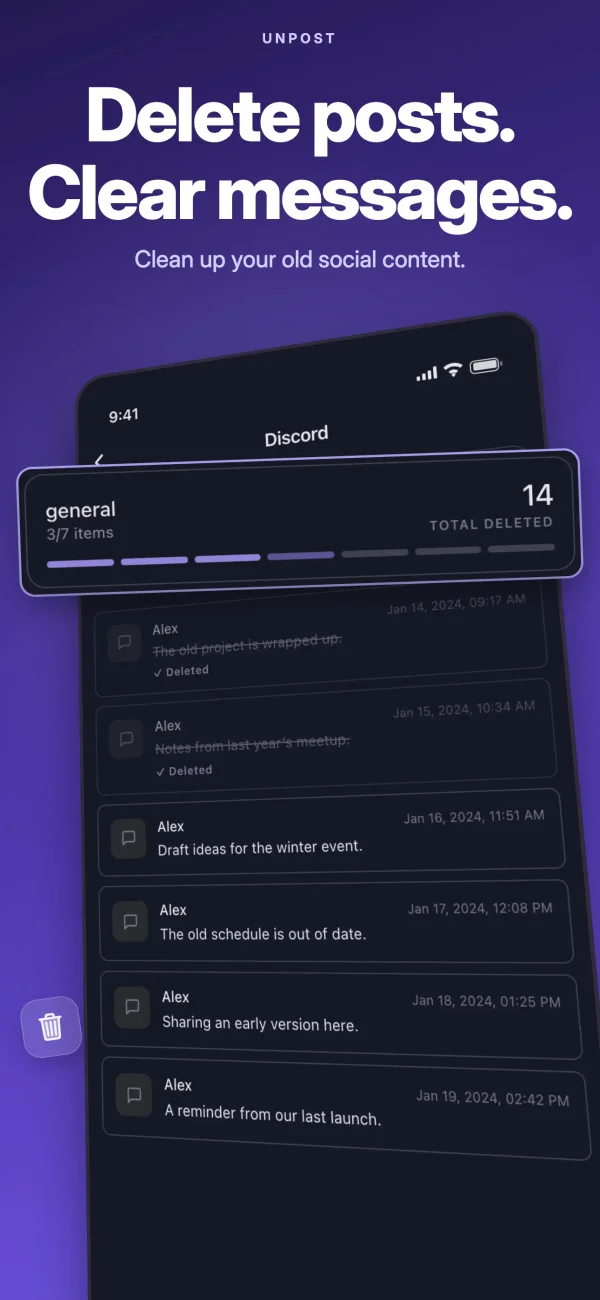
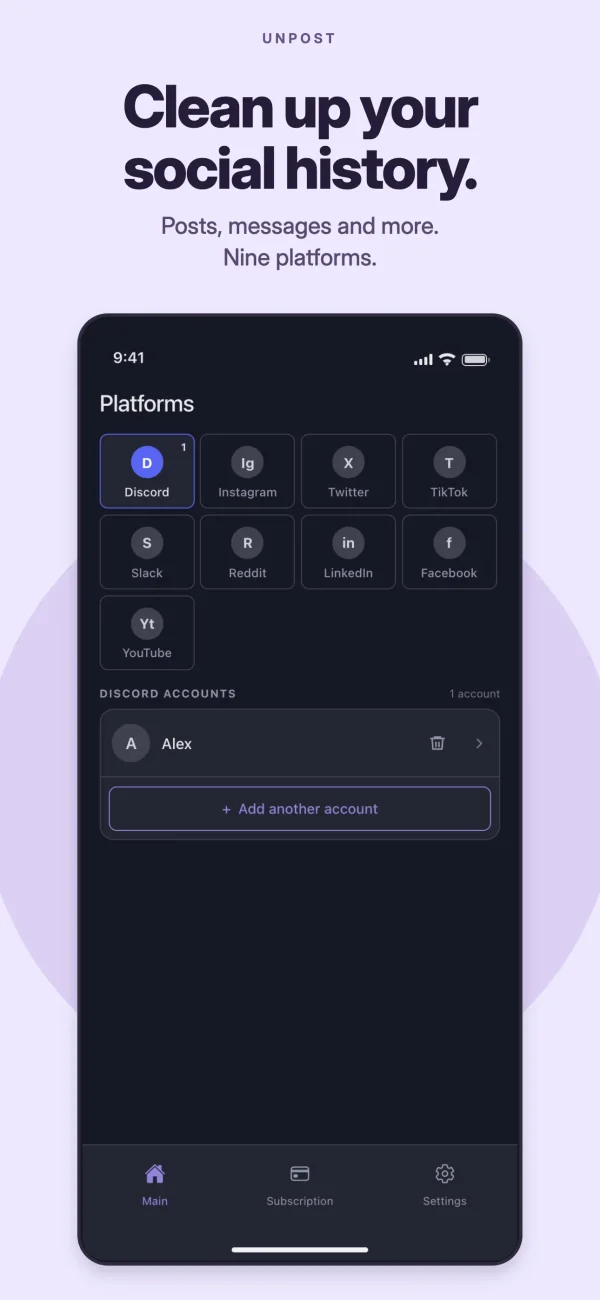
Unpost helps you delete posts, messages and other old activity in bulk on Discord, Instagram, X (Twitter), Slack, Reddit, Facebook, LinkedIn, TikTok and YouTube, for anyone whose social history has outlived its moment. Connect an account, select the content types it supports, and follow the deletion count from your phone.
Unpost: Discord Cleanup
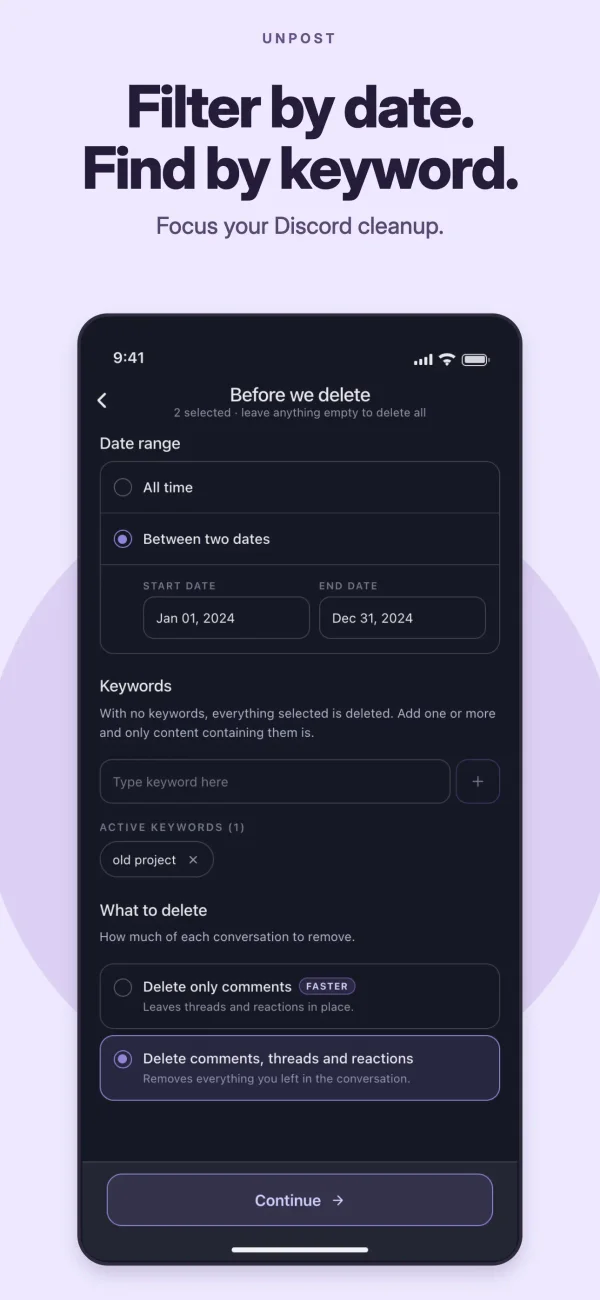
Delete Discord messages in bulk, from one DM to years of server messages: a Discord message deleter that runs from your phone. Date and keyword filters narrow the run, or import a Discord data package. In DMs you can only delete messages you sent; in servers, your permissions decide.
Unpost: Instagram Cleanup
Your Instagram profile doesn’t have to tell an old story: delete Instagram messages from your DMs, delete Instagram posts, reels and comments, or remove likes. Pick a content type and set the date, engagement and keyword filters Instagram allows for it. Avoid using Instagram while deletion is in progress.
Unpost: Tweet Cleanup
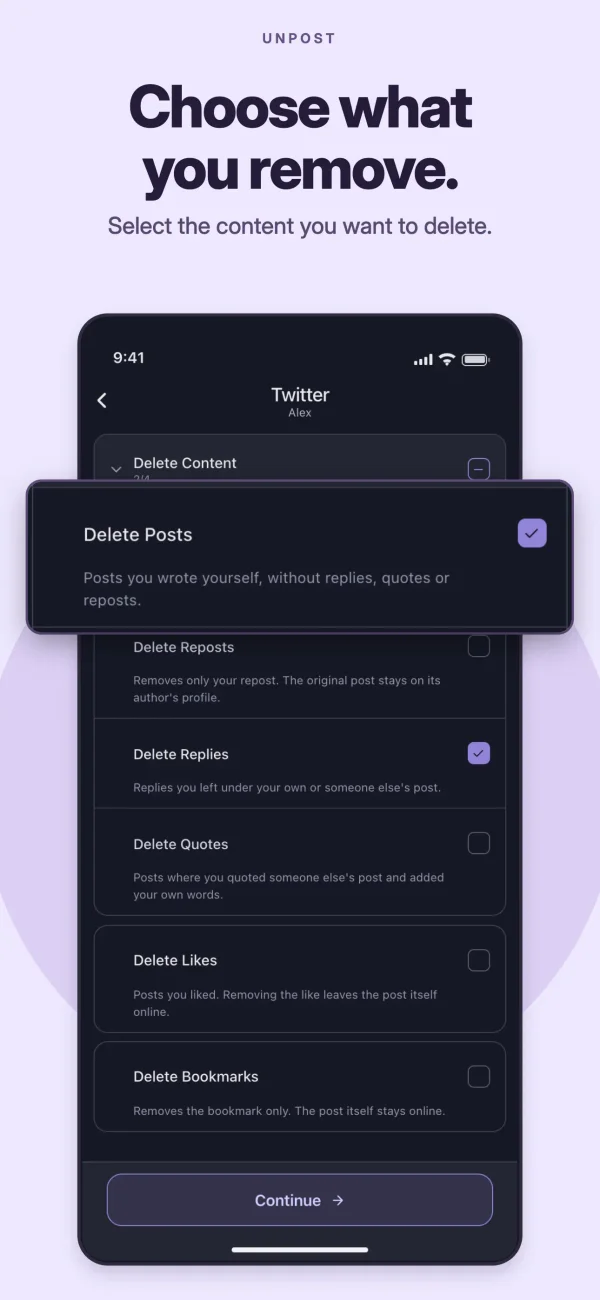
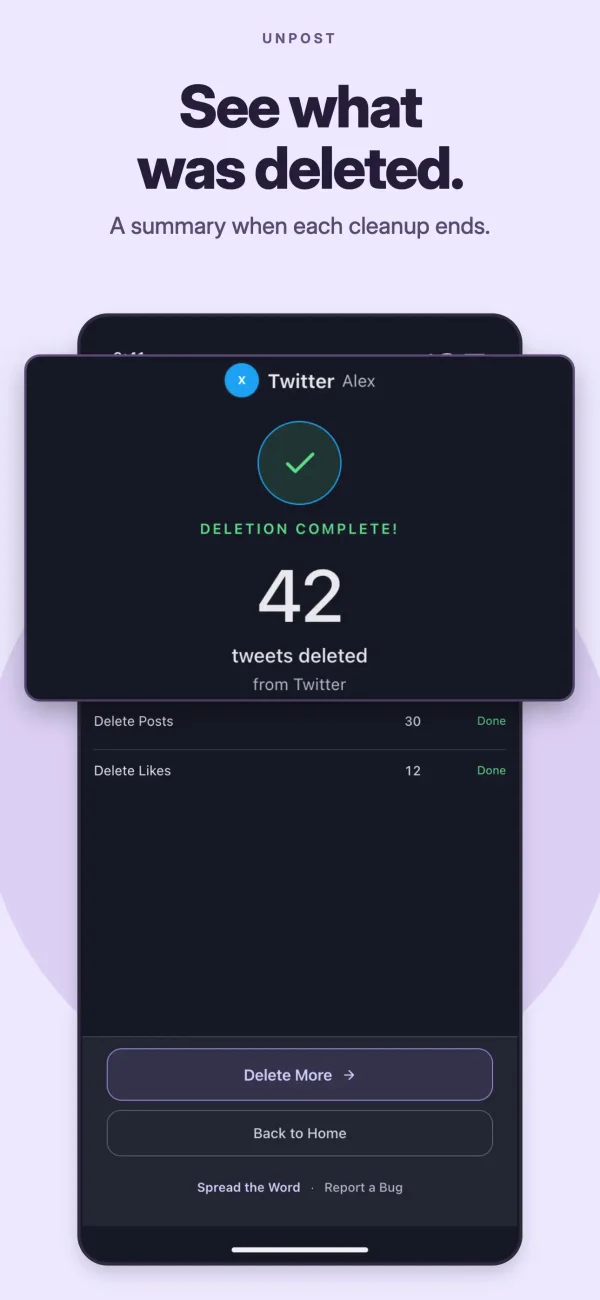
Bulk delete tweets on X (Twitter) without deleting your account: posts and replies, reposts (retweets), quotes, likes and bookmarks. Connect your X account or import a Twitter data package, then mass delete tweets while the count climbs, instead of one tweet or reply at a time.
Unpost: Slack Cleanup
Old Slack messages outlive the project: delete Slack messages in bulk, in channels and DMs, with or without threads and reactions. Filter by date range or keyword, then bulk delete Slack messages as the count runs. Admin cleanup needs workspace permissions; Slack restrictions still apply.
Unpost: Reddit Cleanup
Delete Reddit comments and posts you no longer stand by. Delete Reddit posts, comments or both, replacing the text with random words or deleting outright, then bulk delete Reddit comments from a connected account or a data package. Replacing text does not remove every copy.
Unpost: LinkedIn Cleanup
Delete LinkedIn posts as your work moves on, delete LinkedIn comments you left behind, and clear reactions and reposts with them. Choose the activity, set a date range or a keyword, and follow the run. Avoid using LinkedIn while deletion is in progress: it can limit requests and ask you to sign in again.
Unpost: Facebook Cleanup
Delete Facebook posts, delete Facebook photos and albums, and clear comments, likes and story reactions with them. Use the date, engagement and audience filters Facebook allows; the keyword filter matches post and comment text only, so a photo without text is skipped. Your Facebook account and Messenger chats stay.
Unpost: TikTok Cleanup
Outgrown a TikTok video? Delete TikTok videos, clear your watch history, remove liked videos or manage comments on your own videos. Use the date and engagement filters that apply; the keyword filter applies to comments only. TikTok DMs and your account are never touched.
On YouTube, delete YouTube comments and replies, delete YouTube watch history and likes, remove one video or Short you uploaded or all your videos and Shorts, or unsubscribe from YouTube channels, with date and keyword filters where they apply. On every platform, choose what to remove and follow the deletion count as the cleanup runs.
How it works
1. Connect the account you want to clean up.
2. Select the available content and options for that platform.
3. Start deletion and follow progress in the app.
Go further with Premium
Unpost Premium is an optional monthly subscription for heavier cleanups. Platform permissions and rate limits still apply; terms and renewal details are in the app.
Delete only content you own or are authorized to manage; available actions depend on the platform and your permissions. Deletion can be permanent and cannot remove copies others have saved. Unpost does not delete your social accounts.
Unpost is an independent app and is not affiliated with the platforms it supports.
Privacy policy: https://unpost.app/en/privacy-policy/
Terms of use: https://unpost.app/en/terms-of-use/
What’s new
Version 3.1.138 · Nov 21, 2026
Bug fixes and improvements.
App privacy
What mohamed mlika declares on the App Store about how this app handles data.
-
Data not linked to you
May be collected but is not linked to your identity.
- Usage data
- Diagnostics
Privacy practices may vary, for example with the features you use or your age.
Information
- Seller
- mohamed mlika
- Category
- Utilities
- Version
- 3.1.138
- Updated
- Nov 21, 2026
- Released
- Dec 17, 2024
- Size
- 89.2 MB
- Requires
- iOS 16.4 or later
- Age rating
- 4+
- Price
- Free
- In-app purchases
- Yes
- Languages
- English
- Copyright
- © mlk
You might also like
-
 Redact Privacy: Delete TweetsClean up Discord, Reddit, DMs
-
 UnReposter: Remove Reposts AllDelete & Clear Social Repost
-
 Delete Messages on MessengerDelete/Download Messages
-
 BDFD - Bot DesignerCreate own bots, no coding!
-
 DMClear - DM ManagerUnsend, Clean and Save Chats
-
 CleanTok: Repost RemoverRemove Your Reposts in Bulk
-
 ClearIns: Repost RemoverClean up reposts on your feed
-
 Unfollow for Insta™Cleaner for Instagram
-
 Bots for DiscordBot List for Discord
-
 XWipeBulk delete posts and likes