
Unroll: Carousel Collage Maker
Photo Grid & Layout Editor
Designed for iPhone, iPod touch
Free
- Age rating4+
- CategoryGraphics & Design
- DeveloperSohel Ibna Saad
- LanguagesEnglish+ 15 more
- Size65.1 MB
Links to the official App Store page
Download.org hosts no file of Unroll: Carousel Collage Maker. The button opens its official App Store page, published by Sohel Ibna Saad. Listing last checked on Nov 28, 2026.
Screenshots

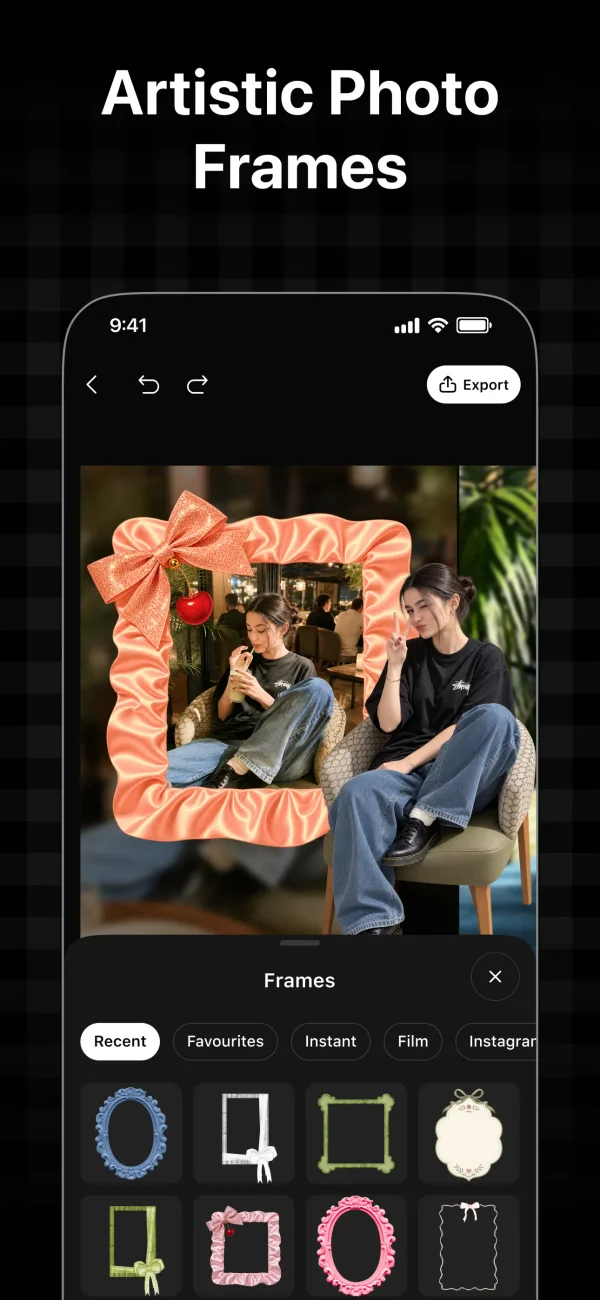
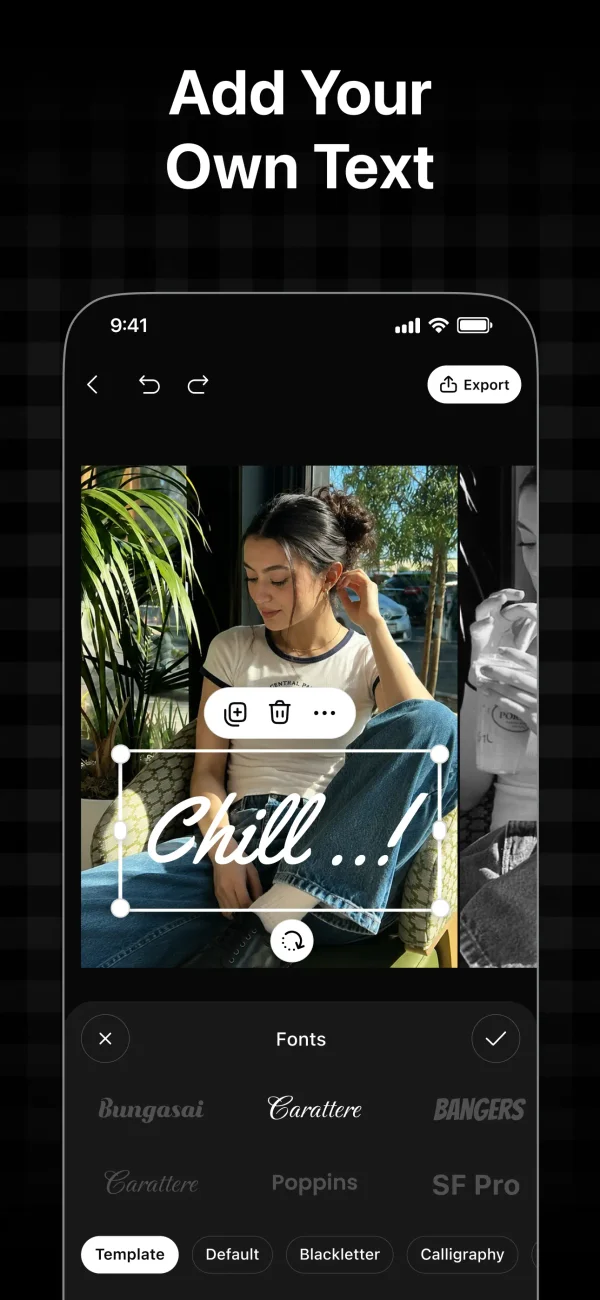
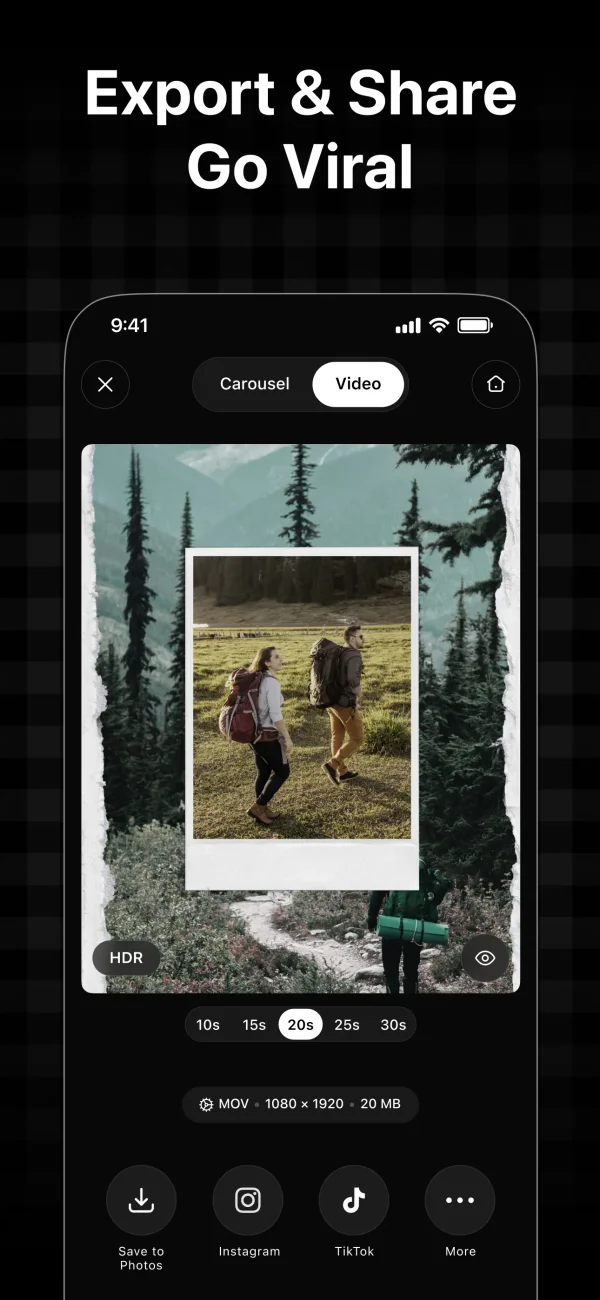
About
A photo is a moment. Unroll makes it a whole story. Design seamless carousels, photo collages, video collages, and creative stories with a wide range of templates, grids, text, stickers, drawings, and other creative tools. Arrange your media, experiment with different layouts, and add your own touches to make each design your own.
From panoramic Instagram posts and multi-slide stories to scrapbook collages, mood boards, and photo dumps, Unroll gives you the creative freedom to bring your favorite moments together in new ways. Choose a ready-to-use template or build your own design from scratch, customize backgrounds, arrange and edit every element, and create eye-catching designs that are ready to share.
KEY FEATURES:
- Design seamless Instagram carousel posts
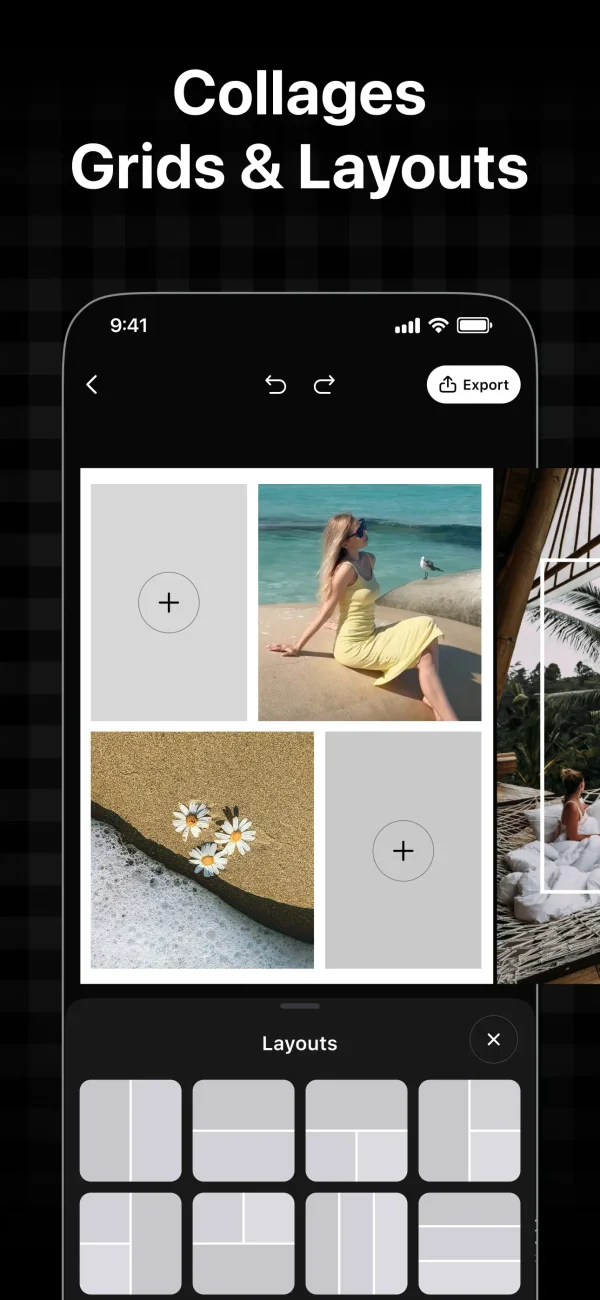
- Create photo and video collages with grids and freestyle layouts
- Combine photos and videos in creative layouts
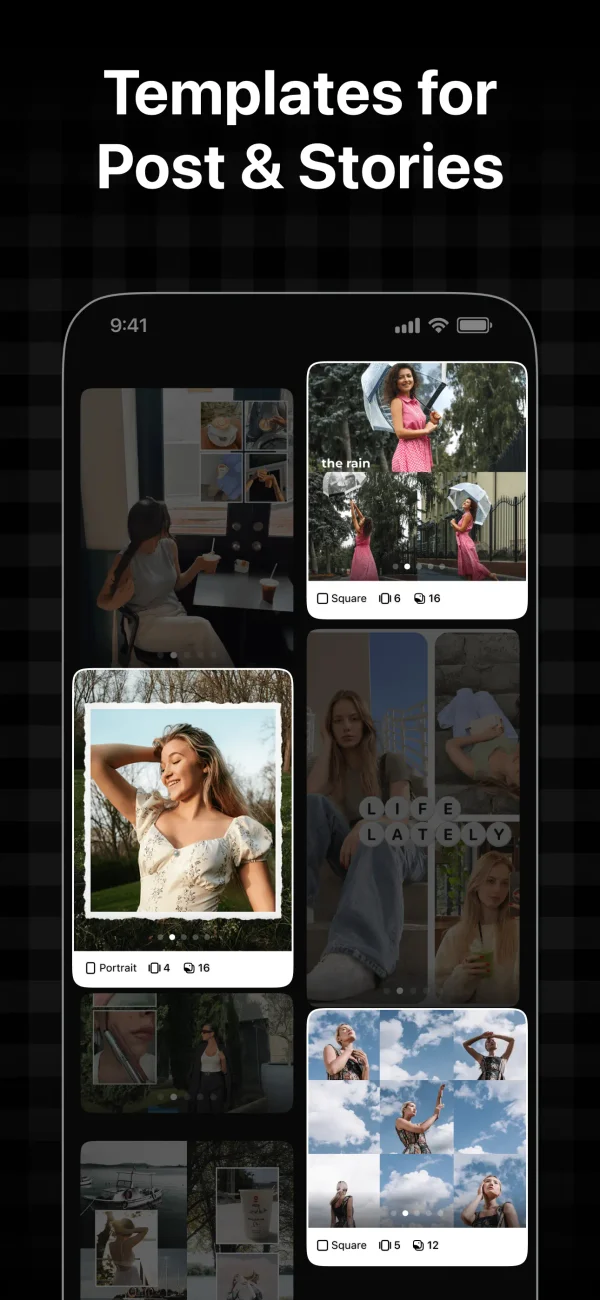
- Explore customizable templates and collage designs
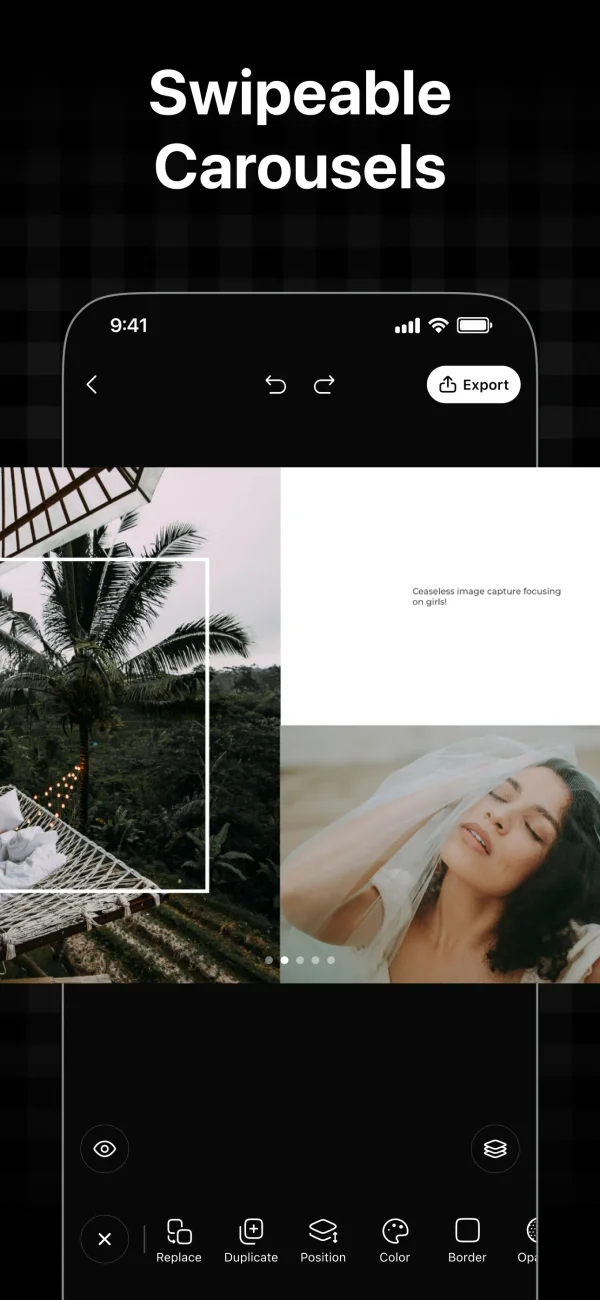
- Split wide photos and videos into panoramic carousel posts
- Create multi-page stories and carousel designs
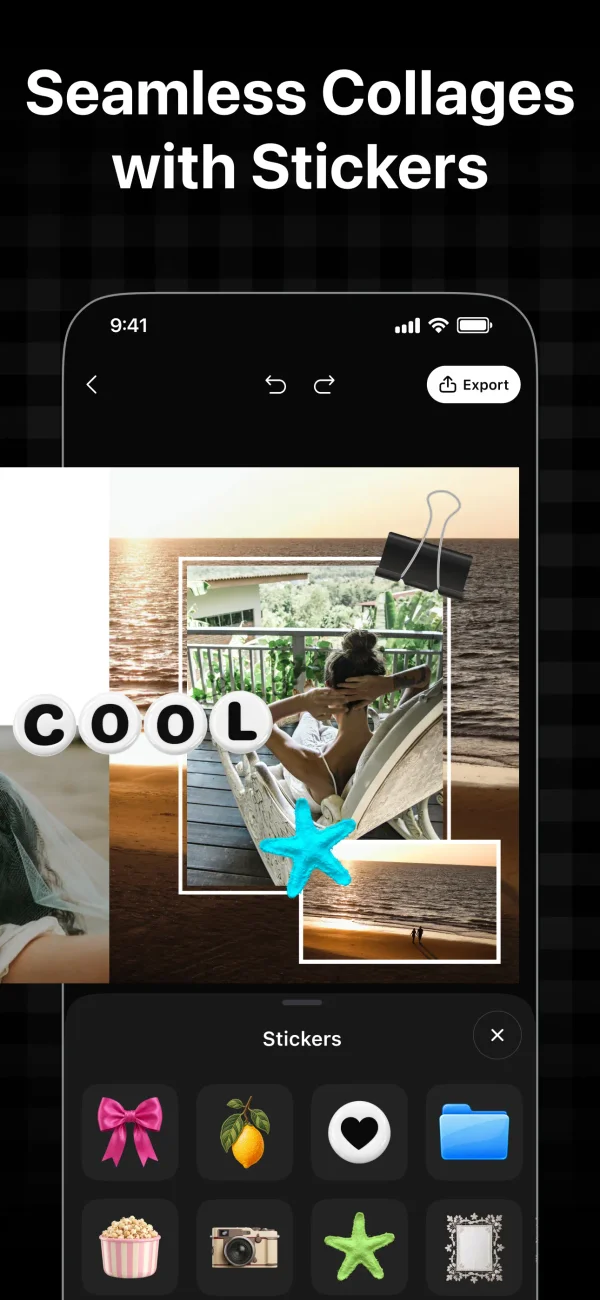
- Add text, stickers, drawings, and other creative elements
- Curve text to create distinctive text designs
- Use dotted lines to add creative details and dividers
- Add widgets to create informative and decorative layouts
- Create photo cutouts and remove backgrounds
- Customize backgrounds with colors, gradients, and more
- Reorder, duplicate, and delete slides easily
- Use smart snapping to align photos, videos, and elements
- Design scrapbook collages, mood boards, and photo dumps
- Export and share your designs on social media
CAROUSEL MAKER
Design carousels that flow from one slide to the next. Split a wide photo or video across multiple slides, connect images in a continuous layout, or create panoramic posts that reveal more as you swipe. Make travel posts, photo dumps, portfolios, and other social content with layouts designed to work together.
TEMPLATES & LAYOUTS
Start with a ready-made template or build your own layout from scratch. Explore a variety of styles across Trends, Recaps, Travel, Celebrations, Paper, Scrapbook, Instant, and Seasonal collections. Add your photos, videos, adjust the layout, and customize the details to make each design your own.
PHOTO & VIDEO COLLAGE MAKER
Combine your favorite photos and videos in layouts that suit your style. Choose from grids and collage templates, or start with a freestyle collage from scratch for more creative control. Experiment with photo arrangements and layers to create everything from simple grids to more expressive collage designs.
CREATIVE COLLAGE EDITOR
Add the finishing touches with text, curved text, stickers, drawings, and photo cutouts. Use dotted lines as decorative details or dividers, remove backgrounds to make subjects stand out, and experiment with colors and gradients. Use smart snapping to align elements and fine-tune the placement and size of each element.
How to Create a Carousel?
Turn your photos and videos into a seamless carousel in just a few steps:
- Open the Unroll app
- Choose Carousel
- Select a ratio and number of slides
- Add frames or grids
- Choose your media by tapping +
- Arrange and customize your media as needed
- Add text, stickers, backgrounds, and creative elements
- Export and share your carousel
How to Create a Collage?
Turn your photos and videos into a beautiful collage in just a few steps:
- Open the Unroll app
- Choose Collage
- Select a grid layout
- Choose your media by tapping +
- Arrange and customize your media as needed
- Add text, stickers, backgrounds, and creative elements
- Export and share your collage
Terms of Use:
https://unroll.design/legal/terms/
Privacy Policy:
https://unroll.design/legal/privacy/
Disclaimer: This app is free to download, with full functionality available to all users.
What’s new
Version 1.0.6 · Nov 19, 2026
Thank you for choosing Unroll to design your carousels and stories!
We’ve been busy polishing things under the hood to make your designing experience even smoother. This version includes:
• Squashed a few pesky bugs and boosted overall performance.
Love what you’re making? Show us some love with a quick rating on the App Store!
Got a question, bug report, or brilliant feature idea? Drop us a line at support@pixeltouch.net or tap Contact Support in the app’s Settings screen.
Made for creators. Built to unroll.
App privacy
What Sohel Ibna Saad declares on the App Store about how this app handles data.
-
Data used to track you
May be used to track you across apps and websites owned by other companies.
- Identifiers
-
Data not linked to you
May be collected but is not linked to your identity.
- Identifiers
- Usage data
- Diagnostics
Privacy practices may vary, for example with the features you use or your age.
Information
- Seller
- Sohel Ibna Saad
- Category
- Graphics & Design
- Version
- 1.0.6
- Updated
- Nov 19, 2026
- Released
- Sep 23, 2026
- Size
- 65.1 MB
- Requires
- iOS 15.0 or later
- Age rating
- 4+
- Price
- Free
- Languages
- English, Arabic, French, German, Italian, Japanese, Korean, Portuguese, Russian, Simplified Chinese, Spanish, Thai + 4 more
- Copyright
- © Pixeltouch
You might also like
-
 Carousel Collage - ColarixScrapbook, Layout, Scroll
-
 CaroMix: Photo Collage MakerCarousel Layout for Instagram
-
 SWVY: Seamless Carousel MakerScroll Post Template Scrapbook
-
 Phovi: AI Photo & Video EditorGenerator, Maker & Effects
-
 dayframe: aesthetic recapsCurated calendar & stories
-
 yes&: AI Video & CharacterNo prompt, one tap away
-
 Photo Editor: Pic CollageCreate Collage & Edit Photos
-
 Photo Collage Maker: CollagicGrid Layouts & Photo Editor
-
 PixelMint – AI Photo MagicAI Photo Magic & Filters
-
 OnStage: AI Product Video & AdBackground Remover & Photo