
UPFinder
Scan for ultra-processed foods
Designed for iPhone, iPad
Free · In-app purchases
- Age rating4+
- CategoryFood & Drink
- DeveloperThomas Richardson
- LanguagesEnglish
- Size9.5 MB
Links to the official App Store page
Download.org hosts no file of UPFinder. The button opens its official App Store page, published by Thomas Richardson. Listing last checked on Nov 20, 2026.
Screenshots


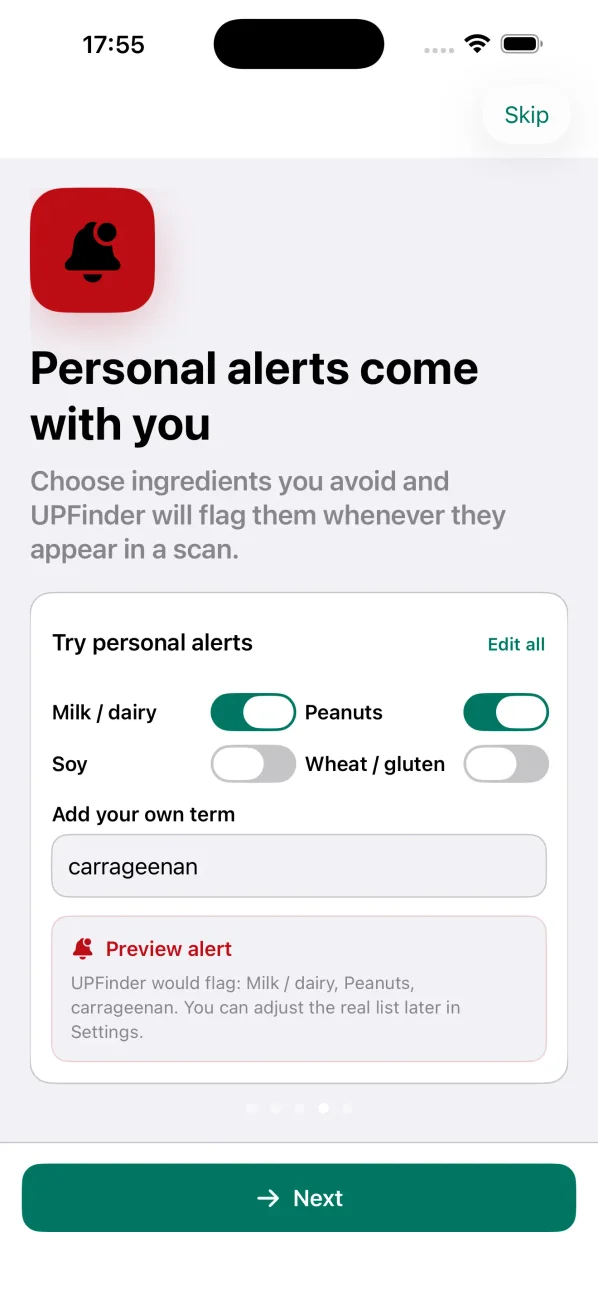

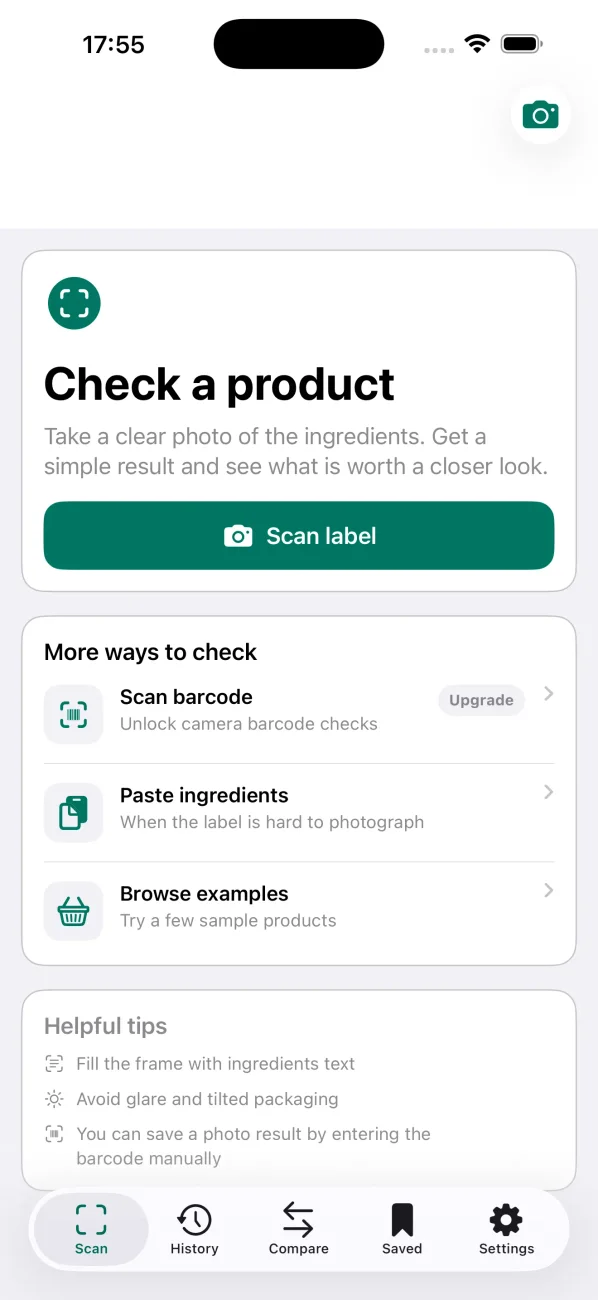
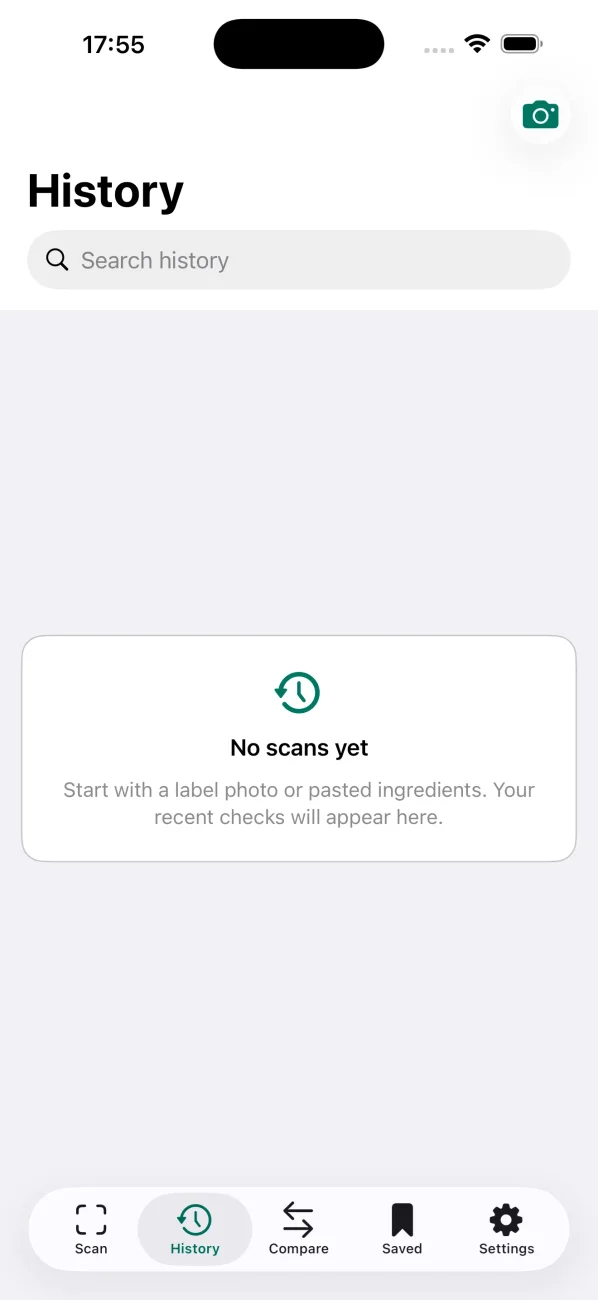


About
UPFinder helps you make faster, clearer decisions about the food you buy.
Scan a product and see whether it looks minimally processed, processed, or ultra-processed based on its ingredient list and formulation signals. Instead of forcing you to decode long labels in the aisle, UPFinder translates confusing packaging into a simple, understandable result.
Whether you are trying to reduce ultra-processed foods in your diet, compare products quickly, or learn what is really inside everyday supermarket items, UPFinder gives you a practical way to check food before you buy it.
What UPFinder does
• Scans packaged food products
• Reads and analyzes ingredient lists
• Flags common ultra-processing signals
• Shows a simple product rating
• Explains why a product received that rating
• Helps you compare options while shopping
How it works
UPFinder uses your device camera to capture product packaging, barcodes, and ingredient lists. The app then matches products against a localized food database and applies on-device ingredient analysis to identify patterns commonly associated with ultra-processed foods, such as:
• long multi-part ingredient lists
• industrial additives
• emulsifiers, stabilizers, colorings, and sweeteners
• reformulated or heavily engineered food structures
The result is presented in a clear traffic-light style rating with supporting detail, so you can understand both the verdict and the reasoning behind it.
Built for real shopping
Supermarkets do not always have reliable signal, so UPFinder is designed with local-first performance in mind. Core product data and analysis logic can be available on-device, helping the app stay fast and useful even in stores with poor reception.
Why people use UPFinder
• to reduce ultra-processed foods
• to understand ingredient labels more easily
• to compare brands at a glance
• to make more informed grocery decisions
• to build healthier habits over time
UPFinder does not try to replace your judgement. It gives you clearer information, faster, so you can decide what is right for you.
What’s new
Version 4.0 · Nov 13, 2026
More room to check and compare products.
• Adaptive layouts for scanning, label photos and product comparisons.
• Browse History and Saved products alongside their details on larger screens.
• Ingredient drafts and product selections are retained, with improved scanner controls and camera preview rotation.
App privacy
What Thomas Richardson declares on the App Store about how this app handles data.
-
Data not collected
The developer does not collect any data from this app.
Privacy practices may vary, for example with the features you use or your age.
Information
- Seller
- Thomas Richardson
- Category
- Food & Drink
- Version
- 4.0
- Updated
- Nov 13, 2026
- Released
- Apr 30, 2026
- Size
- 9.5 MB
- Requires
- iOS 18.0 or later
- Age rating
- 4+
- Price
- Free
- In-app purchases
- Yes
- Languages
- English
- Copyright
- © 2026 Lanchester R&D
You might also like
-
 SeeMeCookImport Recipes From Anywhere
-
 吃饭记录 - 饮食记录每天吃什么减肥打卡瘦身轻断食管理软件Food & Drink
-
 HotpotMan - Hotpot TimerEvery ingredient, just right
-
 Calorie Counter - No AdsNo Account • No Data Collected
-
 Freshli: Food Expiry TrackerFridge, Pantry & Grocery Saver
-
 YourRecipesBookYour Recipes. Your App.
-
 grotimerKitchen timers that fit
-
 Super Smoothie Lab: RecipesHealthy Protein Shakes & Bowls
-
 Recipe Measure: Cups to GramsKitchen Calculator & Scaler
-
 Boba Log - Bubble Tea TrackerCalories, Sugar & Spend Stats