
- Age rating4+
- CategoryNavigation
- Developer2GIS
- LanguagesArmenian+ 9 more
- Size377.3 MB
Links to the official App Store page
Download.org hosts no file of Urbi maps. The button opens its official App Store page, published by 2GIS. Listing last checked on Nov 12, 2026.
Screenshots






About
Urbi provides:
- Verified information on over 200k organizations (including public institutions such as hospitals, schools, police stations, and etc.);
- Addresses, phone numbers, e-mail addresses, websites, working hours and payment methods;
- Detailed 3D maps with such attributions as – buildings’ amount of floors, driveways, kiosks and fences;
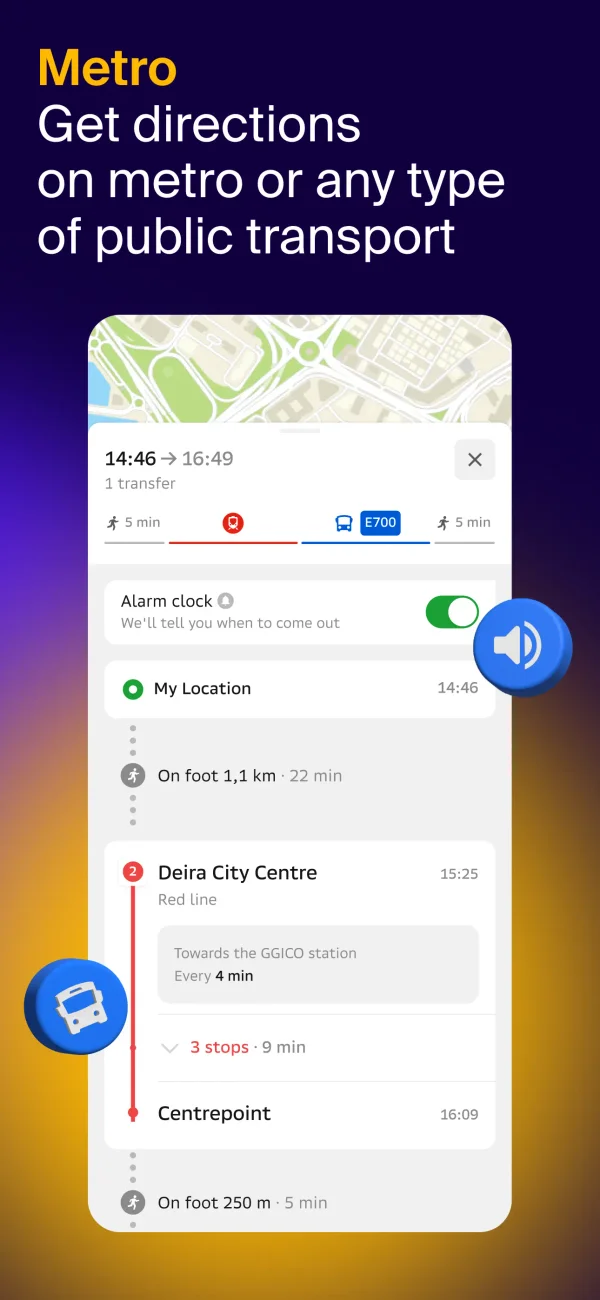
- Car routing and searching for public transportation routes with transfers and pedestrian crossings;
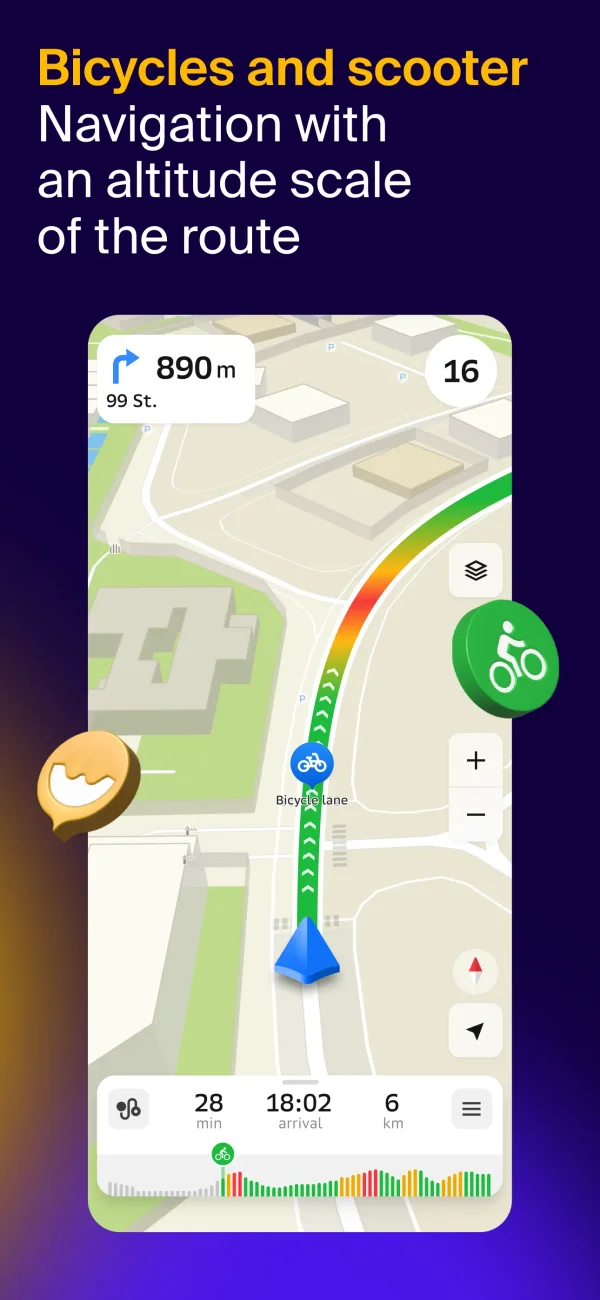
- Navigator with CarPlay support. Get directions to your favourite places, any address or business with the actual traffic situation in mind.
Urbi allows you to:
- Find the location of the company you are looking for, find out its phone number and make a call;
- Find the desired location on the map of the city: a building (using its address), a public transport station or just a well-known object;
- Tap on any building on the map and find out its address, amount of floors and organizations that reside there;
- Find all companies in a specific business area, view them on the map, and filter out the ones that are open at a convenient time or right now;
- Find how to get to your destination by car or by public transport;
- Identify your location and find out what is close to you.
Once Urbi is installed, select the city you need to download the data. The application does not require an Internet connection to operate with the directories and maps. Afterwards, you can receive the most up-to-date information every month with just one tap using the built-in automatic update system.
Business listings are verified by Urbi’s own call-centre and ‘field teams’, who update the databases on a monthly basis. 2GIS maps are created by professional cartographers based on up-to-date satellite images and with regular on-site verification.
What’s new
Version 7.21 · Apr 6, 2026
— We’ve added a parallel mode for CarPlay. Now you don’t need to switch between your phone and the car’s display — just search in the app, add points to your route, and adjust the navigator settings.
— If the GPS signal is weak, you can plan a route and switch to the "Step-by-Step" mode. We’ll break the route into segments and guide you through each maneuver.
— A section with guides and selections on where to go and what to see has appeared in the city card.
App privacy
What 2GIS declares on the App Store about how this app handles data.
-
Data used to track you
May be used to track you across apps and websites owned by other companies.
- Identifiers
-
Data linked to you
May be collected and linked to your identity.
- Financial info
- Location
- Contact info
- User content
- Browsing history
- Identifiers
- Usage data
- Diagnostics
-
Data not linked to you
May be collected but is not linked to your identity.
- Identifiers
Privacy practices may vary, for example with the features you use or your age.
Information
- Seller
- Urbi Gulf FZ-LLC
- Category
- Navigation
- Version
- 7.21
- Updated
- Apr 6, 2026
- Released
- Dec 8, 2020
- Size
- 377.3 MB
- Requires
- iOS 16.0 or later
- Age rating
- 4+
- Languages
- Armenian, Azerbaijani, English, Georgian, Kazakh, Kyrgyz, Russian, Tajik, Ukrainian, Uzbek
- Copyright
- © 2020-2026 Urbi Gulf FZ-LLC
You might also like
-
 RTA Smart DriveNavigation
-
 Dubai Travel Guide Offlinewith City Street and Metro Map
-
 Yango MapsTraffic, routes and location
-
 UAEVPower your journey with UAEV
-
 Dubai Travel Guide ..Offline City Guide and Map
-
 RTA SharjahTravel
-
 Dubai Metro Interactive MapOffline Map & Route Planner
-
 PARKONIC +Smart & Valet Parking
-
 Carasti Car SubscriptionAll-Inclusive Monthly Rental
-
 UAE Dubai Gold Pricelatest gold rate for UAE Dubai