URemind
Multi rule reminding artifact!
Designed for iPhone, iPad, iPod touch
In-app purchases
- Age rating4+
- CategoryUtilities
- Developer益林 廖
- LanguagesJapanese+ 4 more
- Size14.1 MB
Links to the official App Store page
Download.org hosts no file of URemind. The button opens its official App Store page, published by 益林 廖. Listing last checked on Nov 21, 2026.
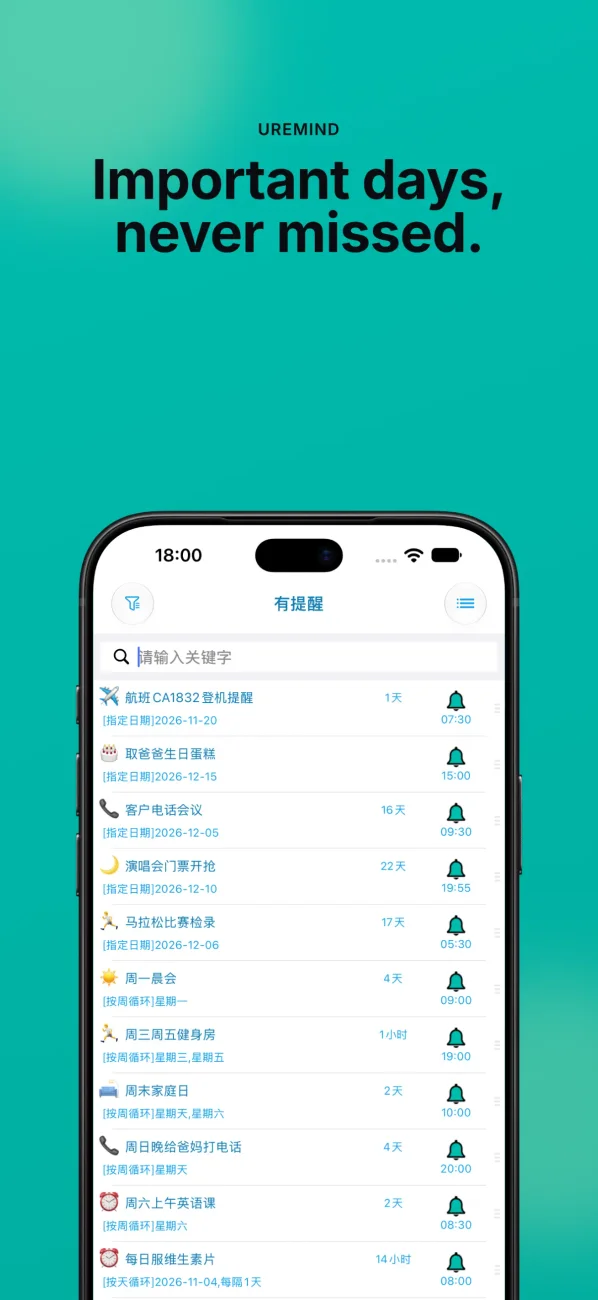
Screenshots


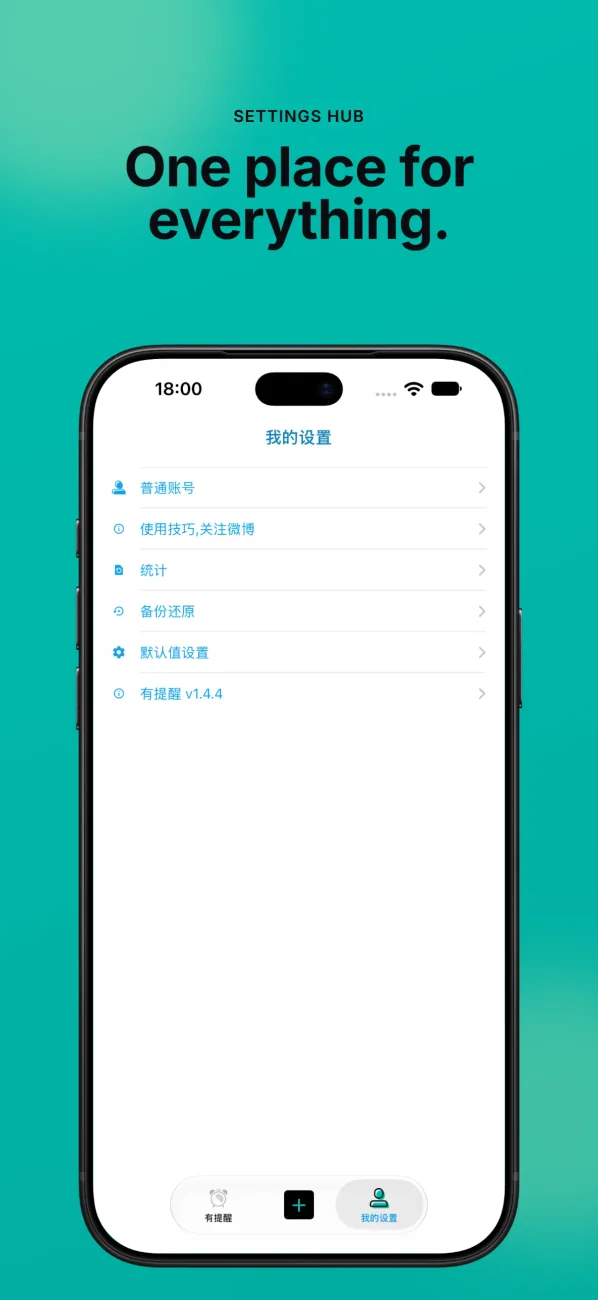
About
The ultimate multi-rule reminder!
URemind is a lightweight scheduled notification app with flexible recurrence rules — lunar calendar included. Never miss an important day again.
【6 Rule Types】
1. One-time Date Reminder
Remind at a specific date and time.
Example: Watch a ball game at a set time
2. Weekly Loop
Repeat on selected weekdays at a set time.
Example: Clock in/out Mon–Fri
3. Daily Loop
Repeat every N days, with date and weekday exclusions.
Example: 2 days on, 1 day off
4. Monthly Loop
Pick months, then recur by day-of-month or by week-of-month + weekday.
Example: Pay the credit card on the last day; Father's & Mother's Day; last weekend of each month
5. Lunar Calendar Loop
Multi-select lunar months and days — festivals and lunar birthdays made easy.
Example: Lunar New Year's Day; 1st day of each lunar month; parents' lunar birthdays
6. Countdown
Custom countdown type and duration.
Example: Turn down the stove in 30 minutes; 100-day anniversary
【What's New】
• Custom ringtone import — import m4r/mp3/wav from the Files app, auto-converted and ready to use
• Ring Gain — 6 levels from 0% to 100%, adjust reminder volume without disturbing others
• Do-Not-Disturb ringing — force the alarm to ring even in silent mode
• File backup — export rules to a file; easy migration and restore after reinstall
• iCloud backup — sync across devices, never lose your data
• Full dark mode support
【More Highlights】
• Local backup & restore; cloud backup via linked email
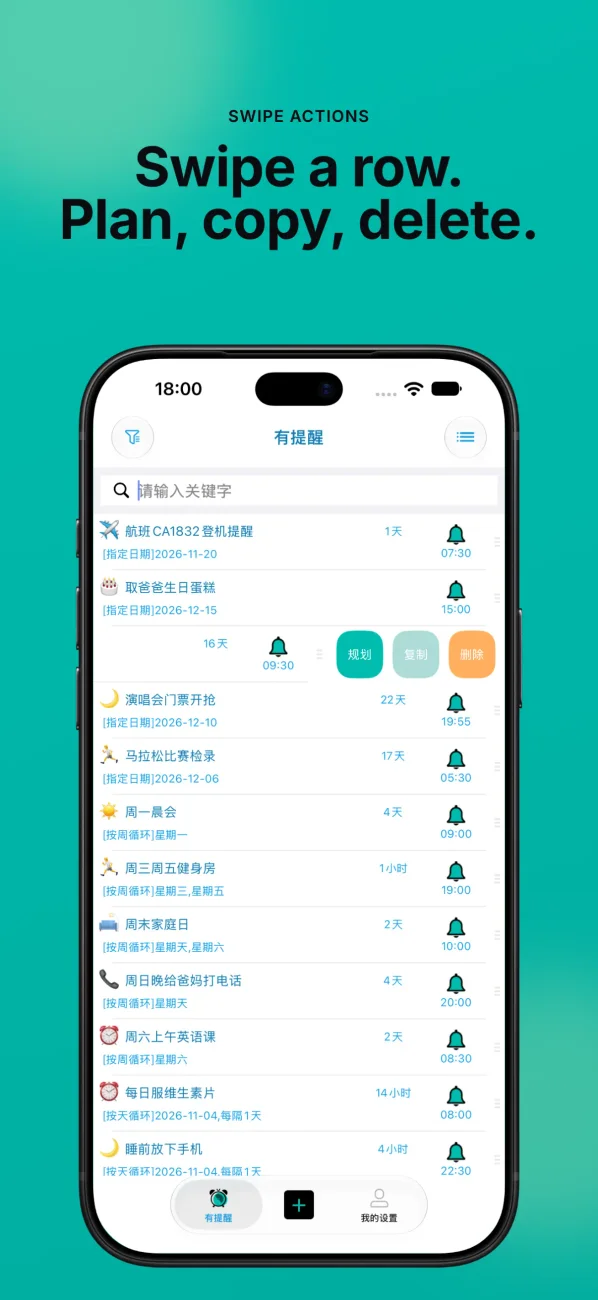
• Next run time shown in the rule list
• Swipe to duplicate rules or view the schedule plan
• Invite friends
• Custom colors, icons and ringtones per rule
• Default settings: default sound, random icons, default rule name, generation range and more
Upgrade to Premium to unlock file backup, iCloud sync, custom ringtones and all premium features!
What’s new
Version 1.4.4 · Nov 19, 2026
- New: Import custom ringtones from the Files app (m4r/mp3/wav) with automatic format conversion
- New: Emoji flags — use emoji as rule icons, shown in notifications; tap a notification to open its rule
- New: Ring Gain control — 6 levels from 0% (silent) to 100%
- New: Start time now supports second-level precision
- New: Localized reasons when a rule can't be enabled, with clear limit & upgrade guidance
- Improved: iOS 27 compatibility and iPhone Duo foldable layout support
- Improved: Dark mode and UI refinements
- Fixed: Rare launch freeze and alert-related crashes
- Fixed: Wrong-row and repeated responses when toggling the bell on the home list
- Fixed: Cloud restore, iPad tab bar overlap and other UI issues
App privacy
What 益林 廖 declares on the App Store about how this app handles data.
-
Data not linked to you
May be collected but is not linked to your identity.
- Contact info
Privacy practices may vary, for example with the features you use or your age.
Information
- Seller
- 益林 廖
- Category
- Utilities
- Version
- 1.4.4
- Updated
- Nov 19, 2026
- Released
- Jul 17, 2017
- Size
- 14.1 MB
- Requires
- iOS 15.0 or later
- Age rating
- 4+
- In-app purchases
- Yes
- Languages
- Japanese, Simplified Chinese, Traditional Chinese, English, Korean
- Copyright
- © yilin liao