USB Disk SE, File Manager
Photo Viewer, MP3 Player, PDF
Designed for iPhone, iPad
Free · In-app purchases
- Age rating4+
- CategoryProductivity
- DeveloperImesart S.a.r.l.
- LanguagesEnglish+ 4 more
- Size224.5 MB
Links to the official App Store page
Download.org hosts no file of USB Disk SE, File Manager. The button opens its official App Store page, published by Imesart S.a.r.l. Listing last checked on Nov 23, 2026.
Screenshots

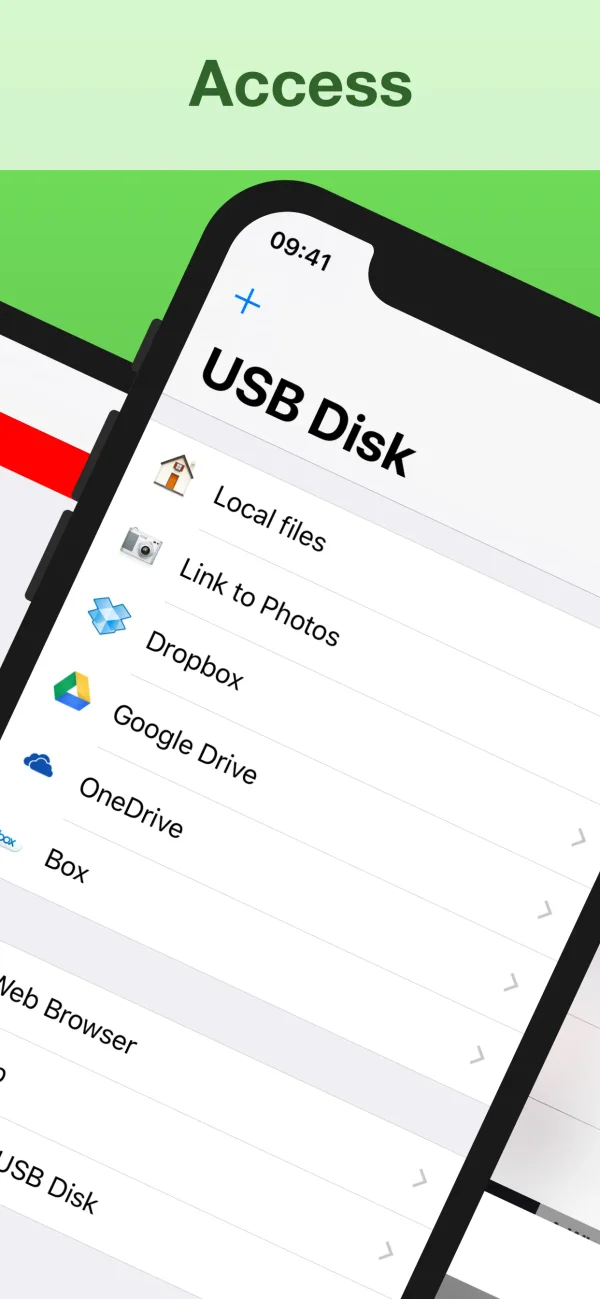
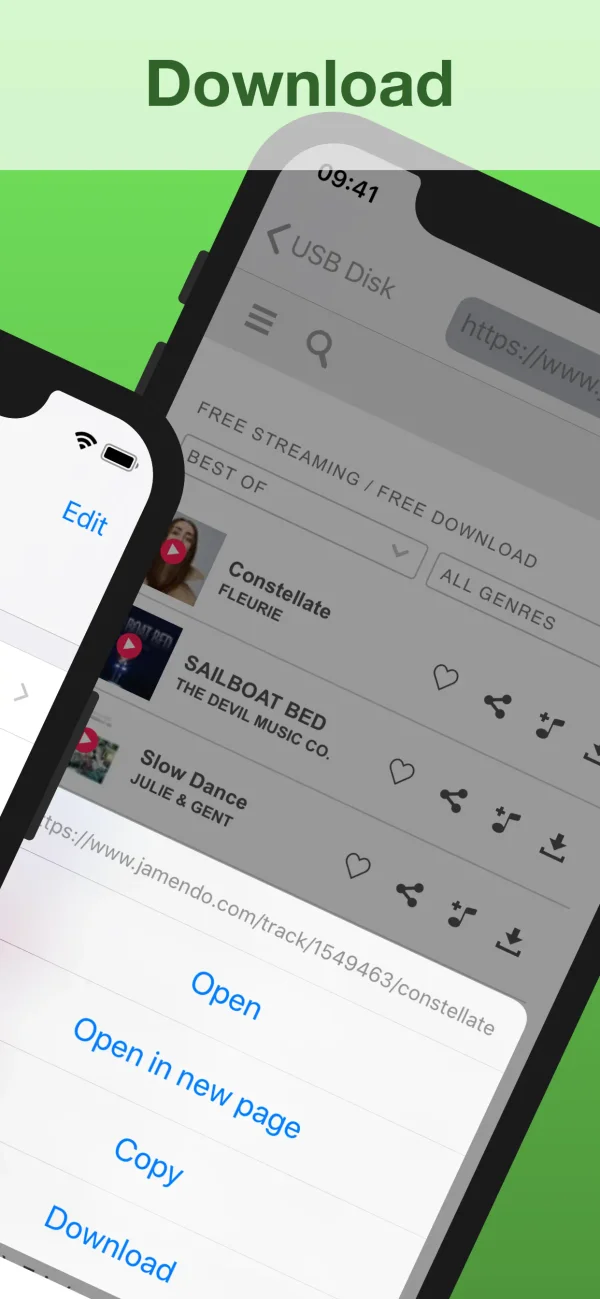
About
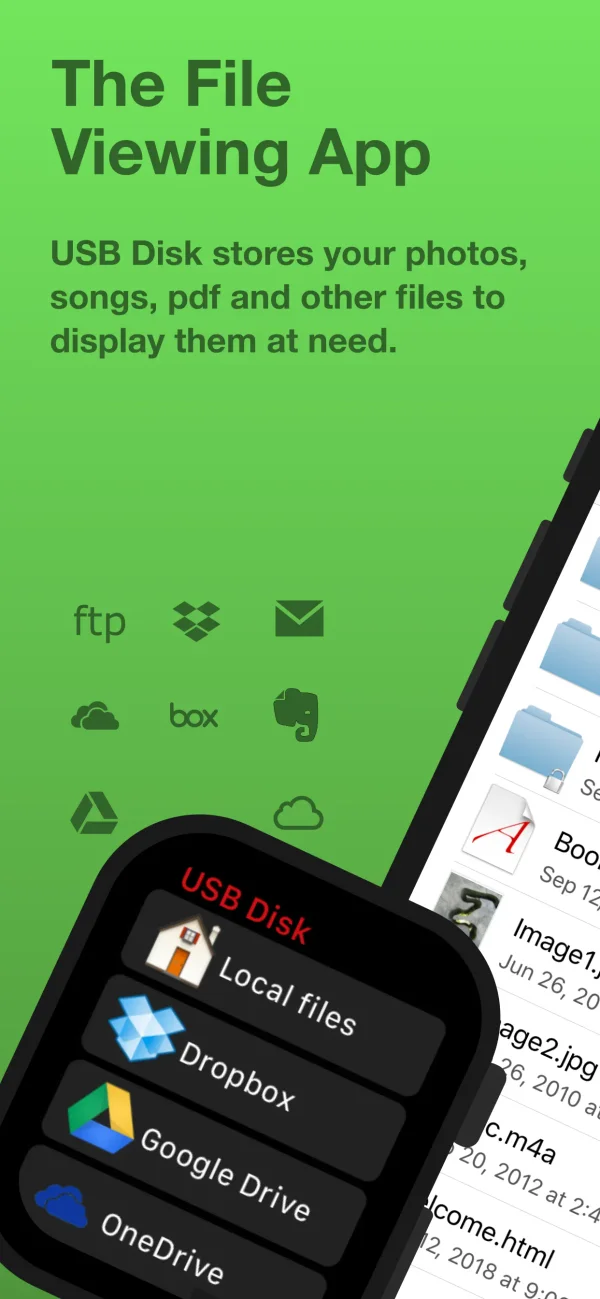
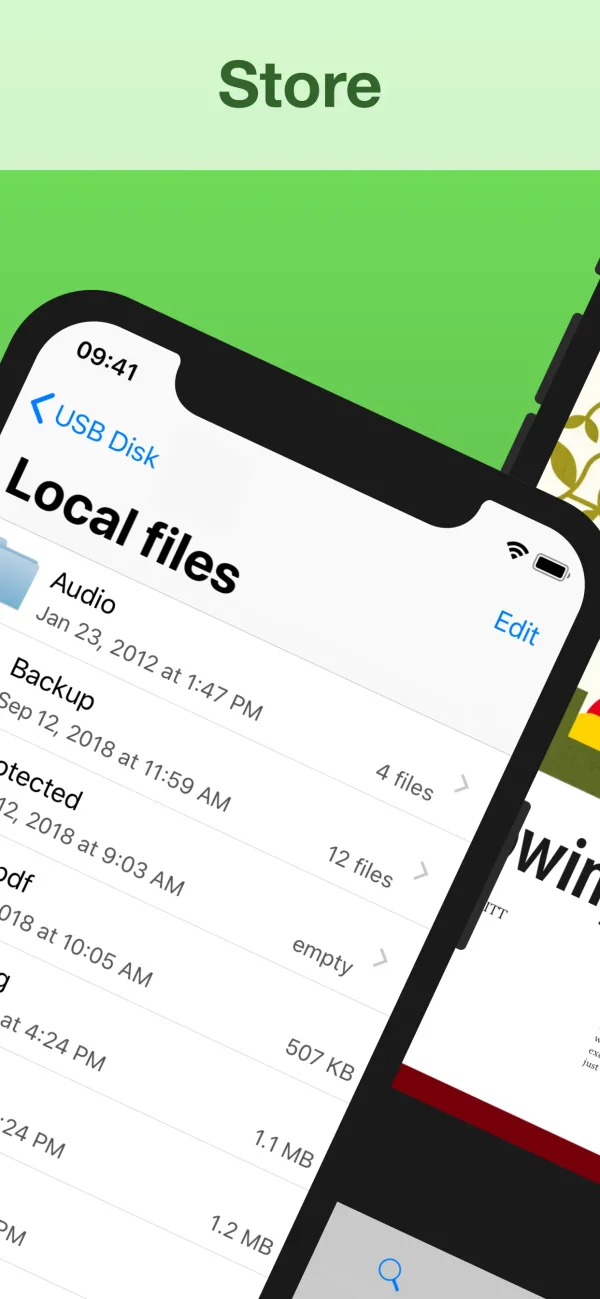
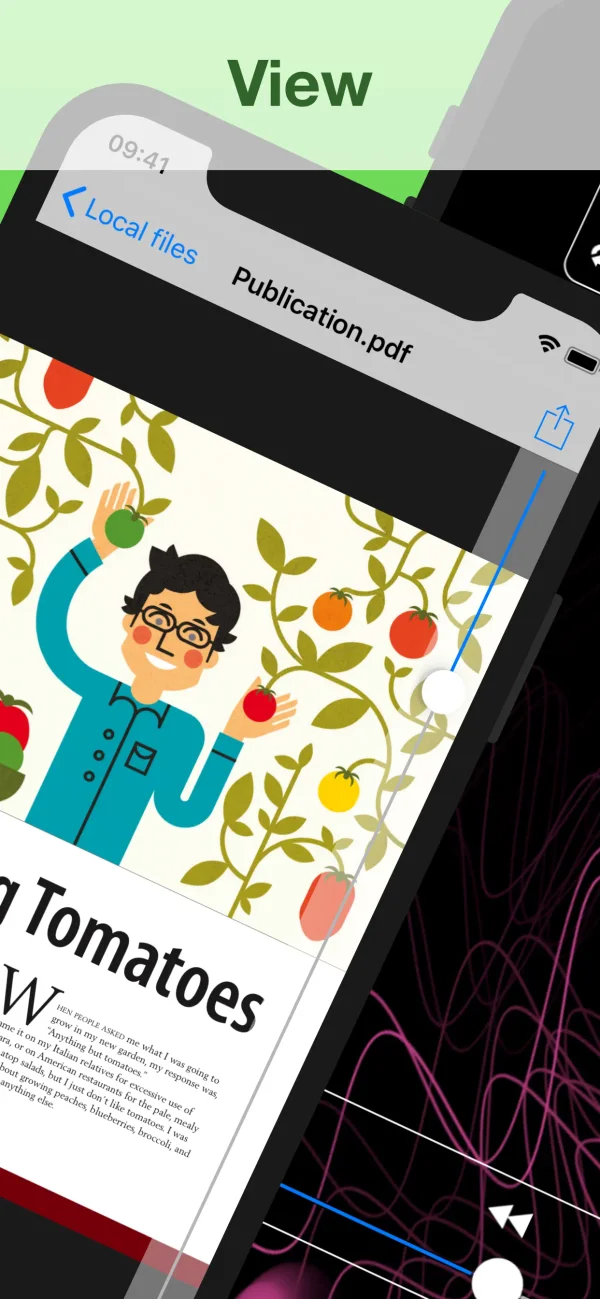
USB Disk lets you store, view and manage documents on your iPhone and iPad. It has an amazing built in document viewer and is very easy to use, with a simple and intuitive interface, yet it contains many powerful features. Drag and drop files in iTunes to transfer them to your iPhone / iPad, then view them anywhere!
TUAW - "USB Disk is [...] a nicely designed one."
Lifehacker - "The Best. USB Disk for iOS gives you a fast and easy way to transfer documents and images to your device."
Apple - "New and Noteworthy"
TOP REASONS TO BUY
• Access Dropbox, Google Drive, OneDrive and Box.
• Store and view files on your iPhone / iPod.
• Navigate using swipes (like Photos / iBooks app).
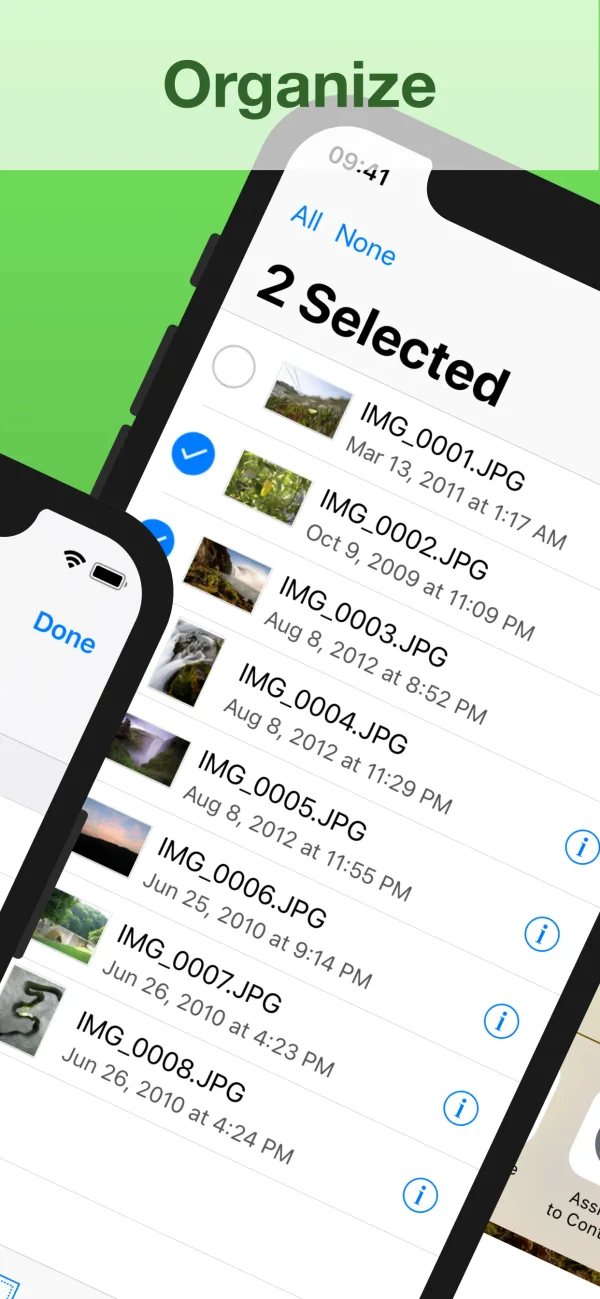
• Thumbnails let you preview your files.
• Copy, paste, cut, delete and create files.
MORE FEATURES
• View and download email attachments.
• Full screen file viewer.
• USB file transfers.
• Background audio.
• Slideshow with adjustable delay.
• Fast scrolling, page up/down functionalities.
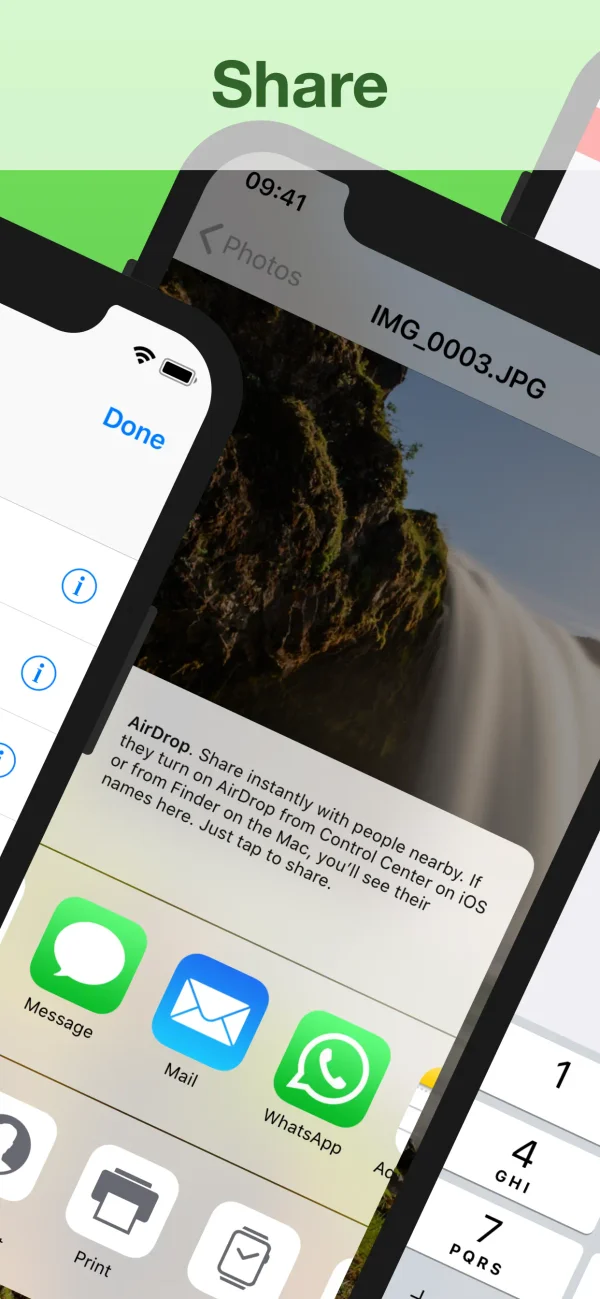
• Email your documents.
SUPPORTED FILE TYPES
• PDF files.
• MS Office documents.
• iWork documents.
• Pictures (jpg, png, gif, ...).
• eBooks (pdf, ePub, html, txt, ...).
• Comics (cbr, cbz, pdf, ...).
• Audio files (mp3, m4a, wav,...).
• Video files (m4v, mov, avi, mkv, ...).
UPDATES
Buy now and get free updates.
SUBSCRIPTION
All features listed above can be used without an in app purchase. Some advanced features require an active subscription. These include:
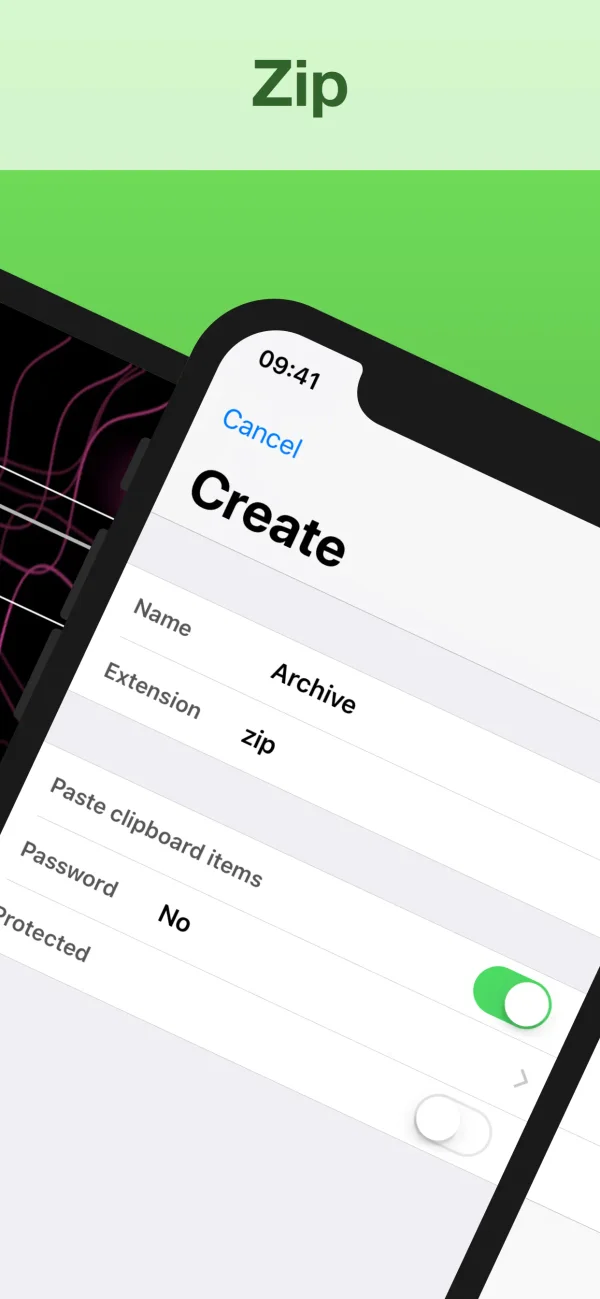
• Open and create zip files.
• Adjust the audio mixer, use shuffle and repeat.
• Access the device's photos library.
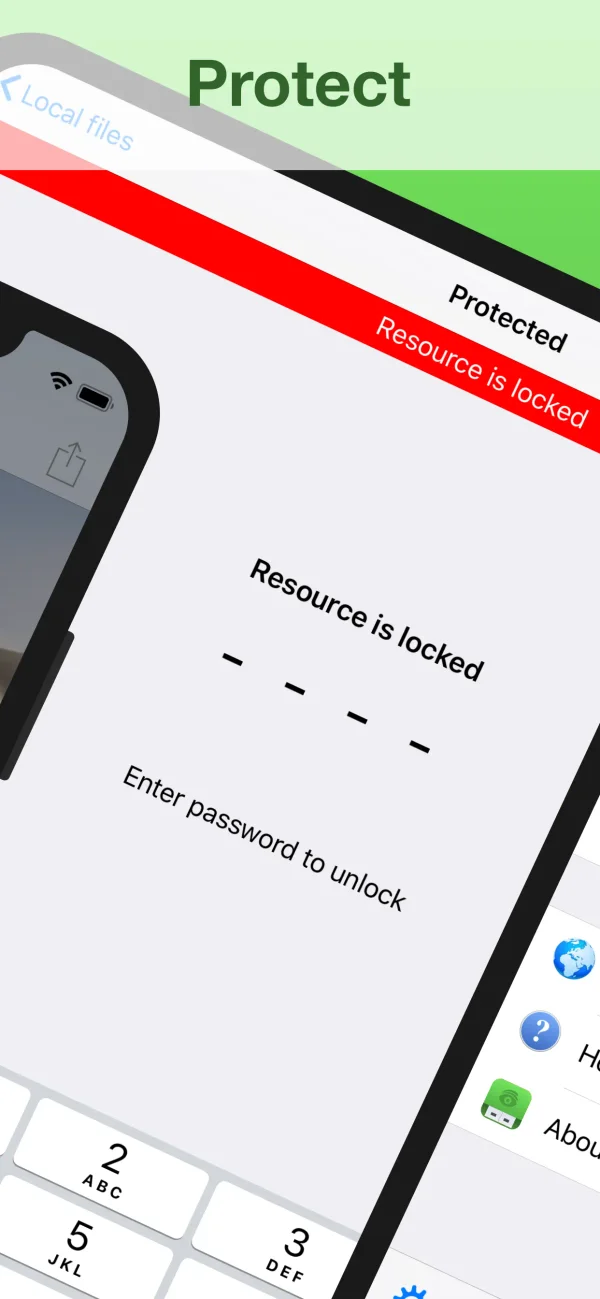
• Protect the access to the app or specific files and folders with lock codes.
• Access WebDAV and FTP servers. You can also configure SharePoint connections.
• Edit simple text files. Also annotate PDF files.
• Present files on external screens.
Duration and price of each subscription are displayed in our storefront. All subscription costs will be charged to your Apple ID account, starting at the confirmation of purchase. Subscription automatically renews unless it is canceled at least 24 hours before the end of the subscription period. Your account will be charged for renewal within 24 hours prior to the end of the subscription period. It is not possible to cancel a subscription period once you have been charged for it. Any unused portion of a free trial period is forfeited as soon as a subscription is purchased. You can manage subscriptions and disable auto renewal by going to your account settings on the App Store after purchase.
Terms of Service: https://imesart.com/legal/terms-of-service.php
What’s new
Version 3.3.0 · Oct 23, 2026
• Optimized for iPhone Duo.
• Many other improvements.
Leave us a review on the App Store to tell us what you think about this update.
App privacy
What Imesart S.a.r.l. declares on the App Store about how this app handles data.
-
Data used to track you
May be used to track you across apps and websites owned by other companies.
- Location
- Identifiers
- Usage data
- Diagnostics
-
Data linked to you
May be collected and linked to your identity.
- Location
- Identifiers
- Usage data
- Diagnostics
-
Data not linked to you
May be collected but is not linked to your identity.
- Usage data
- Diagnostics
Privacy practices may vary, for example with the features you use or your age.
Information
- Seller
- Imesart S.a.r.l.
- Category
- Productivity
- Version
- 3.3.0
- Updated
- Oct 23, 2026
- Released
- Sep 1, 2010
- Size
- 224.5 MB
- Requires
- iOS 16.0 or later
- Age rating
- 4+
- Price
- Free
- In-app purchases
- Yes
- Languages
- English, French, German, Russian, Spanish
- Copyright
- © 2026 Imesart S.a.r.l
You might also like
-
 Phone Drive: File ManagerWi-Fi Transfer to PC & Mac
-
 Owlfiles - File ManagerAccess SMB WebDAV FTP and S3
-
 FileBrowserGO: File ManagerDocuments, Media Player, Cloud
-
 FSharing - Files, File ManagerFile explorer, downloader, zip
-
 Documents : Media File ManagerFiles, Browser, Movie Player
-
 Documents Pro, Download & EditFor Web, Dropbox, Google Drive
-
 FileMateFile Manager & Photo Vault
-
 SanDisk Ixpand™ ChargerProductivity
-
 ES File ExplorerBrowse & Music, Docs
-
 SANDISKProductivity